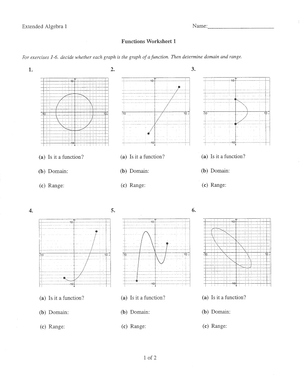
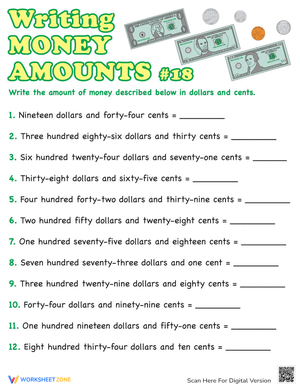
A worksheet is a long-standing invention, first introduced as a simple sheet of paper with animated characters and given to students for the purpose of testing knowledge. After years of development, the worksheet has gradually become an effective classroom collaboration tool and an important bridge between students and teachers.
In European countries, the worksheet model has been widely applied to the teaching process for a long time, while in Asian countries, the new worksheet system is gradually being popularized. So what is a worksheet and does it really work? Follow this article to find the answer!
What Is Education Worksheet?
The original definition of the term "worksheet" is a piece of paper on which one shows their performance. In addition to tax forms, accounting, and business settings, they may be found in a wide range of other contexts, including schoolwork assignments. The paper-based worksheet is progressively being replaced by various types of software.
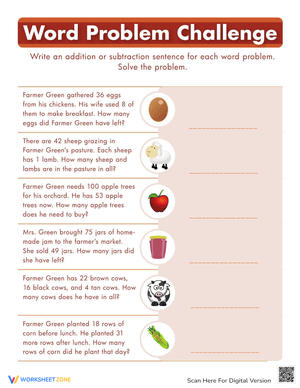
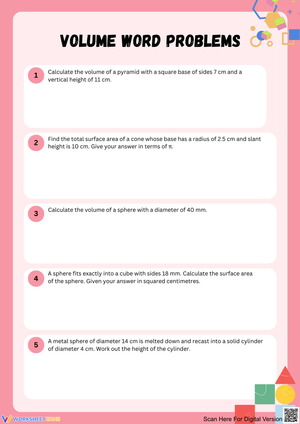
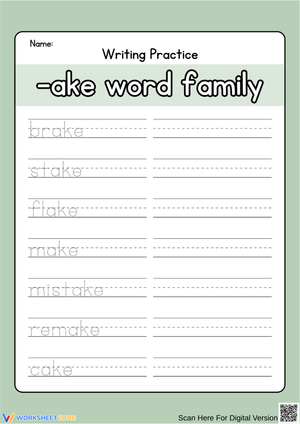
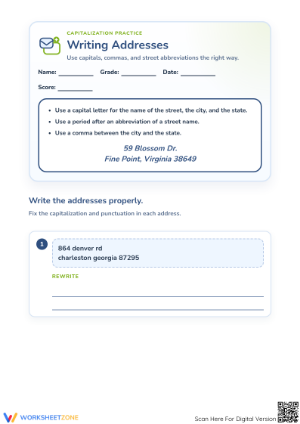
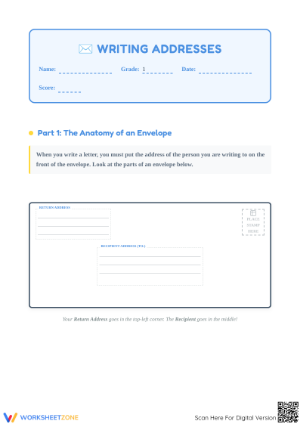
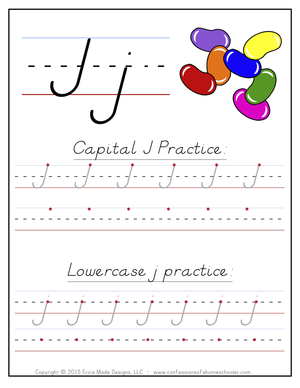
An education worksheet is a piece of paper with questions or exercises on it for pupils to complete and record their responses. In most courses, they are employed to some extent, and they are most prevalent in math, where there are two primary varieties. The first kind of math worksheet consists of a grouping of comparable questions or exercises in math. These are meant to aid students in mastering a certain mathematical concept that they were taught in class.
For students, they are a popular kind of homework. The second kind of math worksheet, which is often completed in the classroom, aims to teach new concepts. They are commonly done in class. They consist of a series of questions until the subject being learned is understood.
Printable worksheets may be used as an evaluation tool by instructors to determine students' prior knowledge, learning outcomes, and learning processes. They can also be used by students to track their own learning progress.
What are the Components of a Worksheet?
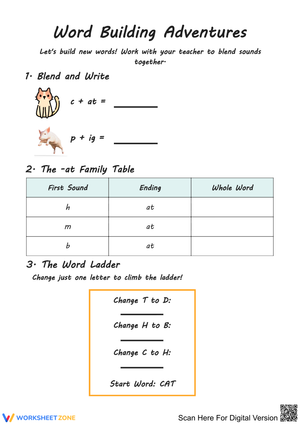
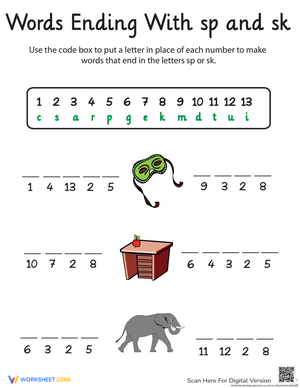
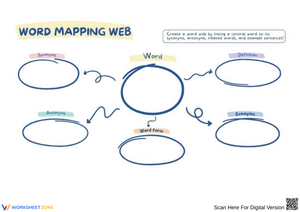
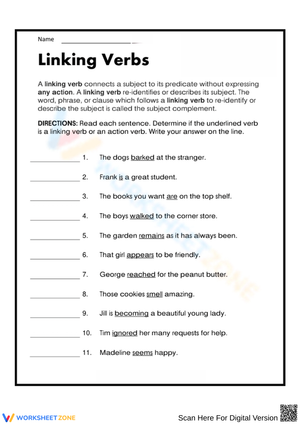
There are thousands of different worksheet templates that are updated every day on Worsheetzone platforms, serving a variety of purposes, lesson content, and ages. In general, however, a typical worksheet will typically include the following components:
- Title: as concise as possible
- Instruction: It is often difficult for children to immediately start completing the worksheet because it often includes many types of information. So, a few short, easy-to-understand instructions on how to do this will help students fill out the worksheet on their own without the support of teachers.
- Lesson information: The information should be concise, short, and easy to understand. You can break up the lesson information into different parts, making it easier for students to absorb. Try to keep the use of confusing topics to a minimum and let's use the terminology and ideas you have been studying in class.
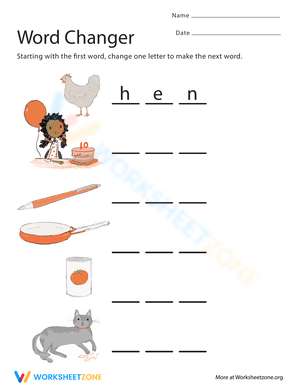
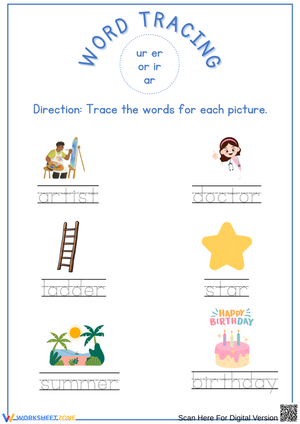
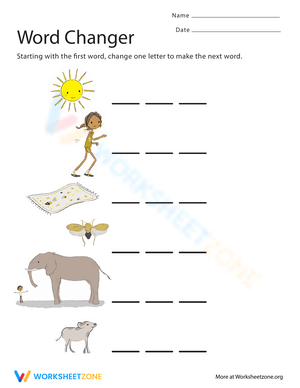
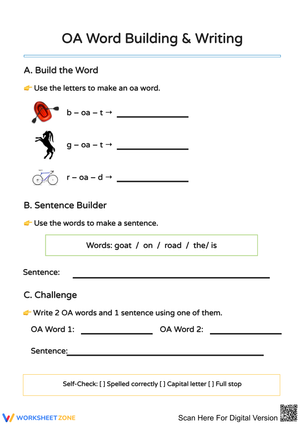
- Pictures: Pictures are an important part of the worksheet. Depending on the content of the lecture, you should consider for yourself the number and content of images. However, they should be easy to recognize and visualize.
- Task: What do you need students to do? Fill in words, connect, draw, or draw? Make each task stand out so students can immediately know what they need to do.
- Color: Color is a great element to boost student excitement. 3-4 colors are the right amount for a worksheet, depending on the content of the lesson. When printing the worksheet, do not forget to select the color printing option. Don't make your worksheet just black and white; don't add too many colors, as they won't do anything but distract the eye.
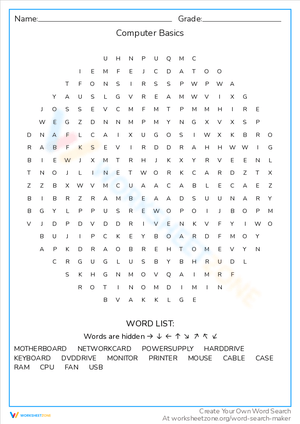
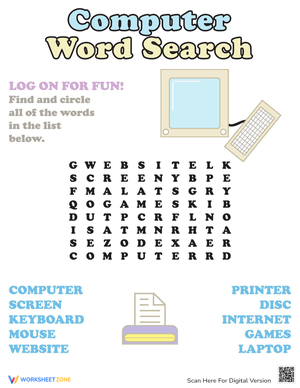
- Table/chart/graph: A lecture will be difficult to condense without the appearance of tables. They will make the information more compact and logical, which will help students think more clearly and finish tasks faster.
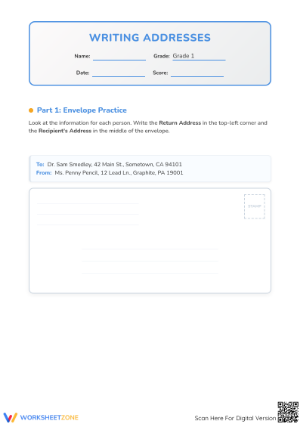
- Answer space: If you are asking students to answer a question, leave a gap large enough. Every child's knowledge and imagination are different, and it would be bad if students couldn't fully write what they wanted because there wasn't enough space.
In general, a worksheet is a piece of paper that contains a lot of information about the lecture, demonstrated in a variety of methods, including text, images, and colors... One mistake most worksheet makers make is inserting too much. a lot of information and details into a single print, making them cluttered and illogical. Remember that a highly-rated worksheet will have information that is concise, harmonized, and easy to visualize.
What are the Purposes of the Worksheet?
For a long time, the printable worksheet has played a vital role in the process of education. In today's contemporary times, worksheets have even evolved to the point where they are a primary component of the curriculum in several nations. In 1985, thousands of primary school pupils in the United States completed around a thousand worksheets each throughout the school year to improve their reading skills.
Worksheets are a useful tool for educators, as they may assist students in their academic pursuits, encourage active learning, stimulate students' interest in scientific education, and facilitate evaluation. There has been a lot of research that points to the fact that well-designed worksheets have a favorable influence on the academic progress of pupils.
Until now, worksheets have been popularly used as an evaluation tool by instructors to determine students' prior knowledge, learning outcomes, and learning processes. Students may also use them to monitor how far along they are in their own individual learning processes.
What are the Benefits of Worksheets?
For a long time, there has been considerable skepticism about the use of worksheets in education because many educators believed that it would distract students rather than benefit them. This belief persisted for a number of years. On the other hand, research conducted in recent years has shown that students accessing a variety of interactive tools tend to be more responsive to the process of learning. Something natural, a highly appealing additional component, is included in the traditional teaching processes: interaction.
The worksheets that were designed for the students come into play at this point. Here is a list of some of the many benefits that can come from using interactive worksheets in the classroom as a supplement:
Independent Learning Encouragement
It is difficult for a student to understand knowledge from books filled with letters and numbers. Throughout the traditional learning method, teachers always have to guide, explain, and show students how to do it; which is always judged as boring and kills students' excitement in learning.
However, the use of worksheets with a system of letters, numbers, pictures, and colors to logically illustrate the lecture will be a great method to help students brainstorm and memorize knowledge. With this method, teachers will only play the role of supporters, not instructors, thereby helping students to follow their own thinking path rather than being influenced by the teacher's traditional teaching method.
Additionally, worksheets often allow children to work at their own speed, unlike whole-class exercises and assessments. They are thus excellent for students who have trouble meeting deadlines and completing tasks under duress. Working through a worksheet as opposed to group-based exercises enables people to ask questions at their own convenience and provides many of them the comfort to seek assistance in issues they may be having trouble with, even if they are finished in the class.
Knowledge Recap
It is common for students to forget knowledge just a few days after the lesson, and it would be bad if teachers had to constantly repeat the knowledge they had taught before. However, this is not entirely the student's fault. Children's worlds are always filled with color, and forgetting tedious knowledge is inevitable. The use of worksheets to recap what is taught in the classroom is being utilized in many countries worldwide.
Students won't get the chance to comprehend the topics that they are being taught without plenty of repetition. For one or two days, kids may acquire and even comprehend these ideas, but they will struggle to retain that comprehension for the rest of the year. The greatest approach for kids to recall the things they are learning is via comprehension-based repetition. Worksheets are a beneficial resource for teachers because they offer a variety of ways to teach and help students understand and remember what they are learning.
Logical Building Exercises
One of the reasons why students often forget knowledge is because they are unable to systematize what they have learned. Students often find it difficult in linking knowledge sources. Worksheets, on the other hand, motivate students to participate in independent activities and search for answers on their own. They instill logical thinking in the young ones. Worksheets are an excellent tool for teaching youngsters how to think critically. As kids work toward finding answers and solutions on their own, their reasoning improves.
Sustainable Memorization
Instead of asking students to memorize facts and read them mechanically, teachers encourage students to create their own worksheets. Surprisingly! You will receive worksheets with different modes of thinking and presentation. It would be great if students were free to memorize knowledge in their own way.
Enjoyment
Children take pleasure in completing worksheets because, in their eyes, doing so is like playing a game. It's time to change the way education works. Learning should not be forced and imposed. Instead, learning should be considered an enjoyment and a contribution. What could be more entertaining than ensuring that kids are learning without even realizing it while they are having fun doing it? The pupils feel that doing the worksheets, which often entail a lot of coloring and figuring out what to complete, is engaging. They preferred to work on worksheets on their own initiative rather than reading from their own textbooks.
Parents' Assistance
A worksheet may also be extremely rapidly and readily absorbed by parents at a glance in most situations, which can allow a parent to comprehend the learning processes that their kid is going through and provide a parent with additional context for assisting their child's education. They also often just need children to have a writing tool in order for them to be completed, which means that they are fast, simple, and universal methods for receiving progress reports and observing how children's knowledge has developed.
How Many Kinds of Worksheets Are There?
Assessment Worksheet
The assessment worksheet is often utilized for the purpose of pinpointing areas in which your students excel and those that may use improvement. In addition, it is also used as a reference method for the quality of education, which is assessed through the student's learning performance. To make sure the assessment worksheet comes up with the right answer, remember to:
- Encourage students to complete the form and to be truthful in their assessment.
- To encourage discussions and reflections, provide the students the time and space to discuss their answers to the worksheet. To make them better for the next year, be careful to discuss both what went well and what didn't (and why).
- Keep track of the worksheet's collective replies each year to pinpoint areas that might want improvement or adjustment.
In the worksheet, there are also two main types of assessment mentioned. In terms of learning goals, there are two types of assessment: Formative Assessment (Assessment to improve learning) and Summative Assessment (Assessment at the end of the learning period).
ESL Worksheet
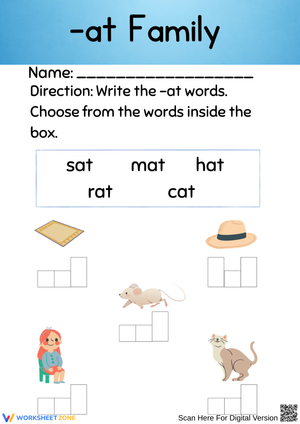
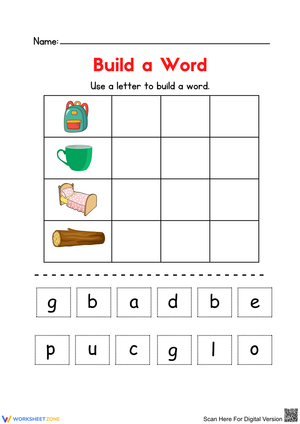
In the context of English education, a worksheet will typically concentrate on one single aspect of learning and will frequently be used to practice a particular topic that has just been taught or learned. Worksheets designed specifically for students learning English as a second language may be pre-made by specialist publishers and websites, or they can be created from scratch by teachers.
A matching response sheet might be included in an ESL worksheet, but this would depend on the topic, level of difficulty, and the method that the teacher would use to either present the questions or elicit the responses. An ESL worksheet will often consist of the following:
- is focused on a single subject
- has an engaging layout
- is entertaining to accomplish
- can be finished quickly
In fact, the ELS worksheet is indeed expanded into the Exercises worksheet, when this model is not only applicable within English Education but is extended to many other subjects. In general, it covers the features that a typical ESL worksheet usually has, and is also often distributed to students at the end of each lesson for the purpose of summarizing the content of the lesson.
Formative Assessment v.s. Summative Assessment
In order to increase student comprehension of the intended disciplinary learning goals and to encourage students to become self-directed learners, all students and instructors engage in formative assessment, which is a planned, continuing activity.
Is schoolwork a formative assessment in class? Teachers may use worksheets as formative assessments. These may be assigned in class or as homework. This assignment will be used to determine how well the student comprehends the content being covered rather than counting toward the student's final grade.
The practice of assessing and grading pupils' learning at a certain moment is a summative assessment. Summative assessments are often associated with standardized examinations like state assessments, but they are also used as a crucial component of district and classroom programs. Summative assessment is a kind of accountability that is often used in conjunction with grading at the district/classroom level.
In conclusion, instructors utilize formative assessment worksheets on a daily basis, but summative assessments are cumulative in nature and are often used at the conclusion of a semester or school year.
How to Create a Worksheet?
Create Template
If you are design literate, it would be great to use our free worksheet maker tool on this website, or you can use some more complex design tools such as AI, Photoshop, or Adobe Illustrator to create a template with your own personality. This method will be most suitable if you want to create highly personalized, complex, and informative worksheets.
However, in case you are just a normal teacher and don't know how to use the above design tools at all, go to the help websites. There are hundreds of websites that allow you to create worksheets based on existing templates, and most of them are free. Canva, Google Slide, SchoolExpress, and Kid zones... are some options you can consider. you can customize your design to best fit what you want. You can fill in your own assignment details, upload your own illustrations, and add or remove text boxes. Use the drag-and-drop tool to move elements around.
You can even create some simple worksheets such as tables in Word or PowerPoint, of course, you need to have a certain understanding of how to use these applications. Or in case what you need is just a basic and popular template, go to the Internet, type Keywords and you will have a template. However, you need to know that when you select these templates, you can simply print them without any modification.
Add the Content
At this point, you may let your imagination and instructional skills run wild. Find a creative approach to presenting your favorite lesson to your pupils by breaking it down. Worksheets with good headers, concise directions, and the exercise or task itself are useful. They don't clog up the page with information; just enough to make the content obvious. To pique interest in the activity, you may include drawings or use a catchy typeface or color scheme.
Clear directions, interesting pictures, and plenty of room for pupils to write their answers are all essential components of a school worksheet. Try to keep the usage of confusing topics to a minimum since it should use the terminology and ideas you have been studying in class. In case you ought to make adjustments, make it simple to modify.
Print, Save, and Share
It's time to save your worksheet template after you've made it or chosen one you like. Worksheets are most obviously included in the trend of school texts becoming available in electronic form. You may decide to make your worksheets accessible online or go old school and have your pupils print out your design.
Usually, teachers will print out the worksheet and ask students to fill it out in class. To obtain the finest resolution for printing, while printing your worksheets, be sure to choose PDF - Print. The student experience will be improved more than ever if you use hard paper and color printing.
The Future is Paperless
Before the advent of technology, worksheets had to be designed by hand and copied several times. Now, however, it is easier than ever to create your own worksheets, and many teachers are moving away from using paper altogether.
It might be as simple as sending the worksheet to the parent's and children's email addresses electronically, requesting that they print it out at home and complete the project on the internet. It is now normal practice to use a computer to do schoolwork, including assignments and tests. It is common practice to post grades and exam results online, eliminating the need for the paper throughout the process.
The importance of worksheets in teaching and learning
Printable worksheets are an excellent learning resource for students. They assist students in organizing their thoughts, applying learned concepts and principles, and using study skills such as thinking and logical reasoning to solve problems on a variety of topics. Worksheets teach pupils how to present their work in writing and allow them to obtain feedback on faults or well-done works. Teachers, parents, and other caregivers can use the well-graded worksheets to test, quiz, or revise the topics students have learned in all curriculum subjects.
What do our printable worksheets cover?
Worksheetzone understands the value of writing to practice educational content, thus we provide a wide range of printable worksheets in subjects such as language arts, math, and science. Our worksheets include:
- Coloring (seasonal coloring pages, famous characters, cute animals, mandalas, and more)
- English Language Arts (alphabets, phonics, creative writing prompts, sentences, digraphs, homophones, blends, parts of speech, punctuation, and more)
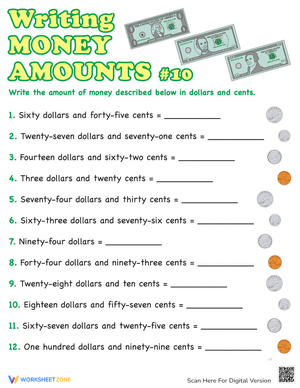
- Math (counting, tracing numbers, writing numbers, addition, subtraction, multiplication, division, fractions, word problems, order of operation, ordinal numbers, patterns, and more)
- Science (life cycle, cell, push and pull, atom, energy, simple machines, forces, food chains, layers of the Earth, natural resources, and more!)
- Others
The tasks on each topic vary in difficulty, from simple to challenging, to accommodate each child's various levels of comprehension and learning pace. Our worksheets are all made by teachers in collaboration with experts to make sure that they are helping students understand the core aims of the topic.
Make learning more enjoyable by using our printable worksheets
Practice makes perfect. The daily practice assists students in learning the fundamentals of the subjects taught in school. When students master the fundamentals, it is much easier for them to excel in school. Practicing important learning skills is the most effective way to improve a child's academic performance. Unfortunately, most children dislike these practice sessions because they are boring. This is where our printable worksheets can help. These worksheets are meant to make the overall learning experience more pleasurable for young minds while also helping to increase academic performance in all subjects across all grade levels. For example, if you print out our “color by numbers” worksheet, your child will find it easier and more enjoyable to learn about numbers while indulging in the world of vibrant colors. Since all of our content is continuously updated with new concepts and designs, you will never run out of ways to keep kids of all ages interested in learning.
A worksheet is a useful resource for all parents and teachers, as it allows them to assess how well children understand the subject. Here we have ready-made worksheets as well as those that may be customized, which gives teachers and parents the freedom to select the types of problems they want to include based on the age and skill level of the students.
In addition, our worksheets are a visual treat that will assist your children in learning number and letter recognition, basic scientific principles, and tracing to enhance fine motor skills. We are confident that you will find our printable worksheets to be both enjoyable and stimulating for your children.
Start with our worksheets today!
There are millions of printable worksheets accessible for free download on the internet, but only a small percentage of them are entertaining and error-free. Our worksheets are among the few. We only offer high-quality printable worksheets, therefore, you can close your eyes and put your trust in us. We have a wide range of worksheets that are suitable for all ages, including toddlers, pre-kindergarten and kindergarten students, and even K-12 students. All of the resources are well-organized so that you can simply find what you are looking for.
Download Worksheetzone's fun skill-building worksheets right now and give your little learner a great head start on math, reading, writing, and other key skills. With our wonderful assortment of printable worksheets and engaging educational activities, your child will quickly learn a variety of valuable skills.
FAQs About Worksheet
Where Do Teachers Get Worksheets?
As mentioned above, teachers can get a worksheet from numerous websites, which provide a wide range of available worksheets, such as Worksheetzone. You can optionally choose templates that match the content of the lecture, customize them according to your own preferences, and then print or share them easily. You also don't need to have any design or programming skills to design these templates. They are as simple as a cup of tea.
In case you don't even have time to edit these templates, you have another option to download the worksheets available on Worksheetzone. However, they are often quite low resolution, with a messy format, and, of course, you cannot customize them to your demands.
Why are Worksheets Important for Students?
In the continual endeavor to get kids to engage their brains while they are in class, worksheets have shown to be an efficient and useful tool. Worksheets that are completed in class may also be utilized by students to influence their studies outside of school. The students are able to explore numerous ideas and concepts with the assistance of worksheets.
Types of education worksheets help improve students’ brainstorming abilities, critical thinking skills, and ability to self-study. Children are exposed to novel and more effective learning concepts via worksheets, which also encourage the development of new ideas and the depiction of those ideas on the children's worksheets.
How Do Teachers Help Students Learn?
By using worksheets, teachers can easily keep track of student learning progress instead of using boring test series. Using worksheets also helps students reduce study pressure, find joy in the classroom, and become more interested in learning. Overall, the worksheet shows excellence in efforts to improve the educational environment.
Are Worksheets Effective for Learning?
By using worksheets, teachers can easily keep track of student learning progress instead of using boring test series. Using worksheets also helps students reduce study pressure, find joy in the classroom, and become more interested in learning. Overall, the worksheet shows excellence in efforts to improve the educational environment.
Why Do Teachers Use Worksheets? Why are Teaching Worksheets Important?
A worksheet is not only important for students, but it is also a great tool to support teachers in teaching. Teaching worksheets help teachers condense knowledge and realize the focus of instruction. Using a dynamic and interactive worksheet system also helps teachers get closer to students. It would be great if both teachers and students interacted through vivid colors and images instead of bland words.
Any teacher or school looking to supplement the curriculum with inexpensive or free teaching aids should look into the great qualities that the worksheet possesses. Armed with relevant worksheets, a teacher can stretch out a lesson, drive concepts home, and really increase the capabilities of his or her students through the promotion of independent and group learning.












 Interactive Worksheet Maker
 Quiz Maker
 Word Search Maker
 Crossword Puzzle Maker
 Word Scramble Generator
 Sentence Scramble Generator
 Handwriting Worksheet Generator
 Name Tracing Generator
 Fill In The Blank Generator




 BACK TOSCHOOL