


















Views
Downloads


Printable Computer Vocabulary Word Search | Grades 7–8 ELA
Paste this activity's link or code into your existing LMS (Google Classroom, Canvas, Teams, Schoology, Moodle, etc.).
Students can open and work on the activity right away, with no student login required.
You'll still be able to track student progress and results from your teacher account.
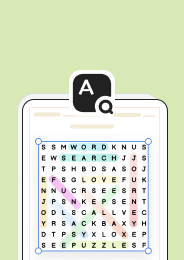
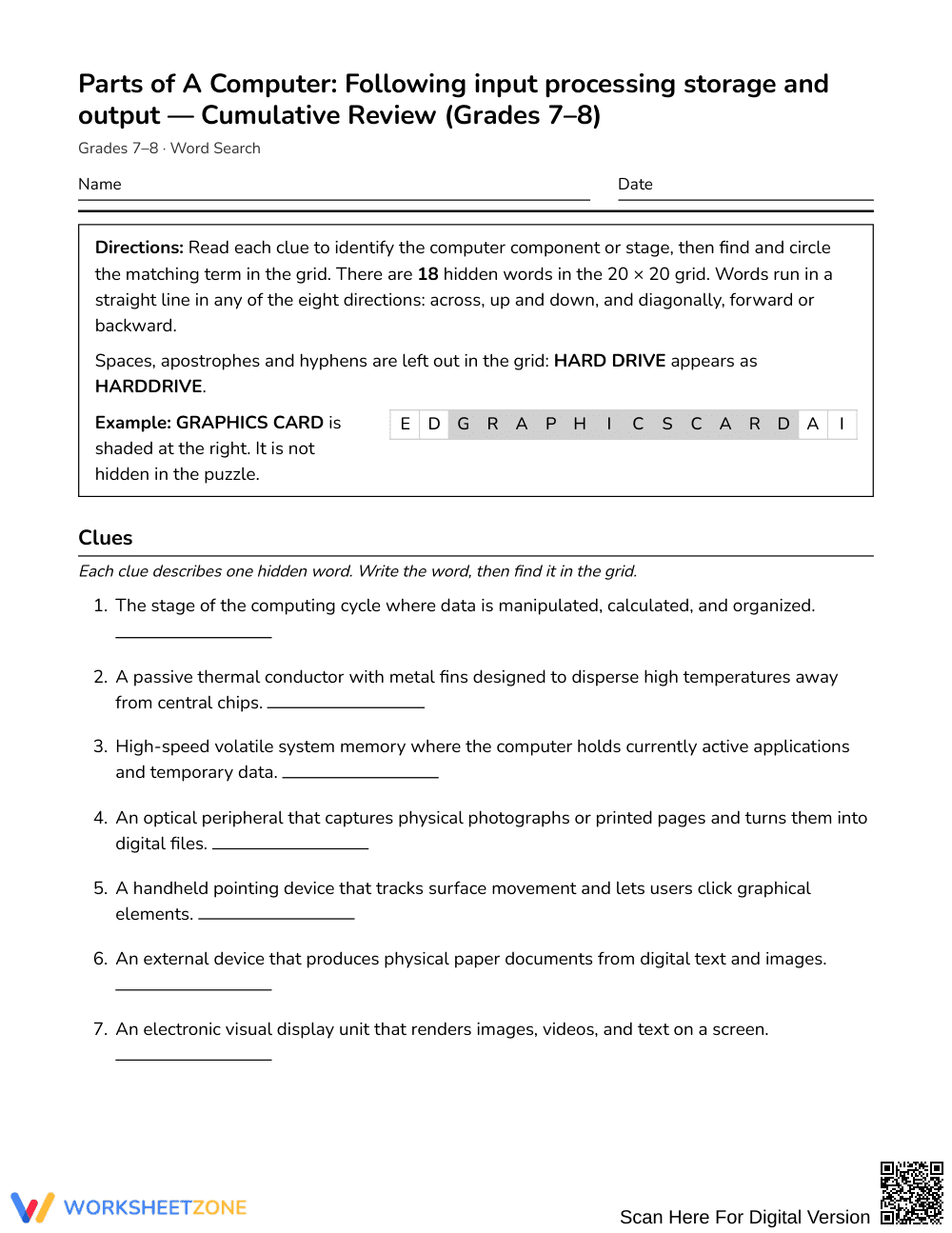
Students will reinforce key computer component vocabulary by locating terms in a word‑search puzzle, strengthening recall of the input‑processing‑storage‑output cycle while building spelling confidence.
At a Glance
- Grade: Grades 7–8 · Subject: English Language Arts
- Standard: Not standards-assessed — vocabulary enrichment
- Skill Focus: following input processing storage and output
- Format: 3 pages · 18 words · Answer key included · PDF
- Best For: quick vocabulary review during computer unit
- Time: 10–15 minutes
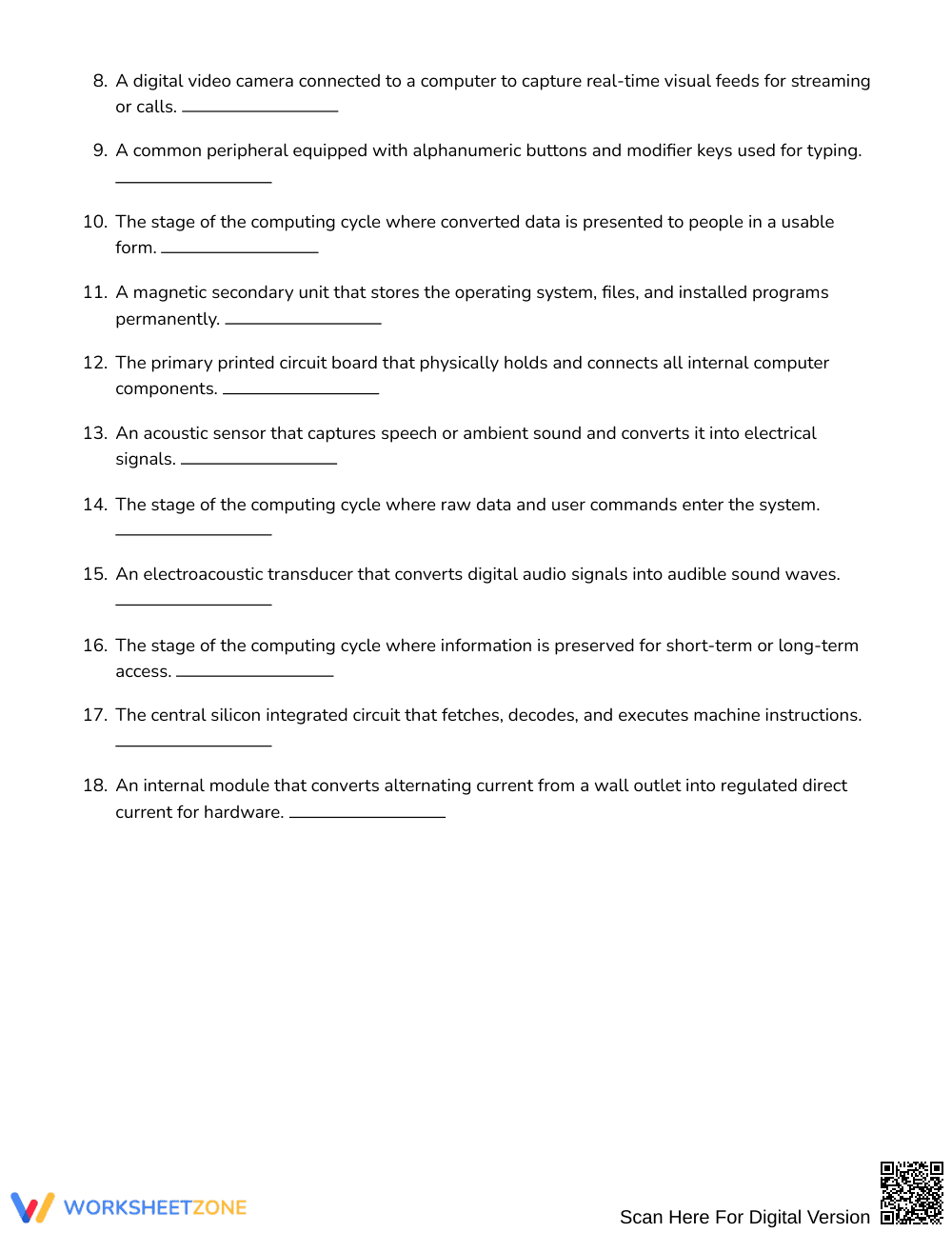
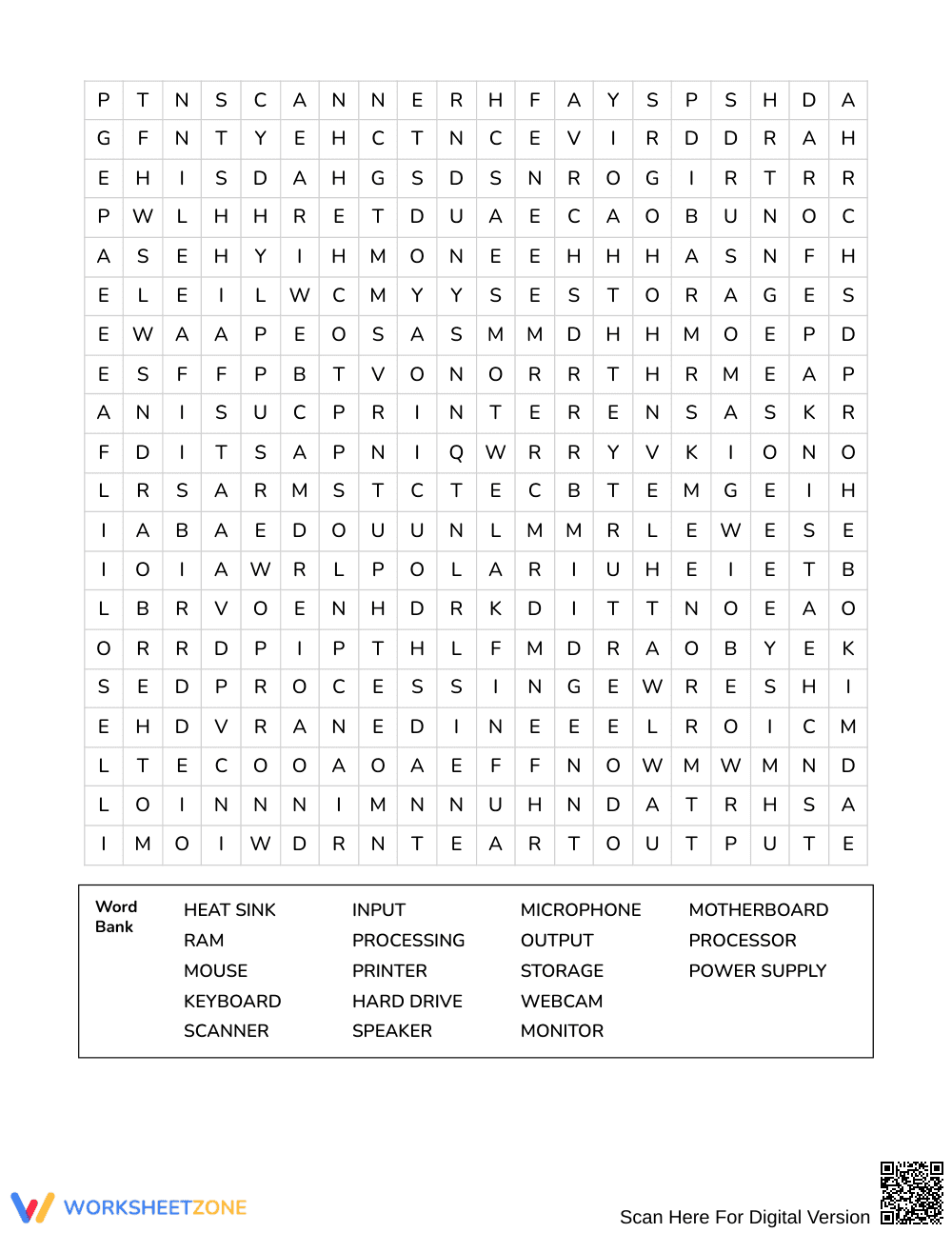
The activity centers on a dense 20 × 20 letter grid containing 18 hidden vocabulary terms essential to computer literacy. Learners read each definition or clue, locate the corresponding term hidden horizontally, vertically, or diagonally, and circle or highlight it. An organized answer key provides a fully solved grid, allowing for rapid visual verification. The included word list supports independent student work, while optional clue prompts challenge learners to recall terminology before scanning the letter matrix.
Zero‑Prep Workflow
- Print the single-page student puzzle sheet for your class in under 30 seconds.
- Distribute the handouts directly to individual students or working pairs in under 1 minute.
- Review completed grids or allow self-checking using the included answer key in about 5 minutes.
This resource functions strictly as an enrichment tool; it is intentionally not tied to any state or national educational standard. It serves as an accessible, low-stakes avenue for deepening familiarity with computer architecture, hardware components, and software vocabulary without the pressure of formal testing or grading rubrics.
How to Use It
Before beginning a lesson on the computing cycle, distribute the puzzle as a bellringer to activate prior knowledge, then discuss the specific function of each discovered word. Alternatively, assign the activity as a mid-unit review station, a quiet early-finisher task, or an exit ticket after direct instruction. Most students will complete the puzzle within 10 to 15 minutes, making it simple to fit into tight class schedules.
Who It's For
This worksheet is crafted for Grade 7 and Grade 8 students in English Language Arts, technical reading, or introductory computer courses. The format suits whole-group instruction, small intervention clusters, or independent study. Teachers can display a system diagram on the board as visual scaffolding for striving readers or English language learners who benefit from contextual picture cues.
Educational research underscores the cognitive value of structured word-search activities for vocabulary consolidation and conceptual reinforcement (Fisher & Frey, 2014). When middle school students actively scan letter arrays to identify domain-specific terminology, they engage in visual discrimination and orthographic processing that strengthen word recognition. This targeted practice directly supports learners in following input processing storage and output concepts by pairing abstract technical vocabulary with focused spatial discovery. Cognitive retrieval theory demonstrates that low-stakes retrieval opportunities help cement foundational definitions into long-term memory without triggering performance anxiety (Roediger & Butler, 2011). By repeatedly encountering terms connected to hardware architecture, students build familiar mental models that make subsequent computer science discussions far more accessible. Integrating print-based vocabulary puzzles alongside direct computer instruction provides an intentional balance between tactile problem-solving and technical reading comprehension, ensuring students develop lasting academic familiarity with essential operational terms across the entire curriculum.


