




























Views
Downloads



Free Computational Thinking Word Search | Grades 6–7 ELA

Paste this activity's link or code into your existing LMS (Google Classroom, Canvas, Teams, Schoology, Moodle, etc.).
Students can open and work on the activity right away, with no student login required.
You'll still be able to track student progress and results from your teacher account.
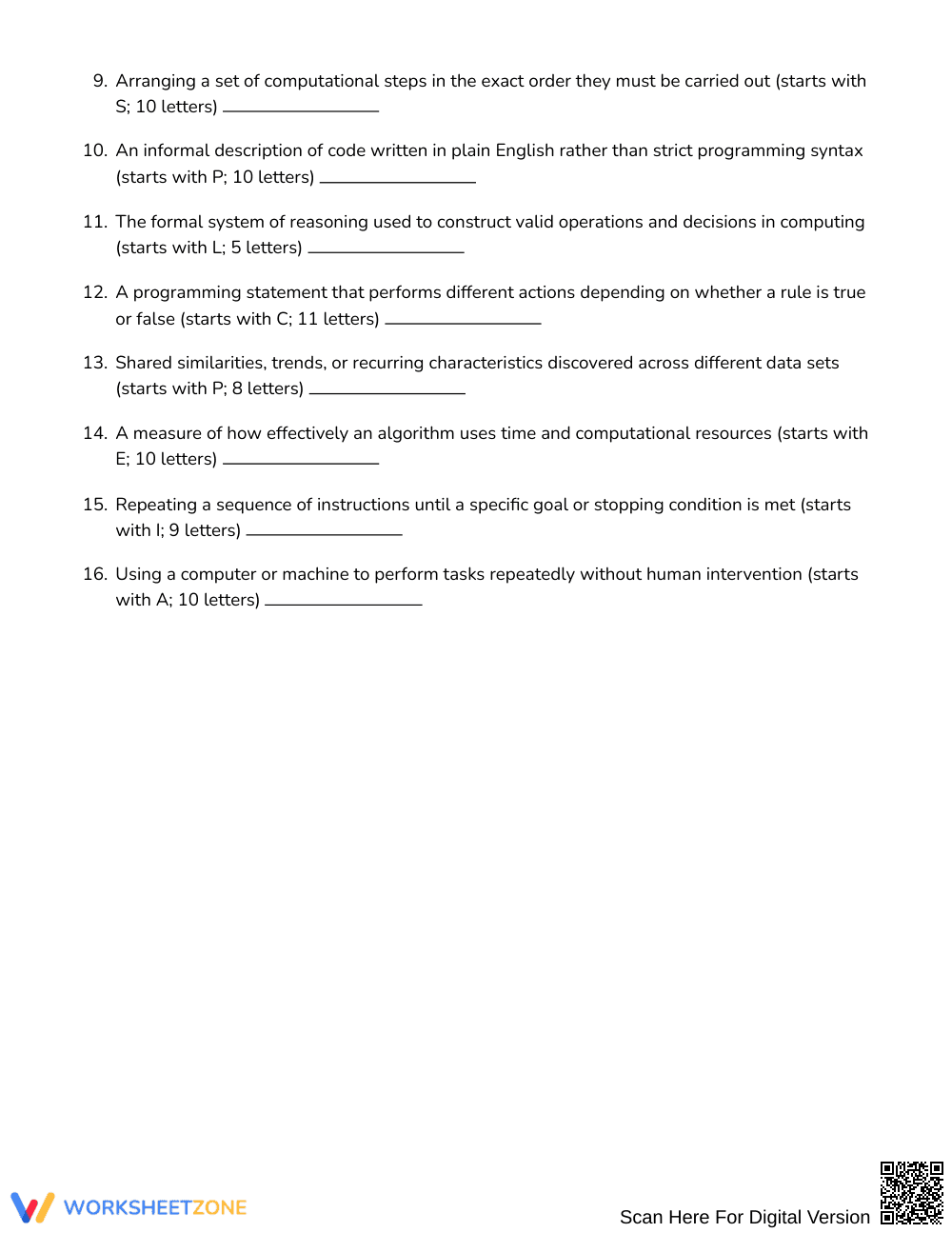
This free word search engages Grades 6–7 ELA learners in computational thinking vocabulary, helping them reinforce key terms while developing through interactive pattern‑recognition skills. Students locate sixteen hidden words, strengthening spelling, definition recall and conceptual connections to computer science concepts.
At a Glance
- Grade: Grades 6–7 classroom students · Subject: English Language Arts
- Standard:
Not standards-assessed — vocabulary enrichment— Find and accurately spell key computational‑thinking terms- Skill Focus: Computational thinking vocabulary development
- Format: 3 pages · 16 hidden words · Answer key included · PDF printable
- Best For: Quick review, enrichment, or independent practice flexible activity
- Time: Approximately 10–15 minutes of focused engagement daily
The activity consists of a single 18 × 18 word‑search grid featuring sixteen computational‑thinking terms. Directions allow searching in all eight compass orientations. Clues are provided for each term, and a separate answer‑key page shows the completed grid.
Zero‑Prep Workflow
- Print: Open the PDF and print the 3‑page packet (under 30 seconds).
- Distribute: Hand the word‑search and clue sheet to each learner (≈30 seconds).
- Review: Collect answer‑key sheets after completion and discuss any missed terms (≈1 minute).
Total teacher preparation time is typically under 2 minutes, making the puzzle ideal for quick sub‑plan activities or bell‑ringer tasks.
Because this resource is designed for vocabulary enrichment, it is not aligned to any specific state or Common Core standard. The focus remains on expanding students’ computational‑thinking terminology and reinforcing spelling accuracy.
How to Use It
- Use as a pre‑lesson activity before introducing computational‑thinking concepts; students work independently for 10–15 minutes while the teacher notes unfamiliar terms as a quick diagnostic.
- Deploy as a post‑lesson reinforcement after a coding or algorithm lesson; learners complete the search in pairs, and the teacher reviews the answer key to gauge retention, noting any patterns of errors for targeted reteaching.
Who It’s For
Designed for Grades 6–7 ELA learners, this word search supports both emerging and proficient readers. No differentiation levels are required, but teachers can pair it with a computational‑thinking anchor chart or a short video lesson on algorithms for added depth.
Research shows that vocabulary‑focused puzzles boost retention of abstract terminology, especially when paired with contextual clues (Fisher & Frey 2014). This free 16‑word computational‑thinking word search offers Grades 6–7 learners a concise, engaging way to internalize key computer‑science concepts such as algorithm, debugging, and iteration. By requiring students to locate and spell each term, the activity reinforces orthographic memory while simultaneously exposing learners to precise definitions. The 18 × 18 grid and eight‑direction search add a spatial‑reasoning component that aligns with findings on multimodal learning. Educators can quickly integrate the puzzle into any lesson plan, using the answer key for immediate feedback. The resource supports vocabulary enrichment without tying to formal standards, making it ideal for enrichment periods, after‑school clubs, or interdisciplinary projects that connect language arts with introductory computer science.


