













Views
Downloads



Essential Parts of a Computer Word Search | Grades 7–8 ELA
Paste this activity's link or code into your existing LMS (Google Classroom, Canvas, Teams, Schoology, Moodle, etc.).
Students can open and work on the activity right away, with no student login required.
You'll still be able to track student progress and results from your teacher account.
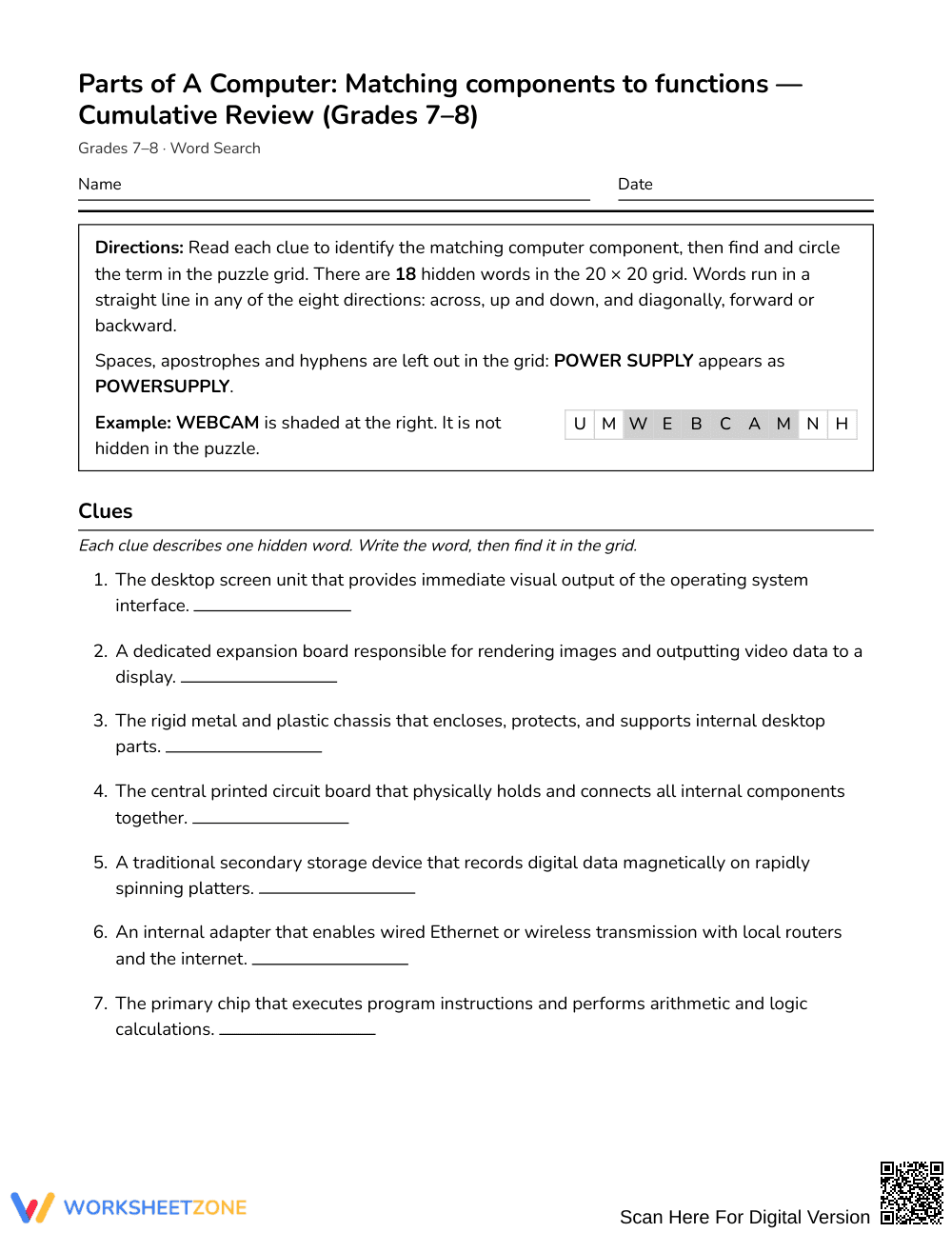
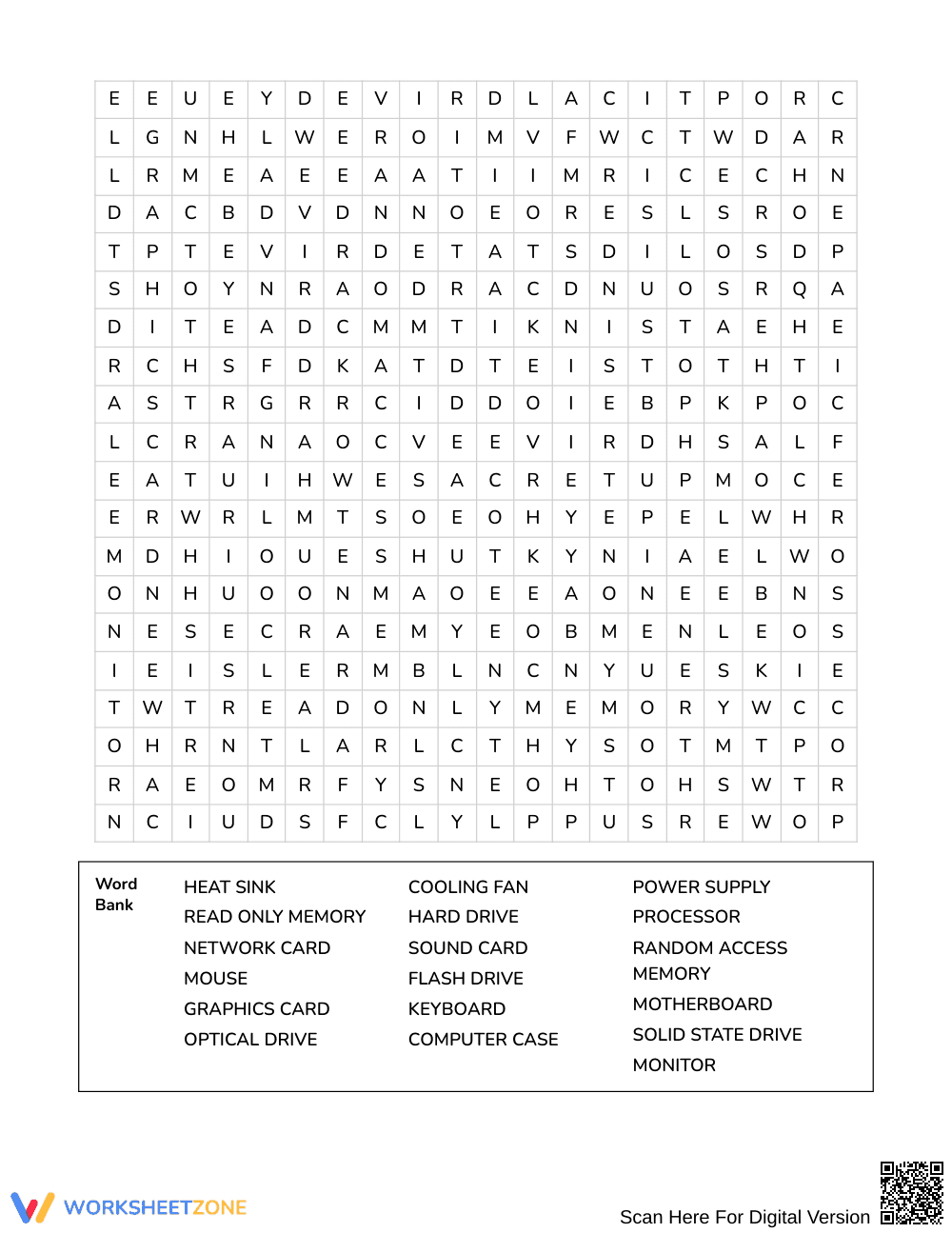
This Grades 7–8 computer parts word search reinforces domain-specific technical vocabulary by challenging students to match hardware components to their core functions. Learners read 18 functional definitions to determine the correct technical terms before locating each hidden word within the puzzle grid, strengthening content-area literacy and conceptual recall across informational texts.
At a Glance
- Grade: Grades 7–8 · Subject: English Language Arts
- Standard: Not standards-assessed — vocabulary enrichment
- Skill Focus: Matching components to functions
- Format: 3 pages · 18 words · Answer key included · PDF
- Best For: Vocabulary review and sub plans
- Time: 25–35 minutes
What's Inside
This 3-page printable activity features 18 clues targeting key hardware components, including the processor, motherboard, and graphics card. Rather than simply scanning for an explicit word list, students must first demonstrate comprehension by connecting each functional description to its proper term. The resource includes a full 4-page answer key showing exact letter coordinates and solutions.
Puzzle Structure
The activity is built upon a dense 20 by 20 letter grid designed to test visual scanning and orthographic memory. Words are oriented in all eight compass directions: north, northeast, east, southeast, south, southwest, west, and northwest. By combining definitional clues with omnidirectional word placement, the puzzle demands active cognitive processing rather than passive letter matching.
Standards Alignment
This word search serves as a dedicated vocabulary enrichment activity and is not aligned to a specific state or national academic standard. It supports cross-curricular informational reading and domain-specific vocabulary acquisition by pairing technical definitions with authentic computing terminology across general classroom instruction.
How to Use It
Deploy this activity after direct instruction on computer architecture or technical informational texts. It functions well as a quiet independent review station or as an engaging task for early finishers. For formative assessment, circulate while students read the clues to observe whether they can identify terms like "solid state drive" or "heat sink" prior to searching the grid. Students typically finish within 25 to 35 minutes.
Who It's For
This resource is crafted for Grades 7–8 students developing informational literacy in ELA, technology, or computer science courses. Teachers can support developing readers by highlighting keywords within the clues or pairing students for collaborative problem-solving. This activity pairs naturally with an introductory non-fiction text on computer hardware or an interactive diagram labeling external and internal system components.
Domain-specific vocabulary acquisition relies on multiple meaningful encounters with technical terminology embedded in contextual explanations. As highlighted by Fisher & Frey (2014), content-area literacy develops most effectively when students actively bridge technical definitions with structural terms rather than memorizing isolated glossaries in isolation. Although this Grades 7–8 word search focuses on vocabulary enrichment rather than formal standards assessment, its clue-based design requires learners to evaluate 18 functional hardware descriptions before locating terms across a 20 by 20 grid. Connecting conceptual descriptions of components—such as microchips, expansion boards, and secondary storage devices—to their formal names promotes durable semantic memory and strengthens reading comprehension for informational science and technology texts. Teachers utilizing this resource provide structured, low-stakes vocabulary reinforcement that supports both independent lexical retrieval and collaborative peer discussion in middle school learning environments.


