












Views
Downloads

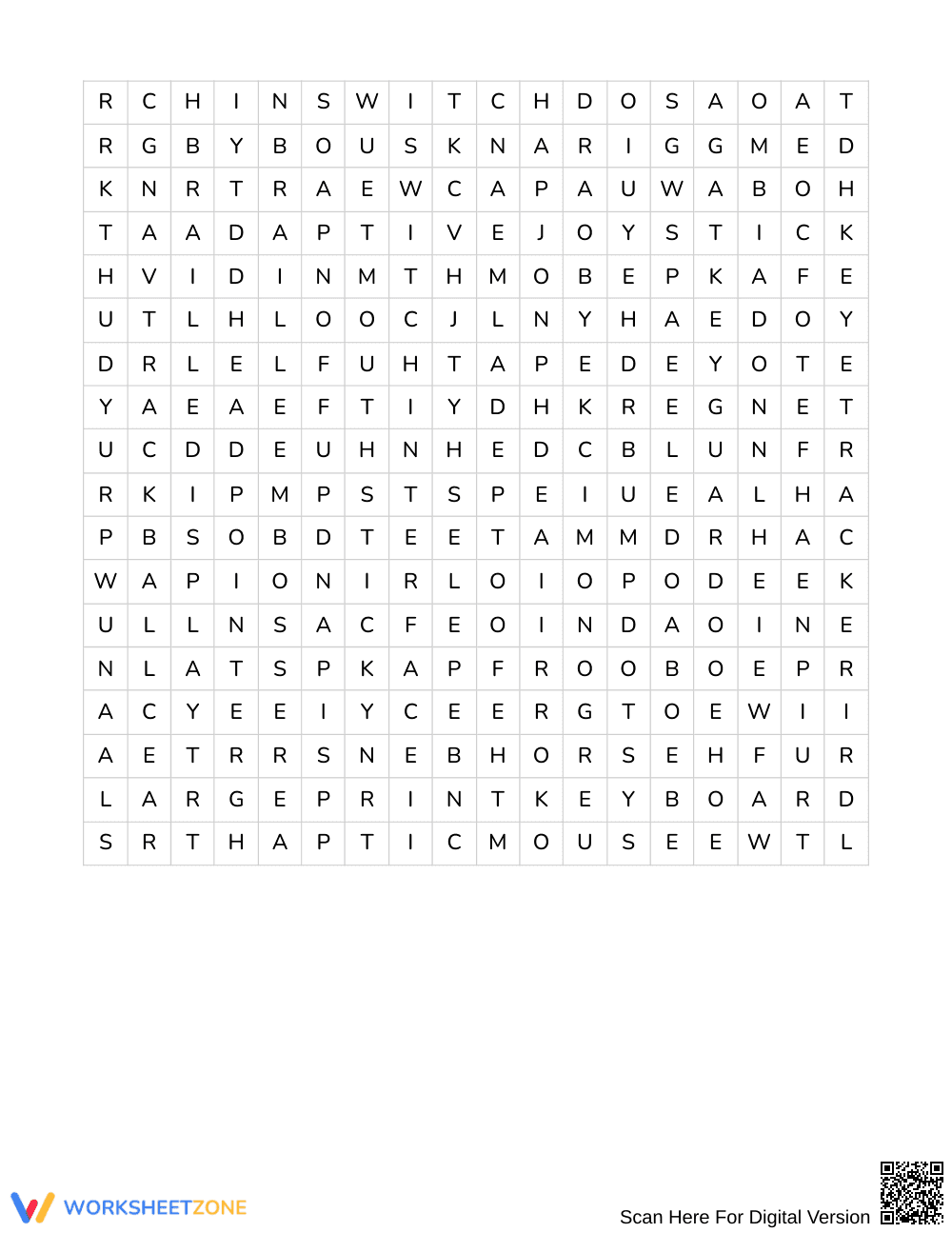

Complete Accessibility Tools Word Search | Grades 6–7 ELA
Paste this activity's link or code into your existing LMS (Google Classroom, Canvas, Teams, Schoology, Moodle, etc.).
Students can open and work on the activity right away, with no student login required.
You'll still be able to track student progress and results from your teacher account.
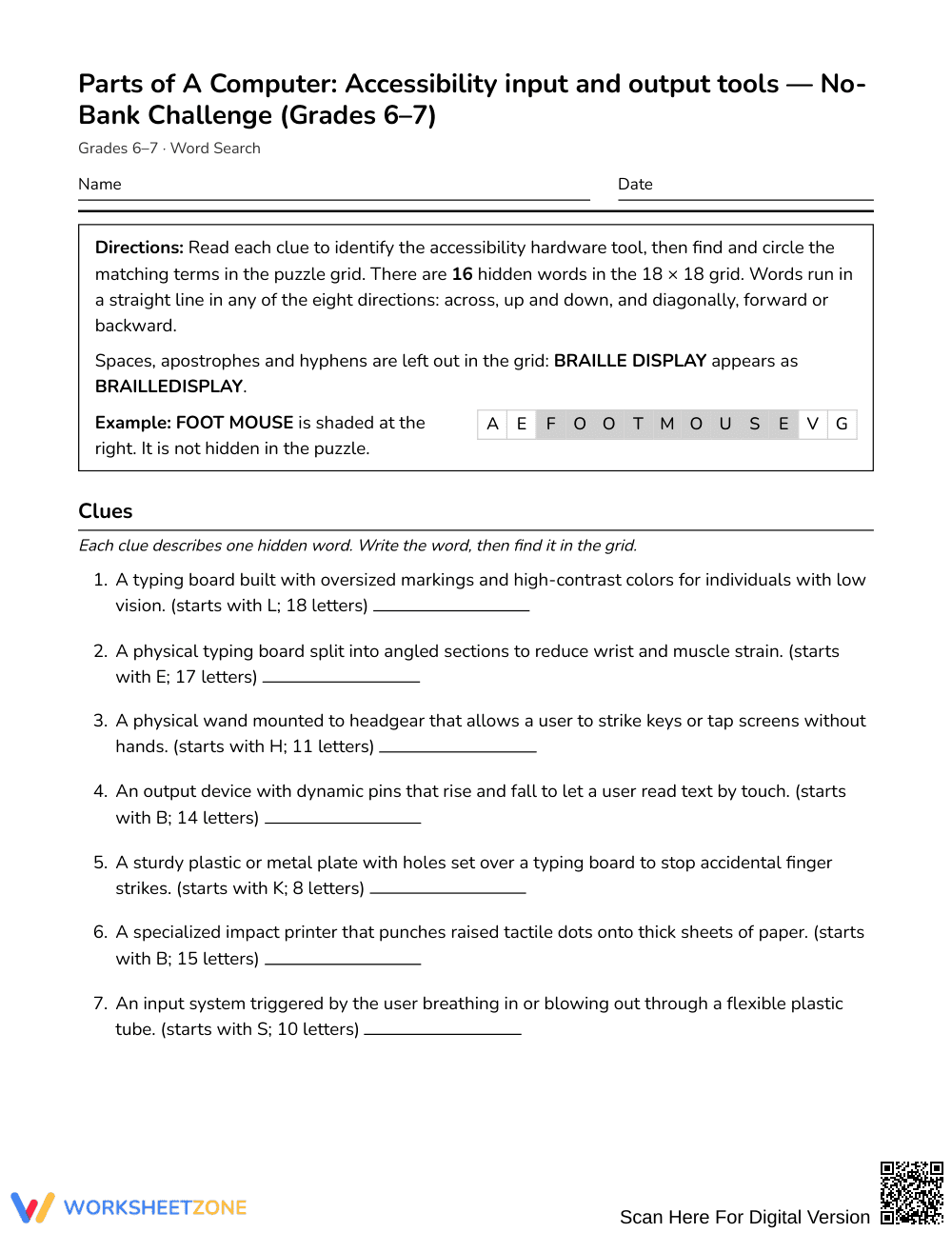
This accessibility tools word search reinforces assistive technology vocabulary for middle school learners. Students read functional hardware definitions, determine the corresponding device, and locate all 16 target terms across the puzzle grid. The activity builds technical literacy by connecting practical definitions for input and output systems directly to domain-specific terminology.
At a Glance
- Grade: Grades 6–7 · Subject: English Language Arts (ELA) Vocabulary
- Standard: Not standards-assessed — vocabulary enrichment and domain-specific reading practice
- Skill Focus: Accessibility input and output hardware tools
- Format: 3 pages · 16 words · Full answer key included · PDF
- Best For: Assistive technology vocabulary review and sub plans
- Time: 25–35 minutes
What's Inside
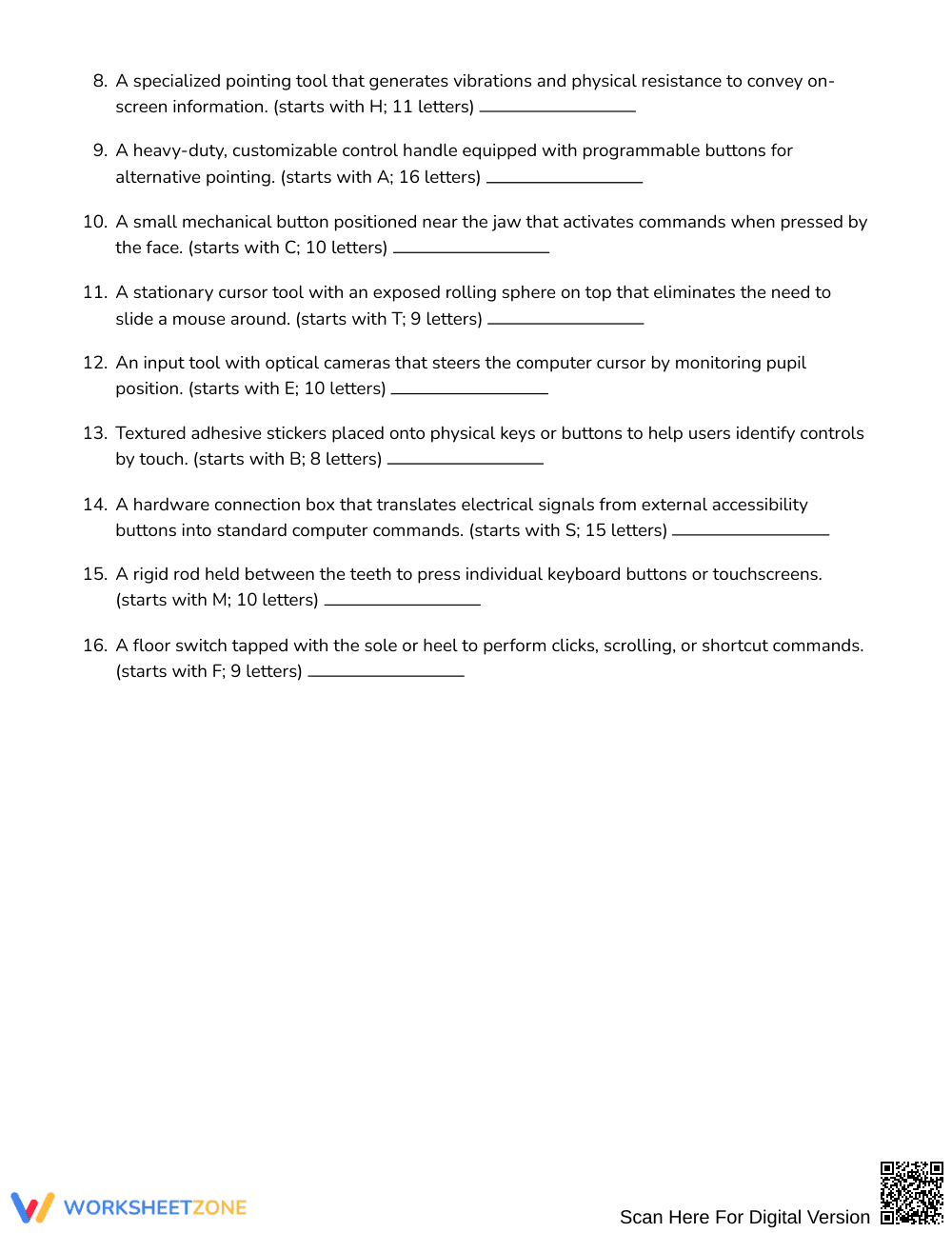
This 3-page printable activity features a clean student layout with a dedicated clue sheet and an expansive puzzle grid. Rather than scanning a pre-printed word bank, students analyze 16 functional clues covering adaptive hardware devices such as braille displays, sip-and-puff switches, and head pointers. A 4-page answer key is included, showing exact coordinates for all terms across the letter matrix.
Puzzle Structure and Mechanics
This challenge requires active problem-solving through a clue-based format rather than visual scanning:
- Clue-Driven Format: Students read technical explanations to deduce each term before searching, ensuring deep vocabulary engagement.
- 18 x 18 Grid: Terms are hidden within an 18 by 18 letter matrix without an exposed word bank.
- Eight Directions: Words run north, northeast, east, southeast, south, southwest, west, and northwest.
Standards Alignment
This resource is designed for vocabulary enrichment and informational tech literacy, so it is not assessed against Common Core State Standards. The exercise reinforces domain-specific terminology for computer accessibility and assistive design, supporting cross-curricular connections between literacy and digital citizenship.
How to Use It
Use this word search after direct instruction on computer hardware to consolidate student retention. It also works well as a quiet activity for early finishers or substitute plans. As students complete the grid over 25 to 35 minutes, observe whether learners can explain how tools like switch interfaces or keyguards assist users.
Who It's For
This activity is created for students in Grades 6–7 developing computer fluency or reading informational texts in ELA. For students needing support, provide first-letter hints or allow partner solving. It pairs naturally with a lesson displaying real-world images of assistive peripherals.
Contextualized vocabulary acquisition relies on active cognitive processing rather than rote mechanical copying. According to Fisher & Frey (2014), intentional word-learning experiences that require students to connect descriptive definitions with domain-specific terminology substantially improve reading comprehension and conceptual retention across technical subjects. This Grades 6–7 accessibility tools activity operationalizes that principle by replacing passive word matching with clue-driven analysis. Because learners must decipher 16 descriptive explanations of assistive hardware—including braille embossers, eye trackers, and ergonomic keyboards—they build mental representations of how inclusive technologies operate before locating the terms in the letter matrix. Research indicates that embedding disciplinary vocabulary within structured retrieval tasks strengthens semantic pathways and supports cross-curricular literacy in middle school English Language Arts. By challenging learners to actively retrieve terminology without relying on an exposed word list, the puzzle fosters durable vocabulary mastery while promoting technological awareness.


