











Printable Roblox Studio Word Search | Grades 2–3 ELA
Paste this activity's link or code into your existing LMS (Google Classroom, Canvas, Teams, Schoology, Moodle, etc.).
Students can open and work on the activity right away, with no student login required.
You'll still be able to track student progress and results from your teacher account.
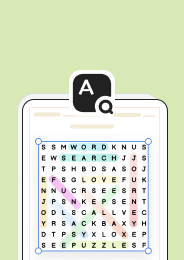
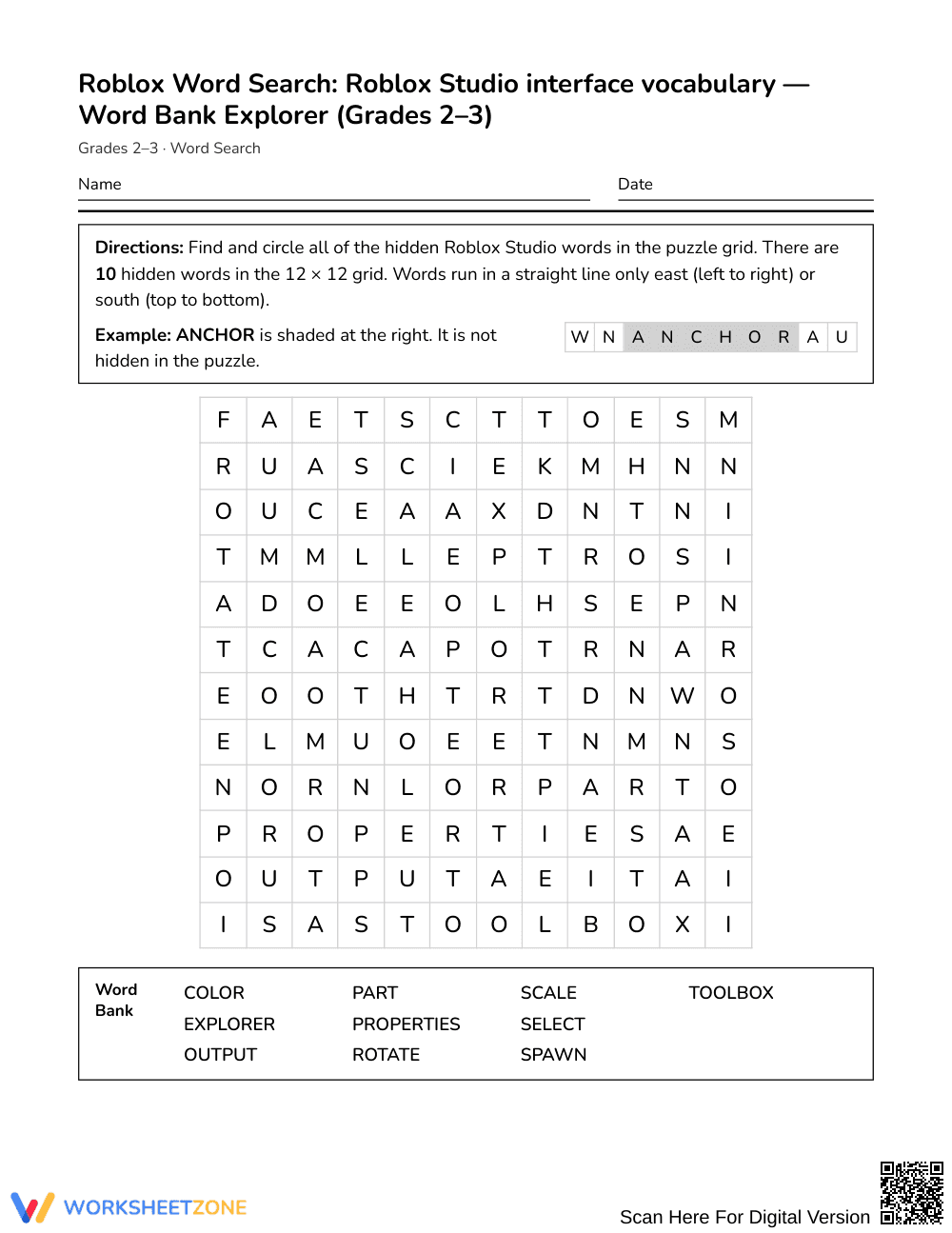
This printable vocabulary word search introduces early elementary learners to foundational computer technology terms by locating key interface labels from Roblox Studio. Students discover and identify essential development terms within an accessible puzzle format, strengthening visual scanning, letter sequence recognition, and technology literacy.
At a Glance
- Grade: Grades 2–3 · Subject: English Language Arts (ELA)
- Standard: Not standards-assessed — vocabulary enrichment
- Skill Focus: Roblox Studio interface vocabulary
- Format: 1 page · 10 words · Answer key included · PDF
- Best For: Early finishers, STEM clubs, vocabulary enrichment
- Time: 15–20 minutes
What's Inside
The activity sheet presents a clean 1-page puzzle featuring an alphabetical word bank of 10 Roblox Studio interface terms alongside student-friendly definitions. Accompanying the student page is a 2-page complete answer key showing exact letter coordinates and highlighted word placements for quick visual verification.
Puzzle Structure and Mechanics
This word search uses an age-appropriate 12 × 12 grid specifically formatted for primary readers. Hidden terms run in only two intuitive directions: horizontally from left to right (East) and vertically from top to bottom (South). Because words do not appear backward or diagonally, young learners can successfully track letter sequences without visual frustration while referencing the alphabetical word bank.
Standards Alignment
This activity serves as specialized vocabulary enrichment and is not aligned to a specific grade-level content standard. It provides cross-curricular terminology reinforcement connecting introductory English language arts spelling patterns with beginner game design concepts.
How to Use It
Deploy this puzzle during independent learning rotations or as an engaging entry task prior to a classroom technology lab. For effective formative checking, observe whether learners read definitions to verify word meanings or simply scan for initial letter clusters. The full activity requires approximately 15 to 20 minutes to complete.
Who It's For
This activity is designed for learners in Grades 2–3 who are building foundational keyboarding, coding, or digital literacy skills. It pairs naturally with introductory block-coding lessons, makerspace orientations, or beginner game creation tutorials.
Domain-specific vocabulary acquisition functions as a critical bridge between emergent literacy and specialized digital fluency. According to research on technical vocabulary learning summarized by Fisher & Frey (2014), providing young learners with repeated, low-stakes exposures to high-interest technical terminology reinforces orthographic memory and supports conceptual comprehension across informational domains. While general reading instruction emphasizes high-frequency sight words, structured activities such as word searches help primary-grade students practice precise visual discrimination and left-to-right directional tracking within a 12 × 12 grid framework. Engaging with 10 authentic interface terms—including Explorer, Properties, and Toolbox—familiarizes early elementary learners with the navigational language of creative computing environments, establishing practical background knowledge that carries directly into applied technology tasks without imposing an evaluative testing burden.


