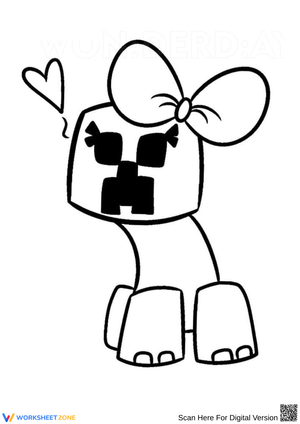
What Does the Creeper Look Like in These Pages
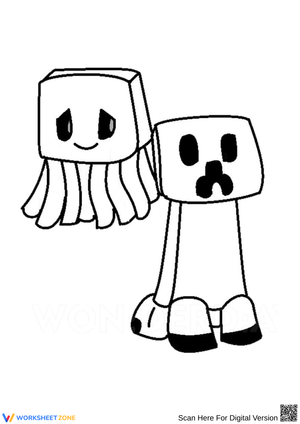
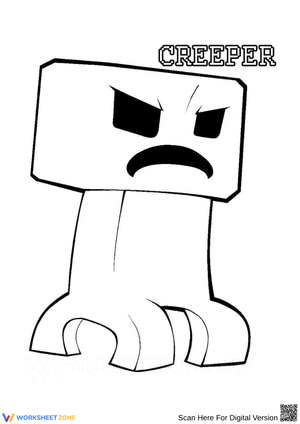
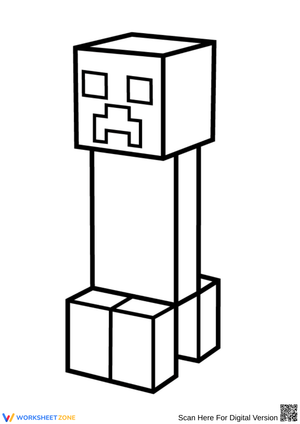
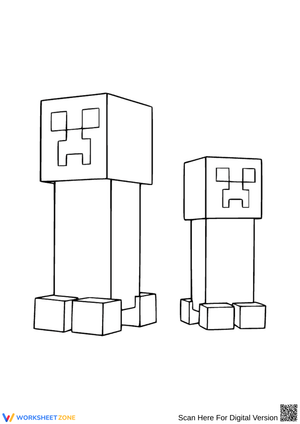
Every Minecraft Creeper coloring page in this set uses the mob's signature blocky green body built from square pixel segments. Four short stubby legs support a tall rectangular torso, and the face carries that famous frowning four-eyed expression fans instantly recognize. Some sheets swap the classic green for the electric blue-white 'charged' Creeper, giving colorists two versions of the same shape to fill in. The flat, geometric outlines keep every line clean and easy to trace, so the pixel-art style translates well onto paper without losing the character's recognizable silhouette.
What's Included in This Creeper Printable Set
The collection covers a standing classic Creeper, a close-up face sheet that zooms in on those four dark eyes and frown, and a full landscape scene with grass blocks, dirt, and a night sky behind the mob. A few designs place the Creeper alongside other Minecraft characters like Steve or a Zombie for group coloring. Each printable arrives as a black-and-white line-art PDF sized for standard US Letter paper, so there's no cropping or resizing needed before you send a page to the printer.
Coloring Tips for Classic and Charged Creepers
Stick with grass green plus black block outlines for the traditional look, or grab electric blue and white pencils to recreate a lightning-charged Creeper. Younger kids can fill in each square block one at a time, treating the body like a simple grid rather than a curved shape, which makes the design forgiving for shaky lines. Teens and adult fans often add shading between blocks or blend two greens for depth. Markers give the boldest pixel contrast, while colored pencils allow softer, layered tones on the same sheet.
Frequently Asked Questions
1. What colors work best for a charged Creeper?
For the standard Creeper, use grass green for the body and pure black for the outline and shadowed blocks on its face. For the charged variant struck by lightning, switch to electric blue and white with light gray highlights to capture that glowing, static look. Blending the blue tones near the edges gives an energetic, sparking effect that stands apart from the plain green version on the page.
2. What printer settings work best for these sheets?
Print on standard US Letter paper using black-and-white or grayscale mode to save ink, since every design is pure line art with no shading built in. Regular printer paper works fine, though heavier cardstock holds up better if you're using markers that might bleed through. Select 'fit to page' in your print dialog to keep the Creeper centered, and print a few extra copies for parties or classroom breaks.
3. Why does the Creeper have that odd tall shape?
Minecraft creator Notch has said the Creeper's strange proportions came from a mistake: he was building a pig model and accidentally swapped the height and length values, producing a tall, narrow creature instead of a four-legged animal. He liked the odd result enough to keep it, add the frowning face, and turn it into the game's most recognizable hostile mob, later inspiring the 'A' in the Minecraft logo.












 Interactive Worksheet Maker
 Quiz Maker
 Word Search Maker
 Crossword Puzzle Maker
 Word Scramble Generator
 Sentence Scramble Generator
 Handwriting Worksheet Generator
 Name Tracing Generator
 Fill In The Blank Generator