




















In today’s fast-paced world, digital learning tools have become an essential part of modern education. These tools provide students and educators with resources that facilitate personalized, interactive, and engaging learning experiences. By incorporating technology into the classroom, schools and institutions can enhance accessibility, support diverse learning styles, and improve educational outcomes. In this article, we’ll explore the different types of digital learning tools and platforms that are reshaping how we approach teaching and learning.
30+ digital learning tools and platforms
From interactive apps to comprehensive learning management systems, here is a list of over 30 digital learning tools and platforms that help enhance student engagement, support personalized learning, and streamline teaching practices.
Learning Management Systems (LMS)
Learning Management Systems (LMS) are digital platforms that help teachers organize, manage, and deliver educational content while tracking student progress. These tools are essential for streamlining educational processes, especially in online and hybrid learning environments.
1. Google Classroom
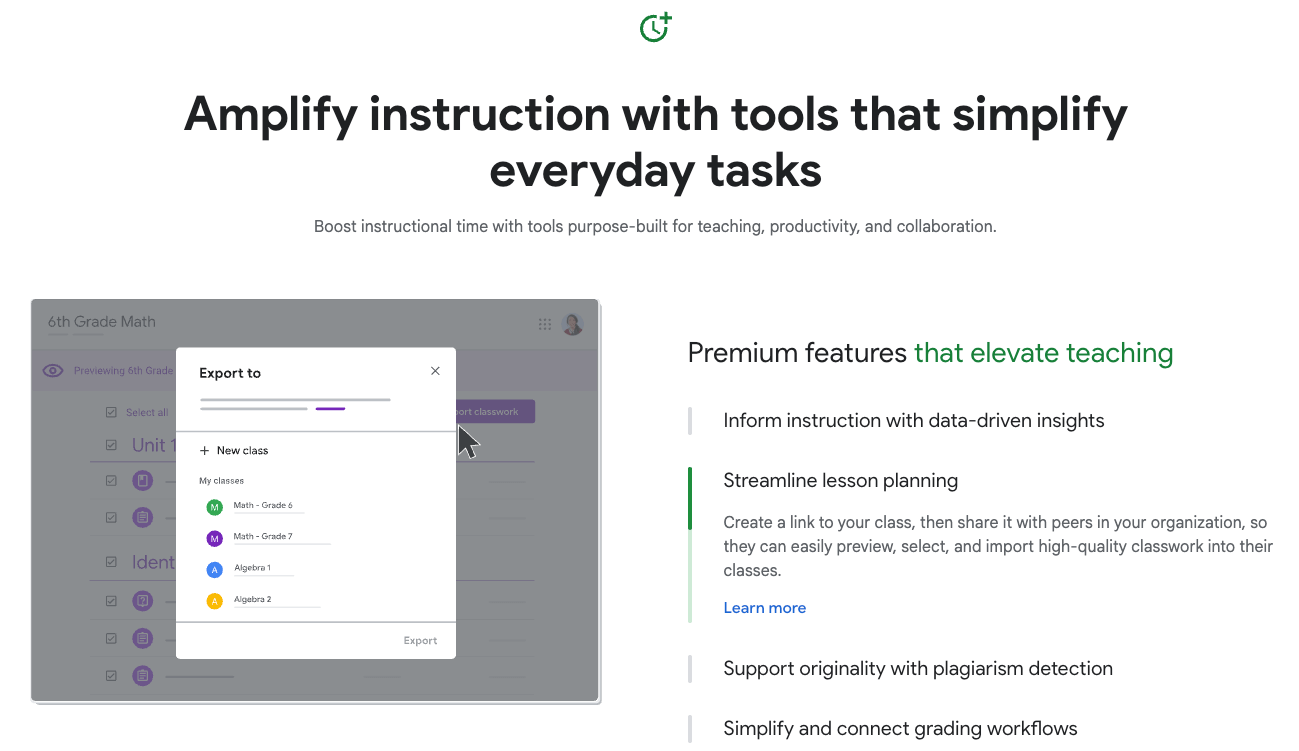
Google Classroom is a widely used, user-friendly LMS that integrates seamlessly with Google Drive, Google Docs, and other Google tools. It allows teachers to assign tasks, grade work, and communicate with students in a single platform.
2. Moodle

Moodle is an open-source LMS known for its flexibility and customizable features. It supports various types of content, including quizzes, assignments, and multimedia, making it ideal for both educators and institutions with specific learning needs.
3. Canvas
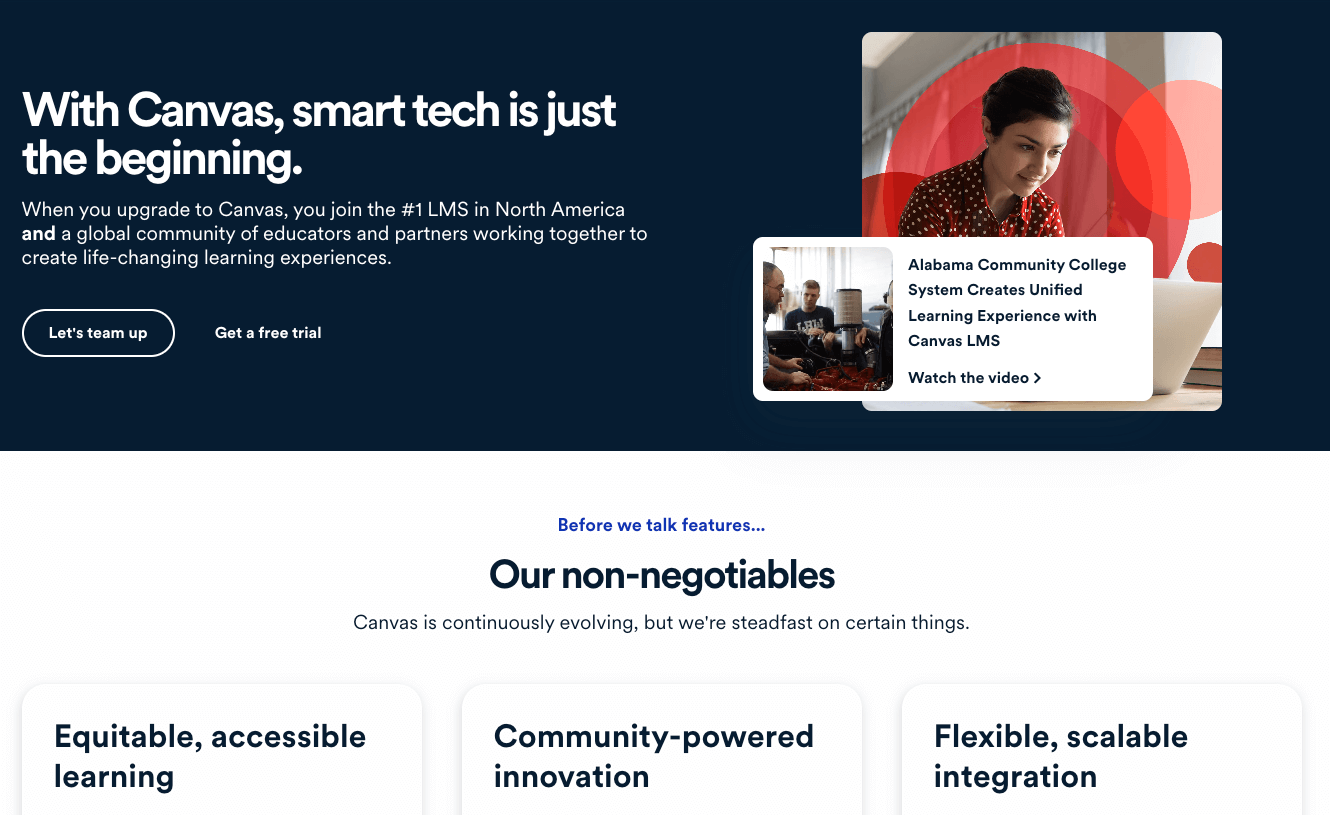
Canvas by Instructure offers a robust and intuitive LMS with powerful tools for managing courses, grading, and collaboration. It integrates with third-party tools and supports mobile learning, making it a popular choice for educational institutions.
4. Worksheetzone’s Classroom Management
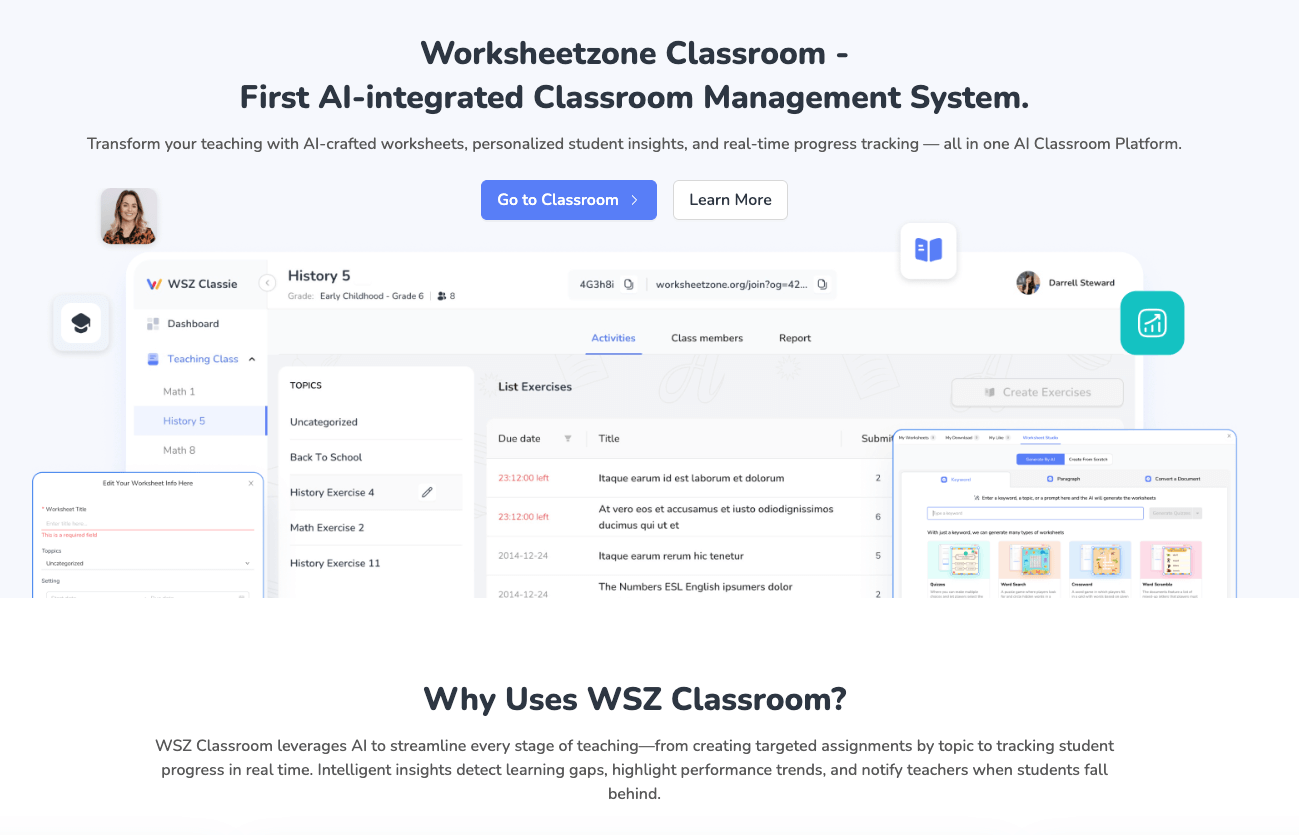
Worksheetzone offers an easy-to-use Classroom Management feature that helps teachers efficiently organize and distribute worksheets to students. It allows teachers to track progress, provide real-time feedback, and manage assignments in one centralized platform.
5. Schoology Learning
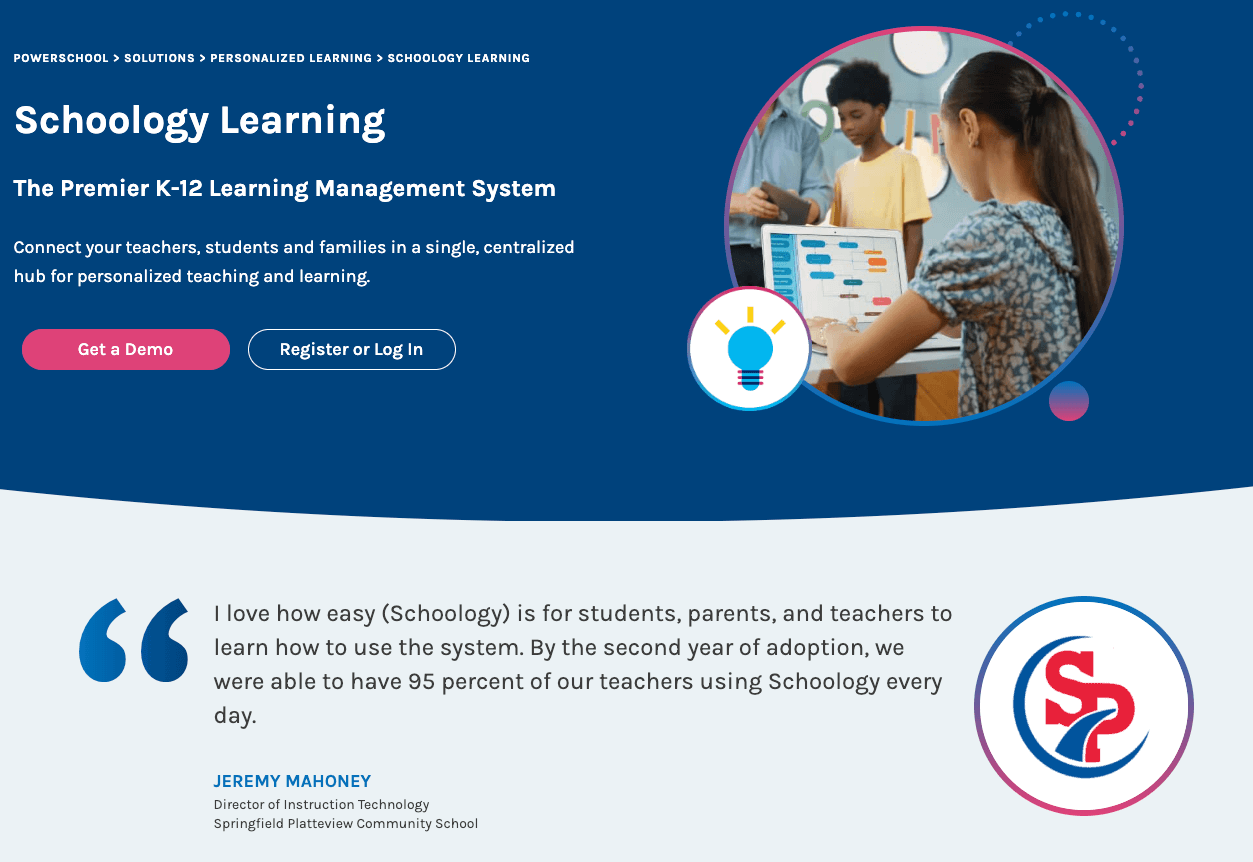
Schoology Learning is another comprehensive LMS that offers easy-to-use features for course creation, collaboration, and student assessment. It’s designed to work in K-12 schools, higher education, and corporate training settings.
6. Anthology Ally
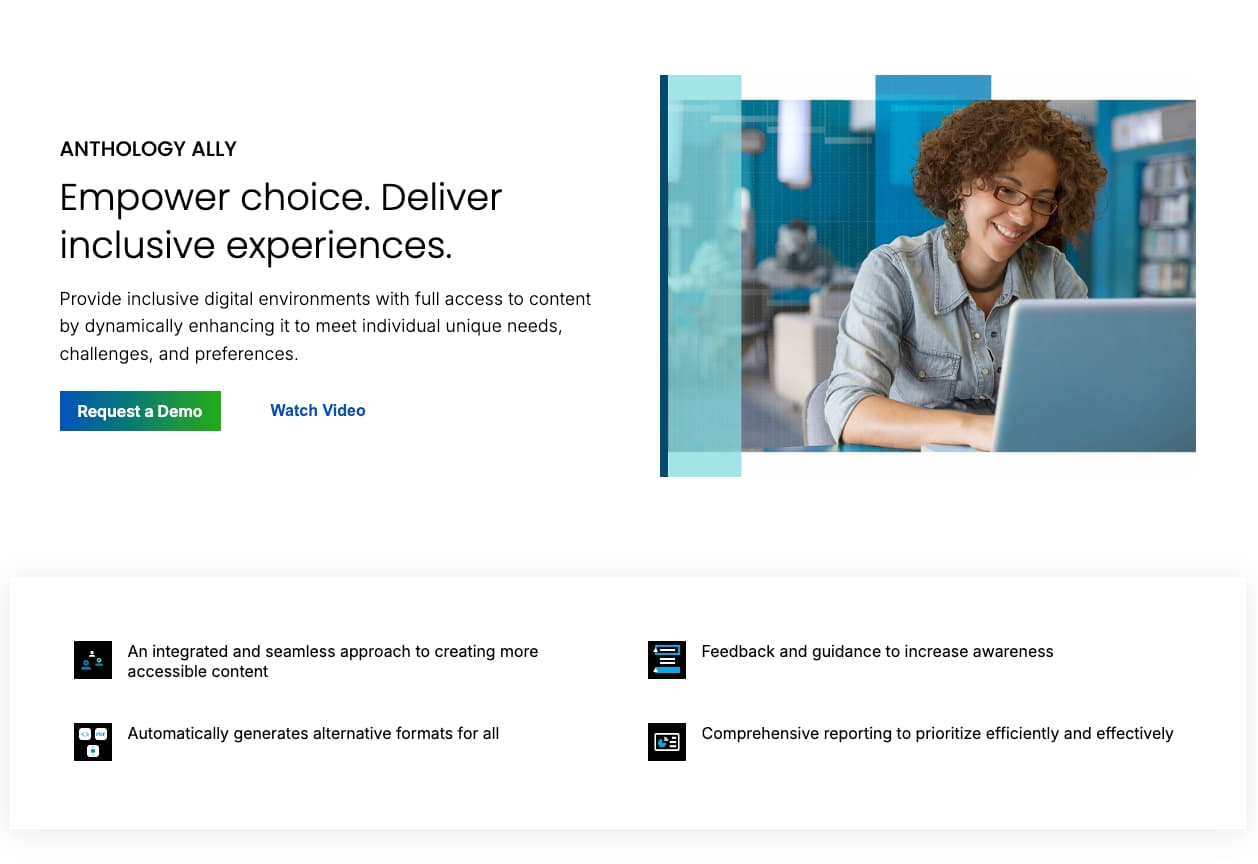
Anthology Ally provides an advanced platform for course management, offering tools for assignments, assessments, and communication. It is widely used in higher education and offers an integrated approach to virtual classrooms.
Digital textbooks and e-readers
Digital textbooks and e-readers provide students with a convenient and portable way to access educational content, while also offering interactive features such as multimedia, hyperlinks, and the ability to annotate
1. VitalSource
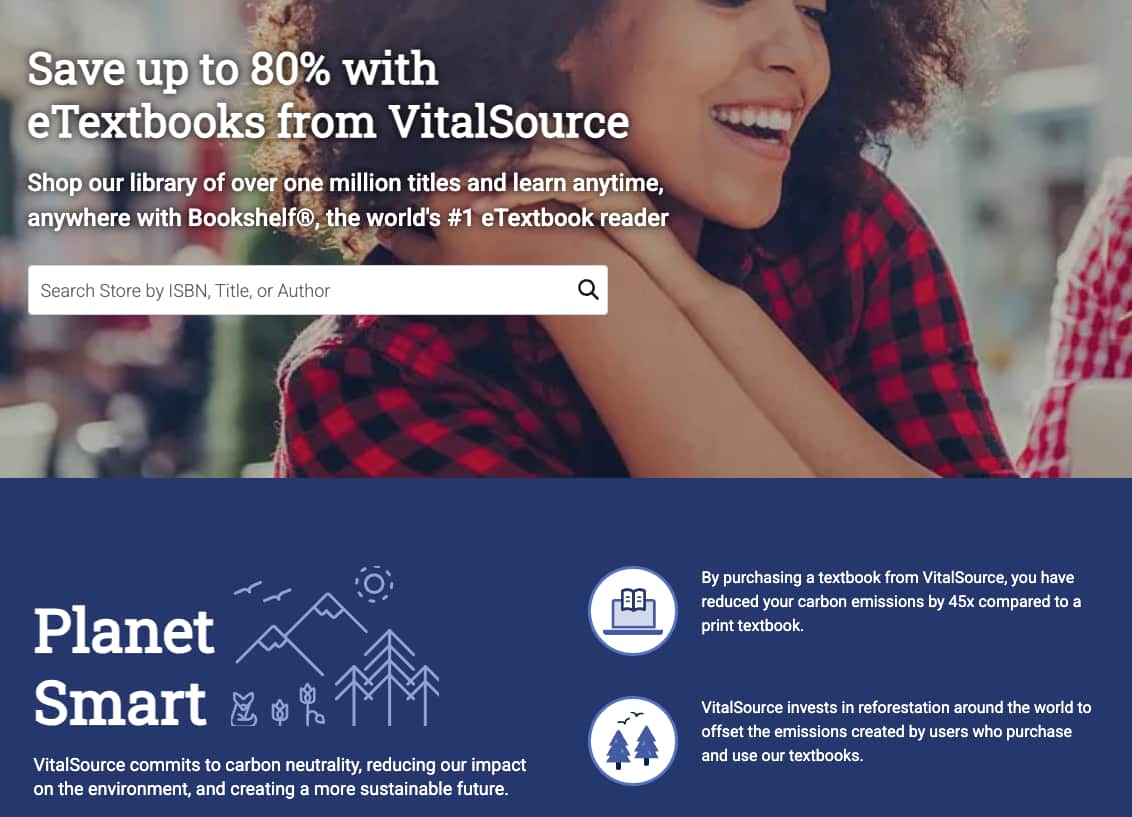
VitalSource provides access to thousands of digital textbooks across various subjects. It features tools like note-taking, highlighting, and bookmarking to enhance the reading experience.
2. Kindle
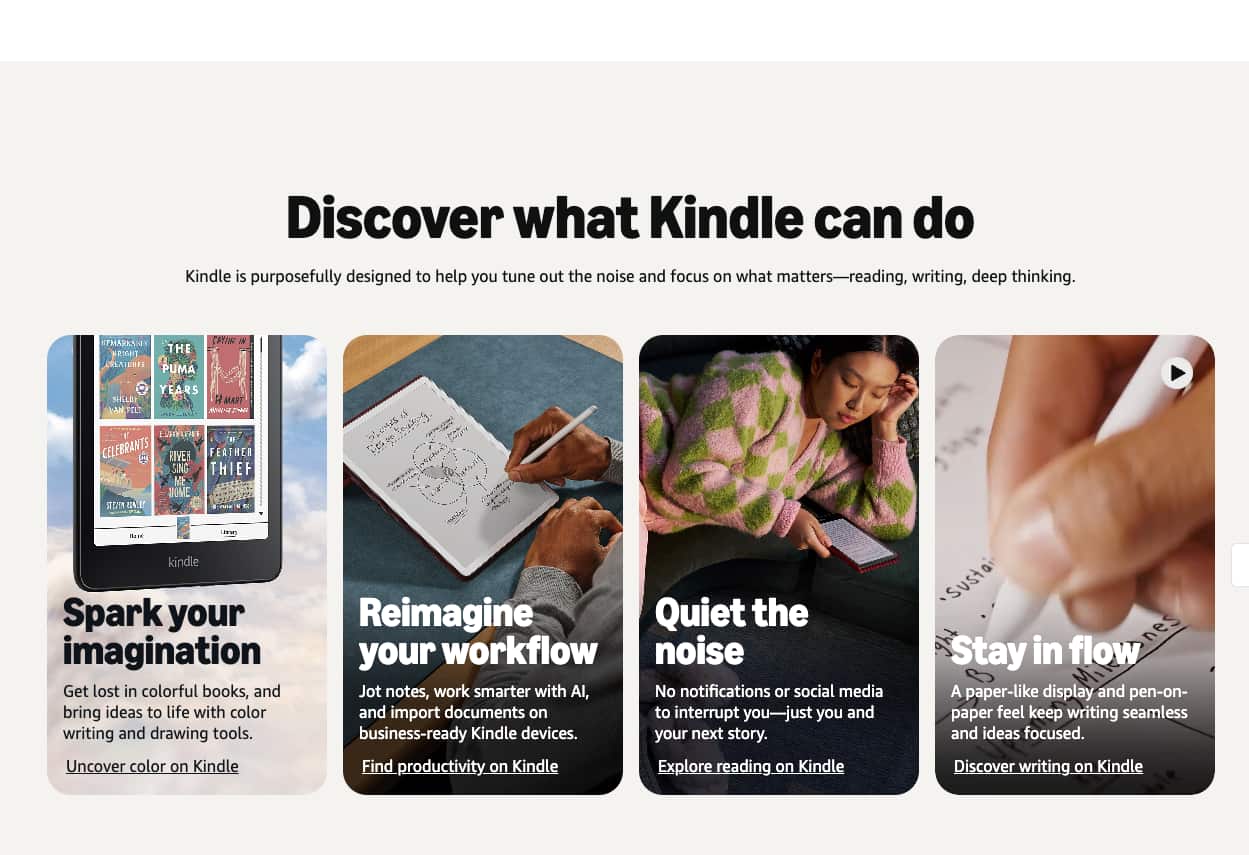
Amazon’s Kindle is an e-reader that supports a wide range of educational e-books. It offers tools for highlighting, making notes, and text-to-speech functionality, making it ideal for students who prefer digital reading.
3. Pearson eTextbook
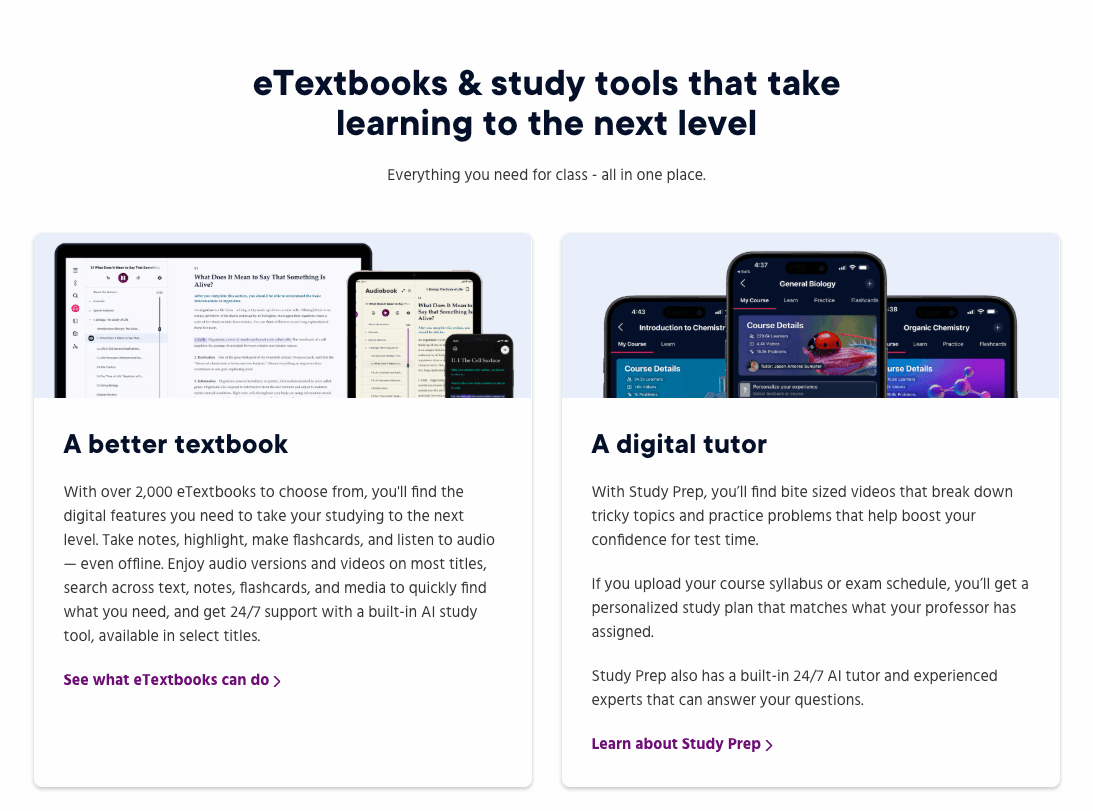
Pearson offers digital versions of their textbooks through eTextbook, allowing students to access their learning materials on any device. It includes interactive features like quizzes, videos, and animations to supplement the reading.
4. Valore eTextbooks

Valore offers affordable digital textbooks for students, with options for rental or purchase. Their e-reader platform provides customizable reading options, including font adjustments and note-taking features.
5. Google Play Books
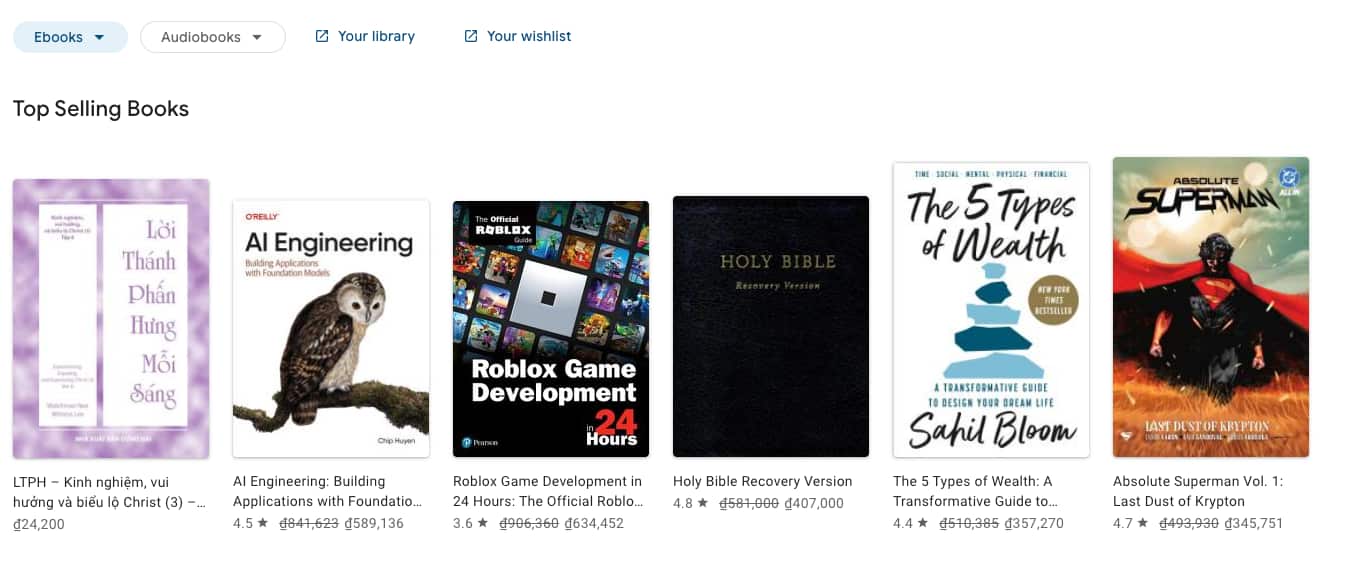
Google Play Books allows students to purchase and read e-books on a variety of devices. The app offers features like highlighting, bookmarking, and adding notes, making it a convenient option for digital reading.
6. Apple Books
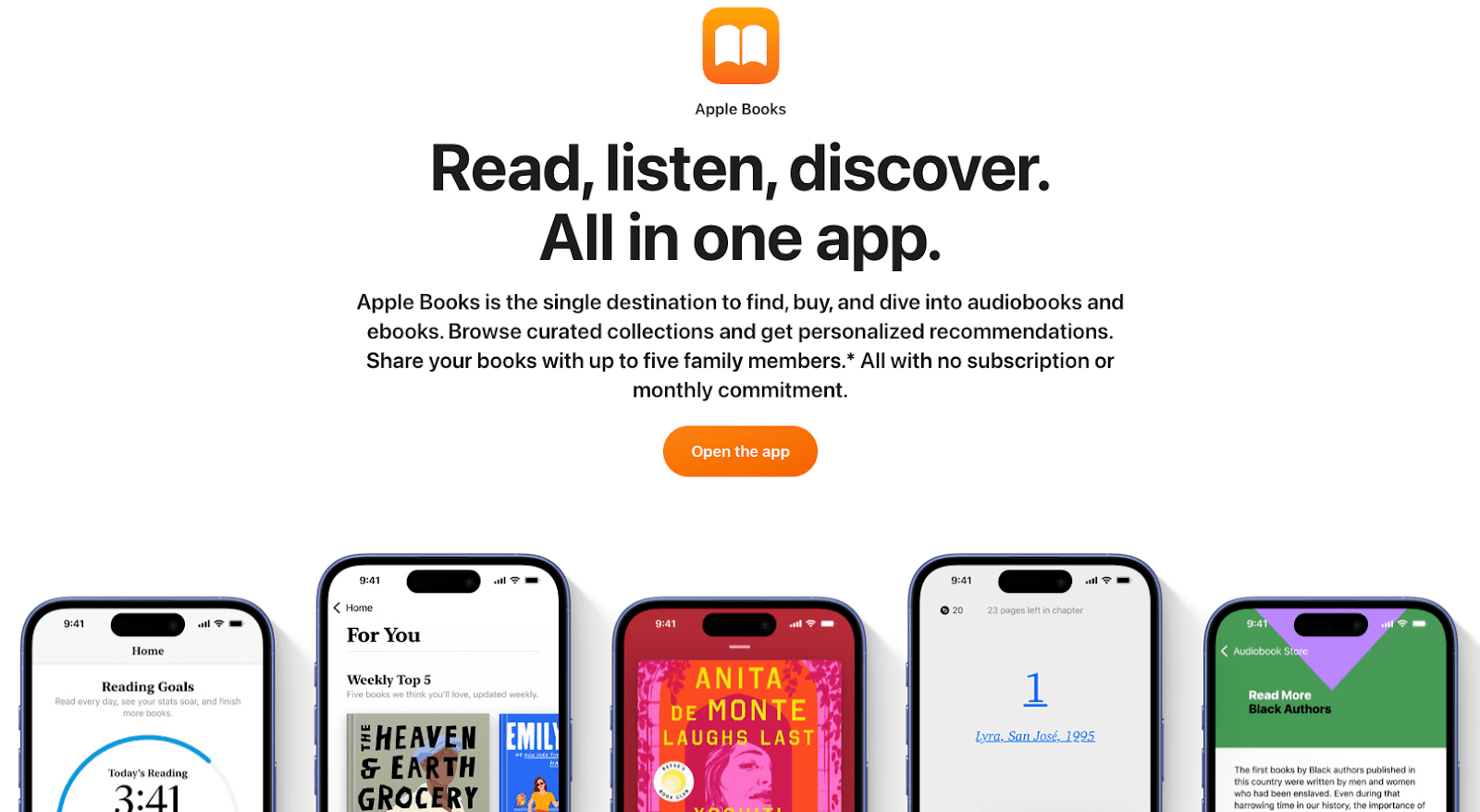
The Apple Books platform provides access to a wide variety of digital textbooks, novels, and educational materials. Students can also use the annotation tools to highlight and make notes within the text.
Interactive learning apps
Interactive learning apps make learning more engaging and personalized by turning educational content into interactive experiences. These platforms often incorporate games, quizzes, and progress tracing to keep students motivated.
1. AllMath
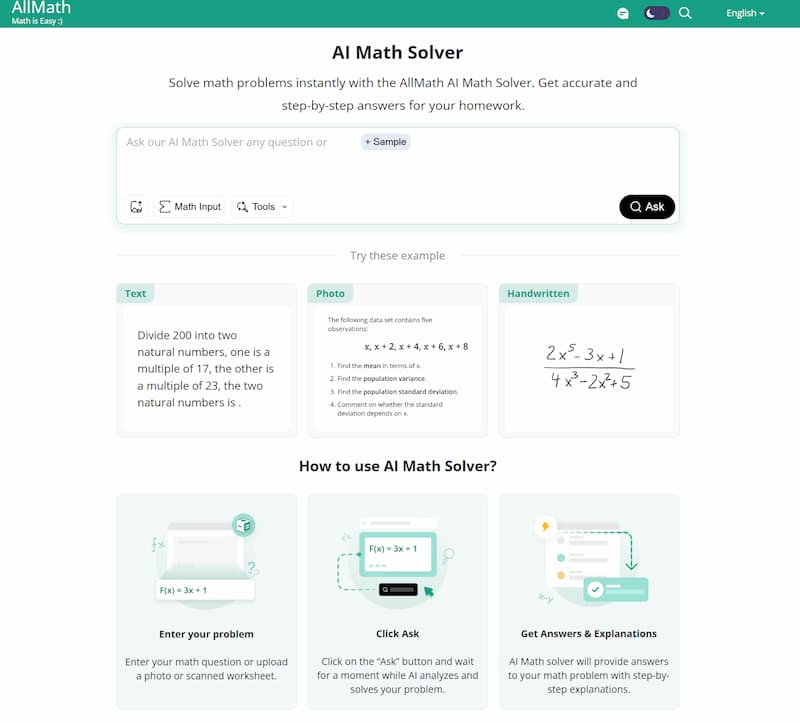
AllMath’s AI Math Solver is a versatile math learning tool that helps students understand problems by providing step-by-step solutions for each question. The tool also includes practice tests and a study guide that allow students to practice regularly and revise important concepts. In addition, it also offers a wide range of calculators, math riddles, and interactive resources to make learning more engaging. This makes AllMath suitable for learners who want to strengthen their overall math skills through personalized guidance.
2. Duolingo
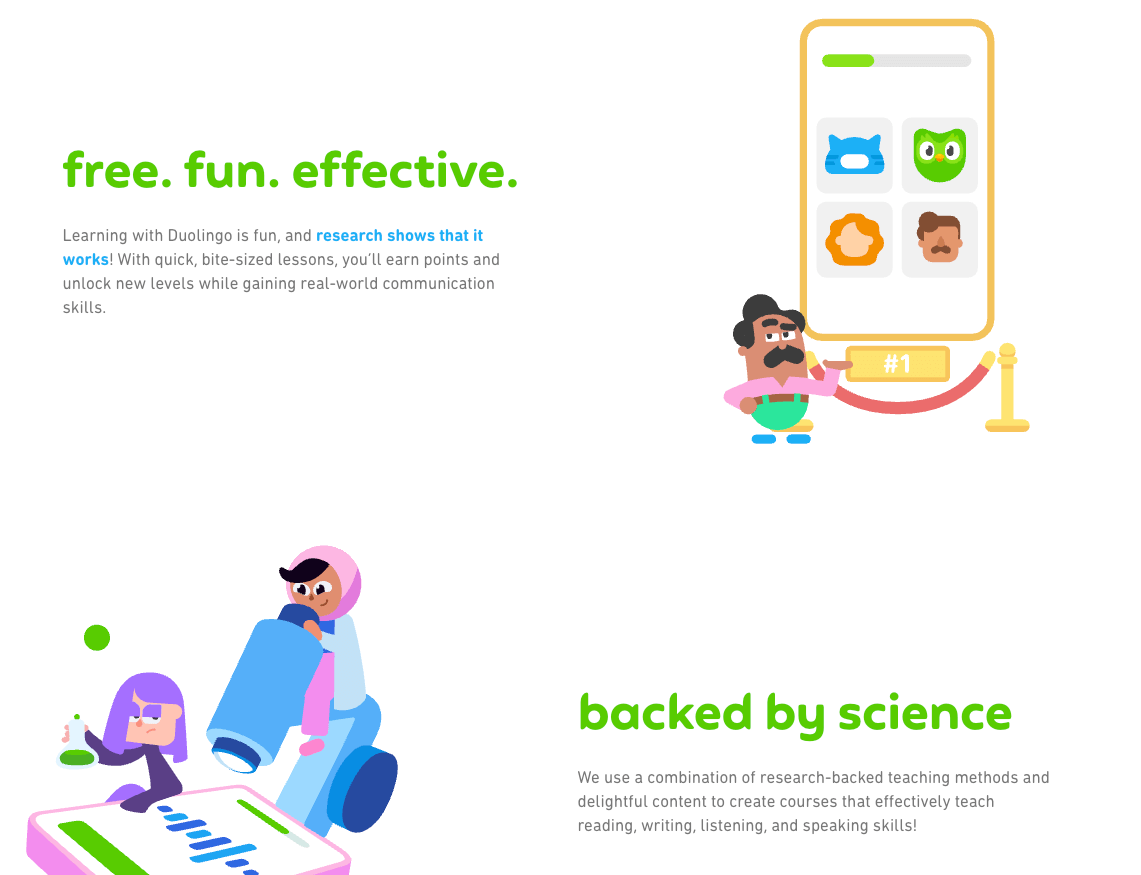
Duolingo is a fun, gamified language-learning app that helps users learn new languages through interactive lessons and exercises. It offers a reward system that motivates learners to continue practicing.
3. Khan Academy
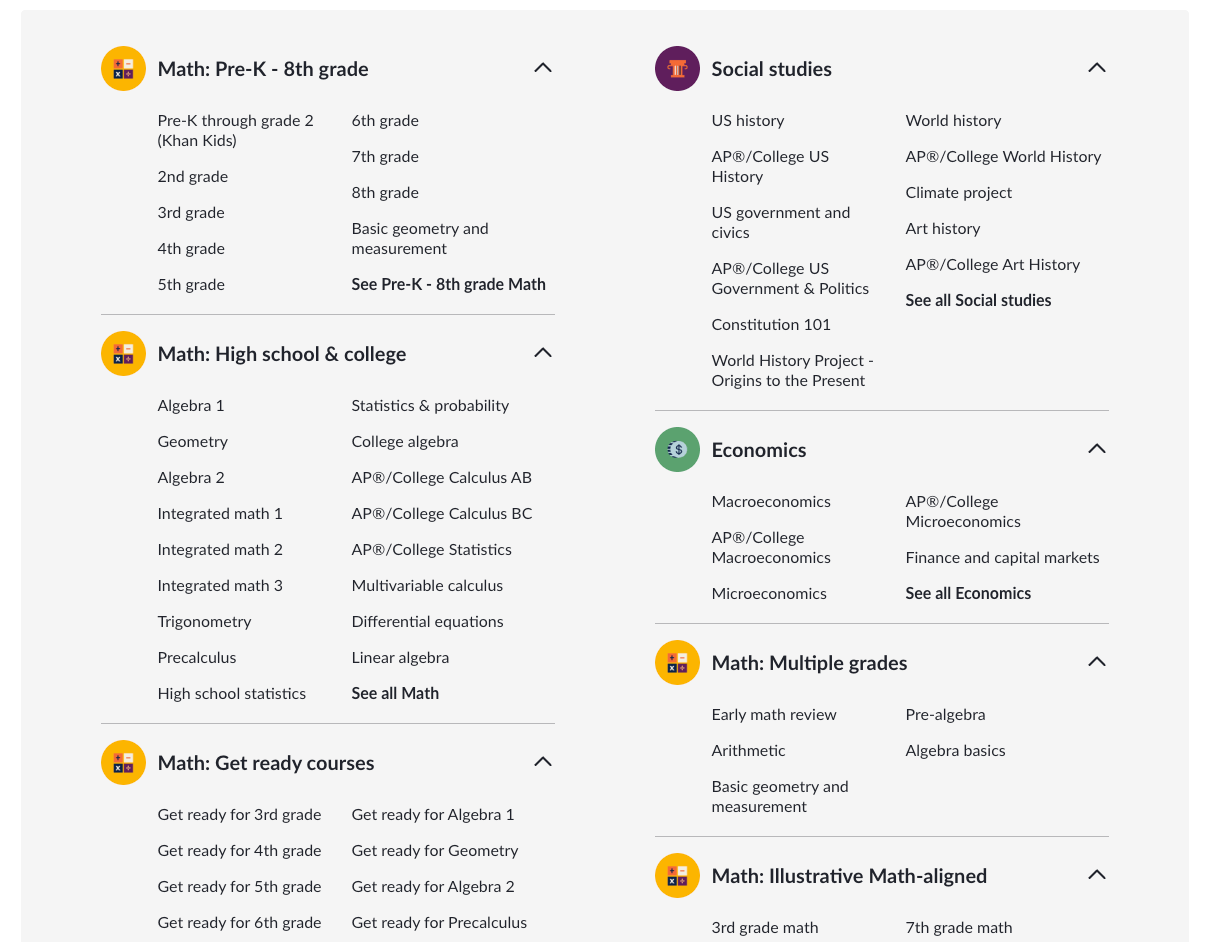
Khan Academy offers free, high-quality educational content for students of all ages. With interactive videos and exercises, students can learn at their own pace across a variety of subjects, including math, science, and history.
4. Worksheetzone’s Interactive Worksheet Maker

Worksheetzone’s Interactive Worksheet Maker enables teachers to create customizable, engaging worksheets with various question types like multiple-choice, fill-in-the-blank, and matching exercises. It allows students to interact with content and provides teachers with the ability to track progress and offer instant feedback.
5. Quizlet
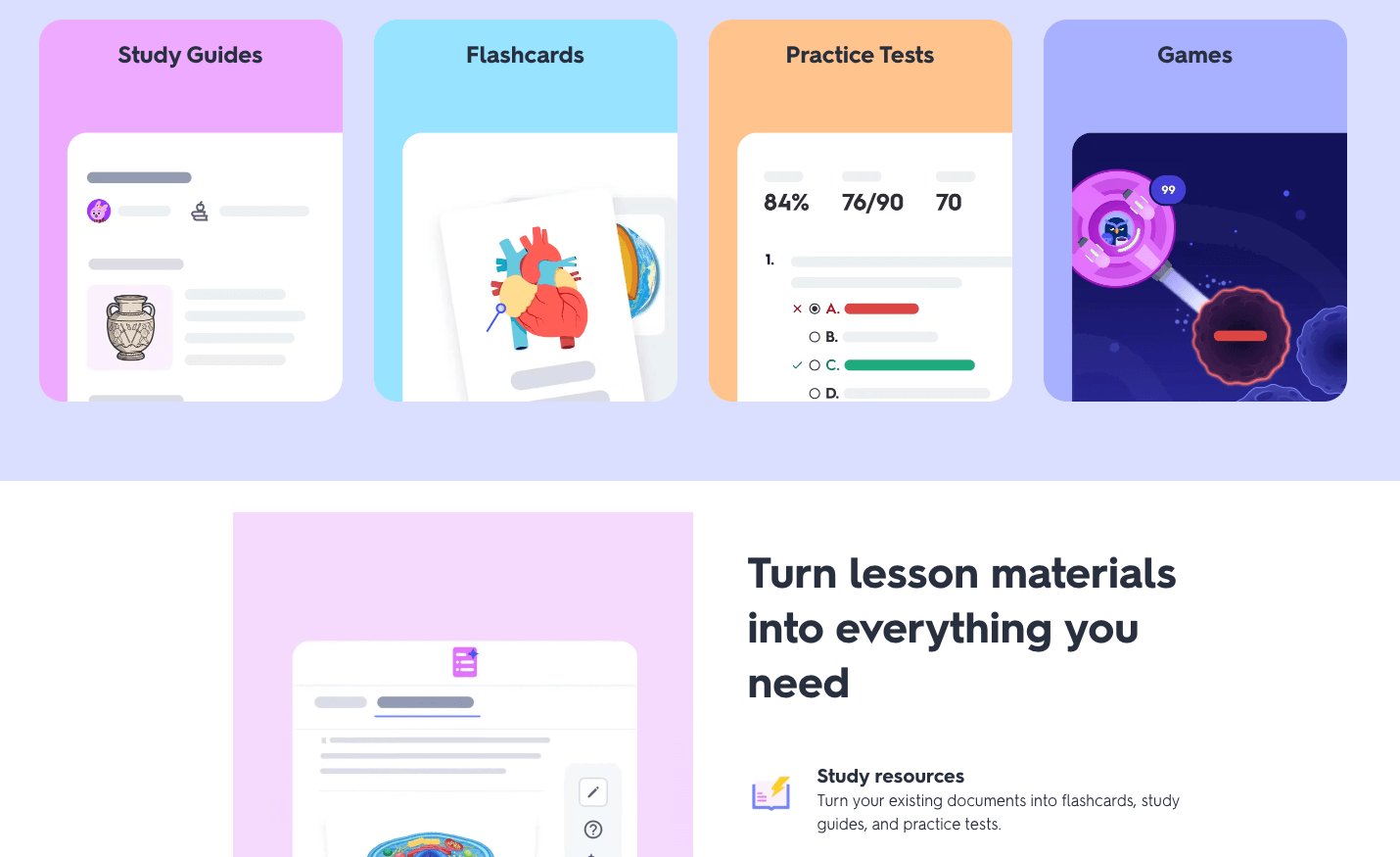
Quizlet enables students to study through interactive flashcards and quizzes. It allows teachers to create custom study sets and helps students master vocabulary, concepts, and other key learning objectives.
6. Coursera
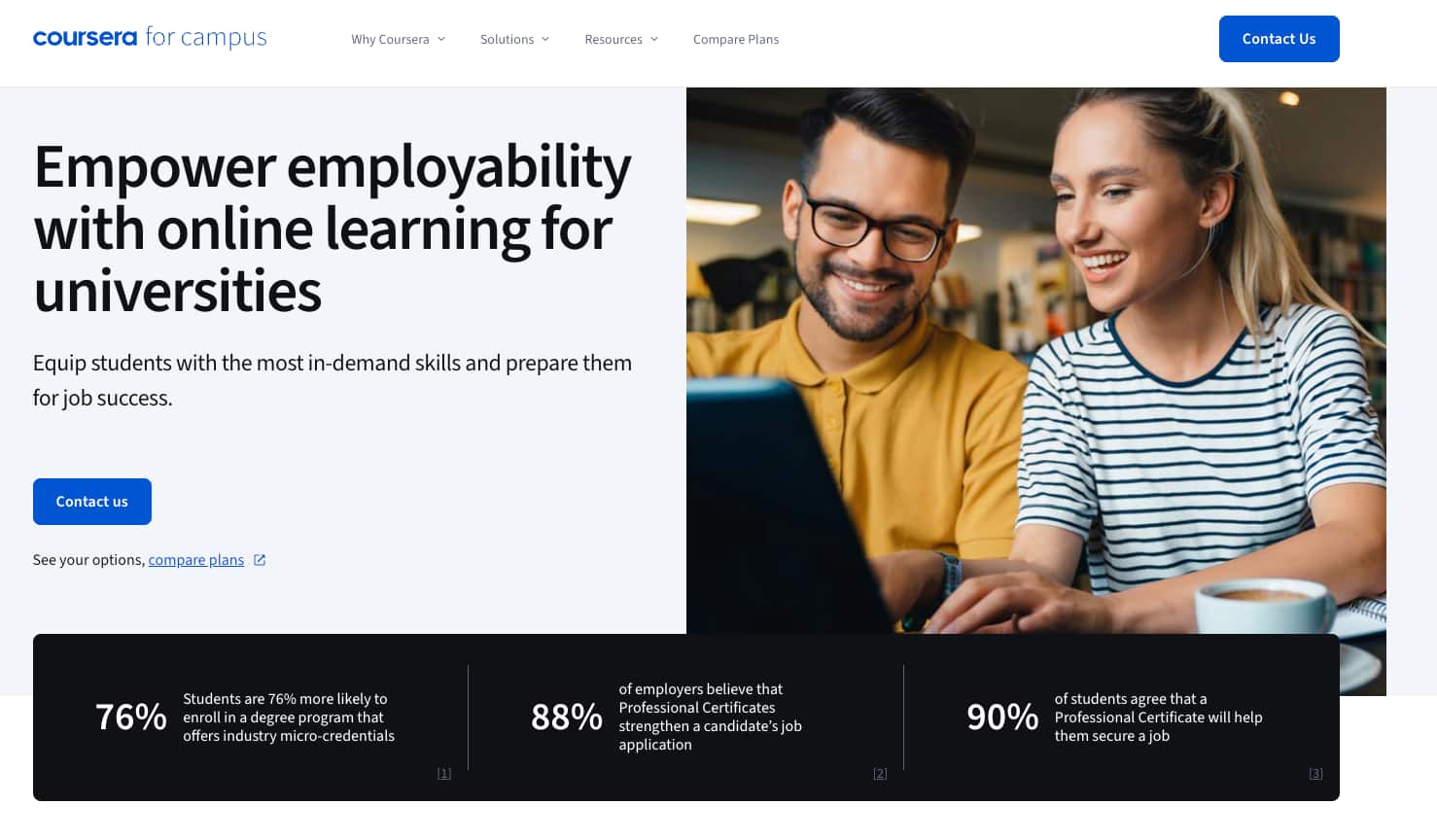
Coursera partners with top universities and organizations to offer online courses, certifications, and degrees. Interactive elements like peer discussions, quizzes, and hands-on assignments make it an engaging platform for students.
7. Seesaw
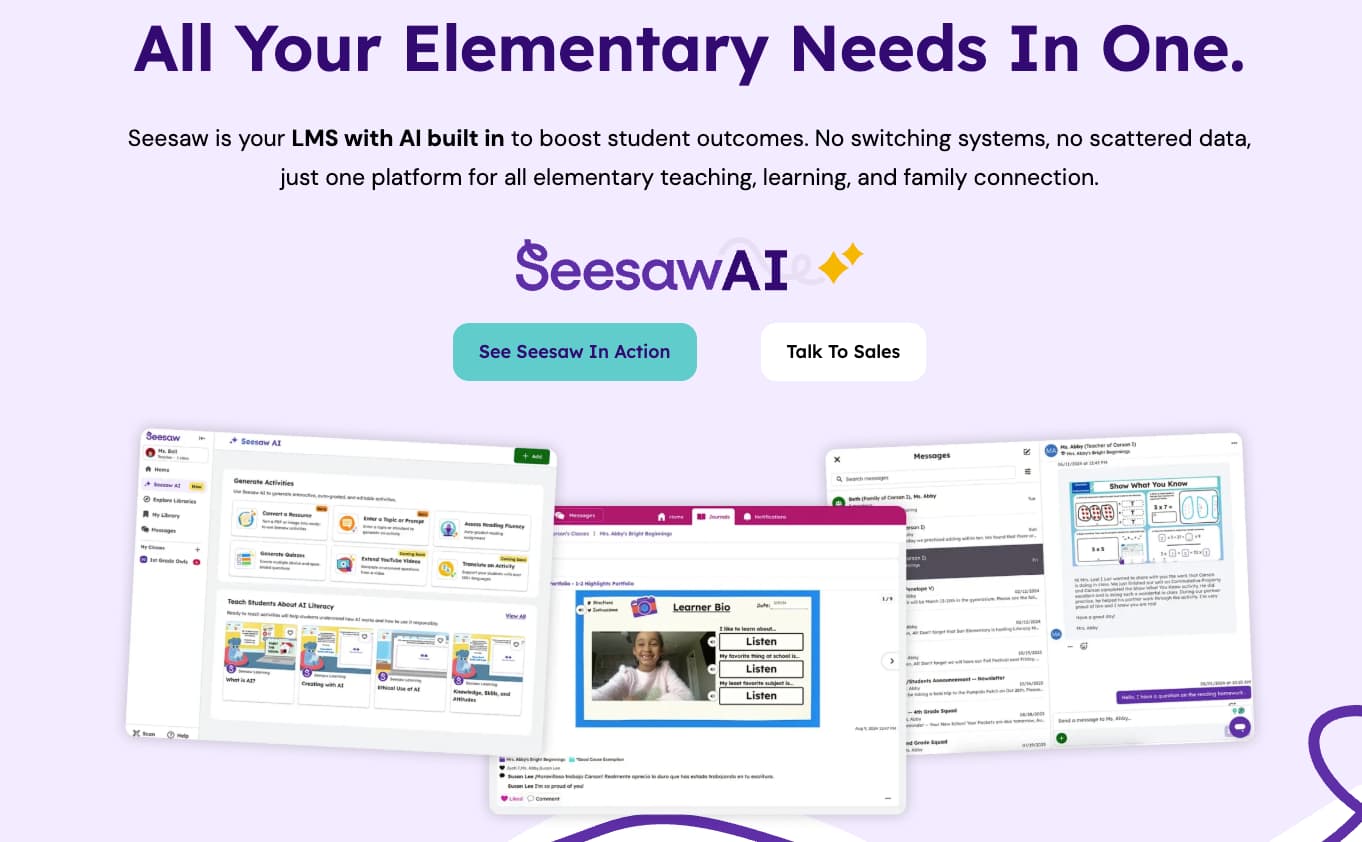
Seesaw is an interactive platform that allows students to document their learning, share their work, and collaborate with peers. It’s a great tool for young learners to develop digital portfolios and receive real-time feedback from teachers.
8. Edpuzzle
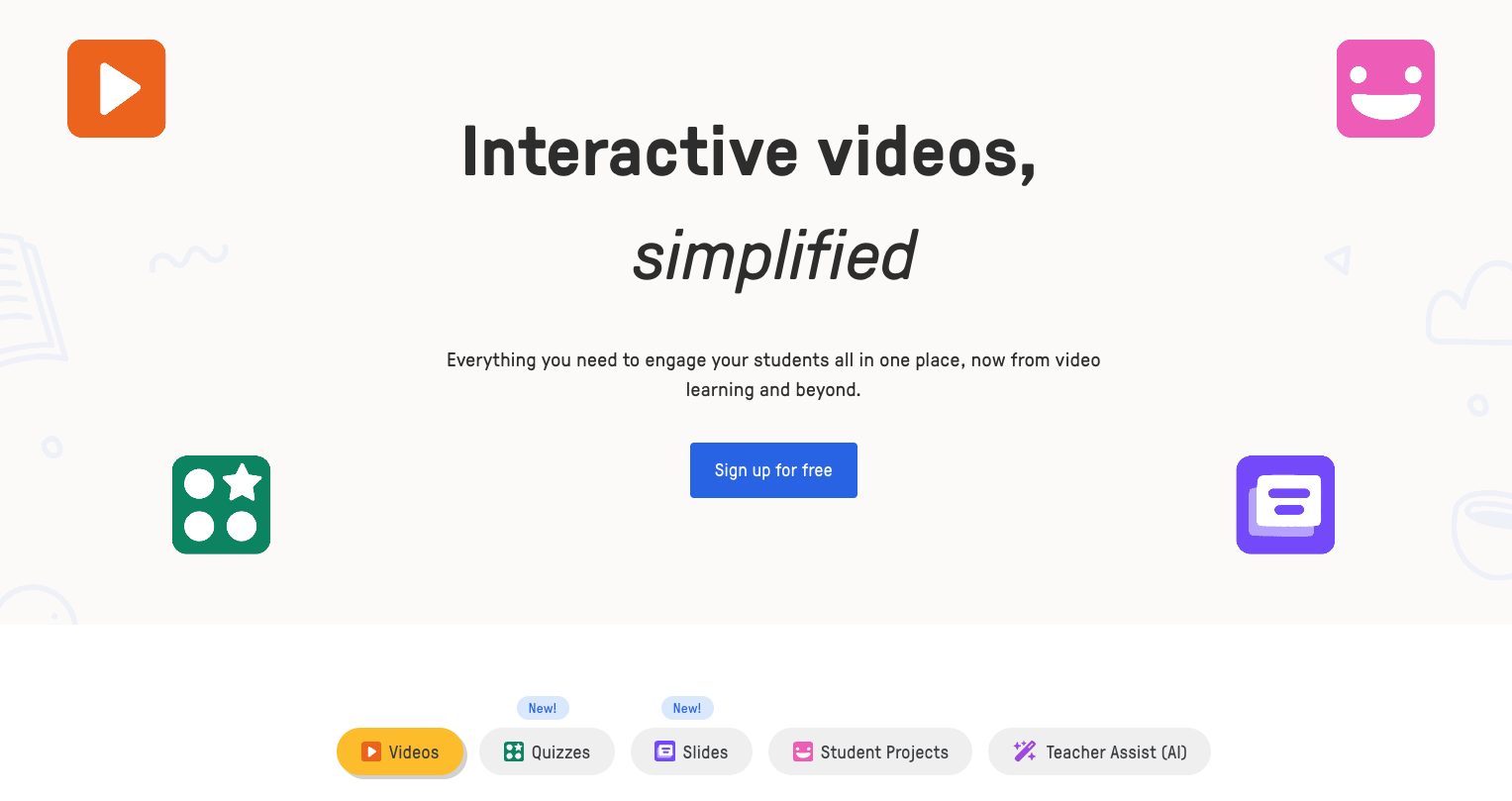
Edpuzzle is a video-based learning platform that allows teachers to add interactive elements like quizzes and notes to educational videos. It’s an excellent tool for flipping the classroom and enhancing video-based lessons.
Communication and collaboration tools
These tools help students and teachers communicate, collaborate, and work on group projects, no matter where they are located. Communication and collaboration tools foster engagement, creativity, and teamwork in both in-person and virtual settings.
1. Zoom

Zoom is a popular video conferencing tool that enables teachers to hold virtual classes, conduct one-on-one meetings, and facilitate group discussions. Its features include screen sharing, breakout rooms, and real-time chat.
2. Microsoft Teams
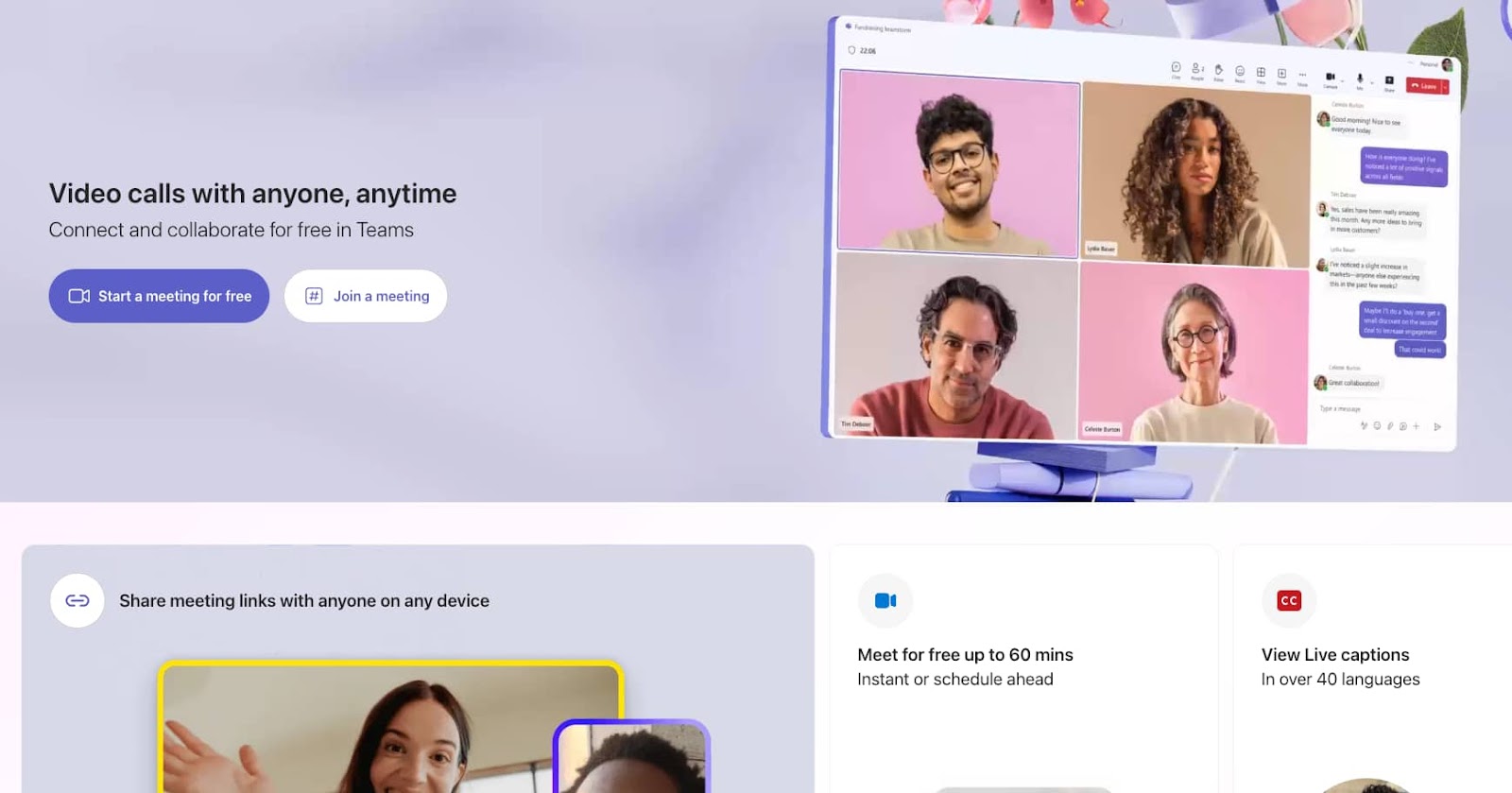
Microsoft Teams offers integrated features for chat, video calls, file sharing, and collaboration. It’s widely used for both remote work and education, providing students with a platform to collaborate on projects and assignments.
3. Slack
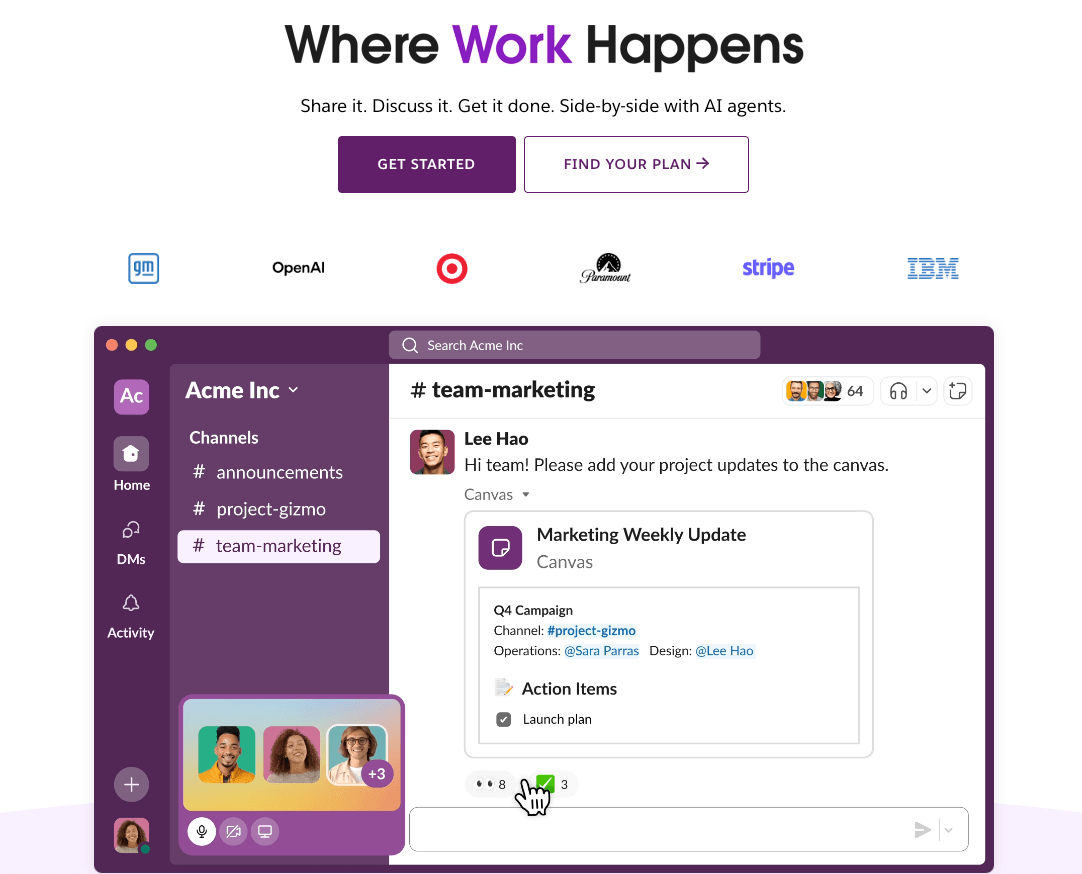
Slack is a team communication tool that facilitates messaging, file sharing, and collaboration. It’s particularly useful for group projects and discussions, allowing for organized communication across channels.
4. Google Meet
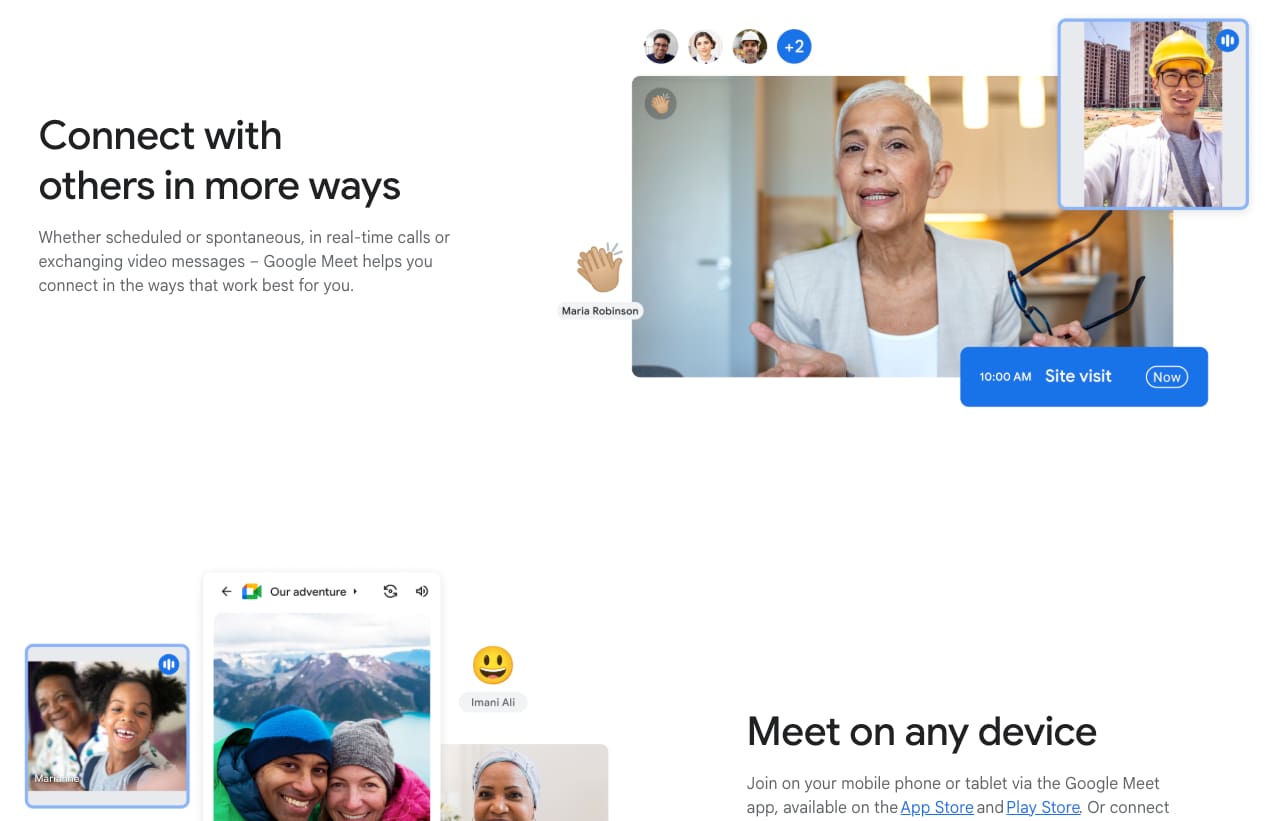
Google Meet provides secure video meetings for classrooms and meetings. Integrated with Google Workspace, it allows students and teachers to collaborate in real time using Google Docs, Sheets, and Slides.
5. Padlet
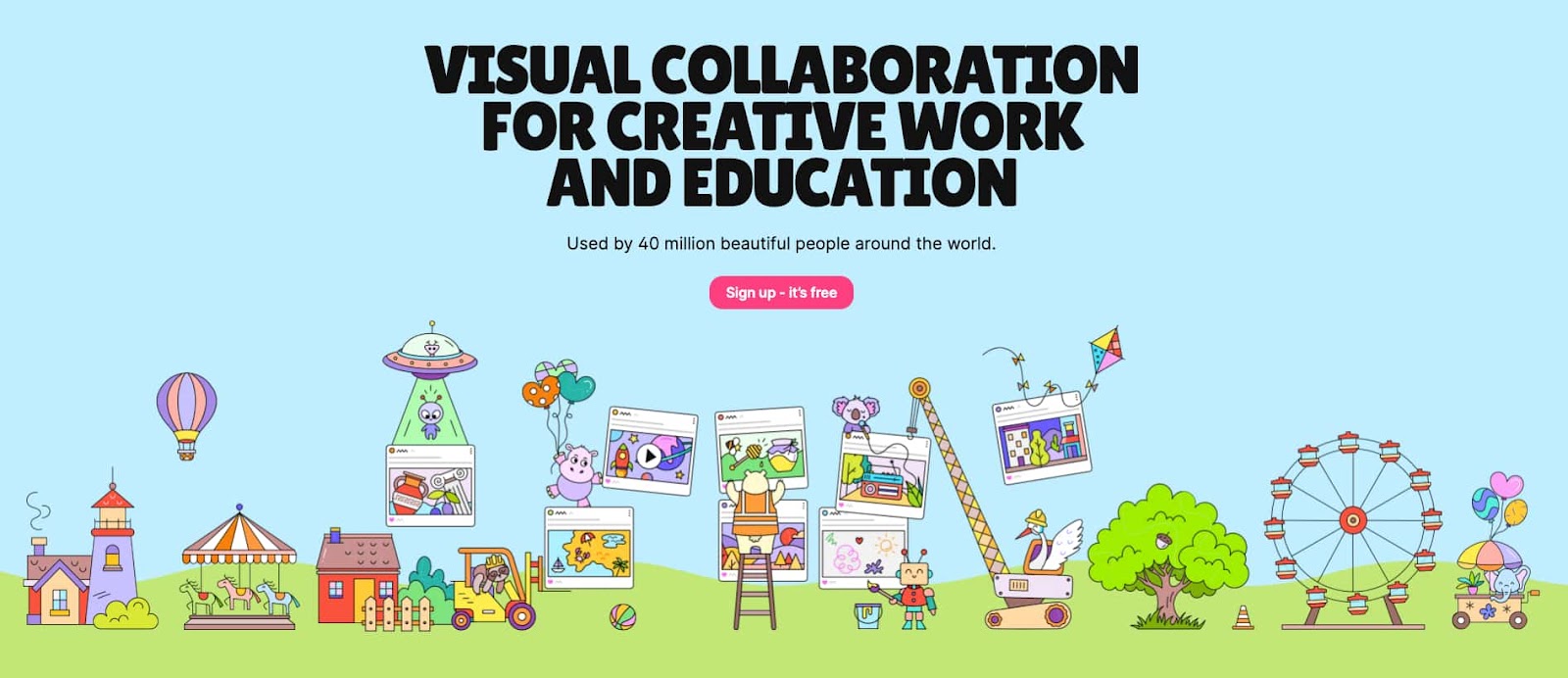
Padlet is a versatile collaboration tool where students can share ideas, post images, videos, and notes in an interactive board. It’s perfect for group brainstorming sessions and collaborative projects.
6. Trello
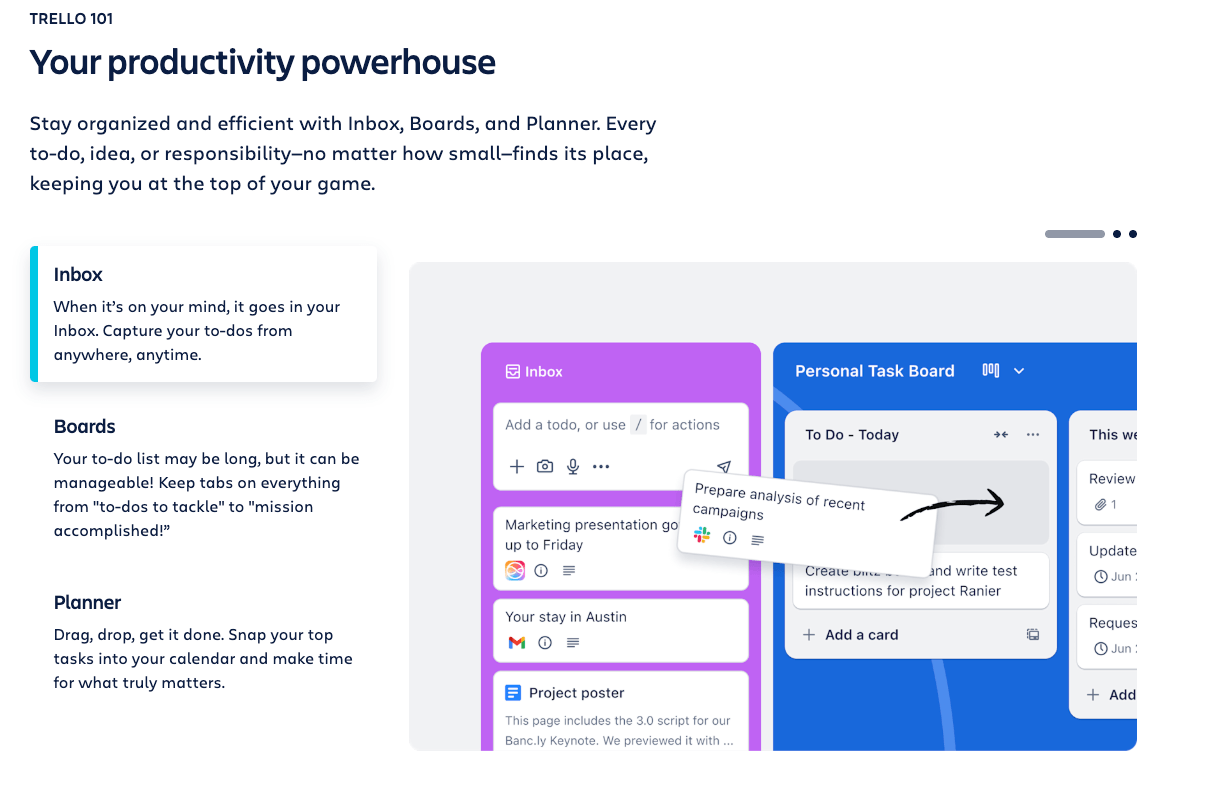
Trello is a project management tool that helps students and teachers organize tasks and track progress. It’s ideal for collaborative projects, allowing users to create boards, lists, and cards to stay organized.
Assessment and quiz tools
Assessment tools enable teachers to gauge student understanding, track progress, and provide timely feedback. These tools are crucial for helping students identify areas for improvement and promoting continuous learning.
1. Kahoot!
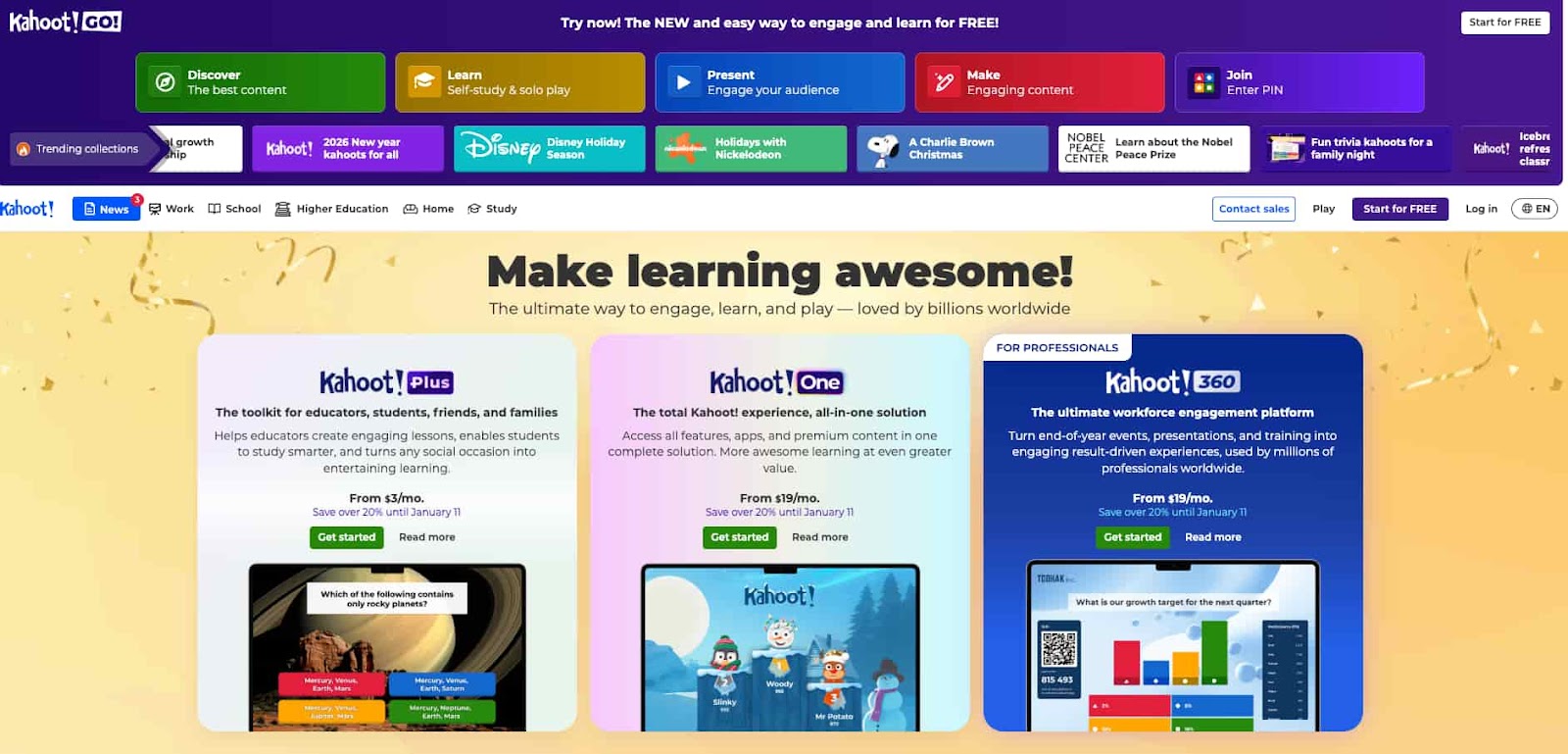
Kahoot! is a game-based learning platform that makes quizzes and surveys fun and interactive. Teachers can create custom quizzes, and students can play in real-time, earning points and competing with peers.
2. Worksheetzone’s Quiz Maker
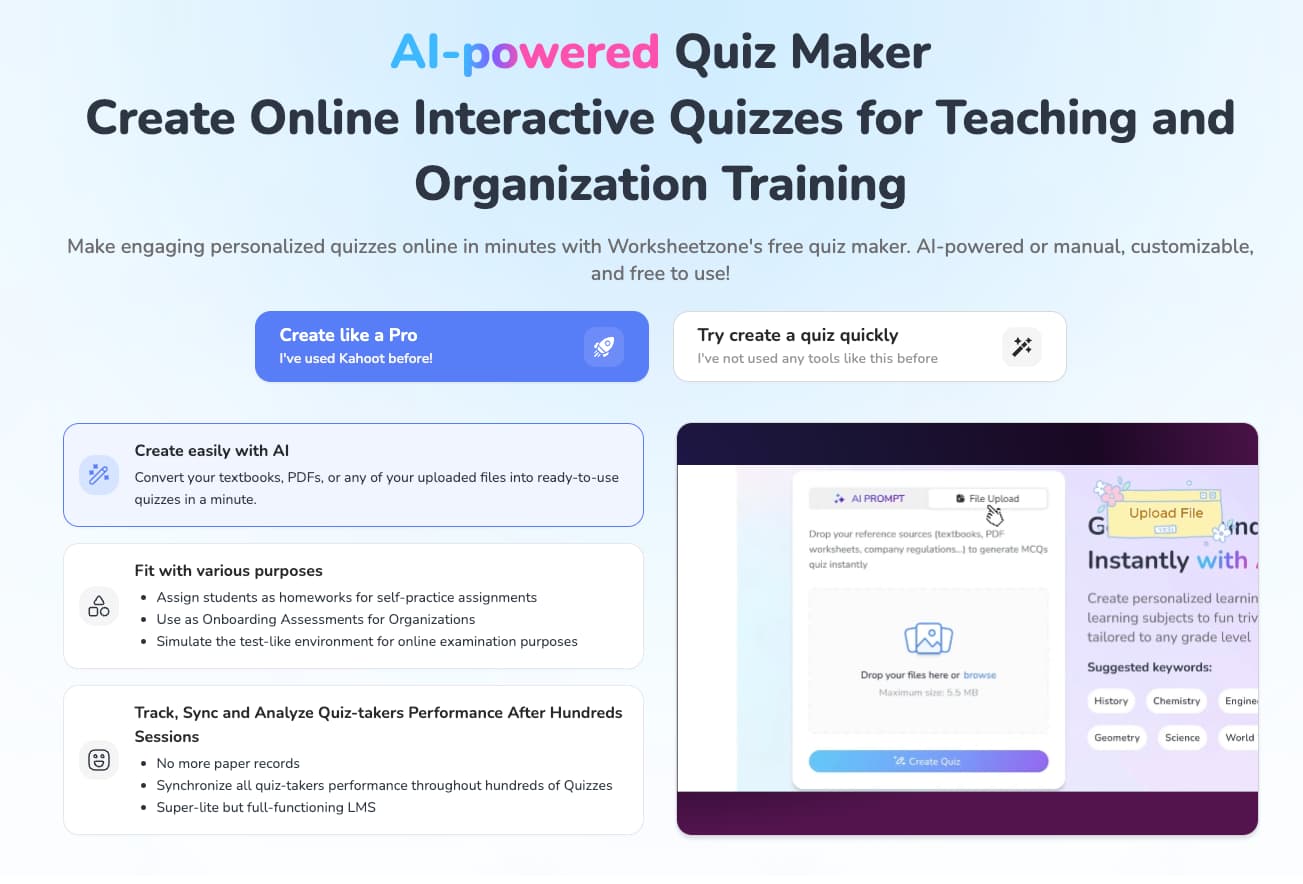
Worksheetzone’s Quiz Maker allows teachers to create customized quizzes with various question types and provides instant grading and analytics. This tool helps track student performance, identify improvement areas, and engage students effectively in both in-person and online settings.
3. Google Forms
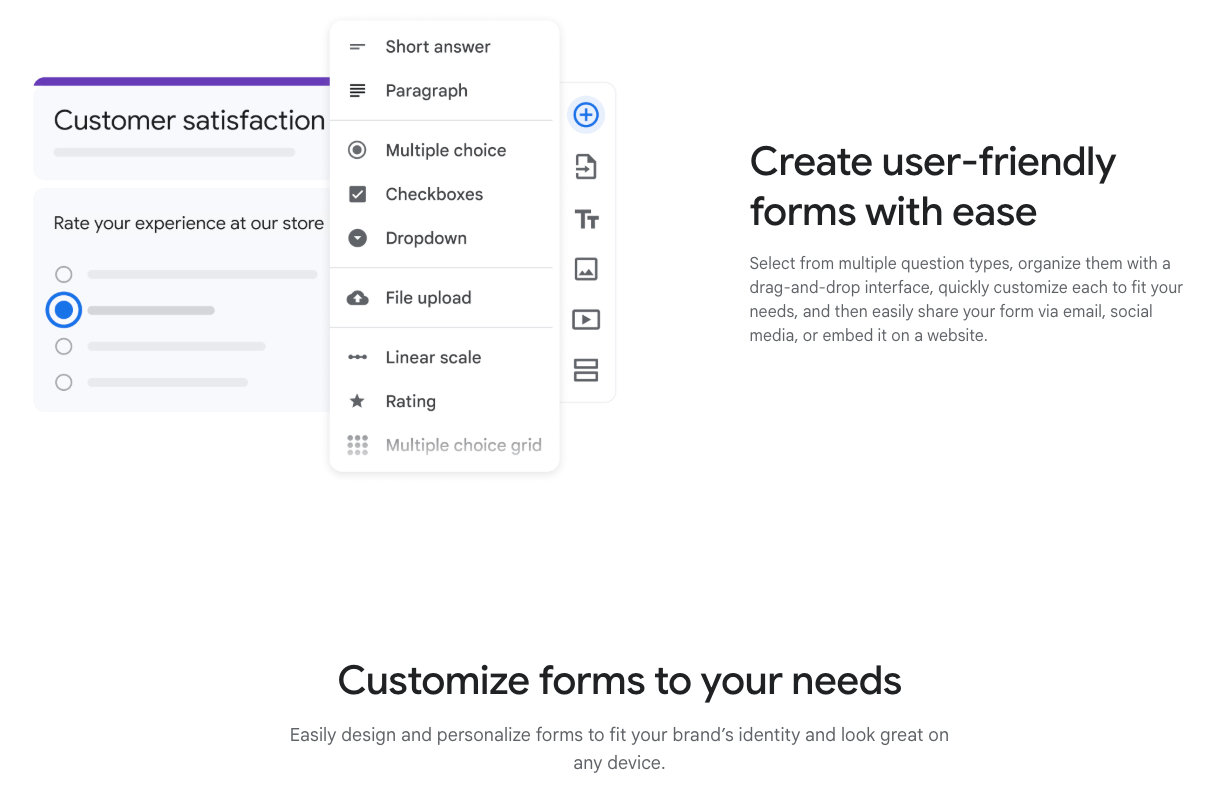
Google Forms is a simple yet powerful tool for creating surveys, quizzes, and assessments. Teachers can design custom quizzes with multiple-choice, short-answer, and other question types, and automatically collect responses.
4. Wayground

Wayground (formerly Quizizz) allows teachers to create engaging quizzes that students can complete at their own pace or live during class. It offers real-time feedback and analytics to help teachers assess student performance.
5. Socrative
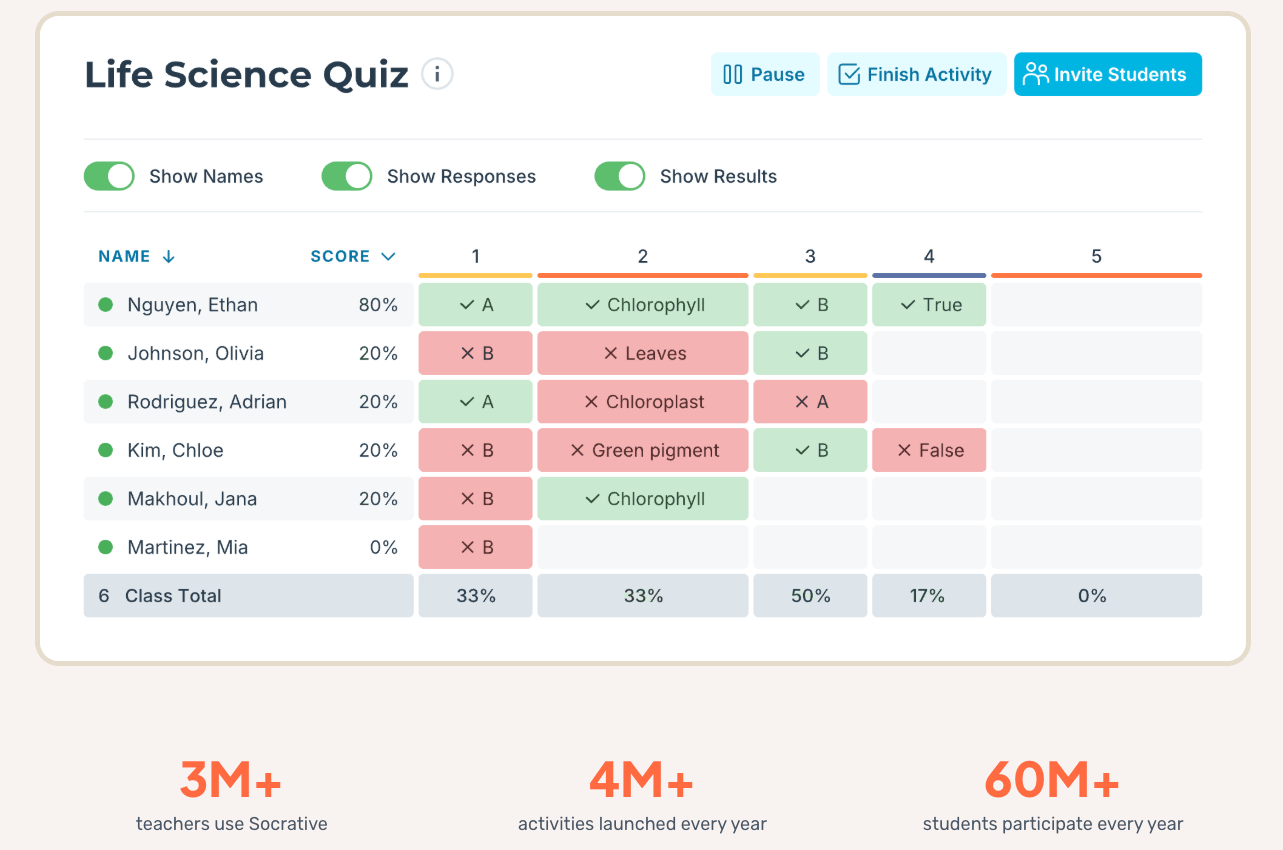
Socrative is an assessment tool that provides quizzes, polls, and instant feedback. It allows teachers to monitor students’ understanding in real-time and adjust lessons accordingly.
6. ProProfs Quiz Maker
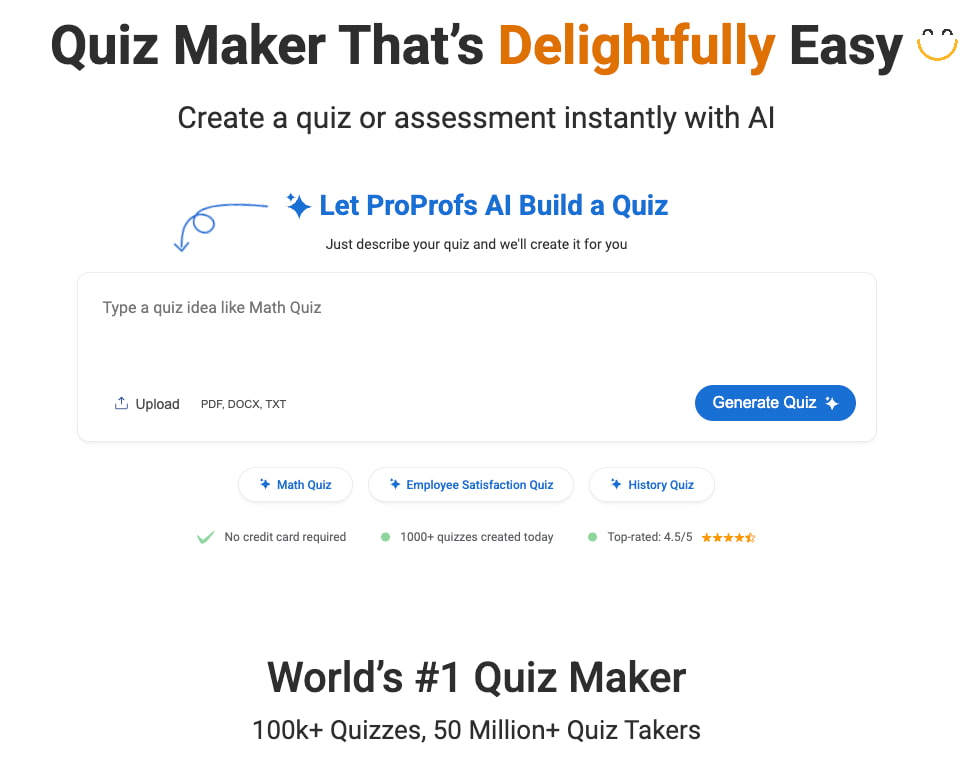
ProProfs offers a comprehensive quiz maker that allows teachers to create a variety of quizzes, including multiple-choice, true/false, and fill-in-the-blank questions. It provides instant grading and detailed analytics.
7. Poll Everywhere
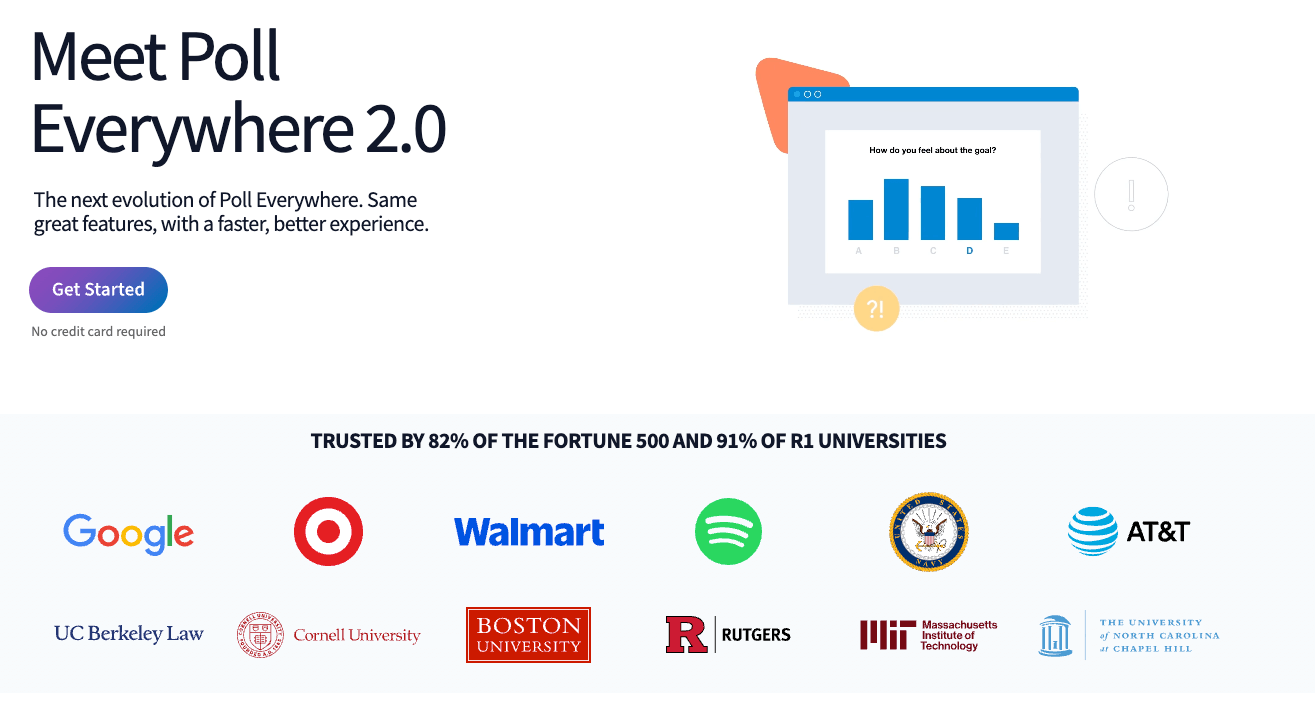
Poll Everywhere is an interactive tool that enables teachers to create live polls, quizzes, and surveys. Students can respond in real-time using their mobile devices, making it a great tool for classroom engagement and assessment.
Conclusion
Digital learning tools are revolutionizing education by making learning more interactive, personalized, and accessible. These tools enhance the teaching experience, foster student engagement, and provide valuable insights through assessments and feedback. As technology continues to advance, digital learning tools will play an even more significant role in shaping the future of education, offering flexible learning options and improving educational outcomes for students across all learning environments. The integration of these tools is key to adapting education to the needs of today’s digital age.


