


























Views
Plays

Unit 7 Web Design Worksheet | Grade 5 Essential Guide
Paste this activity's link or code into your existing LMS (Google Classroom, Canvas, Teams, Schoology, Moodle, etc.).
Students can open and work on the activity right away, with no student login required.
You'll still be able to track student progress and results from your teacher account.
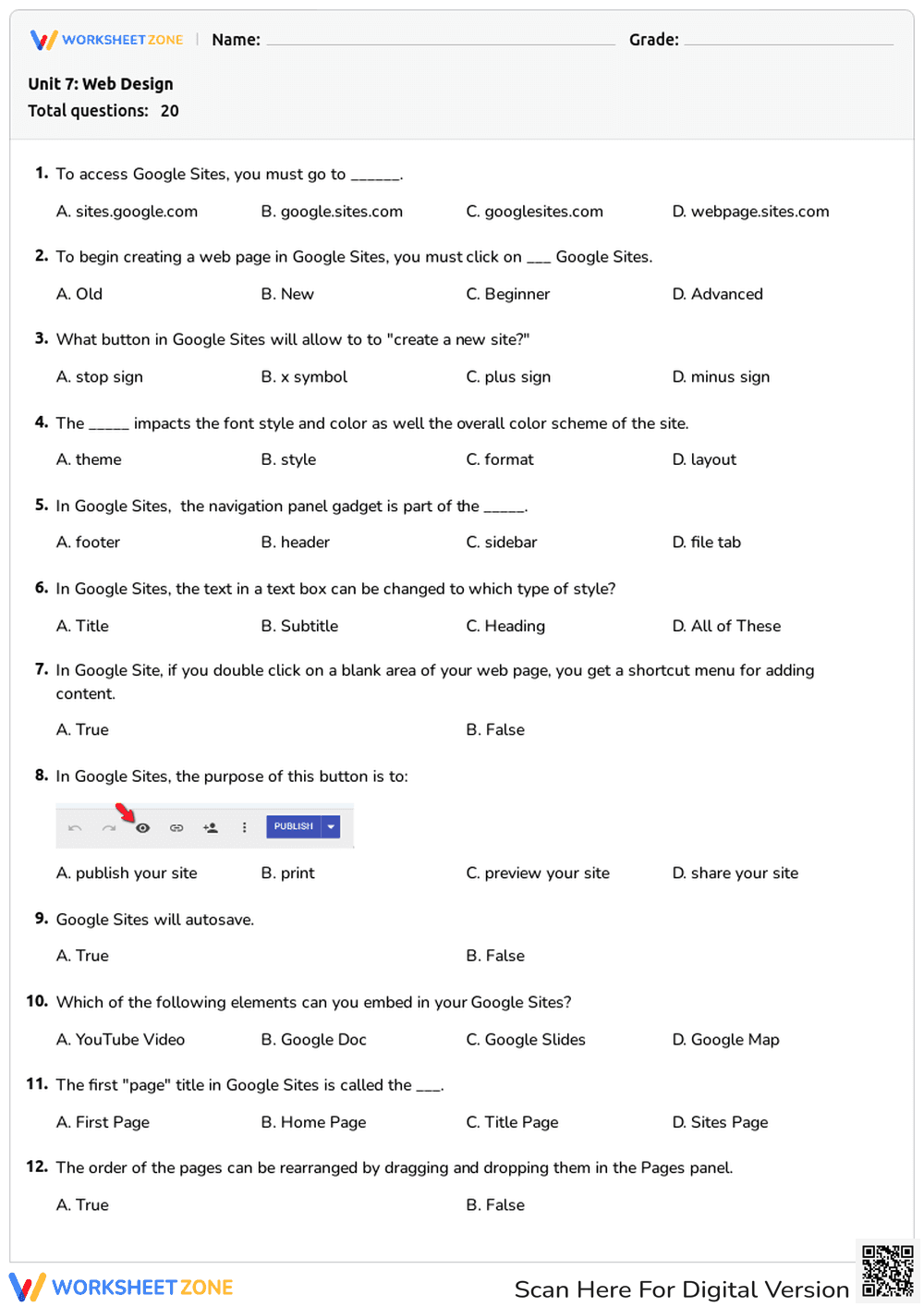
This Grade 5 web design worksheet provides students with a comprehensive review of Google Sites, focusing on practical interface knowledge and publishing workflows. By identifying specific buttons and menu functions, learners demonstrate their ability to use technology for digital creation. This resource ensures students understand how to structure and share information effectively in a modern online environment.
At a Glance
- Grade: 5 · Subject: Technology
- Standard:
CCSS.ELA-LITERACY.W.5.6— Use technology to produce and publish writing and interact with others- Skill Focus: Google Sites Interface & Publishing
- Format: 3 pages · 20 problems · Answer key included · PDF
- Best For: End-of-unit assessment or computer lab quiz
- Time: 30–45 minutes
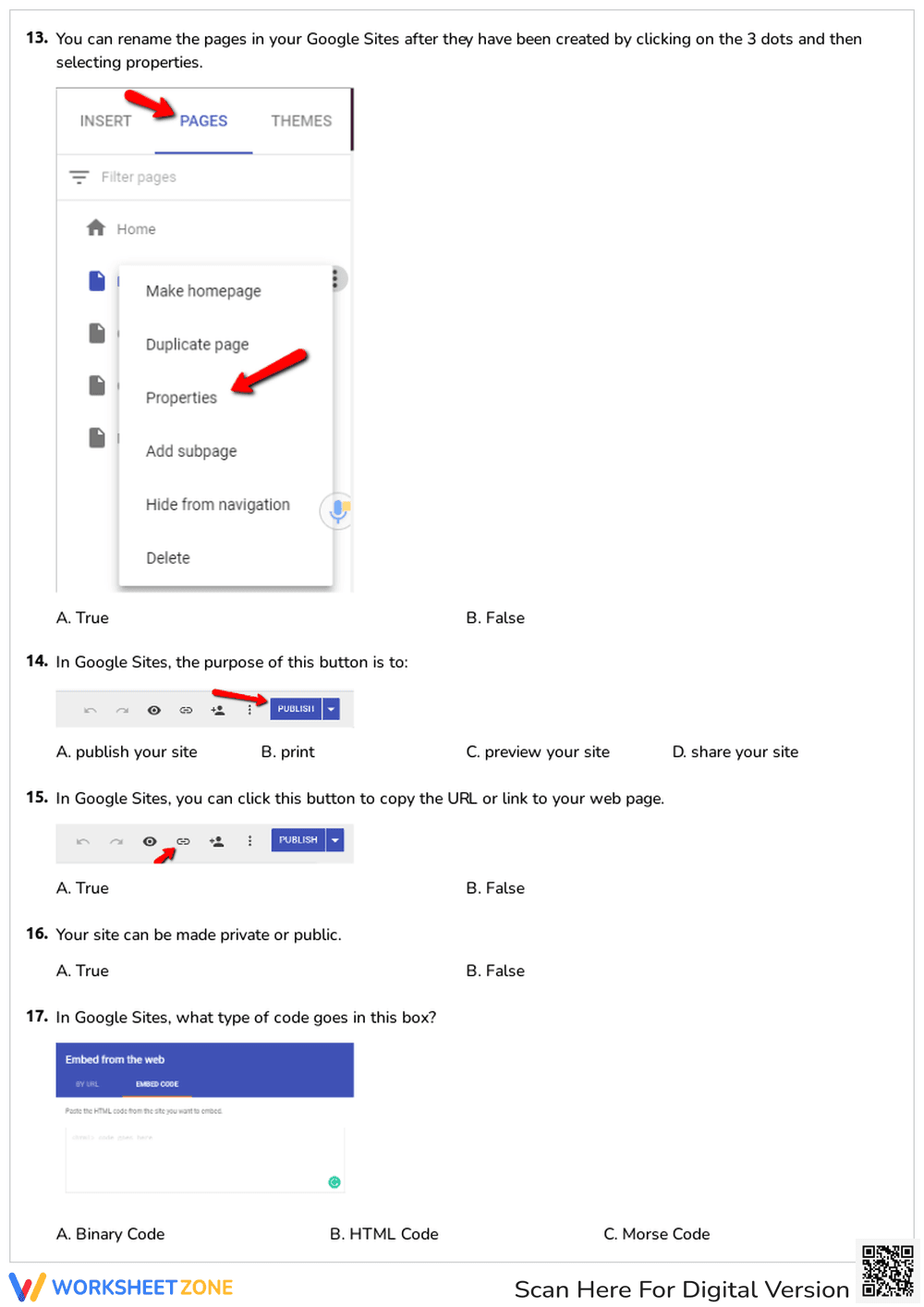
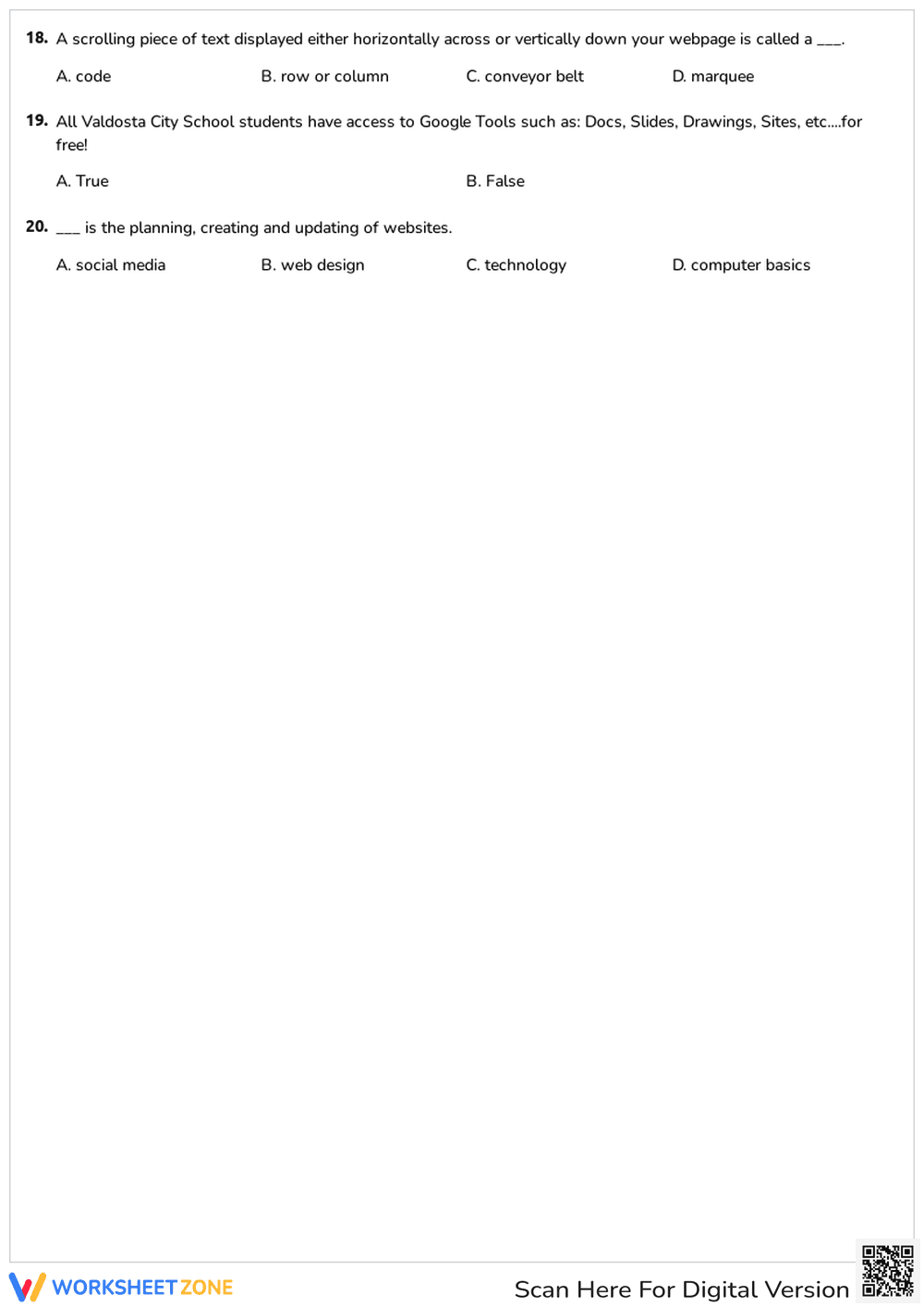
Inside this three-page assessment, you will find 20 targeted questions that span the entire Google Sites ecosystem. The worksheet utilizes a mix of multiple-choice and true/false formats to test student recall of navigation panels, theme selection, and content embedding. Visual cues, such as screenshots of the Google Sites toolbar, are included to help students connect abstract concepts to the actual software interface they use during lab time.
Zero-Prep Workflow
- Print: Generate copies for your entire class in less than 1 minute using the high-resolution PDF format.
- Distribute: Hand out the three-page packets at the start of your technology block; no additional software login is required for this paper-based check.
- Review: Use the provided answer key to grade all 20 questions in under 5 minutes, or project the key for immediate student self-correction.
This streamlined approach makes the worksheet an ideal choice for emergency sub plans or quick formative checks during a busy computer science unit.
This resource is aligned with CCSS.ELA-LITERACY.W.5.6, which requires students to use technology, including the Internet, to produce and publish writing. By mastering the technical aspects of Google Sites, students fulfill the requirement to interact and collaborate with others through digital platforms. This standard code can be copied directly into lesson plans, IEP goals, or district curriculum mapping tools.
To use this worksheet effectively, assign it as a summative quiz after students have spent at least three sessions building their own personal websites. It serves as an excellent tool for identifying which students struggle with the technical vocabulary of web design. Expect most students to complete the 20 questions within a 35-minute window, allowing for a brief discussion of the answers before the period ends.
This material is designed for upper elementary students in Grades 4 and 5 who are beginning their journey into digital citizenship and content creation. It pairs naturally with a live demonstration of Google Sites or a printed anchor chart showing common toolbar icons. The clear font and structured layout support students who benefit from predictable assessment formats.
According to the RAND AIRS 2024 report, explicit instruction in digital tool navigation significantly improves student confidence when transitioning between different software platforms. This worksheet reinforces that technical literacy by requiring students to identify specific UI elements like the plus sign for site creation and the sidebar for navigation gadgets. By formalizing the vocabulary of web design through 20 structured tasks, educators provide the scaffolding necessary for students to move from passive consumers to active creators. The alignment with CCSS.ELA-LITERACY.W.5.6 ensures that these technical skills are grounded in broader literacy goals, specifically the ability to publish and share work with a global audience. Research from Fisher & Frey (2014) suggests that checking for understanding through targeted quizzes helps solidify the procedural knowledge required for complex tasks like website maintenance. This resource provides that essential check, ensuring students are ready for independent digital projects.


