


























Views
Plays

Multimedia Essentials PowerPoint Quiz | Grade 5 Ready
Paste this activity's link or code into your existing LMS (Google Classroom, Canvas, Teams, Schoology, Moodle, etc.).
Students can open and work on the activity right away, with no student login required.
You'll still be able to track student progress and results from your teacher account.
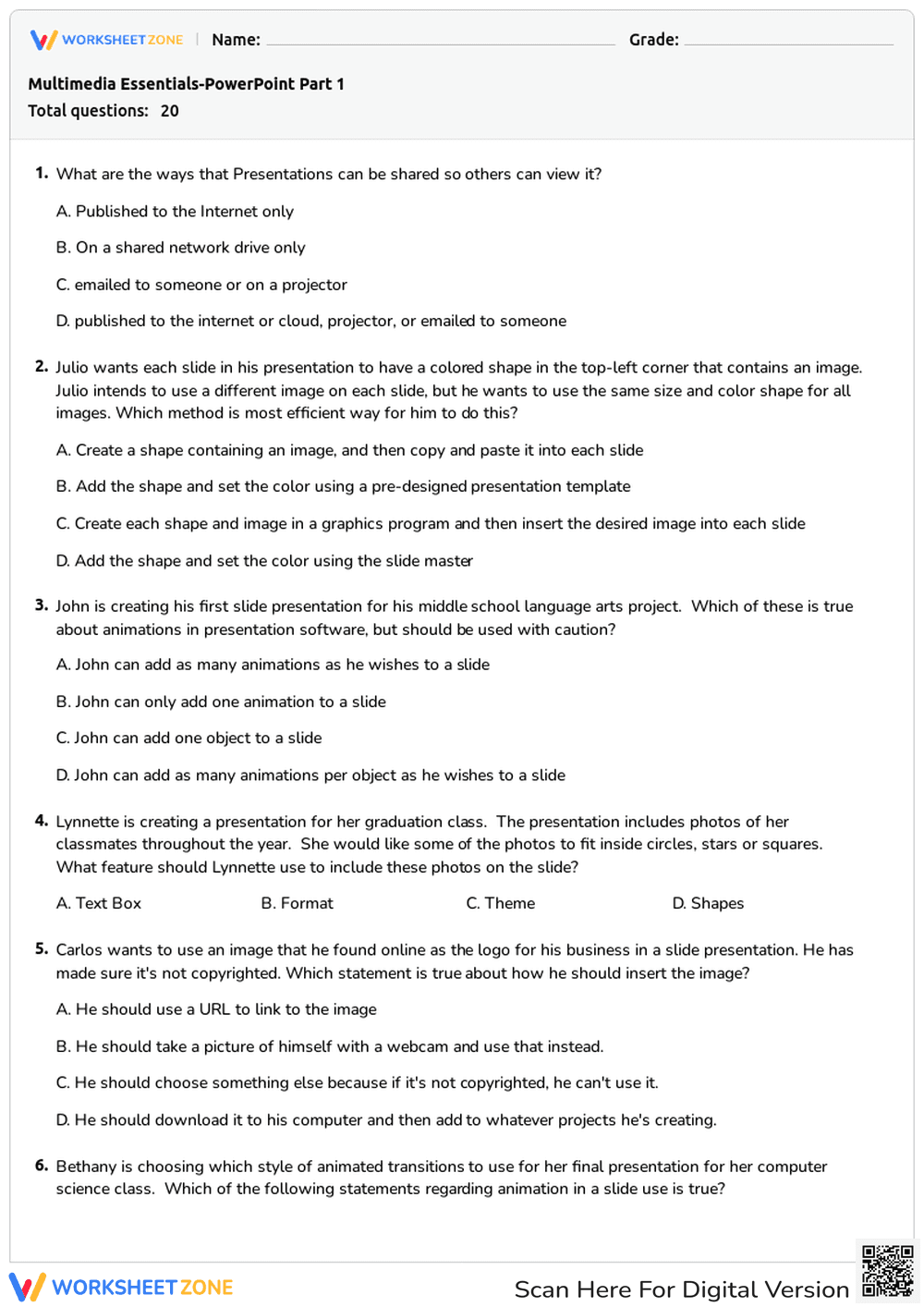
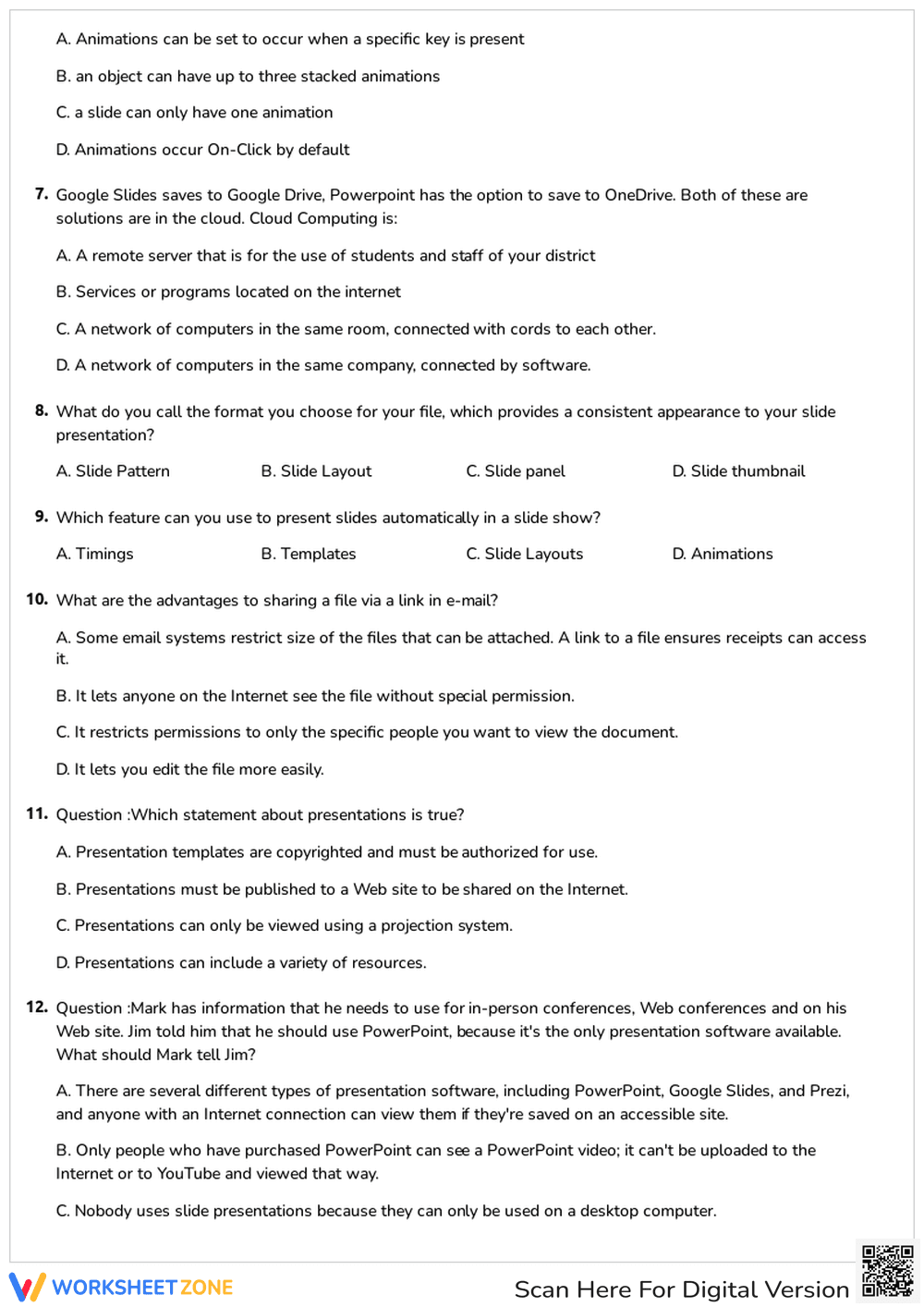
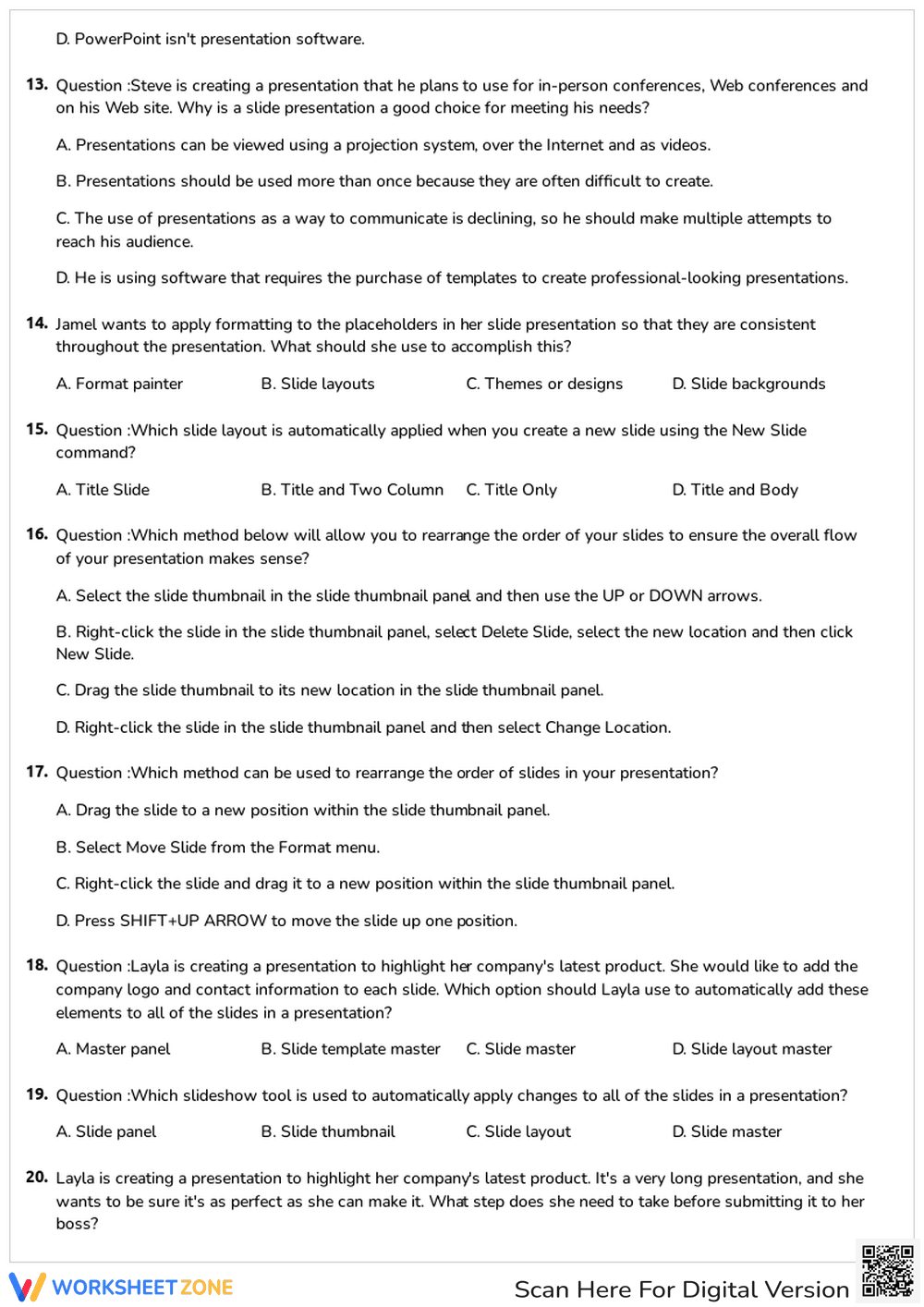
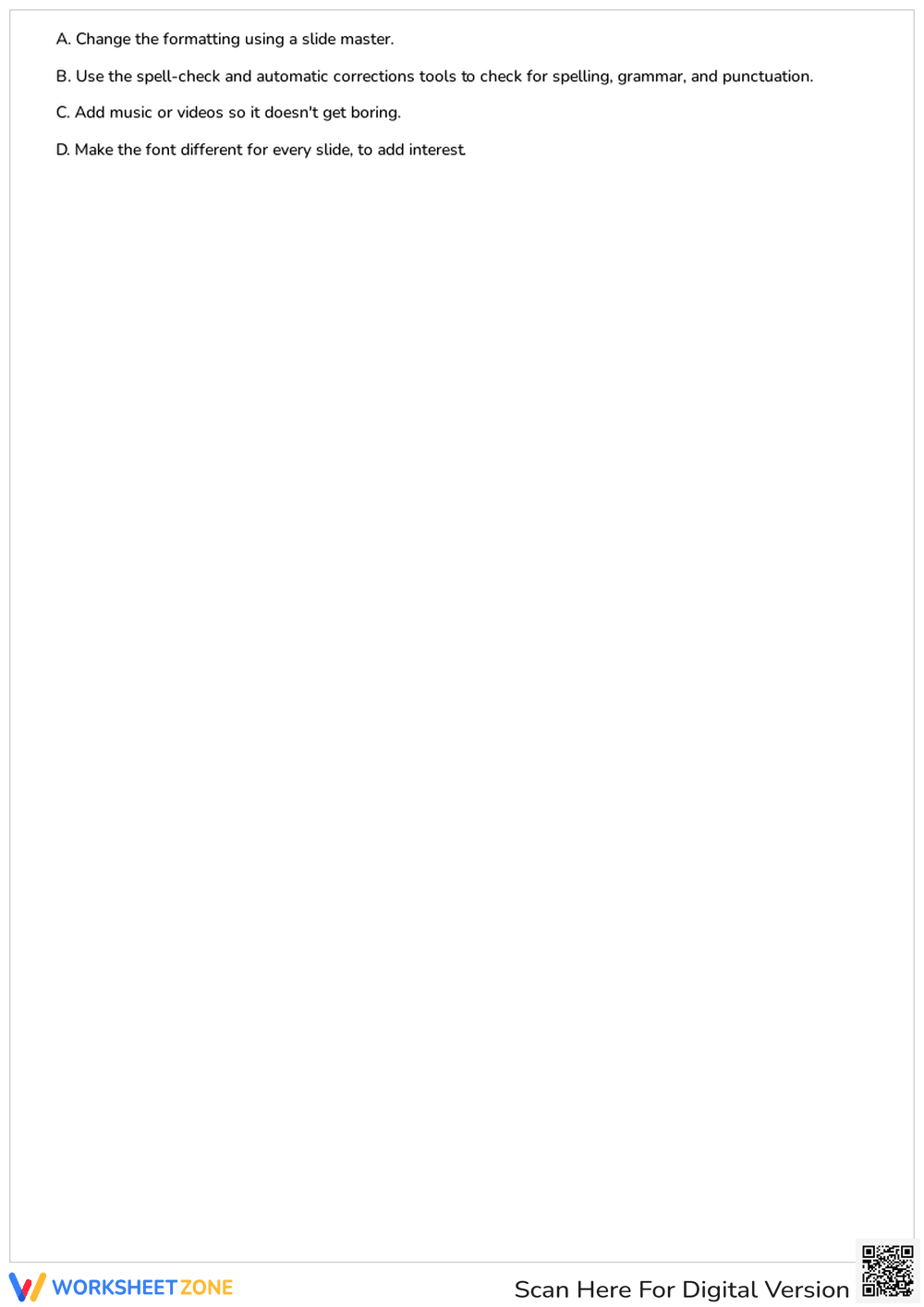
This Grade 5 multimedia essentials worksheet evaluates student understanding of presentation software through 20 targeted multiple-choice questions. Students demonstrate mastery of slide layouts, animations, and cloud-based collaboration. By identifying correct technical procedures, learners solidify their ability to produce professional digital content for classroom projects and future career readiness.
At a Glance
- Grade: 5 · Subject: Computer Science
- Standard:
CCSS.ELA-LITERACY.W.5.6— Use technology to produce and publish writing and interact with others- Skill Focus: Presentation Software Mastery
- Format: 4 pages · 20 problems · Answer key included · PDF
- Best For: Summative assessment or sub plans
- Time: 25–35 minutes
What's Inside: This comprehensive 4-page assessment features 20 multiple-choice questions covering the full spectrum of presentation design. Key topics include the use of Slide Masters for consistency, the ethical use of online images, cloud computing definitions, and effective animation techniques. The layout is clean and professional, providing ample space for student responses and easy grading for the instructor with the included answer key.
Zero-Prep Workflow: This resource is designed for immediate classroom implementation with a total teacher prep time of under 2 minutes. First, print the 4-page PDF for your class (1 minute). Next, distribute the assessment to students as a quiet, independent activity (30 seconds). Finally, use the included answer key to review results or facilitate a peer-grading session to reinforce technical vocabulary (15 minutes). It is an ideal solution for emergency sub plans or end-of-unit testing.
Standards Alignment: The primary focus is `CCSS.ELA-LITERACY.W.5.6`: "With some guidance and support from adults, use technology, including the Internet, to produce and publish writing as well as to interact and collaborate with others." This worksheet specifically tests the technical knowledge required to meet this standard effectively. Both standard codes can be copied directly into lesson plans, IEP goals, or district curriculum mapping tools.
How to Use It: Use this worksheet as a summative assessment at the conclusion of a multimedia unit to gauge individual student proficiency. Alternatively, assign it as a pre-test before starting a major slide-deck project to identify specific knowledge gaps in areas like Slide Master usage or cloud storage. Expect students to complete the 20 questions within 30 minutes, followed by a brief formative discussion on digital citizenship.
Who It's For: This resource is ideal for upper elementary and middle school students (Grades 4-6) beginning their journey into digital literacy. It serves as an excellent companion to direct instruction on Microsoft PowerPoint or Google Slides. It is particularly useful for technology teachers, media specialists, or general education teachers looking for a structured way to verify computer science competencies.
The Multimedia Essentials PowerPoint Part 1 assessment provides a rigorous framework for evaluating digital literacy in the middle grades. By focusing on 20 critical competencies—ranging from Slide Master application to cloud-based file management—the worksheet aligns with the technical demands of CCSS.ELA-LITERACY.W.5.6. Research from EdReports (2024) emphasizes that high-quality instructional materials in technology must move beyond basic button-pushing to address the conceptual understanding of digital ecosystems. This assessment achieves that by requiring students to analyze scenarios involving copyright, animation caution, and collaborative sharing. Such structured evaluation ensures that students are not merely users of technology but informed creators capable of producing professional-grade multimedia. The inclusion of specific technical vocabulary and real-world application scenarios supports the gradual release of responsibility model, providing teachers with clear evidence of student mastery before moving toward independent project-based learning in complex digital environments.


