




















Tools for teaching have become essential in modern classrooms, helping educators create more engaging, organized, and effective learning experiences. From traditional classroom resources to digital and interactive platforms, the right tools can support different teaching styles and learning needs. As education continues to evolve, teachers must balance proven methods with innovative technology to keep students motivated and involved. This article explores essential teaching tools and explains how they enhance instruction, improve classroom management, and support better learning outcomes.
Traditional tools for teaching
Traditional teaching tools have long been the backbone of classrooms, helping teachers facilitate lessons and create a structured environment. These tools remain fundamental in the educational process because they offer reliable, low-tech ways to visualize concepts. According to research from the National Education Association (NEA), the physical act of writing on a board helps students focus and improves information recall.
Worksheetzone supports these methods by providing a variety of coloring pages and printable worksheets that pair perfectly with traditional instruction. Most of these tools take minimal setup and satisfy national standards for clear, direct instruction.
Blackboard (or whiteboard)

The blackboard or whiteboard remains a core tool in most classrooms, offering a large space for teachers to write, draw, and explain key concepts. This visual aid helps students focus on the material being taught and reinforces learning through written demonstrations. It’s especially effective for illustrating complex ideas, making it easier for students to follow along and retain information.
Chalk and markers

While blackboards and whiteboards are used to write, chalk and markers are the tools that make the writing possible. Whether it’s chalk for blackboards or dry-erase markers for whiteboards, these simple tools are essential for daily classroom activities. They allow teachers to illustrate, annotate, and organize lessons clearly and effectively. The act of writing by hand also engages students, making it easier for them to absorb and retain the information being presented.
Flashcards and posters
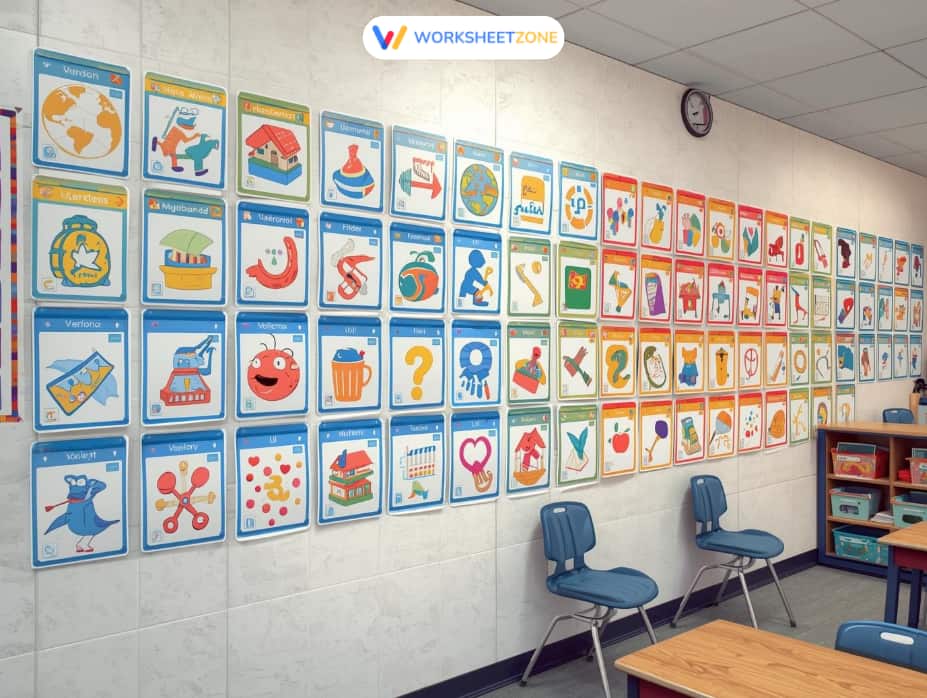
Flashcards and posters are versatile visual aids that help students memorize key concepts, vocabulary, and facts. Flashcards are particularly effective for quick review sessions and helping students actively recall information. Posters, on the other hand, serve as constant visual references, reinforcing learning throughout the day and providing students with visual cues to support memory retention.
Calculator
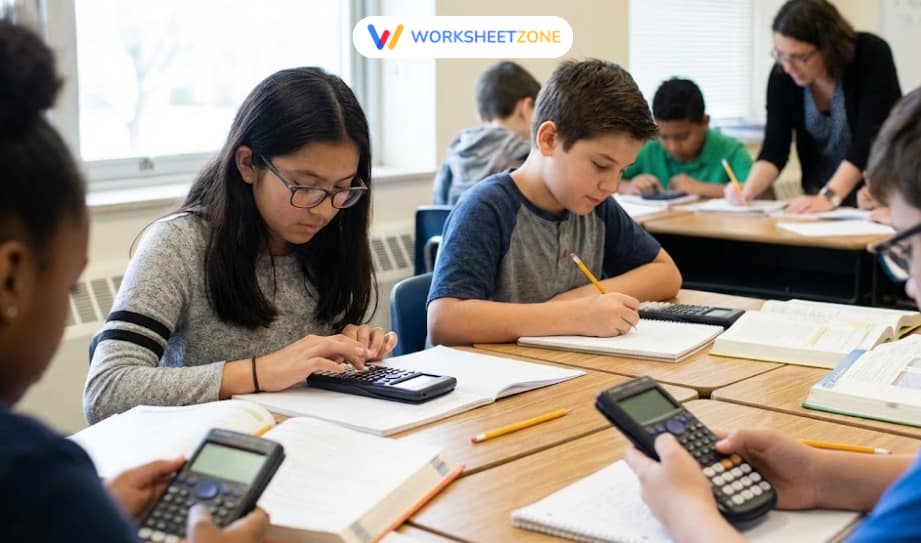
A calculator is a vital tool, especially in mathematics, where students can perform complex calculations quickly. It allows students to focus on problem-solving and understanding concepts rather than getting bogged down in the mechanics of basic arithmetic. This tool helps streamline the learning process, especially in subjects that require frequent calculations, such as algebra and geometry.
Projector
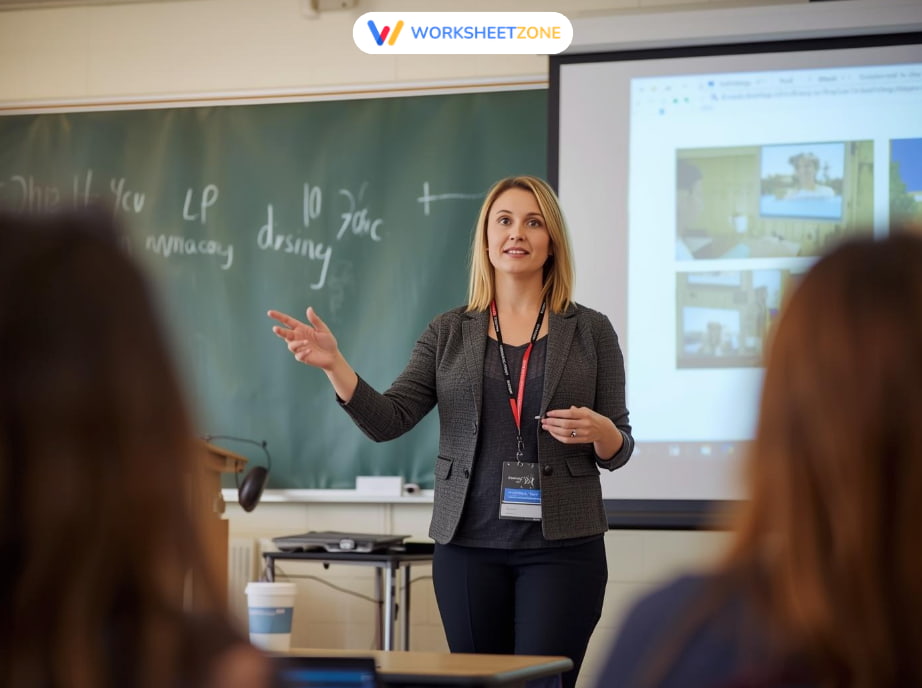
A projector enables teachers to share multimedia content, such as presentations, videos, and images, with the entire class. This tool enhances lessons by providing visual and auditory stimuli, making the material more engaging and accessible. It’s particularly useful for subjects that benefit from visual aids, such as science or history, allowing students to grasp concepts more easily.
Tablet / Laptop

Tablets and laptops have become essential in modern classrooms, offering students the ability to access digital learning resources, complete assignments, and engage with interactive content. These devices enable personalized learning, as students can work at their own pace and explore a wide range of resources. They also help teachers manage classroom activities, assign tasks, and provide real-time feedback more efficiently.
Spreadsheets for organization

Spreadsheets are invaluable for organizing and managing classroom tasks, such as grading, attendance, and schedules. They allow teachers to easily track student progress, analyze data, and plan lessons. With tools like Excel or Google Sheets, teachers can streamline administrative tasks, saving time and ensuring that everything is organized and accessible.
Essential digital & interactive tools for teaching
Digital tools are becoming indispensable for streamlining administrative tasks and engaging students in innovative ways. In a classroom setting, these platforms work best when they allow for real-time collaboration and instant feedback. Research shared by ISTE suggests that technology-enhanced learning environments improve student agency and digital literacy skills.
Worksheetzone supports this transition with its comprehensive Classroom Management tools. Most of these digital applications take 5–10 minutes to implement and satisfy national standards for tech-integrated pedagogy.
Learning Management Systems (LMS)

Learning Management Systems (LMS) like Worksheetzone’s Classroom Management, Google Classroom, and Canvas allow teachers to organize lessons, assignments, and assessments in one place. These platforms streamline communication, ensure easy access to materials, and help track student progress. With LMS tools, teachers can automate administrative tasks and create structured lesson plans.
For example, Worksheetzone’s Classroom Management is an intuitive platform that enables teachers to easily create assignments using the Interactive Worksheet Maker. It offers interactive quizzes and real-time feedback, helping teachers track student progress efficiently.
Video conferencing & remote learning tools

Video conferencing tools such as Zoom, Google Meet, and Microsoft Teams are essential for virtual or hybrid learning environments. They allow teachers to host live sessions, participate in real-time discussions, and engage students virtually. Features like breakout rooms, screen sharing, and interactive whiteboards make it easy for teachers to create dynamic lessons that keep students engaged, even in a virtual setting.
Assessment & quiz tools
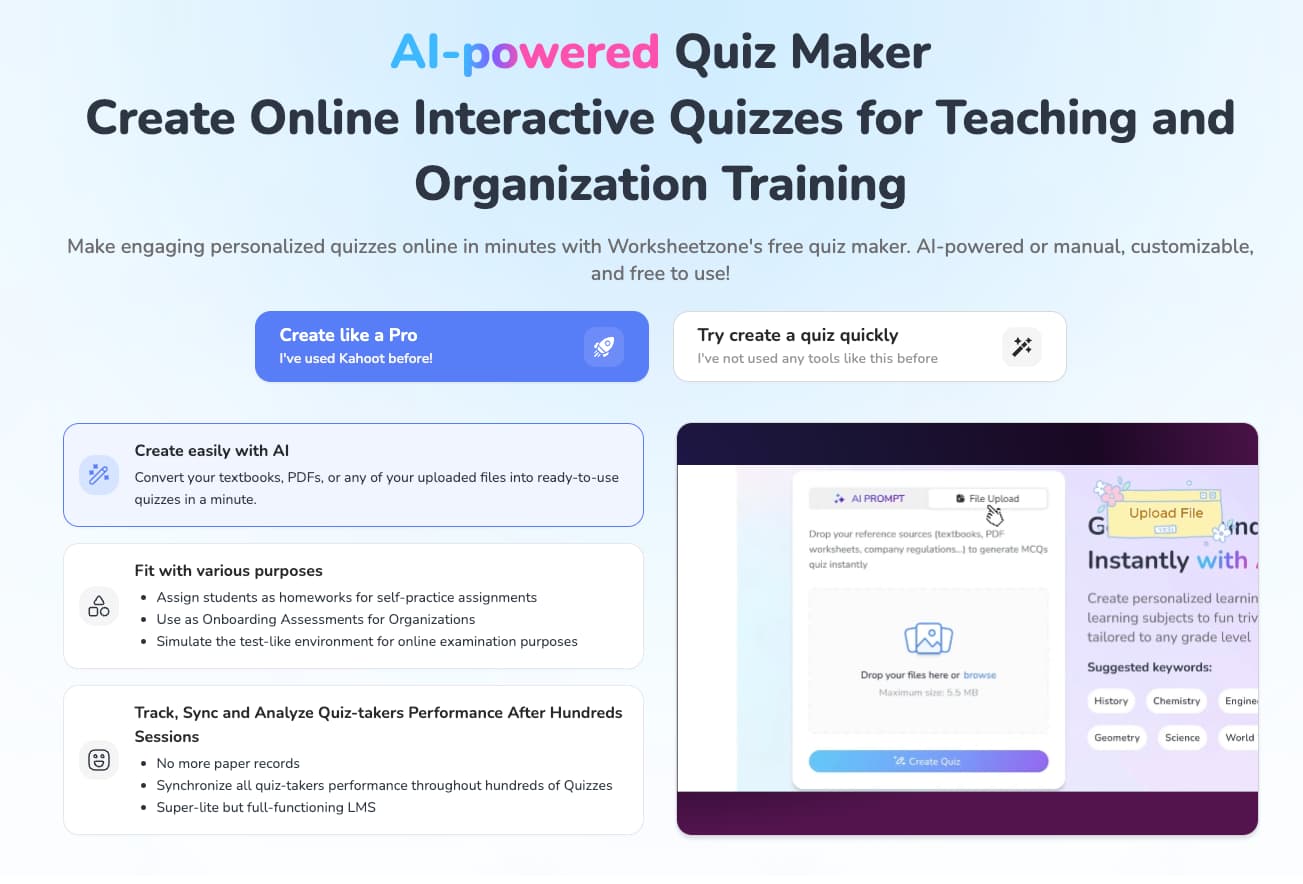
Assessment tools like Kahoot!, Quizlet, and Worksheetzone’s Quiz Maker allow teachers to create interactive quizzes that engage students and provide instant feedback. These tools help reinforce learning and make assessments more enjoyable by tracking progress and offering real-time reports.
Worksheetzone’s Quiz Maker, for instance, enables teachers to create custom quizzes and turn them into live games for enhanced classroom interaction. Instant feedback supports students in real-time, ensuring they grasp key concepts effectively.
Interactive & engaging content creation

Tools like Worksheetzone’s Worksheet Maker, Nearpod, Pear Deck, and H5P help teachers design interactive and engaging learning materials. Worksheetzone’s Worksheet Maker allows educators to create custom worksheets with varied question types, visuals, and structured activities that support active learning.
These worksheets can be used for in-class practice, homework, or online assignments, making lessons more flexible and student-centered. By combining interactive elements with clear learning goals, these tools help increase participation and improve knowledge retention.
Communication & collaboration tools
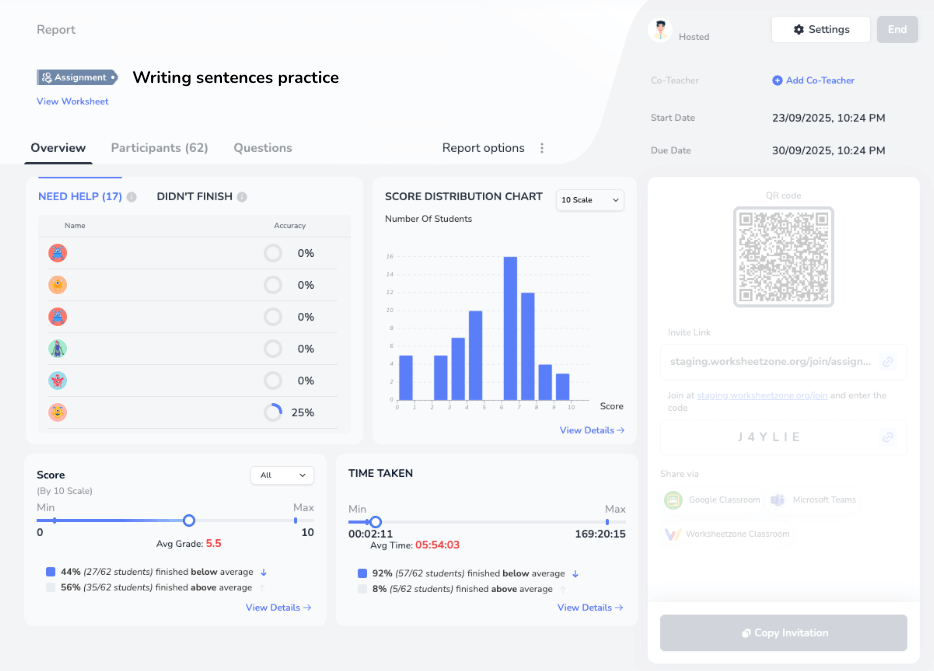
Communication and collaboration tools such as Worksheetzone’s Assign, Remind, and Google Docs help strengthen connections between teachers, students, and parents. These tools make it easy to share assignments, announcements, and learning materials in a clear and organized way.
With Worksheetzone’s Assign, teachers can assign worksheets, quizzes, or activities, track completion, and review student performance in one streamlined workflow. After students finish an assignment, teachers can also send result summary emails to parents, keeping families informed and supporting stronger home-school communication.
Gamification & student engagement

Gamification tools such as Worksheetzone’s Live Game, Quizlet Live, and Classcraft bring energy and excitement into the classroom by turning lessons into interactive games. Worksheetzone’s Live Game, for instance, allows teachers to transform quizzes or worksheets into real-time competitive activities, encouraging active participation from every student.
Features like live scoring, time-based questions, and friendly competition help boost student motivation and focus. By making learning more fun and interactive, these tools can significantly improve engagement and knowledge retention, especially when teaching challenging or abstract topics.
AI and emerging technologies
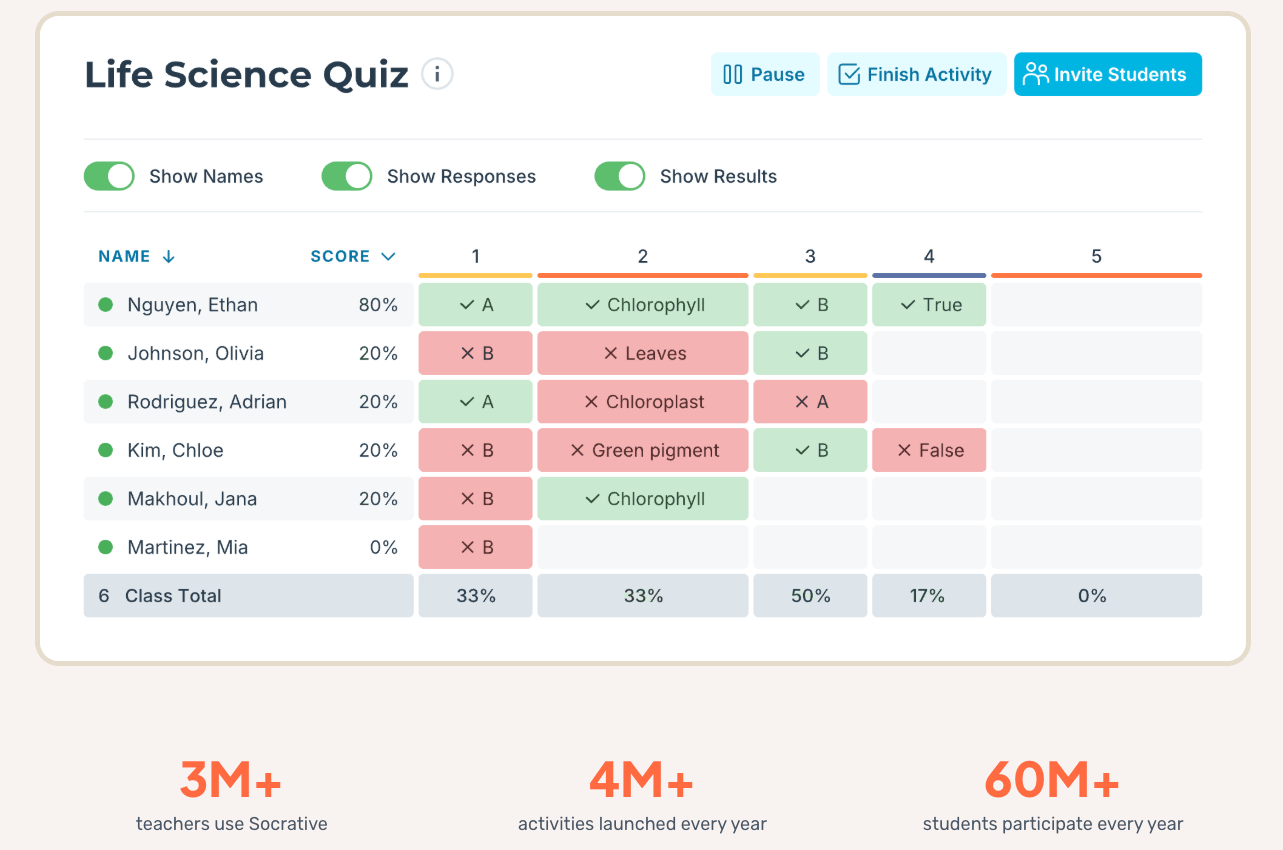
AI-powered tools and emerging technologies are revolutionizing education. Platforms like Socrative use artificial intelligence to personalize quizzes and assignments based on student performance. Additionally, virtual reality (VR) and augmented reality (AR) are bringing immersive learning experiences to classrooms, allowing students to interact with subjects like science and history in ways that were previously unimaginable.
Accessibility tools for diverse learners
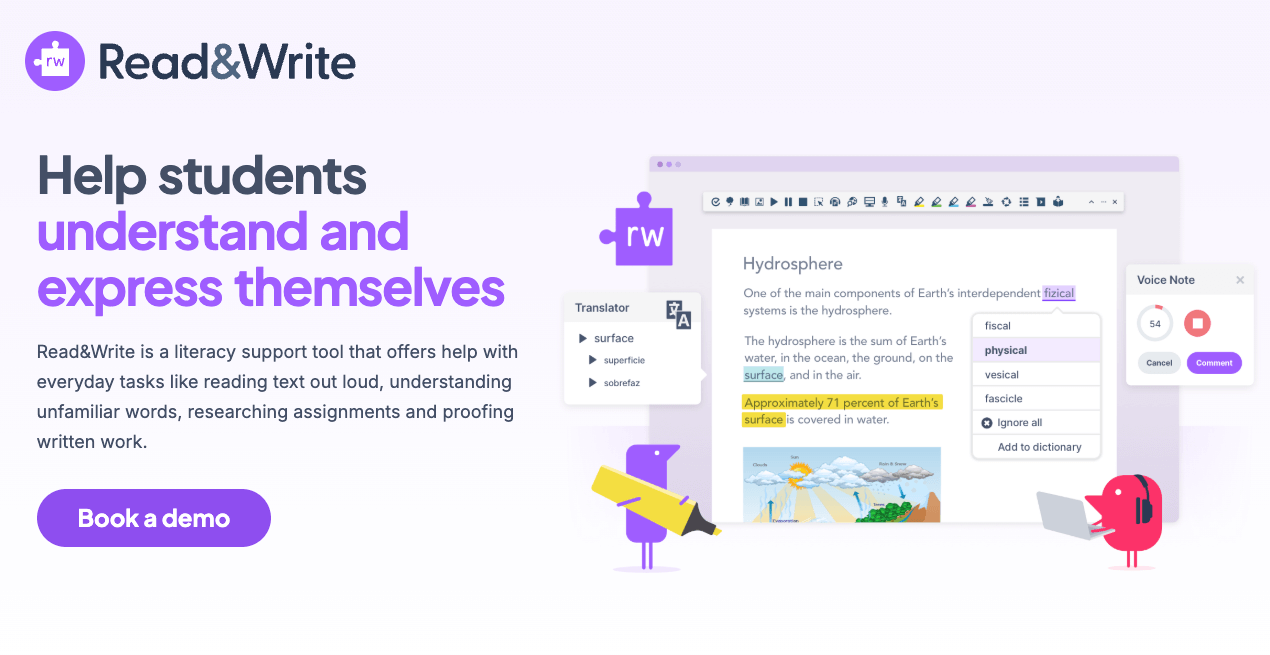
Accessibility tools like Read&Write and Voice Dream are essential for supporting students with diverse learning needs. These tools offer features like text-to-speech, translations, and customizable font sizes, ensuring that all students, including those with learning disabilities, can access the same educational content. These tools foster an inclusive learning environment where every student has the opportunity to succeed.
Frequently Asked Questions (FAQs)
Can these tools be used for remote learning?
Absolutely. Most digital tools listed, such as video conferencing and Learning Management Systems, are designed specifically to support virtual or hybrid environments. They provide the synchronous and asynchronous flexibility needed for modern educational models.
How do I balance traditional and digital tools?
A common mistake teachers make is trying to use too many digital tools at once—address this by sticking to 2-3 reliable platforms alongside your traditional whiteboard methods. This practitioner-voice strategy ensures that technology enhances your lesson rather than distracting from it. Check these Classroom Management Tips for more guidance.
Conclusion
Tools for teaching are essential in creating an engaging and effective learning environment. From traditional aids like whiteboards and calculators to modern digital platforms such as learning management systems and AI-powered tools, these resources help educators foster creativity, collaboration, and personalized learning. By integrating the right tools, teachers can enhance student engagement, streamline tasks, and improve learning outcomes, ensuring every student has the opportunity to succeed.


