




















Test making tools for teachers are digital educational platforms that provide automated question generation, real-time data tracking, and interactive assessment features beyond traditional paper-and-pencil exams. These tools refer to specialized software for AI-powered quiz creation, high-stakes secure testing, and gamified reviews designed for students. Whether you need a quick formative check or a formal final exam, the right tool can transform your assessment strategy.
10 test making tools for teachers
In a classroom setting, these test making tools work best when selected based on the specific instructional need, such as quick formative check-ins or complex unit exams. According to research from the International Society for Technology in Education (ISTE), digital assessment tools allow for more frequent and meaningful feedback, which is essential for long-term student success.
1. Google Forms
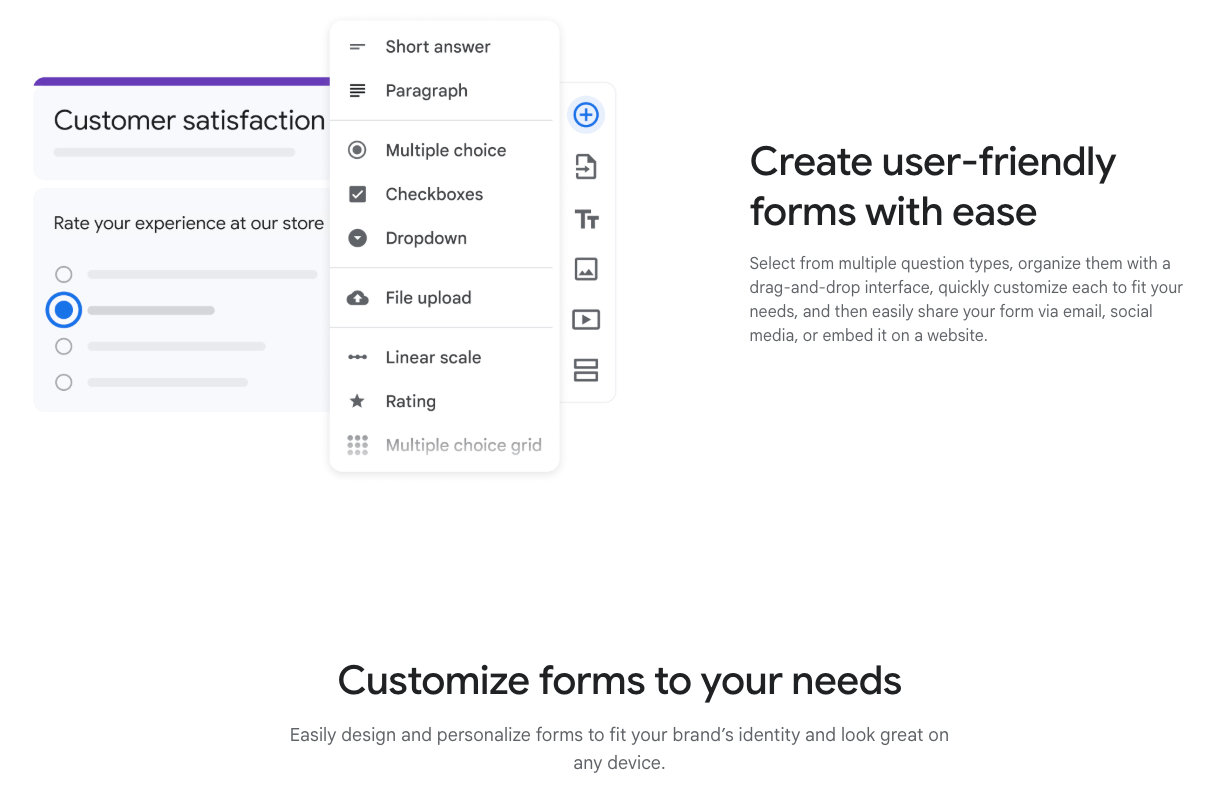
Google Forms remains a popular choice for teachers who want a free and easy way to create online tests. It supports auto-grading, basic question customization, and seamless integration with Google Classroom. While it lacks advanced assessment analytics, it is highly effective for quick quizzes and low-prep classroom assessments.
2. Worksheetzone Quiz Maker
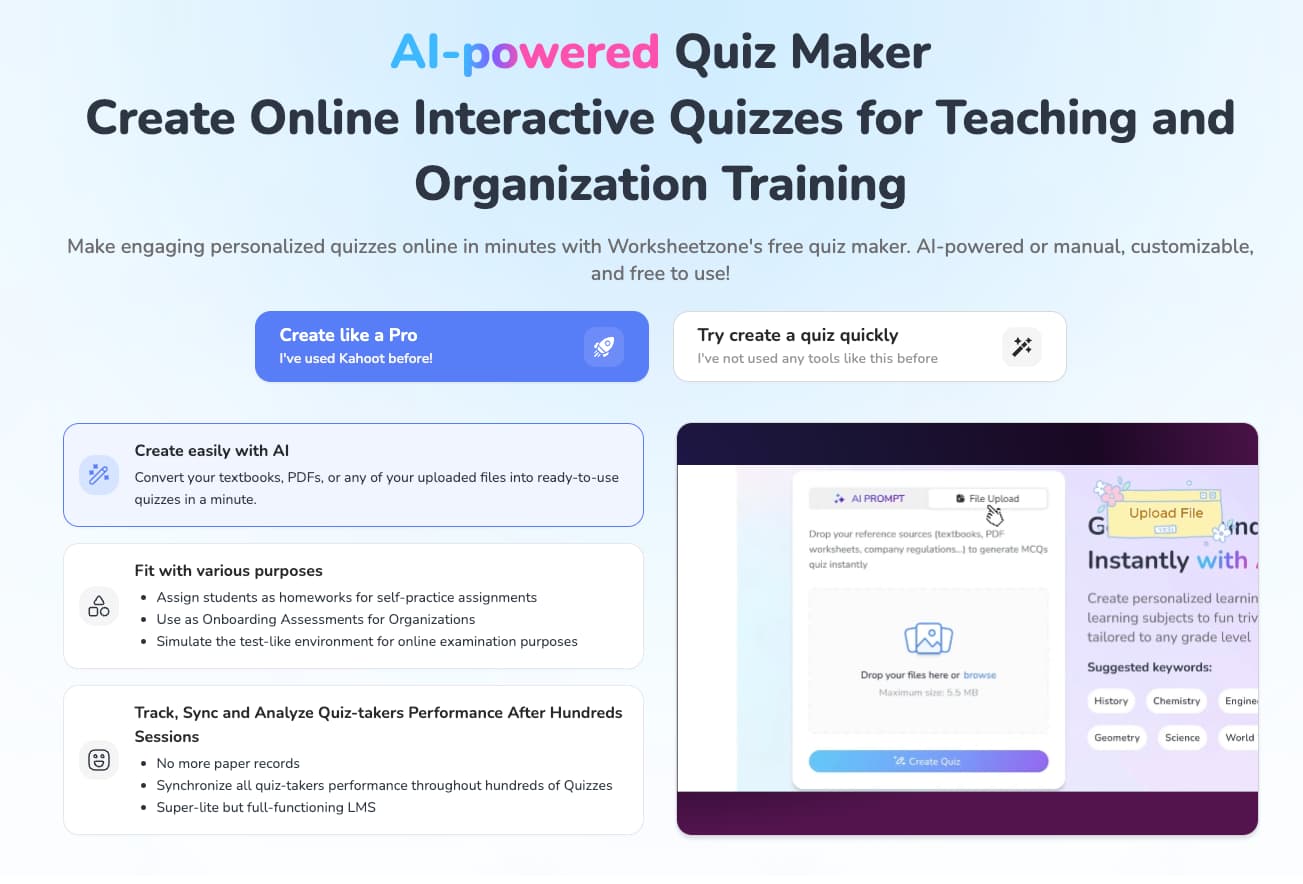
Worksheetzone Quiz Maker is a teacher-first tool that combines simplicity with AI-powered quiz creation. Teachers can quickly generate questions, adjust difficulty, and build interactive assessments aligned with learning goals. With instant assignment, auto-grading, and clear performance reports, it works effectively for both formative and graded assessments.
3. iSpring QuizMaker
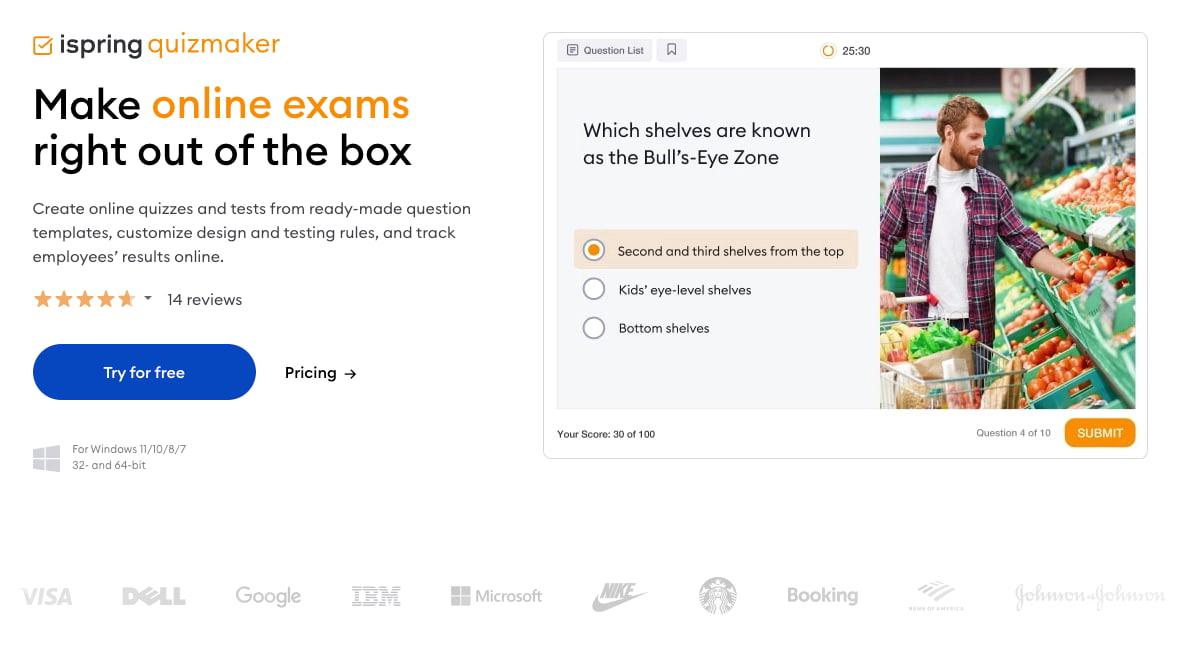
iSping QuizMaker is well-suited for teachers and e-learning developers who need more professional test design. It supports a wide range of question types, branching scenarios, and detailed feedback options. This tool is especially effective for creating structured assessments and exams used in online courses or training programs.
4. Kahoot!
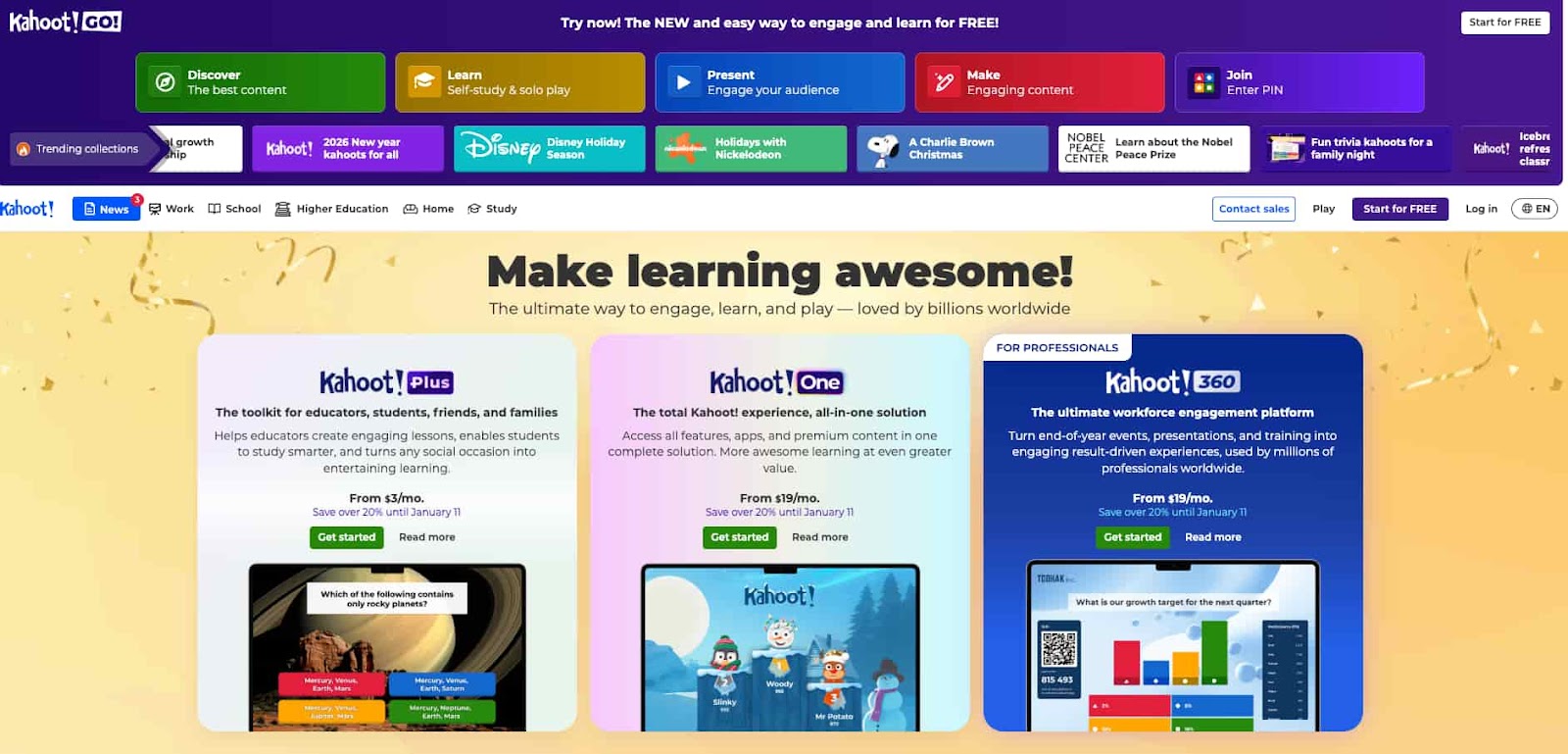
Kahoot is highly effective for increasing student engagement through game-based assessments. Teachers can run live quizzes or assign self-paced challenges, making it ideal for review sessions and informal assessments. While it is less suited for traditional exams, it excels at motivating students and reinforcing learning concepts.
5. Wayground (formerly Quizizz)
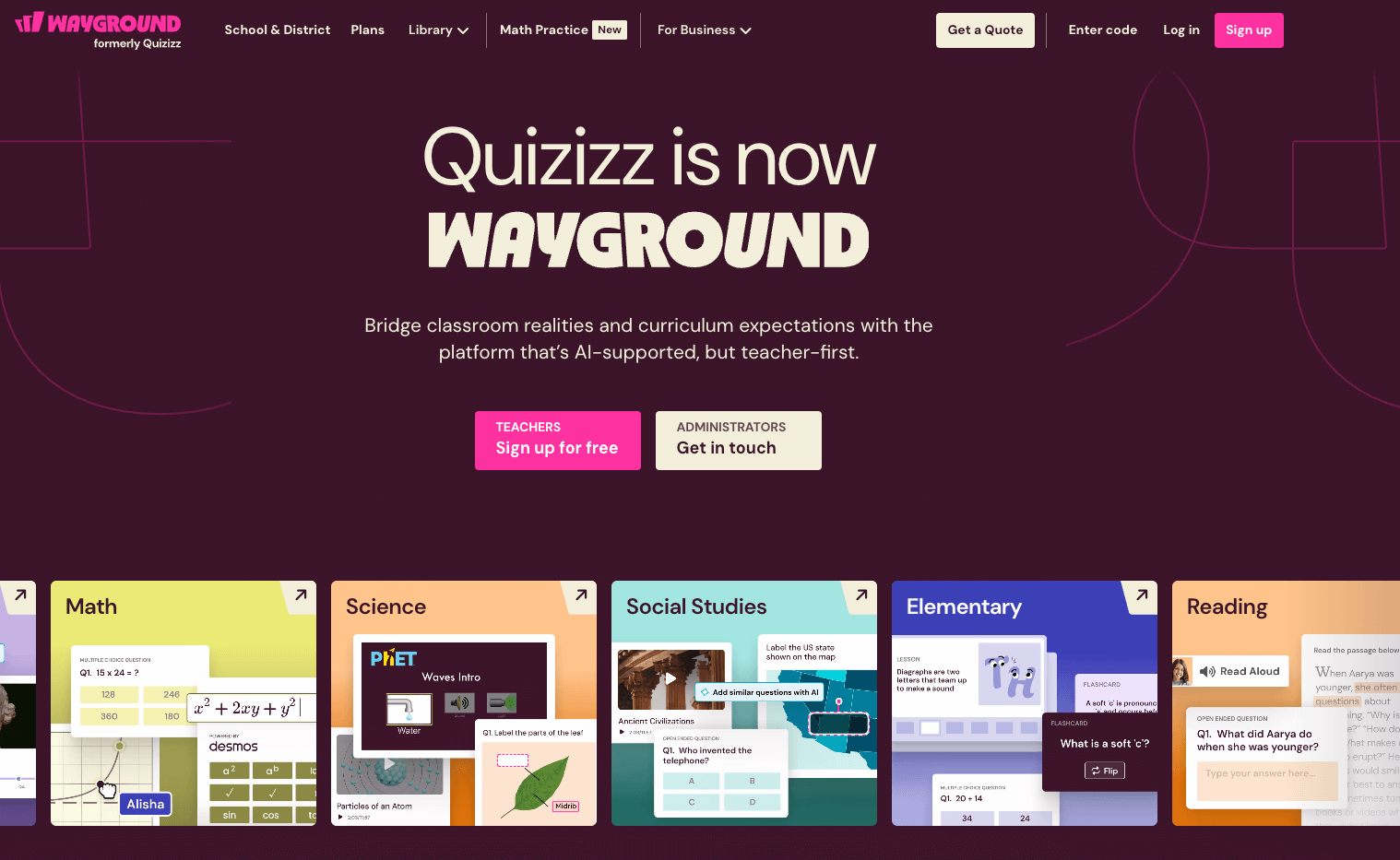
Wayground offers a flexible assessment experience that works well for both in-class and remote learning. Teachers can assign quizzes asynchronously, enable auto-grading, and access detailed performance reports. Its student-paced format and instant feedback make it especially effective for formative assessments.
6. ClassMarker
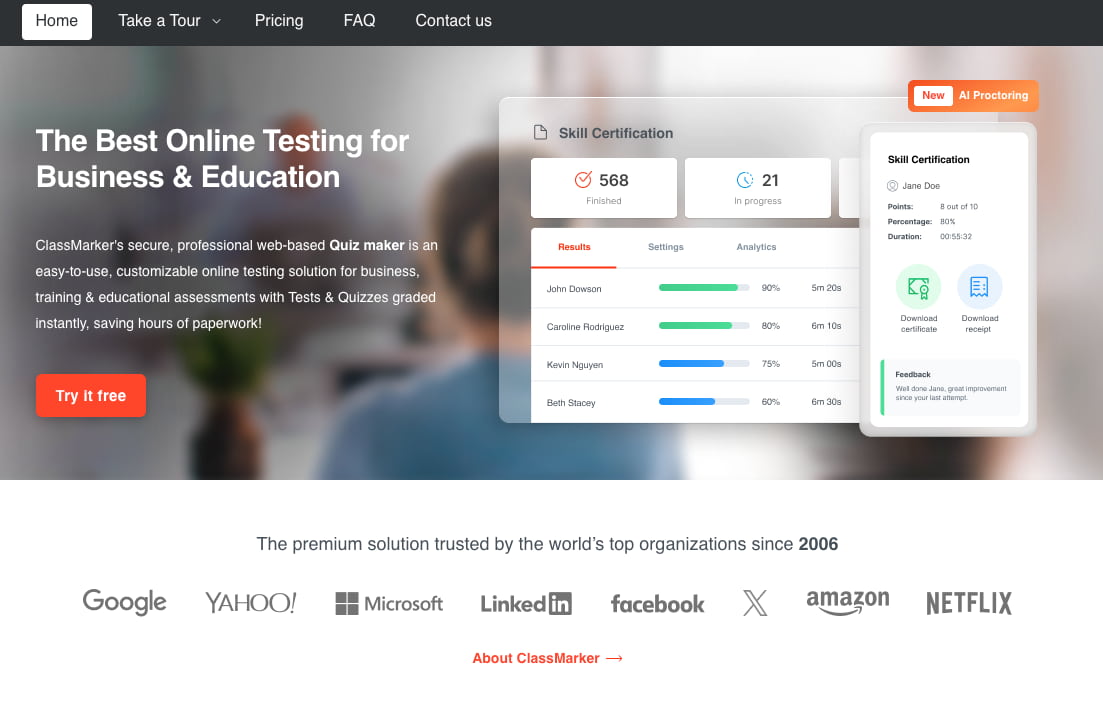
ClassMaker is a robust test making tool designed for secure and controlled online testing. It provides advanced grading options, randomized questions, and access restrictions. Teachers often use it for high-stakes assessments where test integrity and detailed scoring matter.
7. ProProfs Quiz Maker
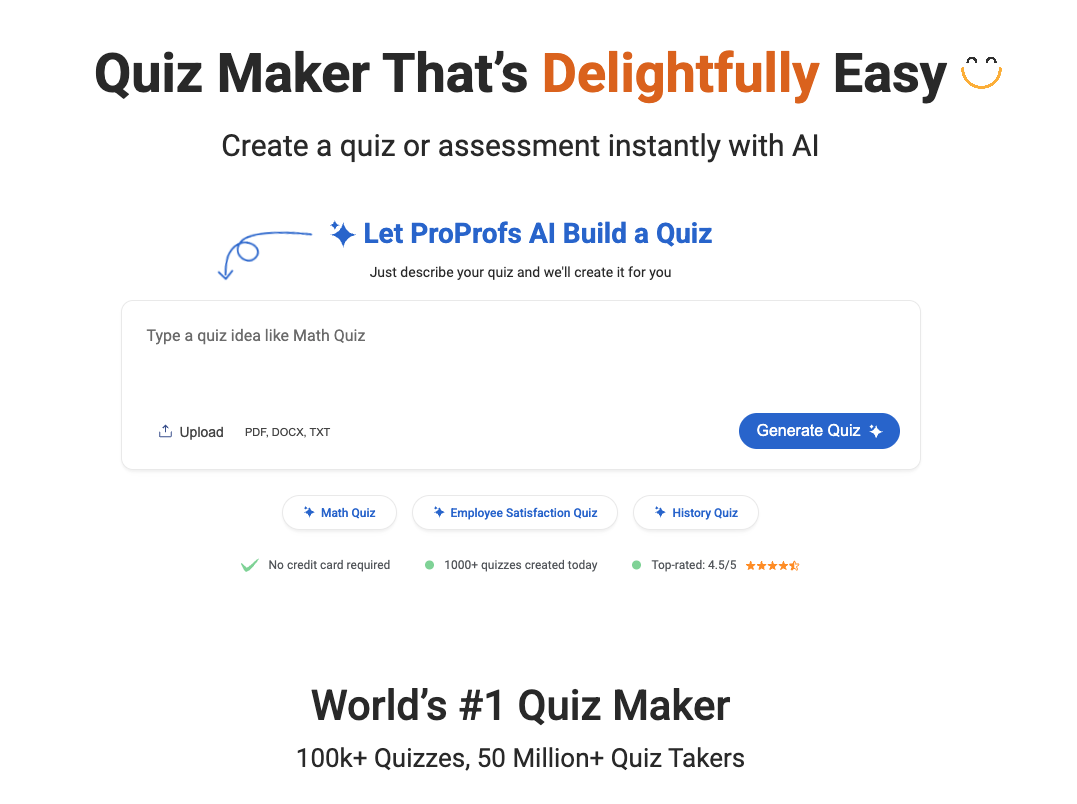
ProProfs Quiz Maker allows teachers to create customizable quizzes with automated scoring and analytics. It supports reusable question banks and various question formats, making it effective for repeated assessments across multiple classes or subjects.
8. Socrative
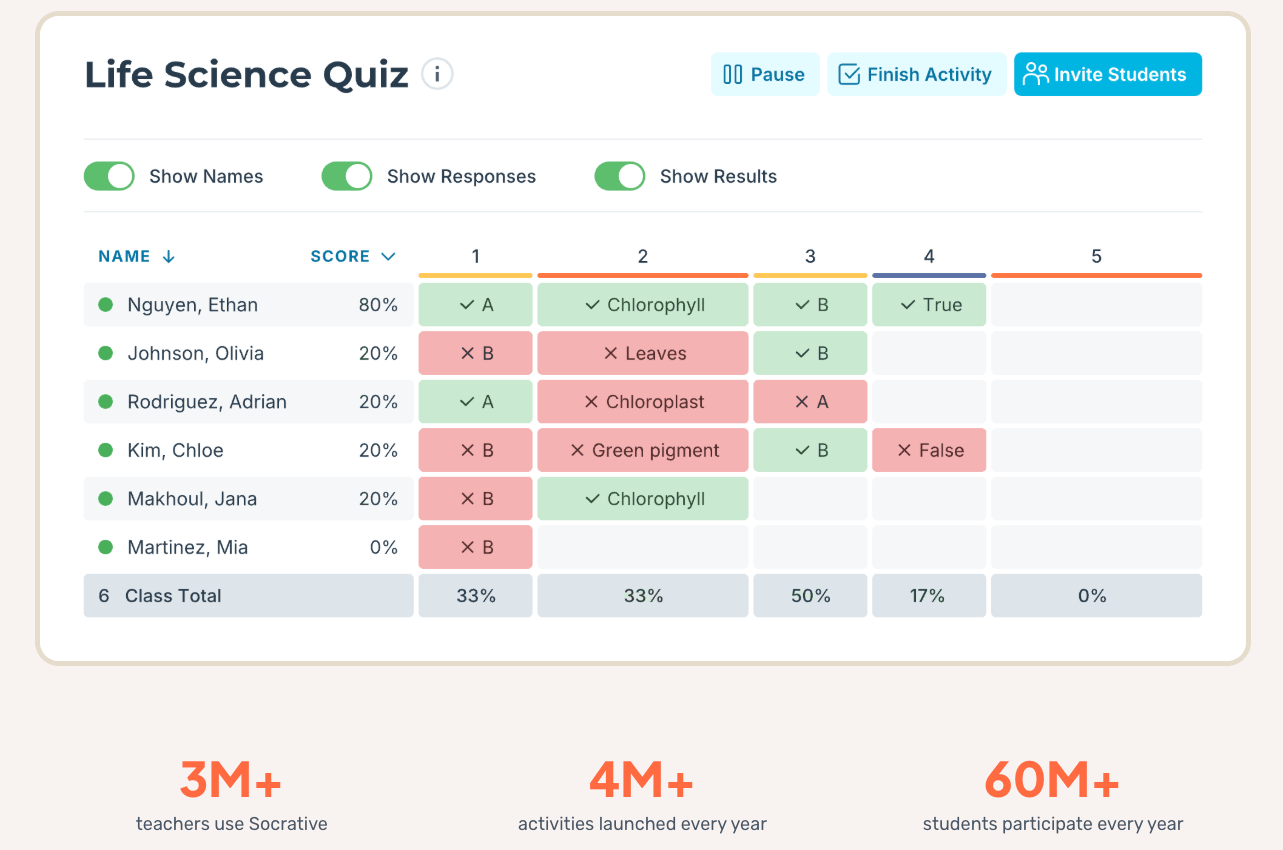
Socrative is particularly effective for real-time classroom assessment. Teachers can instantly see student responses, identify misconceptions, and adjust instruction on the spot. It works best for exit tickets, quick checks for understanding, and formative assessments rather than formal exams.
9. Testmoz
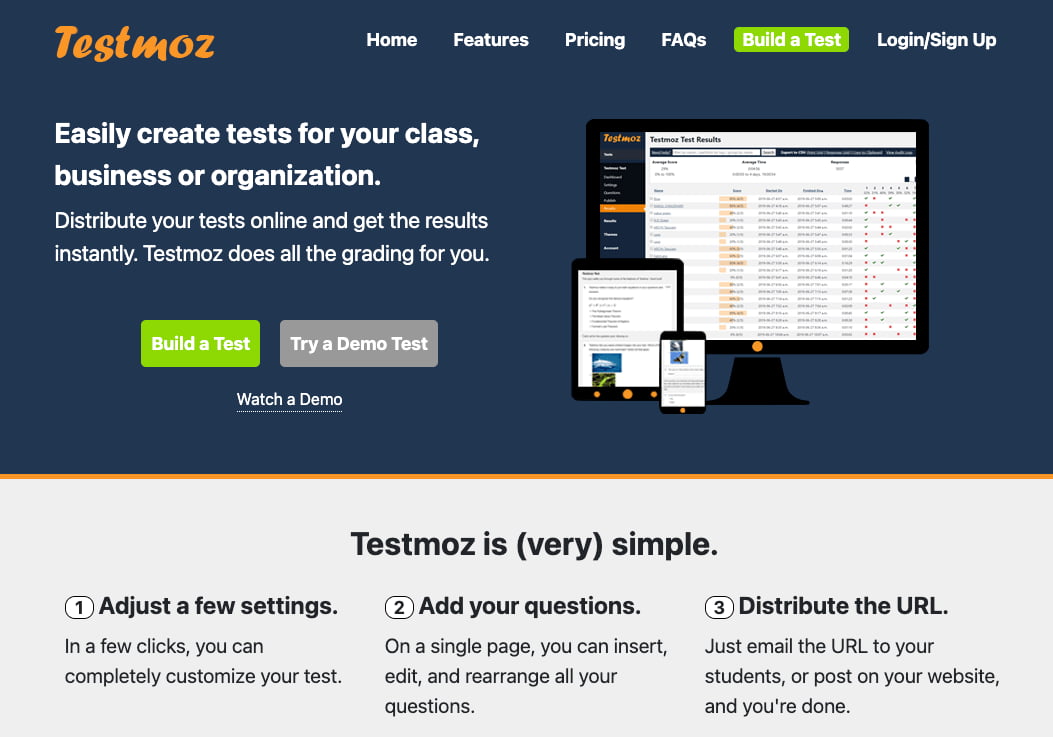
Testmoz is a simple and lightweight test maker that focuses on speed and control. Teachers can create timed tests, restrict access, and collect results without requiring student accounts. It’s effective for straightforward quizzes and exams with minimal setup.
10. EasyTestMaker

EasyTestMaker is useful for teachers who want both online and printable test options. It supports multiple question types and automatic grading for digital tests. While its interface is more traditional, it remains effective for teachers transitioning from paper-based tests to online assessments.
Frequently Asked Questions (FAQ)
Are these test making tools free for teachers?
Yes, almost all the platforms mentioned, including Worksheetzone and Google Forms, offer free versions for educators. While some advanced reporting features or larger class sizes may require a subscription, the foundational tools are accessible to all.
Can I use these tools for remote learning?
Absolutely. All these platforms are designed to work seamlessly in both in-person and remote learning environments. They provide the synchronous and asynchronous flexibility needed for modern educational models.
Do these tools help with student anxiety?
Digital tools, especially gamified ones like Kahoot! or Blooket, can significantly reduce the stress associated with testing. By making the assessment feel like a game or a low-stakes digital task, students are more likely to perform to their true potential. Worksheetzone also provides printable worksheets for a more traditional, focused environment.
How do I learn to use these new platforms?
Most of these tools offer extensive tutorial libraries and “starter templates” to help you get up to speed quickly. We recommend starting with a small project, such as a 5-question daily check-in, before moving on to complex unit exams.
Conclusion
The right test making tools for teachers are more than just a convenience; they are a bridge to better student outcomes and more personalized instruction. By leveraging AI-driven platforms and data-rich reporting, educators can finally move away from the administrative burden of manual grading and focus on what truly matters: teaching. As educational technology continues to evolve in 2026, staying updated with these versatile tools will ensure your classroom remains engaging, efficient, and data-informed. Explore these options today to elevate your teaching experience.


