




















Finding the right online teaching tools for teachers is essential in today’s digital-first educational landscape, where flexibility and engagement are paramount. These digital resources do more than just digitize traditional methods; they transform how educators deliver instruction and connect with students globally. By streamlining administrative tasks and fostering interactive learning environments, the right software stack allows teachers to focus on what they do best: inspiring students. Let’s explore the top categories and specific tools every modern educator needs.
Online teaching tools for teachers
Online teaching tools for teachers are digital educational resources and software applications that facilitate remote instruction, student collaboration, and curriculum management. These tools refer to Learning Management Systems (LMS), interactive whiteboards, and AI-powered content generators
Selecting the right online teaching tools is the first step toward building a classroom that is both efficient and highly engaging for every student. These specialized digital resources empower educators to bridge the physical gap, offering innovative ways to deliver content and track progress in real time.
Lesson planning and content creation tools
These tools help educators design visually appealing lesson materials and structure their curriculum for maximum impact. They aim to reduce the time spent on design while increasing the quality of instructional content.
1. Canva for Education
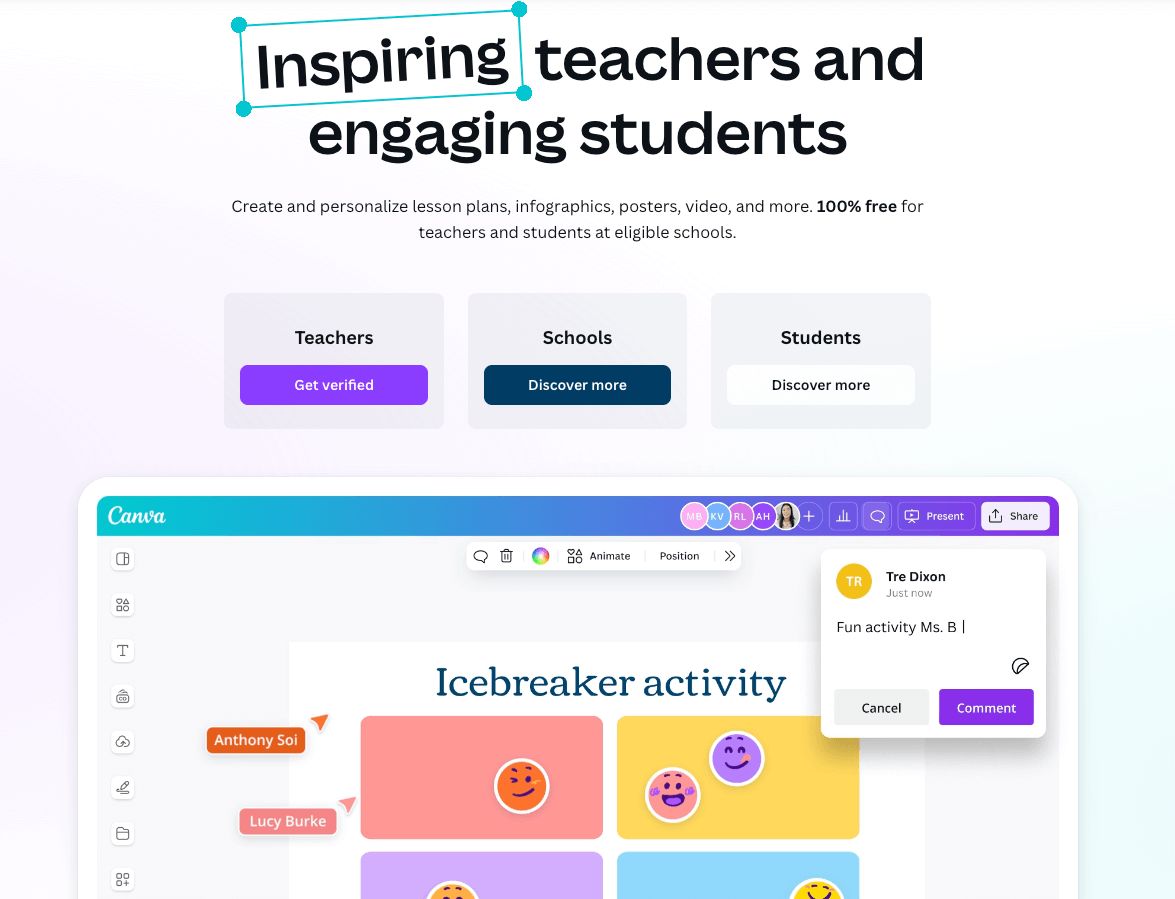
Canva for Education offers thousands of free templates for presentations, worksheets, and posters specifically designed for the classroom. It simplifies graphic design so teachers can create professional-grade visuals without a design degree. The platform also allows for easy collaboration on creative projects with students.
2. Genially
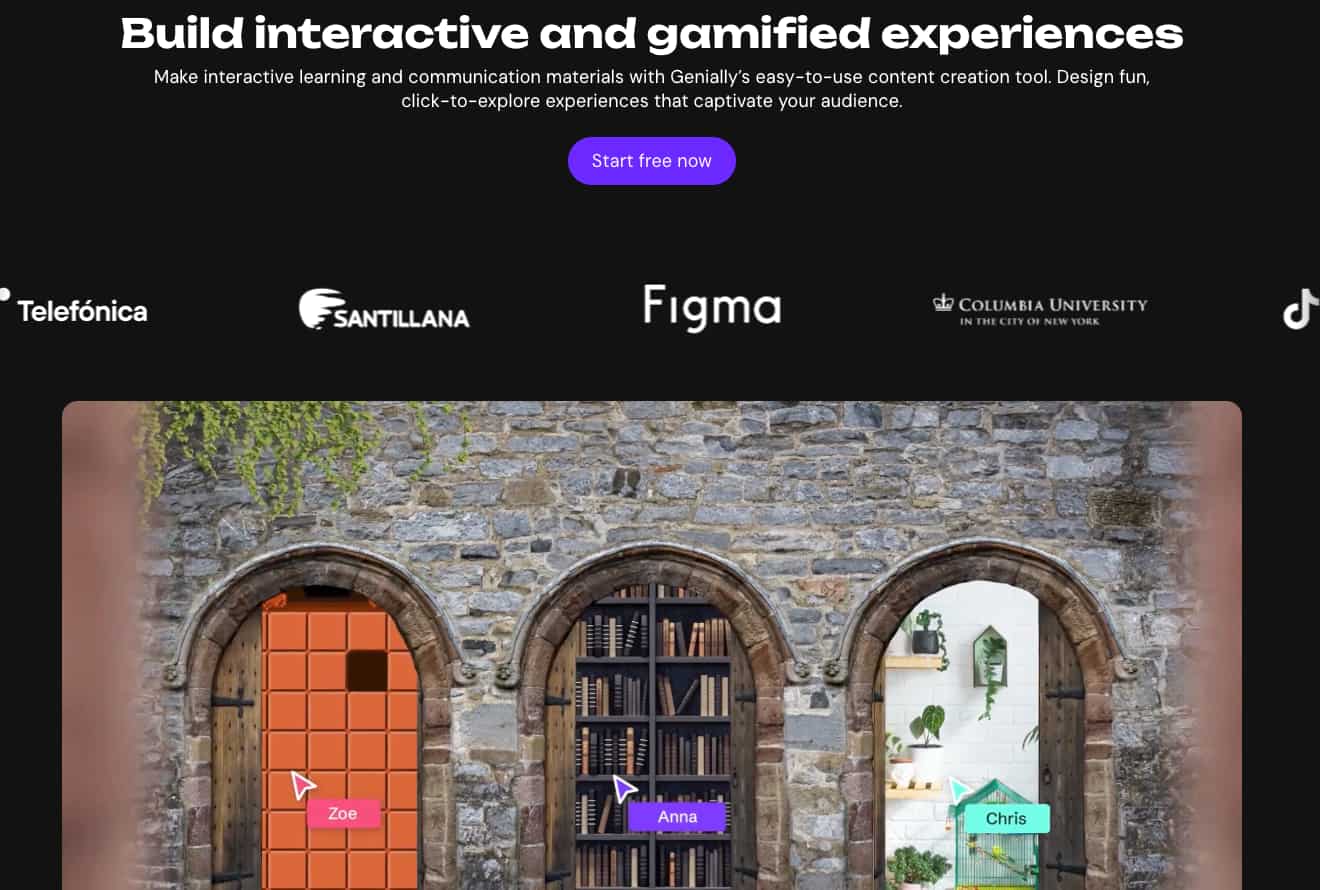
Genially focuses on creating interactive presentations, infographics, and gamified content. It allows teachers to add “hotspots” and layers of information to keep students exploring the material at their own pace. It’s perfect for creating digital breakout rooms or interactive maps.
3. Nearpod

Nearpod allows teachers to take existing lessons and add interactive elements like VR field trips or 3D objects. It bridges the gap between static slides and immersive learning experiences that capture student attention. Educators can also track student participation in real-time as they move through the lesson.
4. Prezi
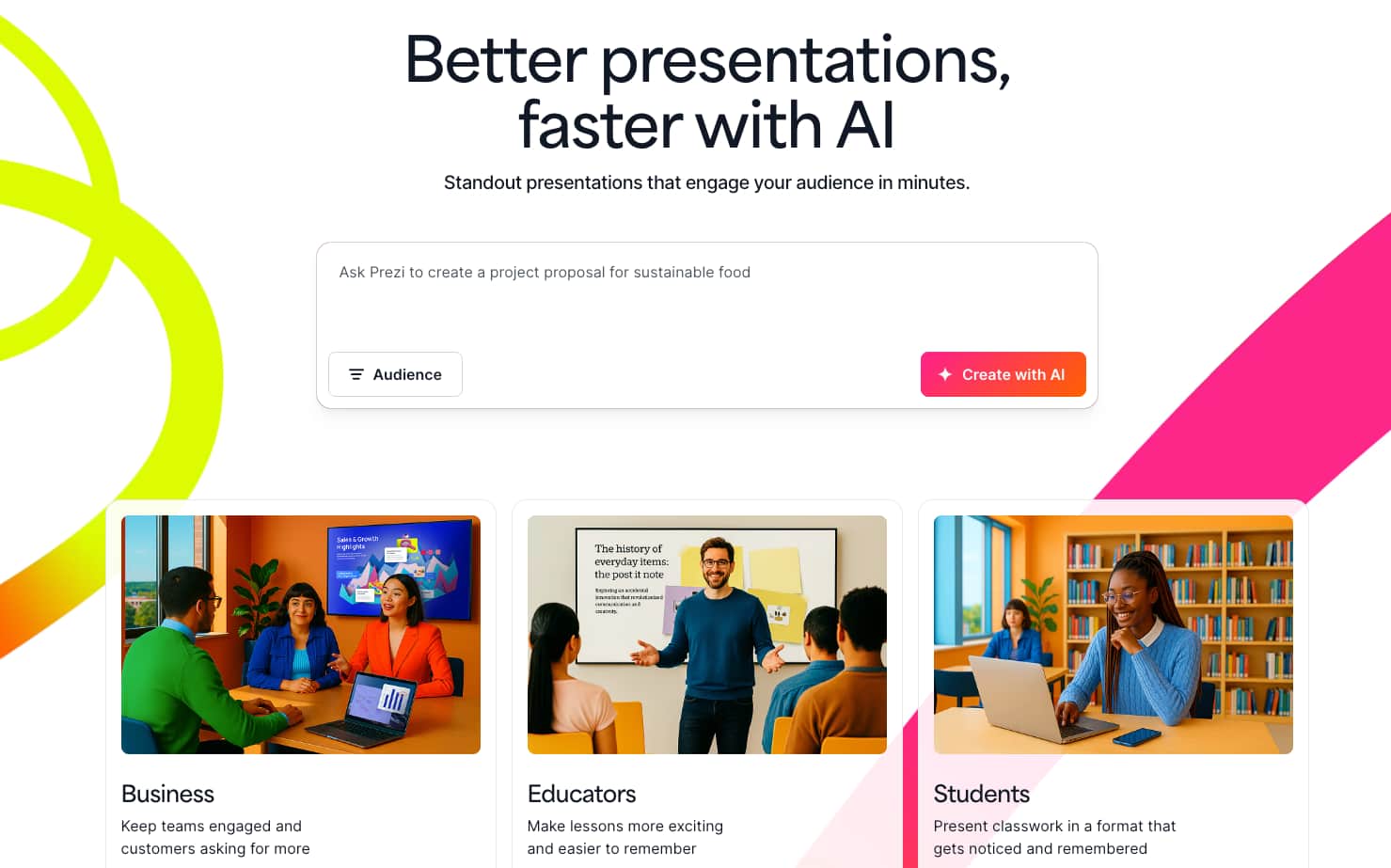
Known for its dynamic zooming transitions, Prezi helps teachers present concepts in a non-linear and engaging way. It’s excellent for showing how small details fit into a larger “big picture” context. This spatial layout helps students visualize the relationship between different topics more effectively.
Interactive teaching and engagement tools
The goal of these tools is to maintain student focus and participation during live or recorded sessions. They turn passive observers into active participants through real-time feedback and gamification.
1. Kahoot!
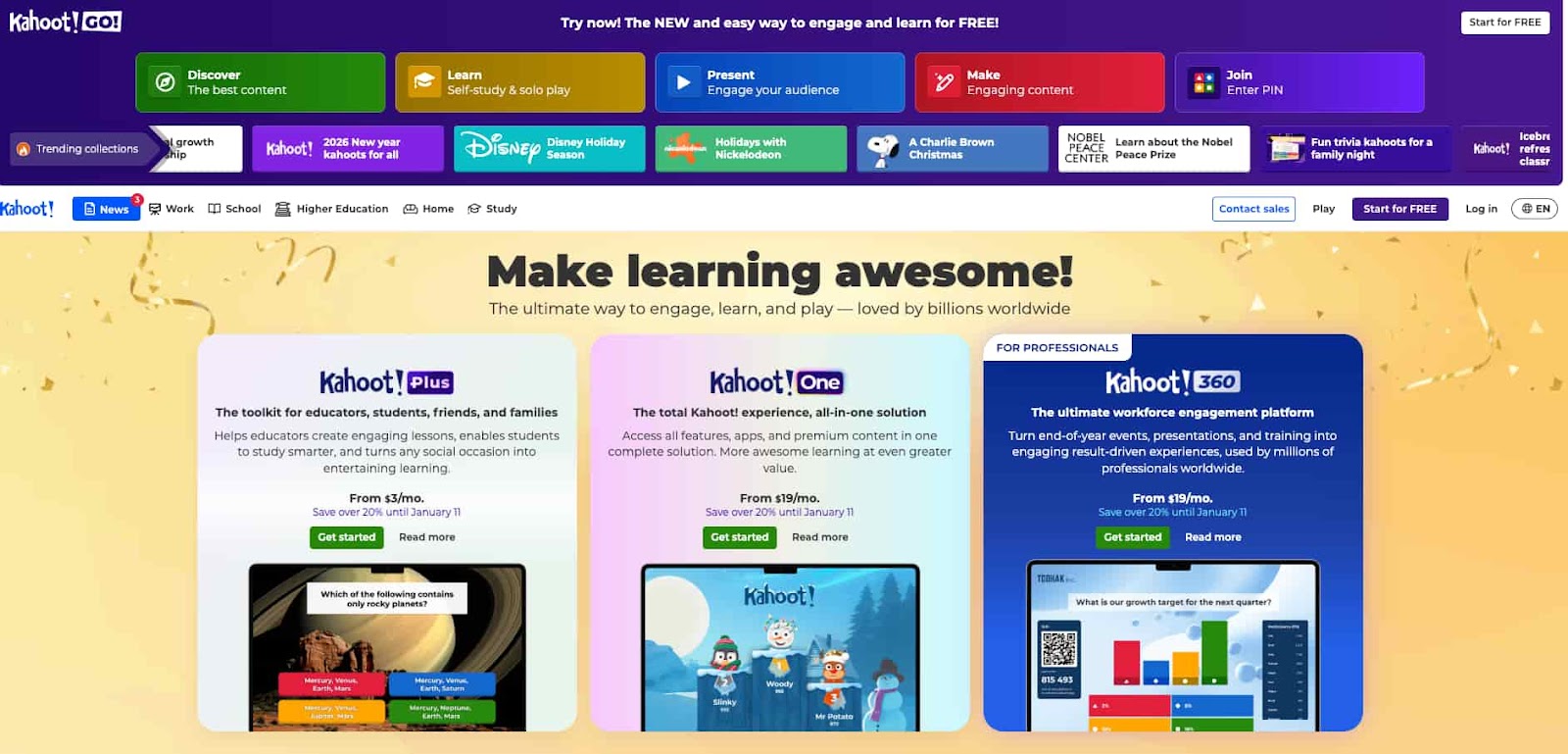
Kahoot lets teachers create competitive quizzes that students join via a unique PIN code. It creates a high-energy environment where students race to answer correctly and climb the leaderboard. It’s ideal for review sessions, pulse checks, or introducing new topics.
2. Padlet
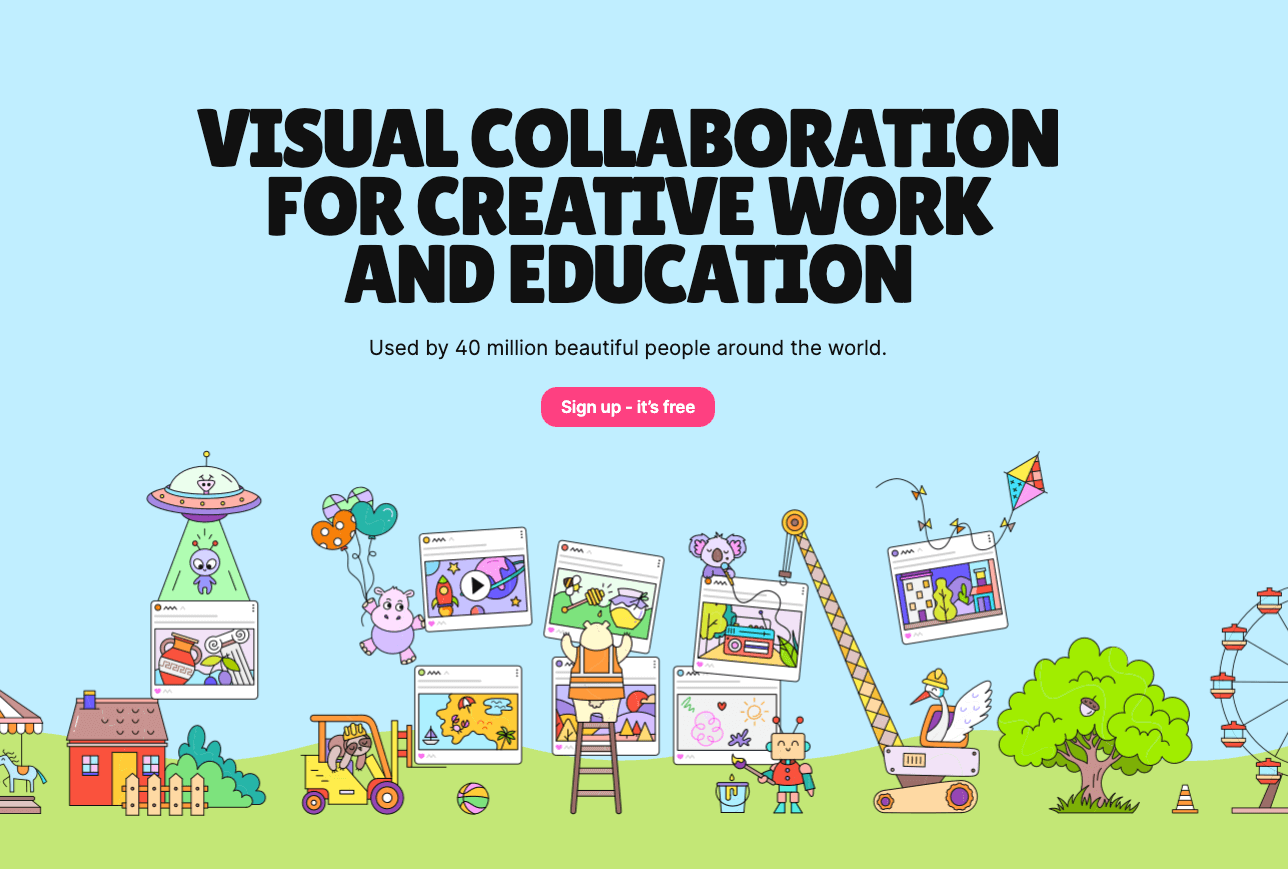
Padlet acts as a digital bulletin board where students can post text, images, and videos in a shared space. It encourages collaborative brainstorming and allows everyone to see their peers’ contributions instantly. Teachers often use it for exit tickets, group discussions, or project planning.
3. Mentimeter
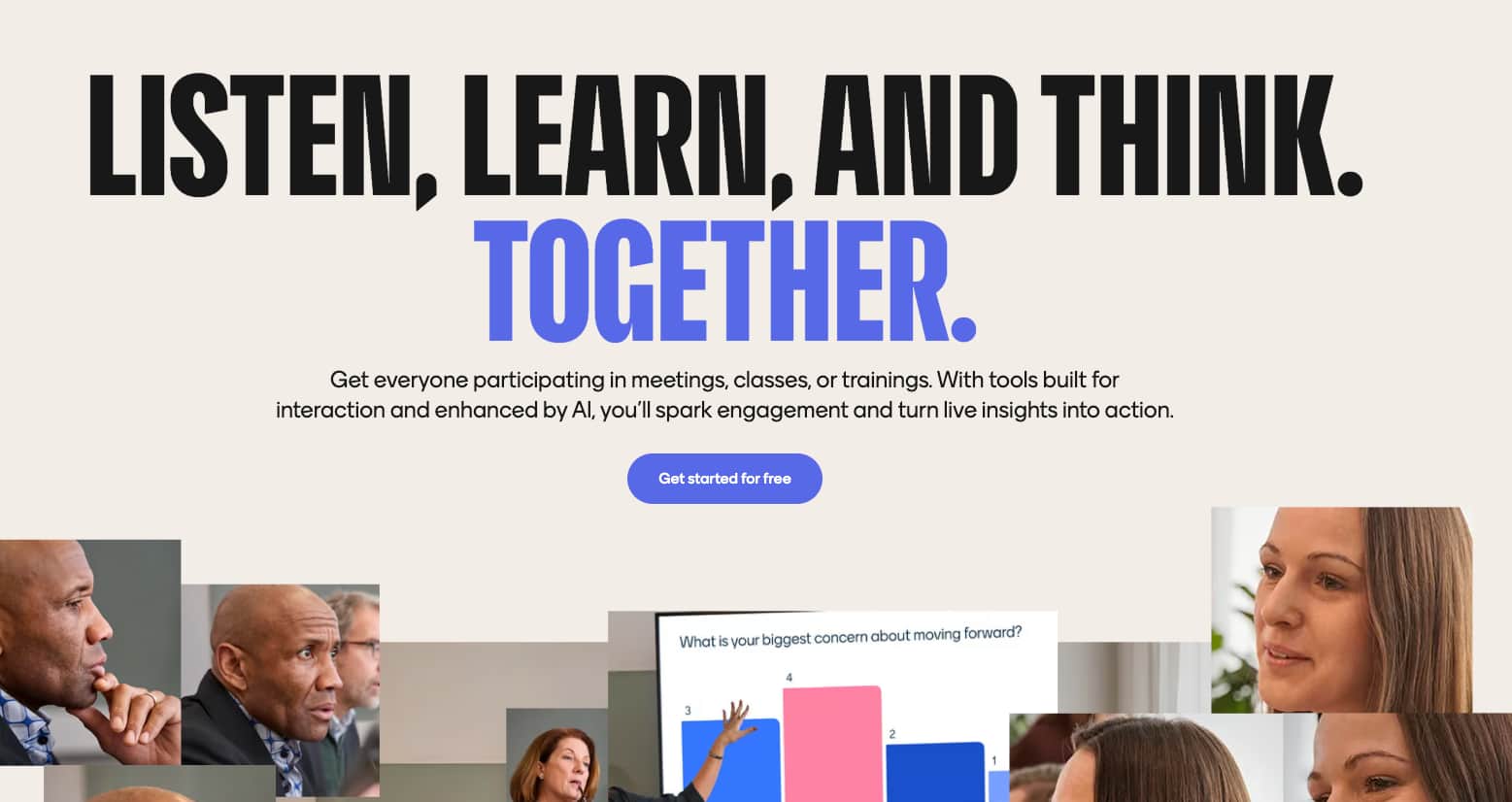
Mentimeter provides real-time polling, word clouds, and Q&A sessions to gauge classroom sentiment and understanding. It allows for anonymous participation, which can encourage shyer students to share their thoughts more freely. The visual results update live, making data easy to interpret during a lecture.
4. Blooket
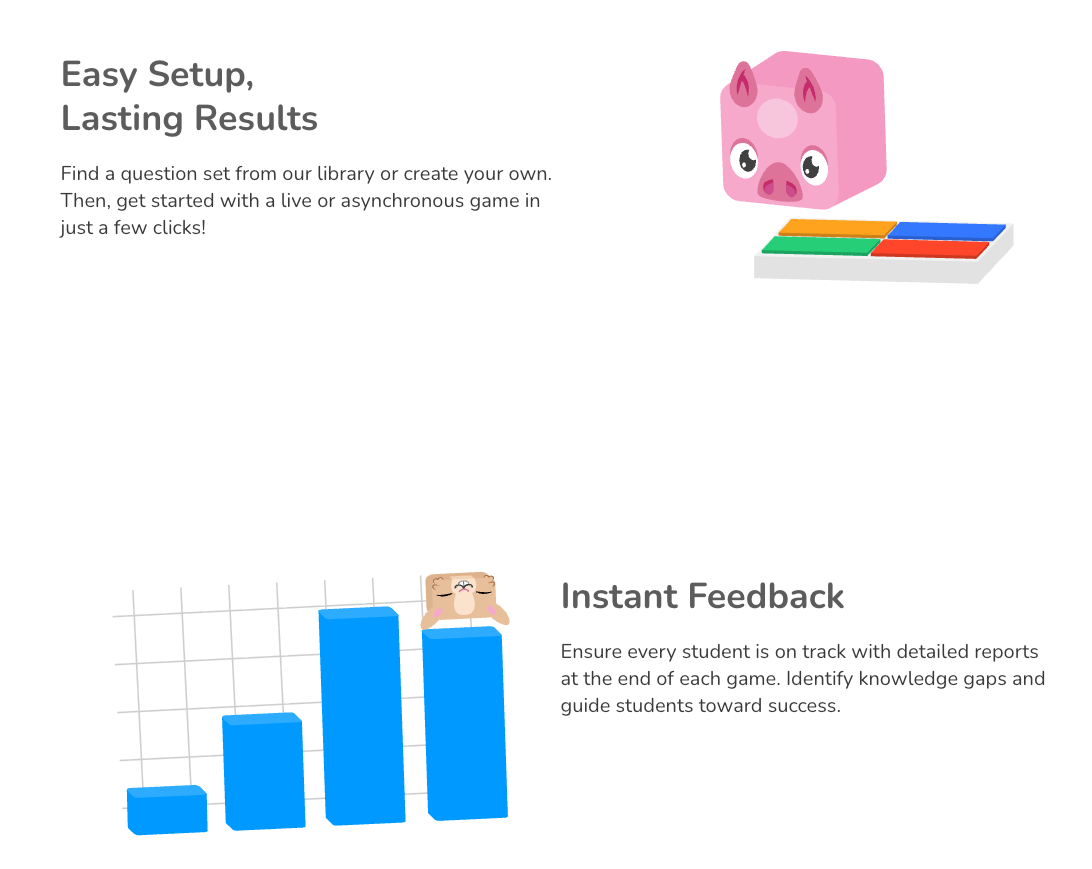
Blooket takes quiz-style learning and adds a deep layer of gaming strategy and rewards. Students answer questions to earn points used in various game models, like “Tower Defense” or “Cafe”. This keeps students highly motivated through repetitive practice and playful competition.
Assessment and quiz tools
Digital assessment tools streamline the evaluation process, offering automated grading and instant feedback for both students and teachers.
1. Wayground
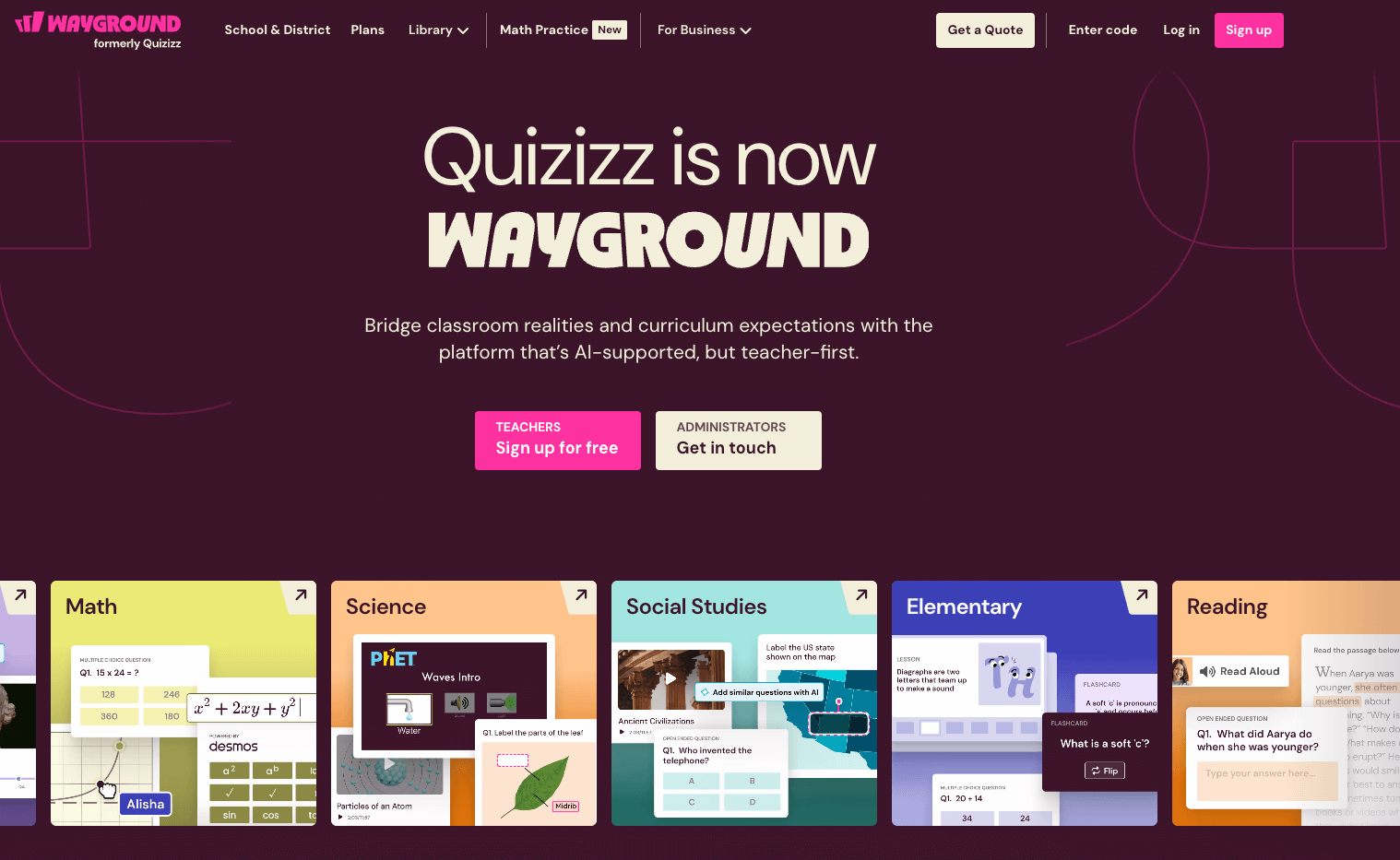
Wayground offers a vast library of pre-made quizzes across all subjects that can be assigned as homework or live games. It provides detailed reports on individual student performance and class-wide trends. The “teleport” feature allows teachers to easily pull questions from other quizzes into their own.
2. Formative
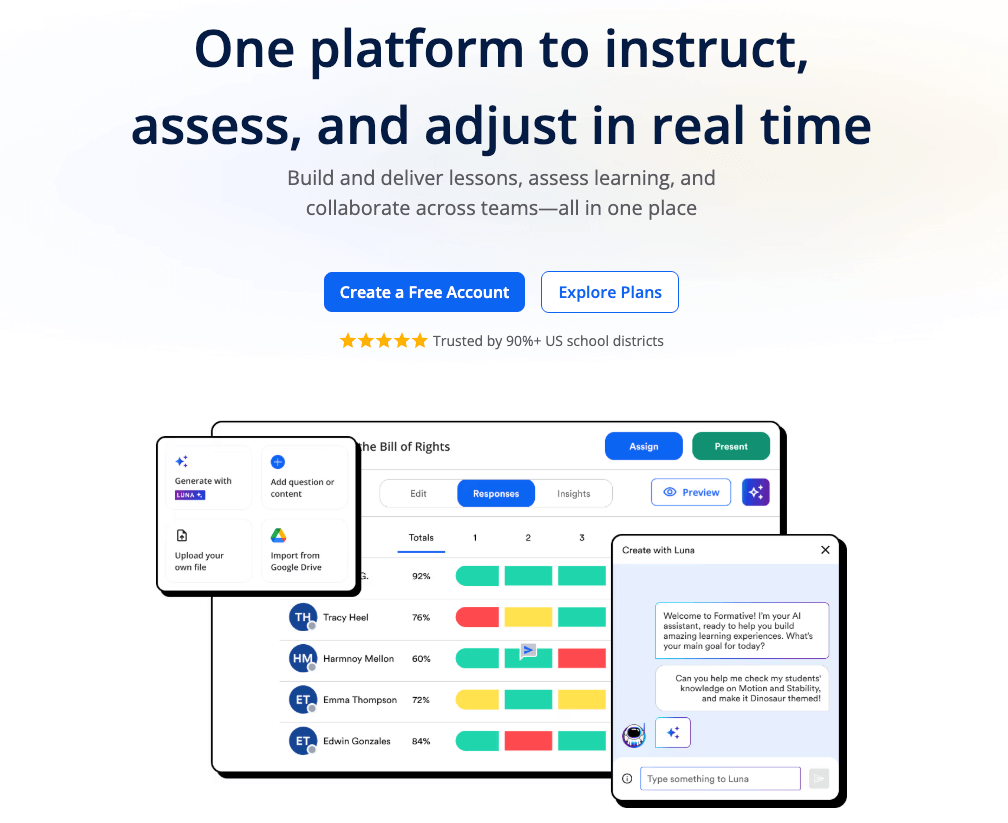
Formative allows teachers to see student work in real-time as they complete assignments. Educators can provide immediate, actionable feedback or intervention while the student is still working. It supports various input types, including drawing, math symbols, and voice recordings.
3. Socrative
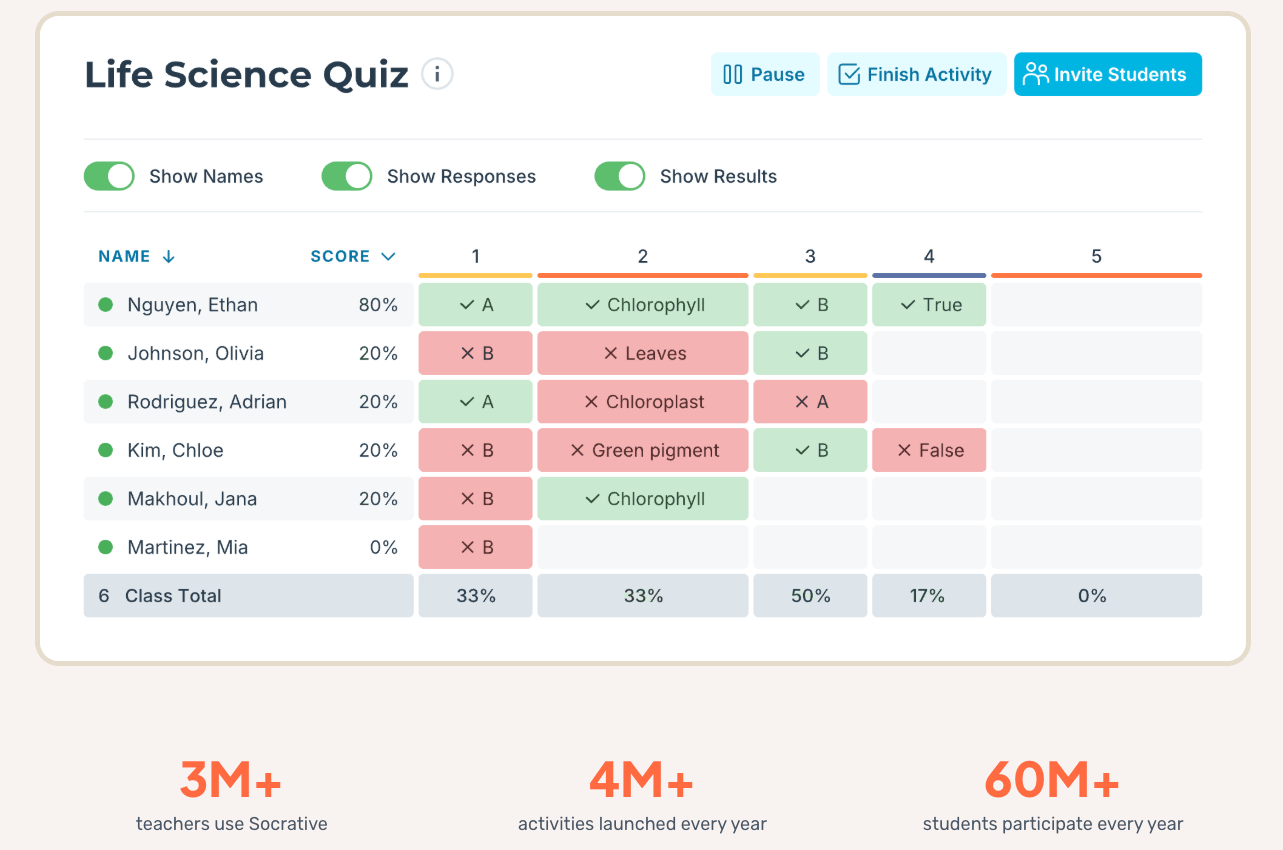
Designed for efficient classroom assessment, Socrative enables quick polls and formal quizzes on any device. The “Space Race” feature adds a competitive element to assessments to boost engagement levels. Teachers receive instant reports to help adjust the next day’s instruction accordingly.
4. Google Forms
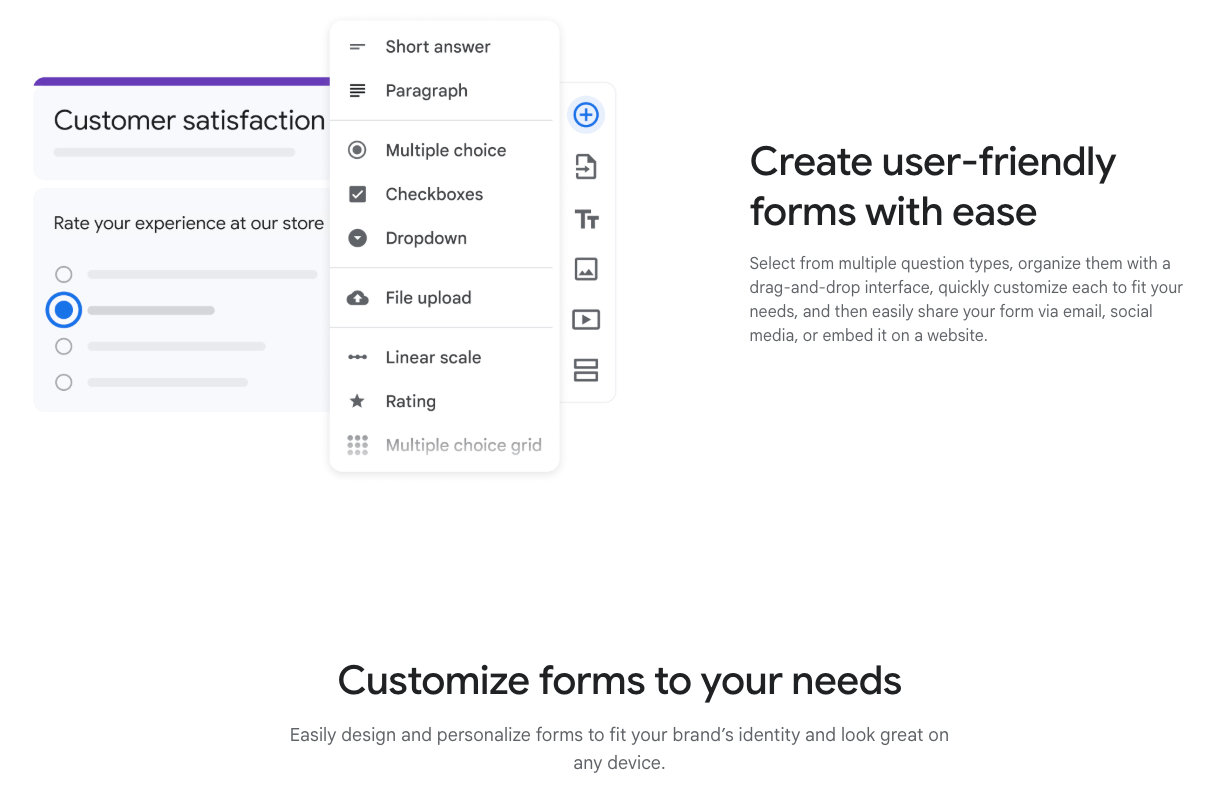
Google Forms is a versatile and free tool that is excellent for creating straightforward tests, surveys, and intake forms. It integrates perfectly with Google Sheets for advanced data analysis and can be set to grade multiple-choice questions automatically. It’s a staple for quick data collection and simple assessments.
Classroom management and assignment tools
These tools focus on organizing student behavior, tracking assignments, and maintaining a structured digital environment. They aim to reduce logistical friction and improve communication regarding classroom expectations.
1. ClassDojo
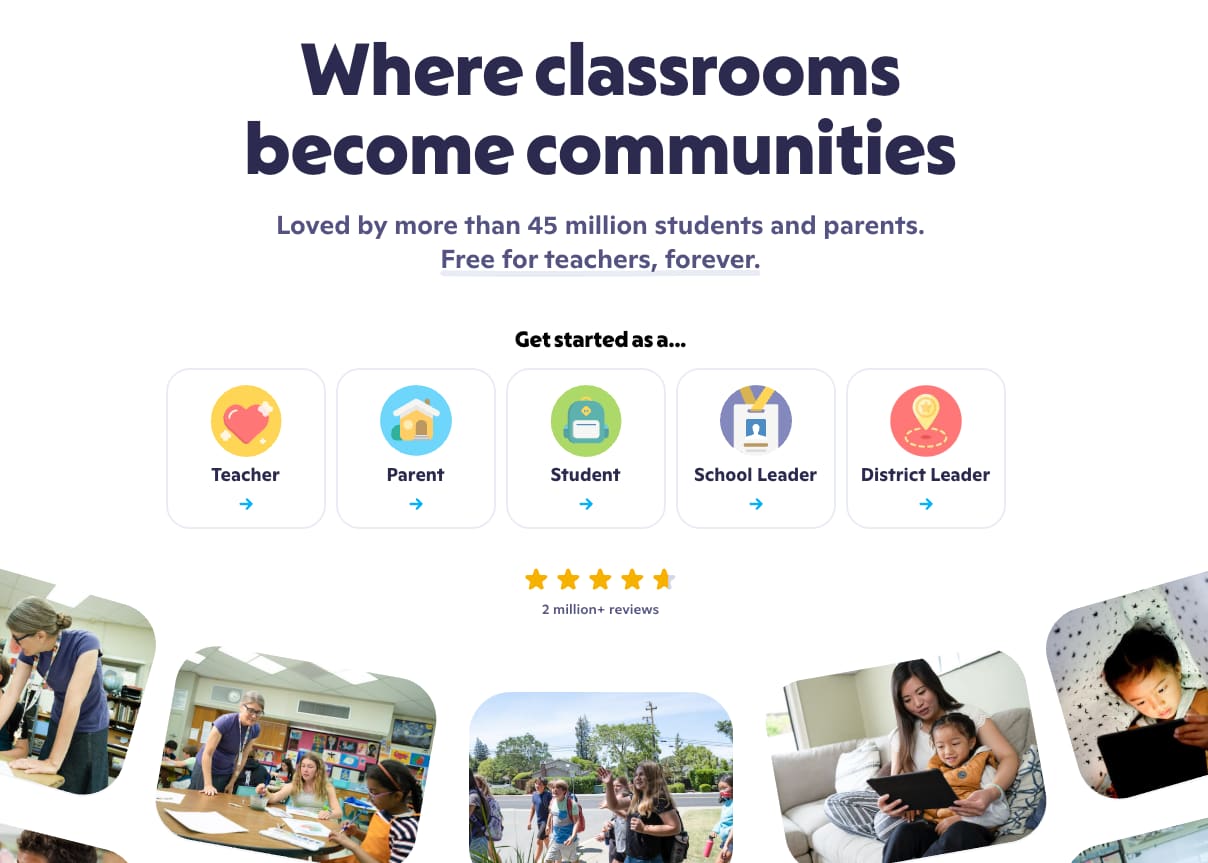
ClassDojo helps manage classroom culture by rewarding positive behaviors with “Dojo points.” It includes a powerful communication feature that allows teachers to share photos and update directly with parents. Students can also showcase their work in digital portfolios for feedback.
2. Google Classroom
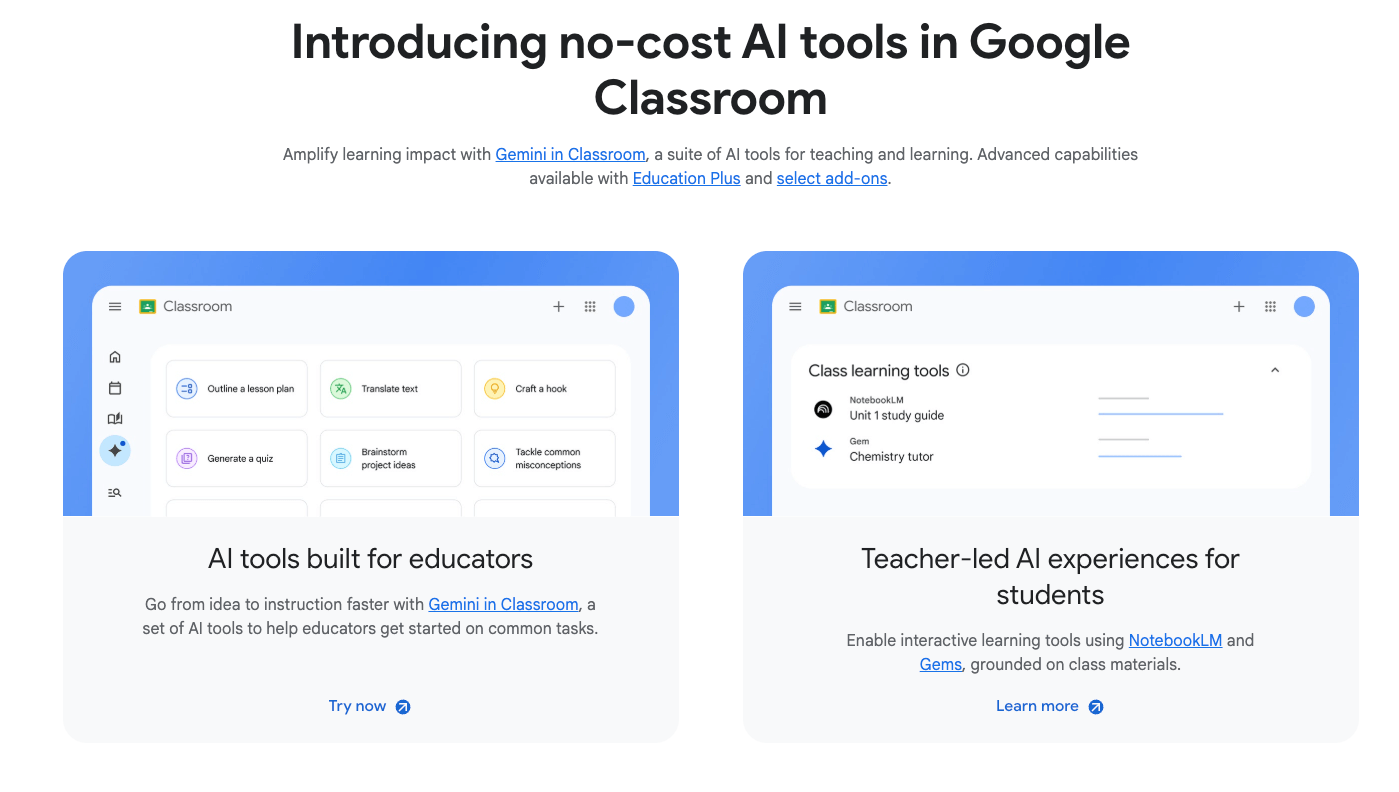
Google Classroom acts as a central hub for distributing, collecting, and grading assignments within the Google Workspace ecosystem. It streamlines the workflow by automatically creating folders for each student and every assignment. It’s highly effective for keeping all digital resources in one organized, accessible place.
3. Seesaw
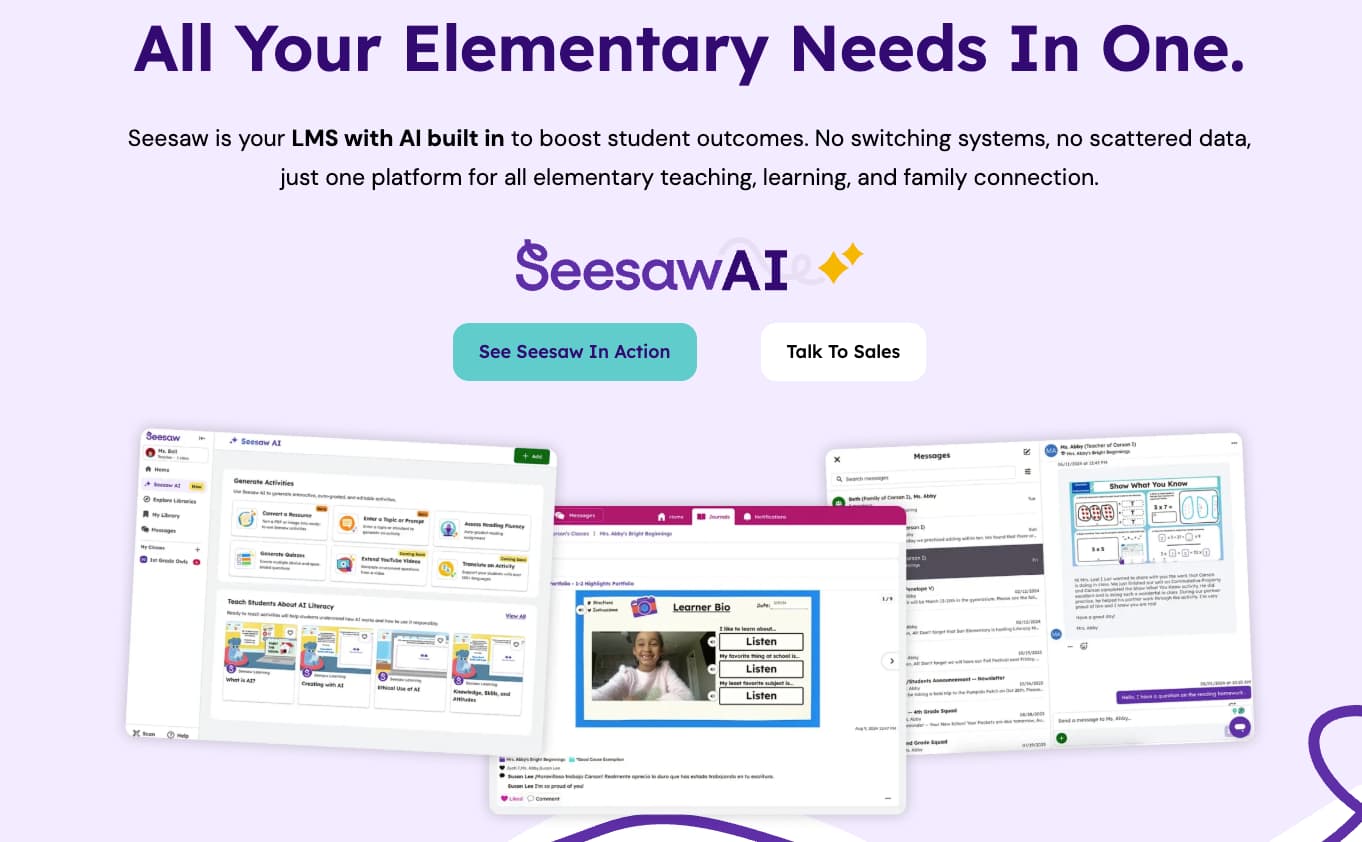
Seesaw is an engagement platform where students can demonstrate their learning through various media types, like video and drawing. It creates a bridge between the classroom and home by letting parents see a “window” into their child’s school day. Teachers can easily assign tasks and provide audio feedback.
4. Trello
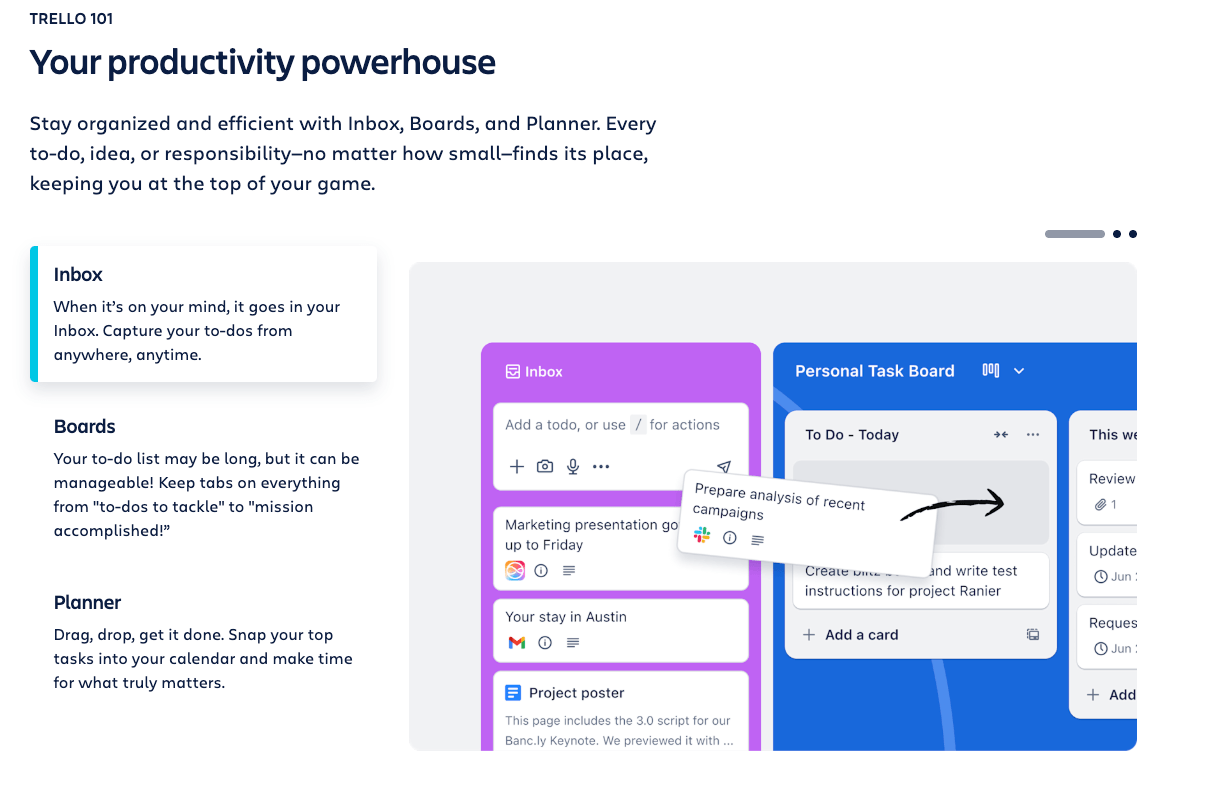
While often used in business, Trello is excellent for helping older students manage long-term projects using visual boards. It teaches organizational skills and allows teachers to track the progress of different student groups. The visual nature of the “To-Do” and “Done” columns provides clear milestones.
Collaboration and communication tools
These resources facilitate seamless interaction between students, teachers, and parents to build a strong community. The goal is to ensure that support is always accessible and that students can work together effectively.
1. Slack
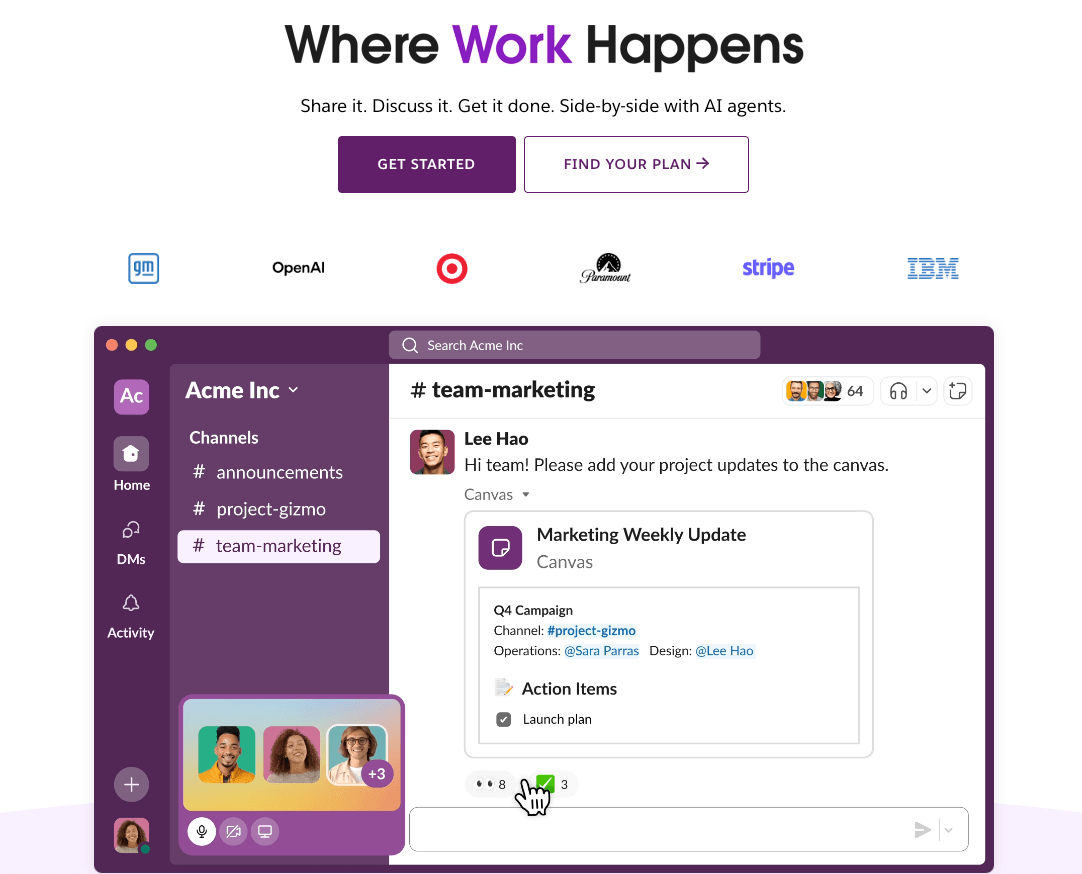
Slack is great for higher education or high school settings to facilitate quick, organized discussions in specific channels. It reduces email clutter and allows for instant file sharing and integration with other productivity apps. Teachers can set office hours and manage group projects with ease.
2. Microsoft Teams
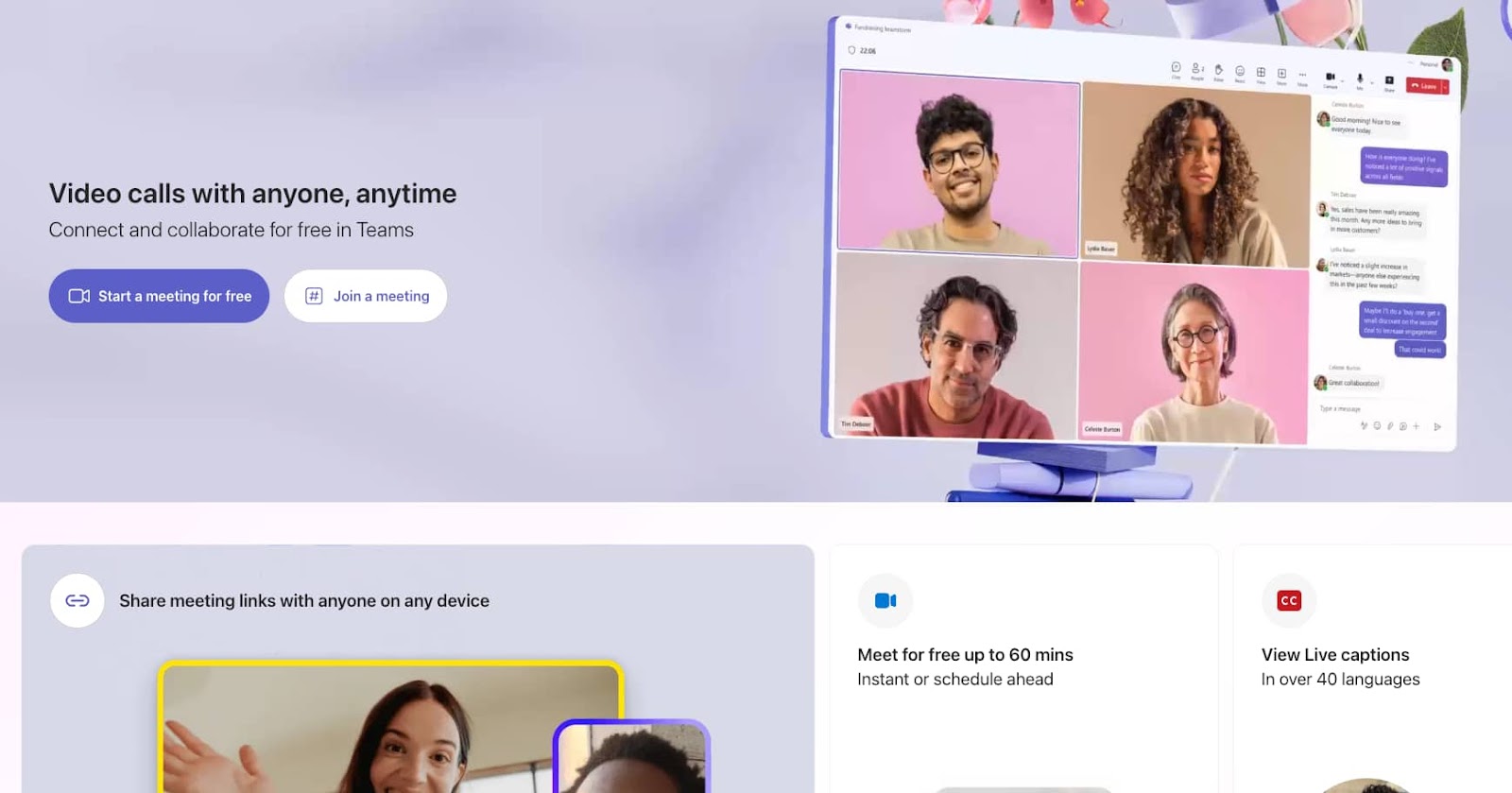
Microsoft Teams is a comprehensive communication suite that combines chat, video meetings, and document collaboration in one spot. It integrates deeply with Office 365, allowing students to co-author documents in real-time. It’s a powerful tool for both synchronous and asynchronous learning environments.
3. Remind
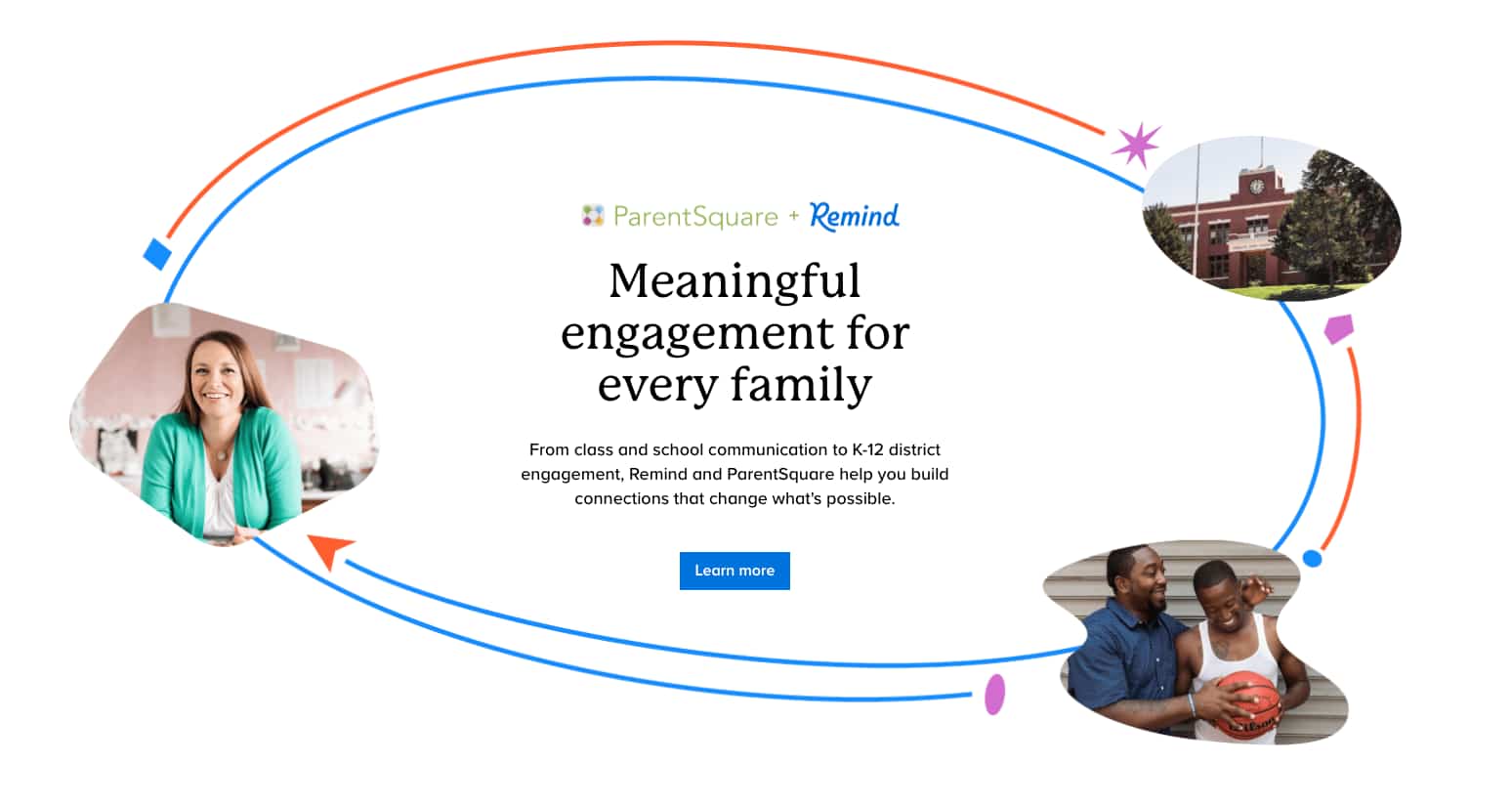
Remind is a safe communication platform that allows teachers to send text messages to students and parents without sharing personal phone numbers. It’s perfect for sending quick reminders about upcoming tests, school events, or field trips. The one-way or two-way messaging options offer flexibility for different privacy needs.
4. Flip
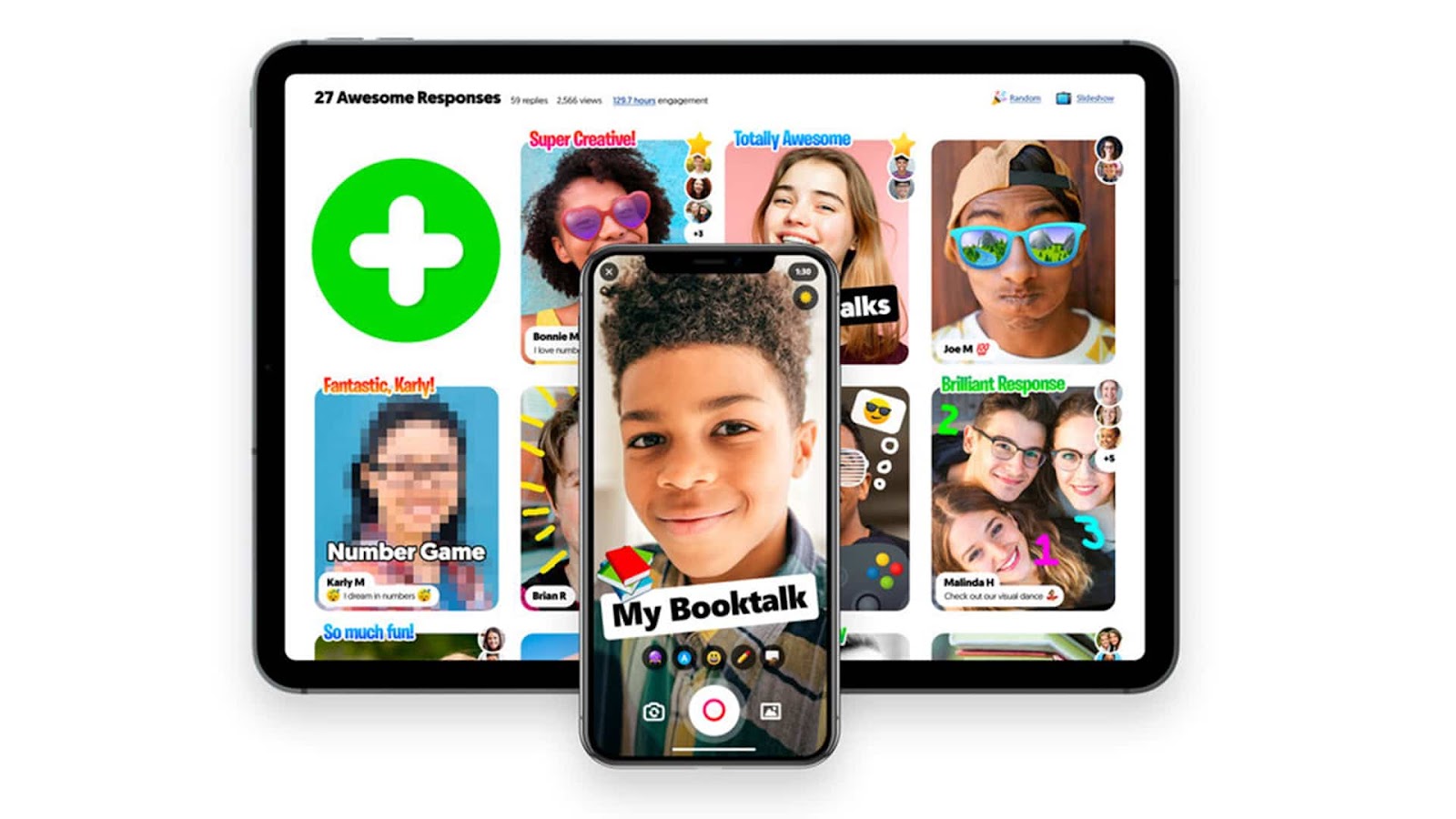
Formerly known as Flipgrid, Flip is a video-based discussion application where teachers post a prompt and students respond with short videos. It gives every student a voice and builds a sense of community through video interactions. Peers can also respond to each other’s videos to deepen the conversation.
Tools for differentiated and self-paced learning
These platforms provide personalized learning paths that adapt to the individual pace and level of each student. They aim to ensure that no student is left behind while also challenging high achievers with advanced content.
1. Khan Academy
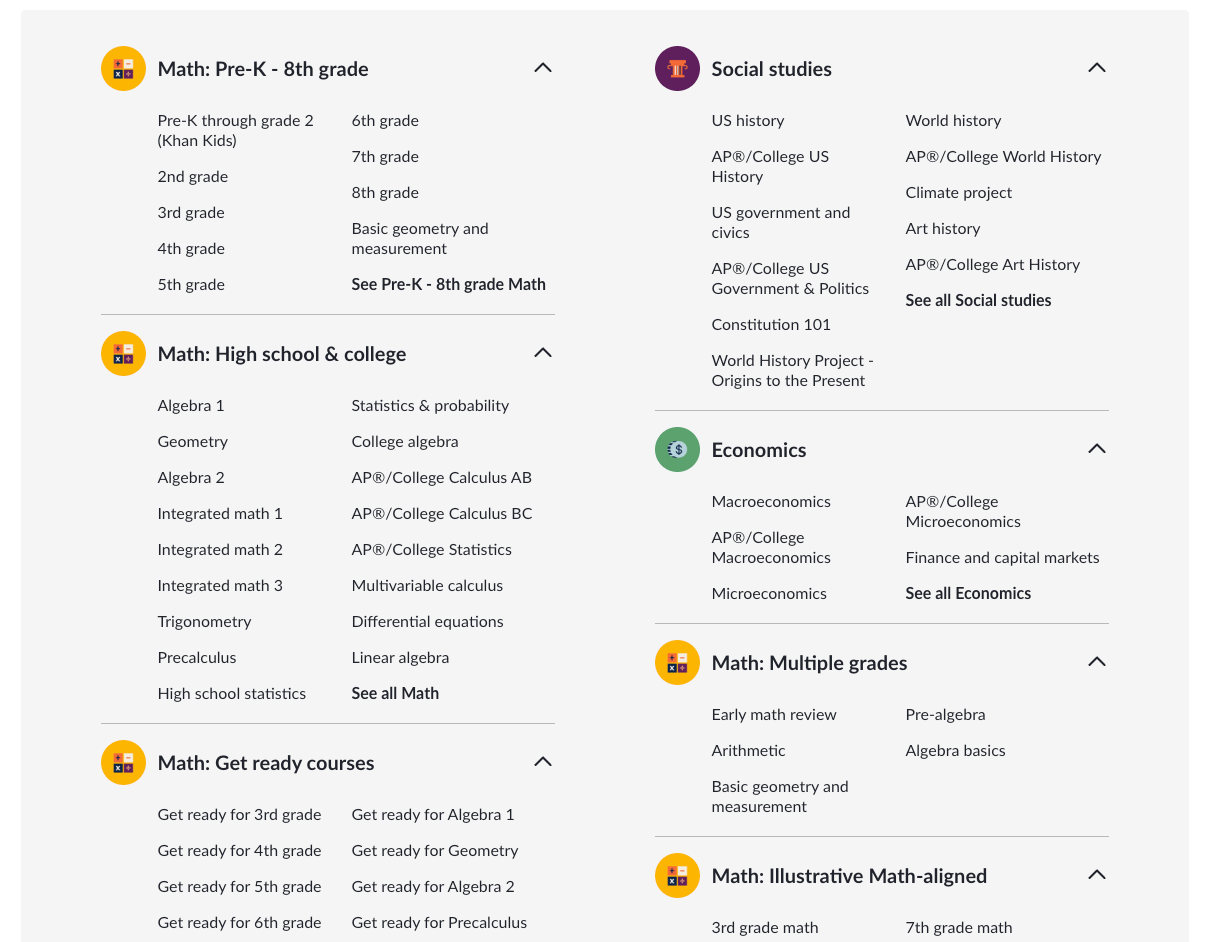
Khan Academy offers a massive library of instructional videos and practice exercises across numerous subjects and grade levels. The platform tracks student progress and suggests specific areas for improvement based on their individual performance. It’s an essential resource for supplemental learning and remediation.
2. Duolingo for Schools
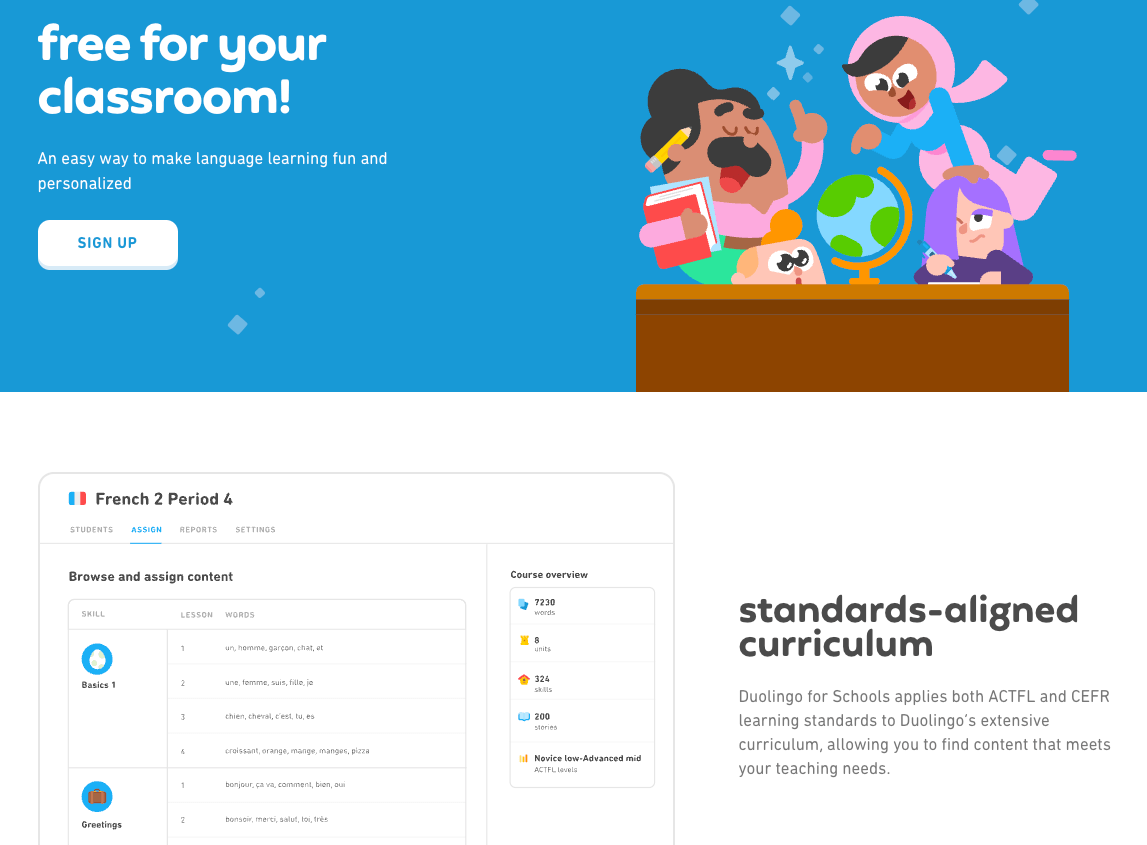
Duolingo for Schools is a gamified language learning platform that allows teachers to track student progress in dozens of different languages. It uses bite-sized lessons that adapt to the learner’s level, making it easy to differentiate instruction. Teachers can assign specific skills and see how much time students spend practicing.
3. Newsela
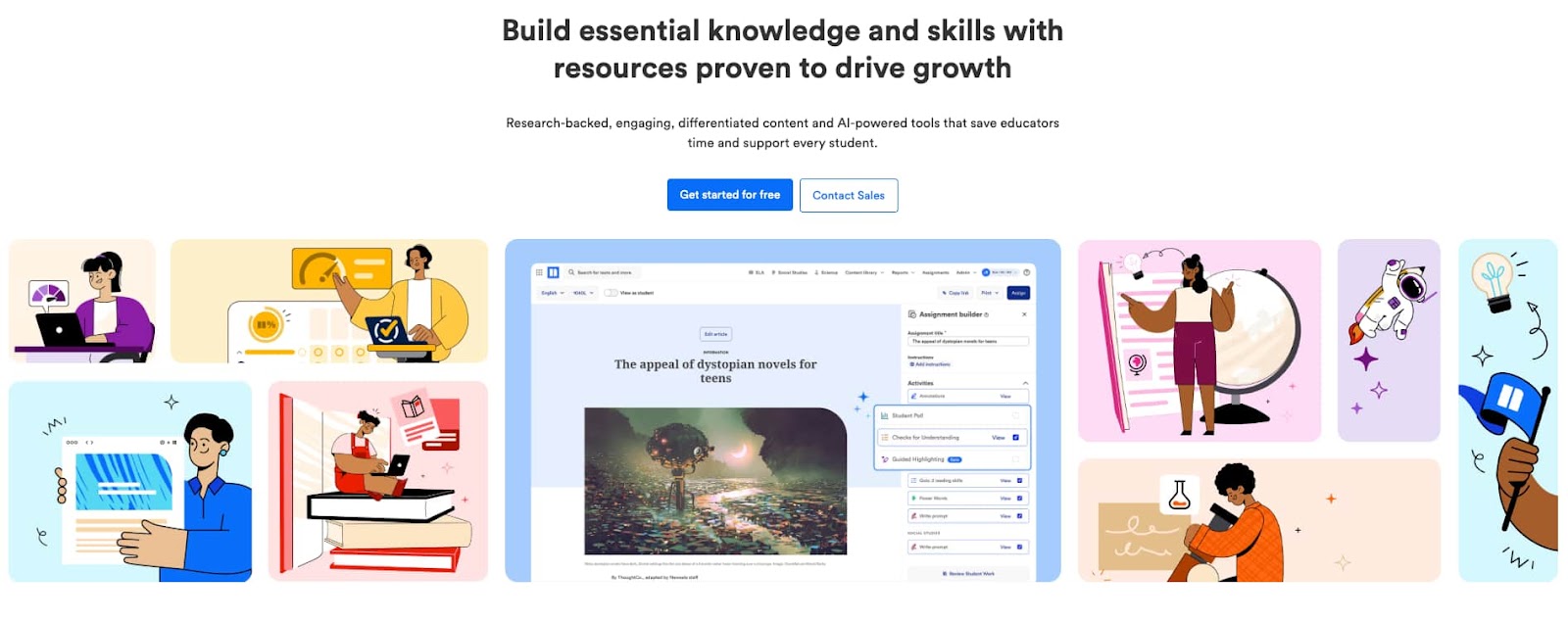
Newsela takes real-world news articles and provides them at five different reading levels to suit every student. This allows an entire class to read the same topic while ensuring the text is accessible to everyone’s ability. It also includes comprehension quizzes and writing prompts for each article.
4. CommonLit
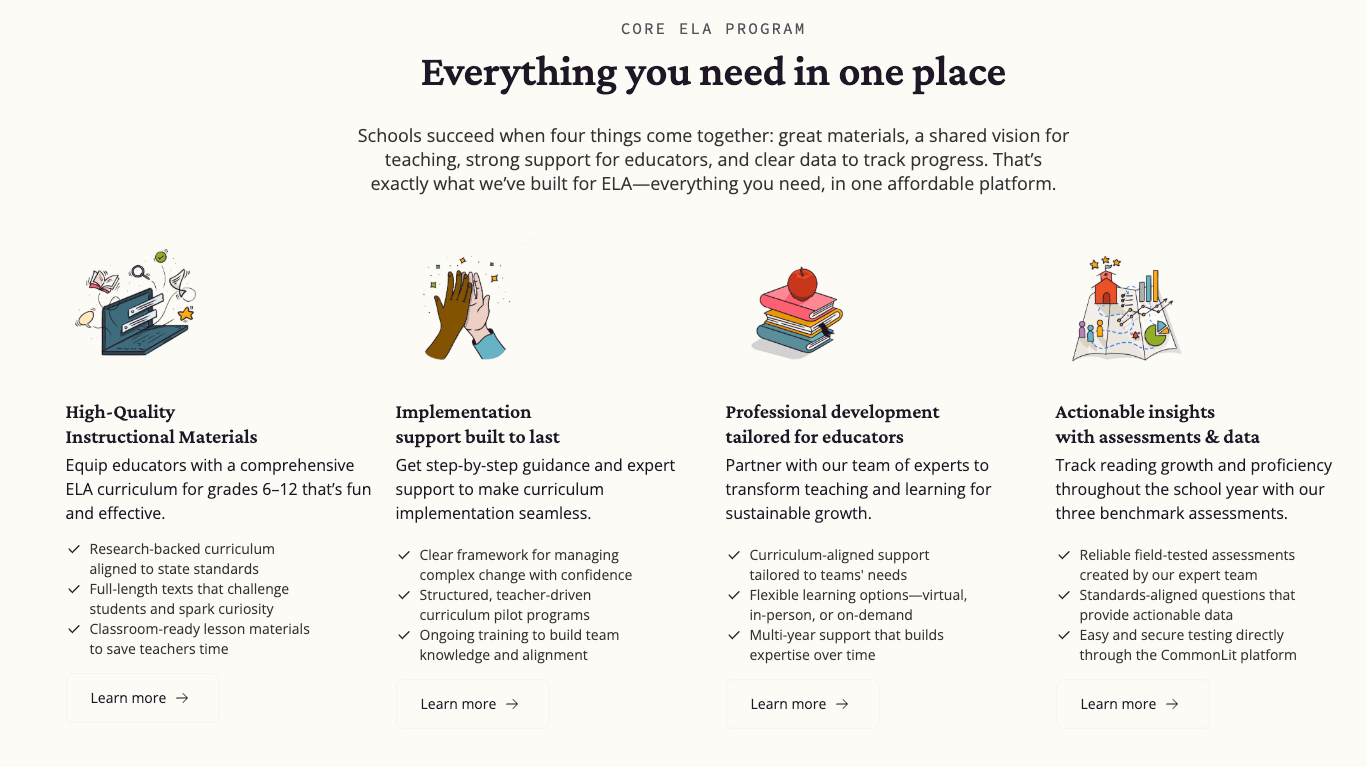
CommonLit is a free digital library of fiction and nonfiction texts designed for all grade levels. It allows teachers to assign reading passages with embedded questions that measure specific literacy skills. The platform’s data tools help identify which students need extra support with specific reading standards.
Data and progress monitoring tools
These tools help educators collect and analyze student performance data to make informed instructional decisions. The goal is to provide a clear picture of growth over time and pinpoint specific areas that require intervention.
1. Edpuzzle
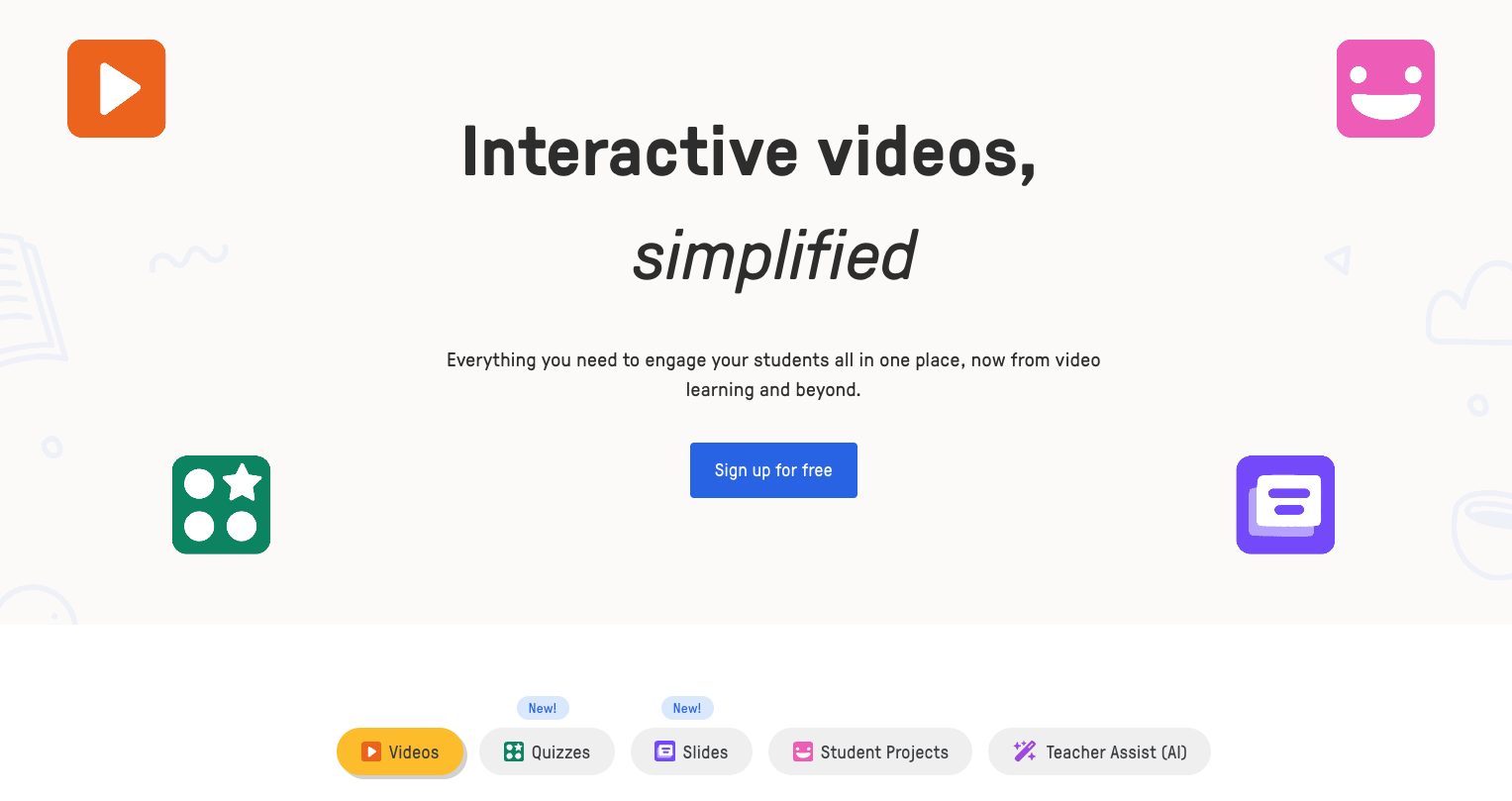
Edpuzzle allows teachers to turn any video into a lesson by embedding questions and tracking views. It provides data on who watched the video, how many times they re-watched sections, and their quiz scores. This helps teachers gauge student comprehension before the next live session begins.
2. GoGuardian
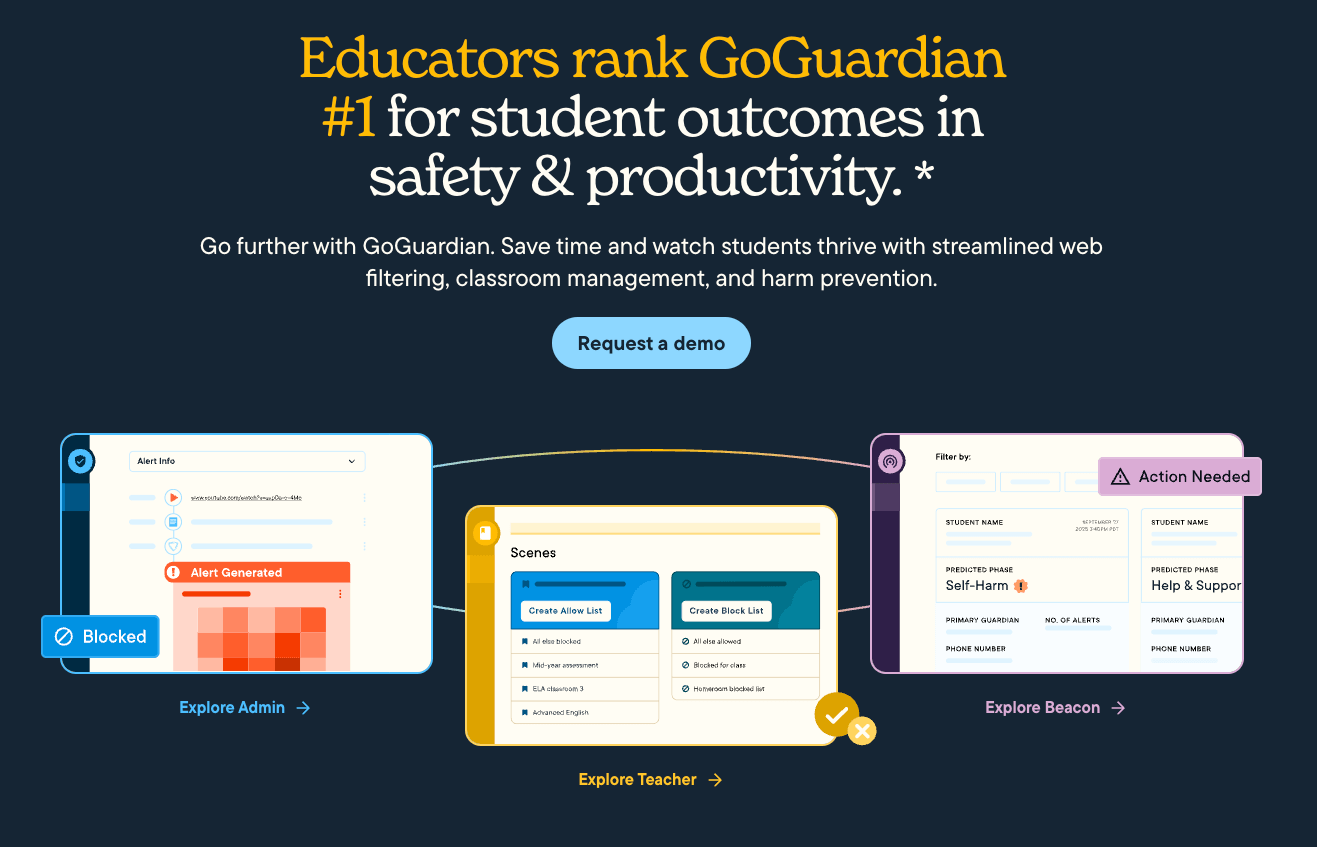
GoGuardian is primarily used for monitoring student screen activity to ensure they stay on task during digital lessons. It provides insights into how students spend their time online and allows teachers to intervene remotely if a student is distracted. The platform also offers filtering and safety alerts.
3. Tableau (Academic)
Tableau Academic Programs is a more advanced tool for schools to visualize complex data sets, such as attendance, grades, and behavior records. It helps administrators and teachers identify board trends that might be affecting student success across the district. By turning raw data into visual charts, it makes analysis much more intuitive.
All-in-one online teaching platforms
These robust systems provide a comprehensive environment for delivering an entire course from hosting content to managing grades. They aim to simplify the tech stack by offering a centralized location for all educational needs.
1. Worksheetzone
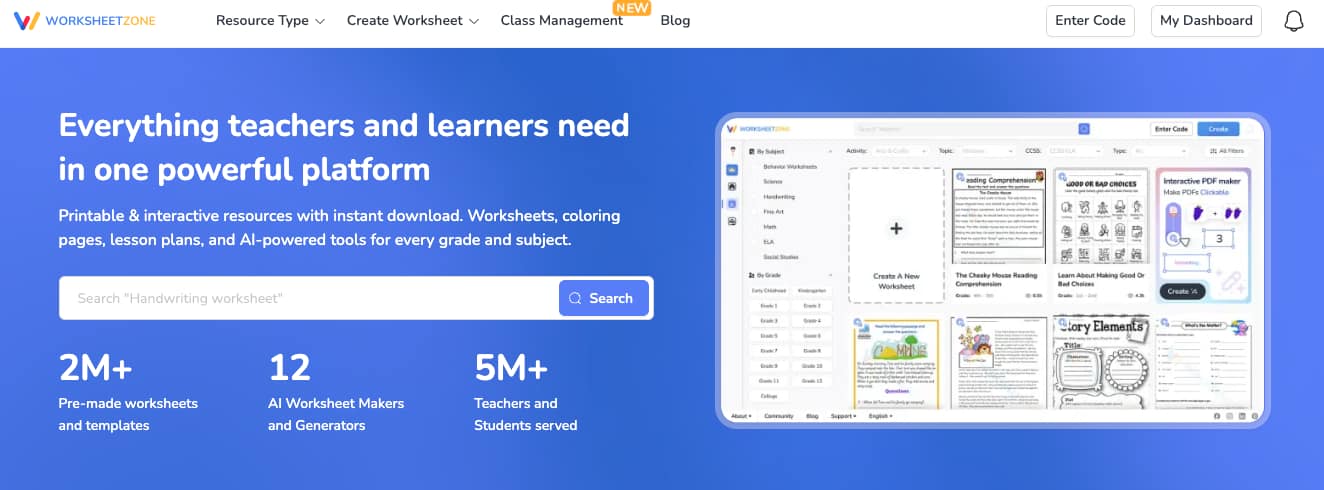
Worksheetzone is a comprehensive AI-driven teaching platform that streamlines lesson delivery and student engagement. Teachers can create, assign, and track interactive worksheets and assess student performance in real-time.
2. Canvas LMS
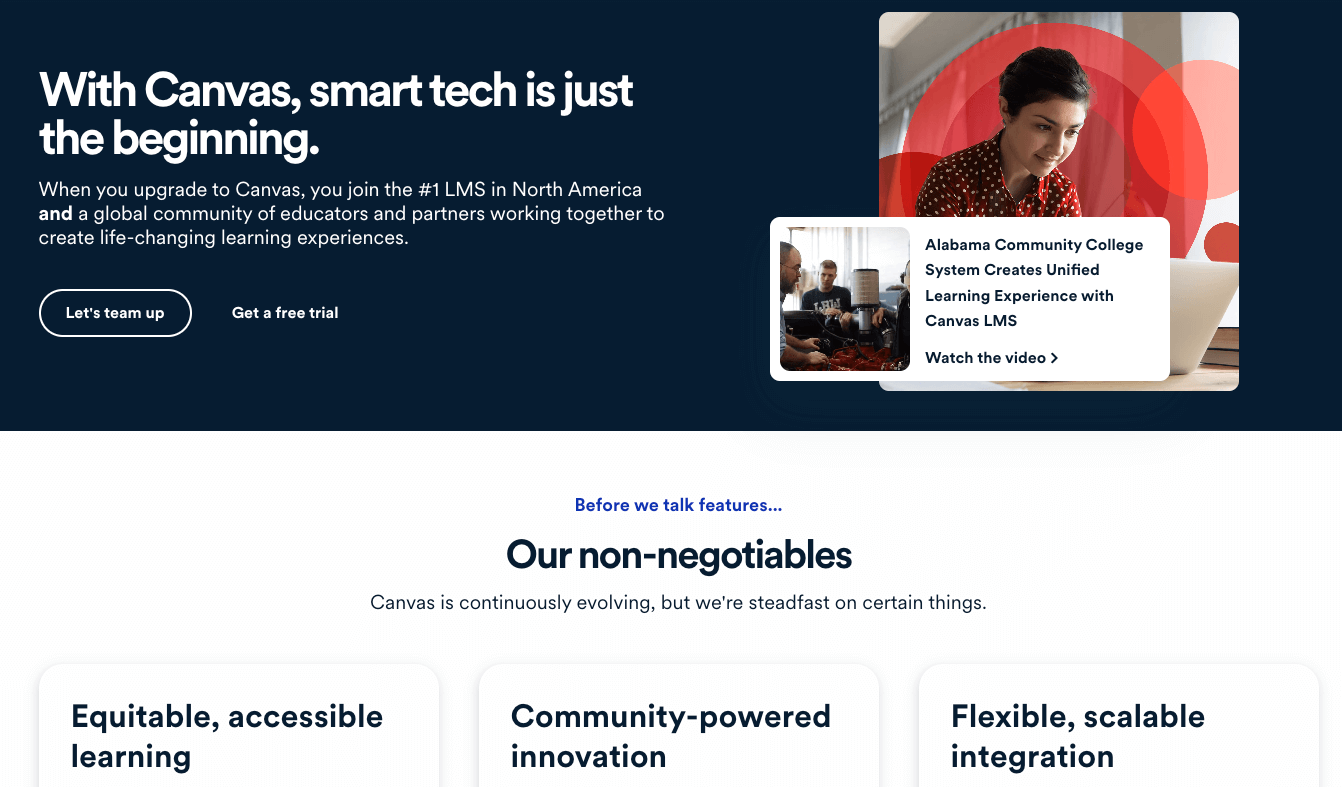
Canvas LMS is a widely used learning management system that hosts course materials, assignments, and communication tools in one place. It’s highly customizable and integrates with hundreds of third-party apps to create a seamless ecosystem. Its “SpeedGraders” feature significantly reduces the time spent on manual assessment.
3. Schoology
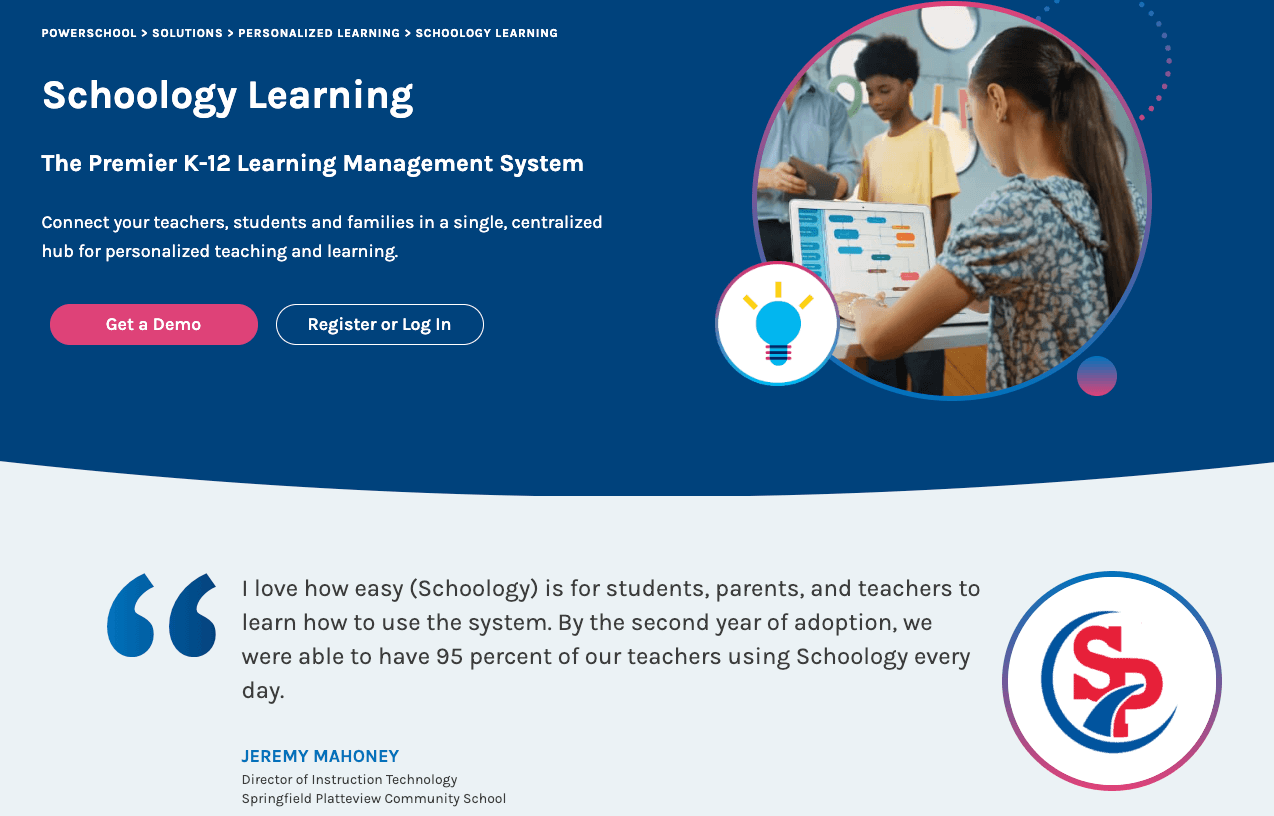
Schoology combines learning management with social networking features to create an intuitive environment for K-12 students. It allows for easy resource sharing among teachers and provides a centralized calendar for all student tasks. The platform’s analytics give a high-level view of student engagement.
4. Moodle

Moodle is an open-source platform that offers immense flexibility for educators who want to build a custom learning environment. It supports a wide range of activities, from forums and wikis to complex quizzes and grading rubrics. Because it’s community-driven, there are countless plugins available to extend its functionality.
5. Blackboard

Blackboard is a veteran in the LMS space, offering powerful tools for content delivery, collaboration, and assessment. It focuses on providing a responsive experience across all devices, making it easy for students to learn on the go. Its advanced reporting features help institutions track long-term student outcomes and retention.
Frequently Asked Questions (FAQs)
How do I choose the best tool for my curriculum?
I recommend choosing a tool based on your primary instructional goal. If you need a tool for daily practice, Worksheetzone’s worksheet maker or Quiz Generator is excellent if you want to gamify your lessons, Blooket or Kahoot! might be better fits. Check to see which tools work best for teaching in this guide for more tips.
Do these tools support differentiated learning?
Yes, many platforms like Khan Academy and Worksheetzone provide personalized learning paths that adapt to the individual pace of each student. This allows you to support diverse learning needs within a single digital classroom.
Can parents use these tools at home?
Absolutely. Many of these platforms, such as ClassDojo and Seesaw, are designed specifically to bridge the gap between school and home. Parents can use these tools to monitor their child’s progress and participate in their learning journey. Worksheetzone provides the printable resources needed for offline reinforcement for homeschooling.
Conclusion
Navigating the vast array of online teaching tools for teachers might feel overwhelming at first, but the benefits for student engagement and administrative efficiency are undeniable. By selecting a balanced mix of interactive, organizational, and data-driven software, you can create a more dynamic and personalized classroom environment. As technology continues to evolve, staying updated on these resources will ensure you remain an effective and inspiring educator. Start by integrating one or two new tools today to see the immediate positive impact on your teaching journey and your students’ success.


