




















Nearpod alternatives are digital educational platforms that provide interactive lessons, gamified assessments, and student engagement tools beyond the standard Nearpod suite. These alternatives refer to specialized tools for AI-powered worksheets, video-based learning, and live classroom competitions designed for students in grades PreK–12. Worksheetzone provides these resources to ensure educators can find the perfect fit for their budget, curriculum, and teaching style while maximizing classroom participation.
10 Neapod alternatives
Finding the right interactive tool fosters children’s curiosity and digital literacy through diverse learning experiences. In a classroom setting, these platforms work best when selected based on the specific instructional goal, such as formative assessment or self-paced practice. According to research from Common Sense Education, variety in digital tools helps maintain high student engagement across different grade levels.
1. Worksheetzone

Worksheetzone is a sophisticated AI-powered hub designed for educators who want to move beyond static PDFs. It excels in transforming traditional teaching materials into interactive, trackable digital experiences that save hours of manual preparation. By leveraging artificial intelligence, it helps teachers generate high-quality content that is both pedagogically sound and visually appealing, ensuring that students stay focused on the task at hand.
The platform provides a massive library of ready-to-use templates alongside powerful creation tools. Teachers can quickly build structured practice sessions that automatically adapt to student needs.
- AI worksheet generator: Creates content from simple prompts or keywords
- Interactive puzzles: Includes crosswords, word searches, and math scrambles
- Live teaching mode: Allows for real-time monitoring of student progress
- Assignment dashboard: Tracks completion, accuracy, and student performance in one place
Pricing: Worksheetzone offers a very accessible pricing model, featuring a robust free tier that allows teachers to explore the core AI tools and an extensive template library. For those requiring more advanced AI credits and an ad-free experience, premium subscriptions are available at competitive rates. This flexibility makes it a favorite for individual teachers and small school departments alike.
Why Worksheetzone is a Nearpod alternative:
While Nearpod excels at live presentation, Worksheetzone provides deeper tools for creating customized practice materials. Teachers can use the Interactive Worksheet Maker or Quiz Maker to transform static content into engaging digital tasks. This ensures students receive immediate feedback on their specific learning objectives.
2. Pear Deck
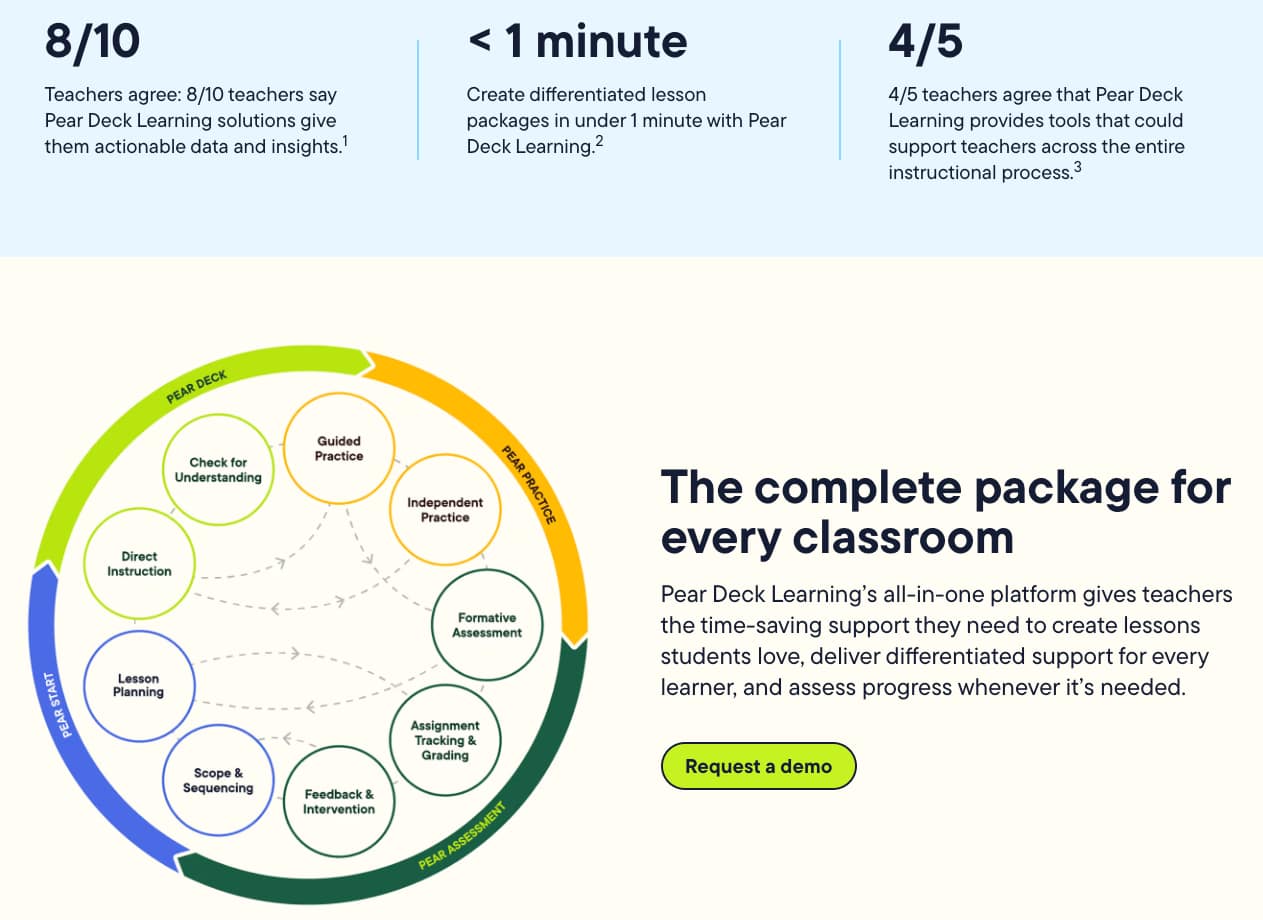
Pear Deck is a powerhouse for schools already immersed in the Google Workspace or Microsoft 365 ecosystems. It is designed to work as an add-on, turning standard slide decks into interactive conversations rather than one-way lectures. Its effectiveness lies in its “100% engagement” philosophy, which encourages every student – including the quietest ones – to respond to prompts anonymously on the teacher’s screen.
The features are designed to be intuitive, allowing teachers to drag and drop interactive elements directly onto their existing slides. This minimizes the learning curve and keeps the focus on the lesson content.
- Slides integration: Works directly within Google Slides and PowerPoint
- Anonymous responses: Increases participation by removing the fear of being wrong
- Student-paced mode: Ideal for remote learning or differentiated classroom stations
- Takeaways: Generates personalized Google Docs for students to review after the lesson
Pricing: Pear Deck operates on a “freemium” model. The basic version is free but limited in question types; the Individual Premium plan is roughly $149 per year, providing access to drawing questions, draggable items, and detailed student reports. Many schools opt for district-wide pricing to provide full access to all staff.
Why Pear Deck is a Nearpod alternative:
It serves as a strong Nearpod alternative because it doesn’t require teachers to “leave” their preferred presentation software. If you have years of content built in Google Slides, Pear Deck is often a more seamless transition than importing those files into Nearpod’s native editor.
3. Kahoot!
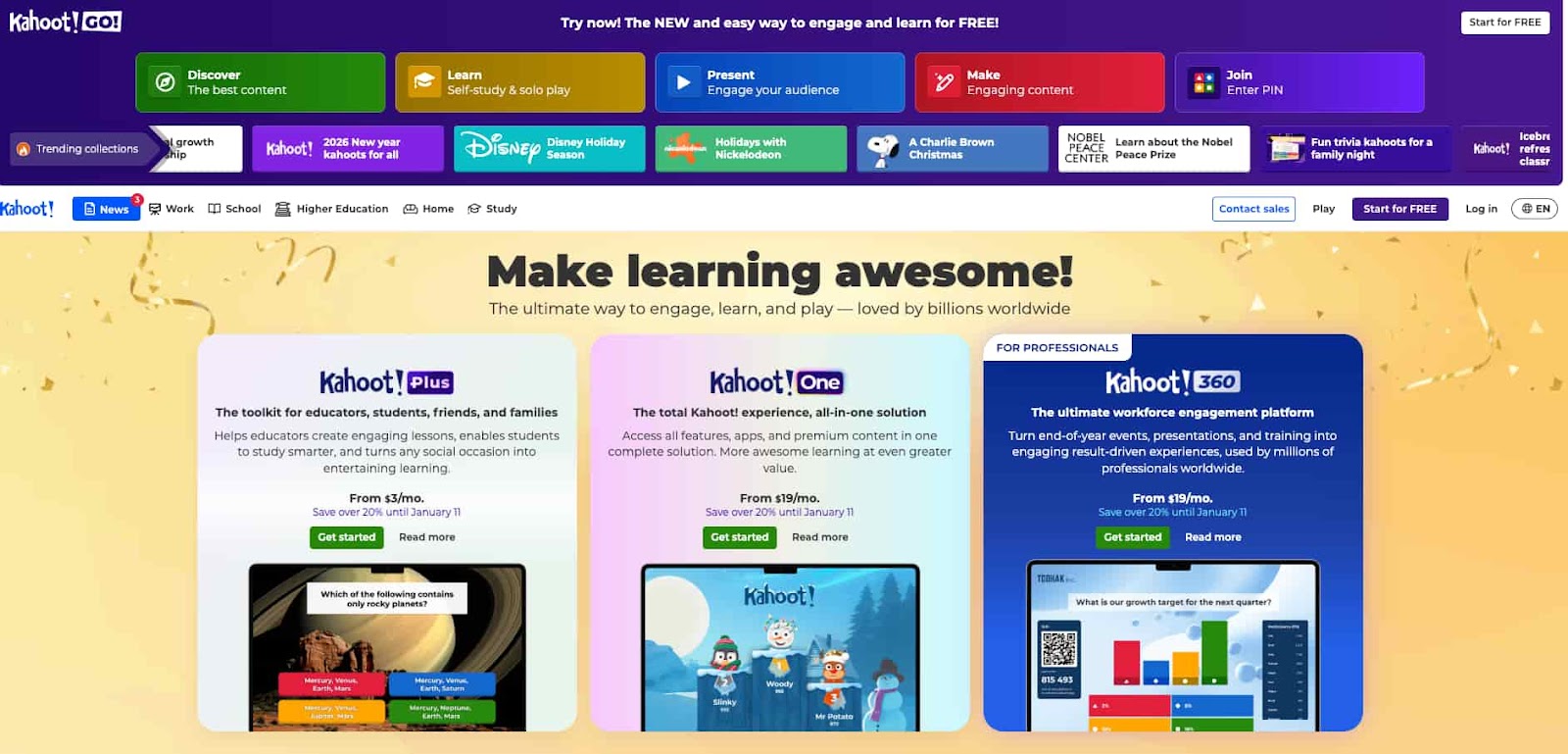
Kahoot! is perhaps the most famous name in educational gamification, turning the classroom into a high-energy game show arena. Its effectiveness is rooted in the “BGM” (background music) and competitive leaderboards that trigger immediate student excitement. Beyond the fun, it provides teachers with quick snapshots of classroom understanding, making it a staple for unit reviews and “hook” activities.
The platform has expanded significantly over the years, moving beyond simple multiple-choice quizzes to include more complex interactions.
- Game modes: Includes team modes and various specialized gameplay styles
- Extensive library: Millions of public “Kahoots” are available for immediate use
- Ghost mode: Allows students to play against their own previous high scores
- Real-time analytics: Visualizes class performance immediately after each question
Pricing: The basic version is free for small groups, while Kahoot!+ for teachers typically starts around $5 per month for individual use, with higher tiers offering advanced features like brainstorming and open-ended questions.
Why Kahoot! is a Nearpod alternative:
While Nearpod is a comprehensive “lesson delivery” tool, Kahoot! is the ultimate alternative for those who want to maximize energy and competition. It is less about the “slides” and more about the “game,” making it the perfect choice when student fatigue is high and engagement is low.
4. Wayground (formerly Quizizz)
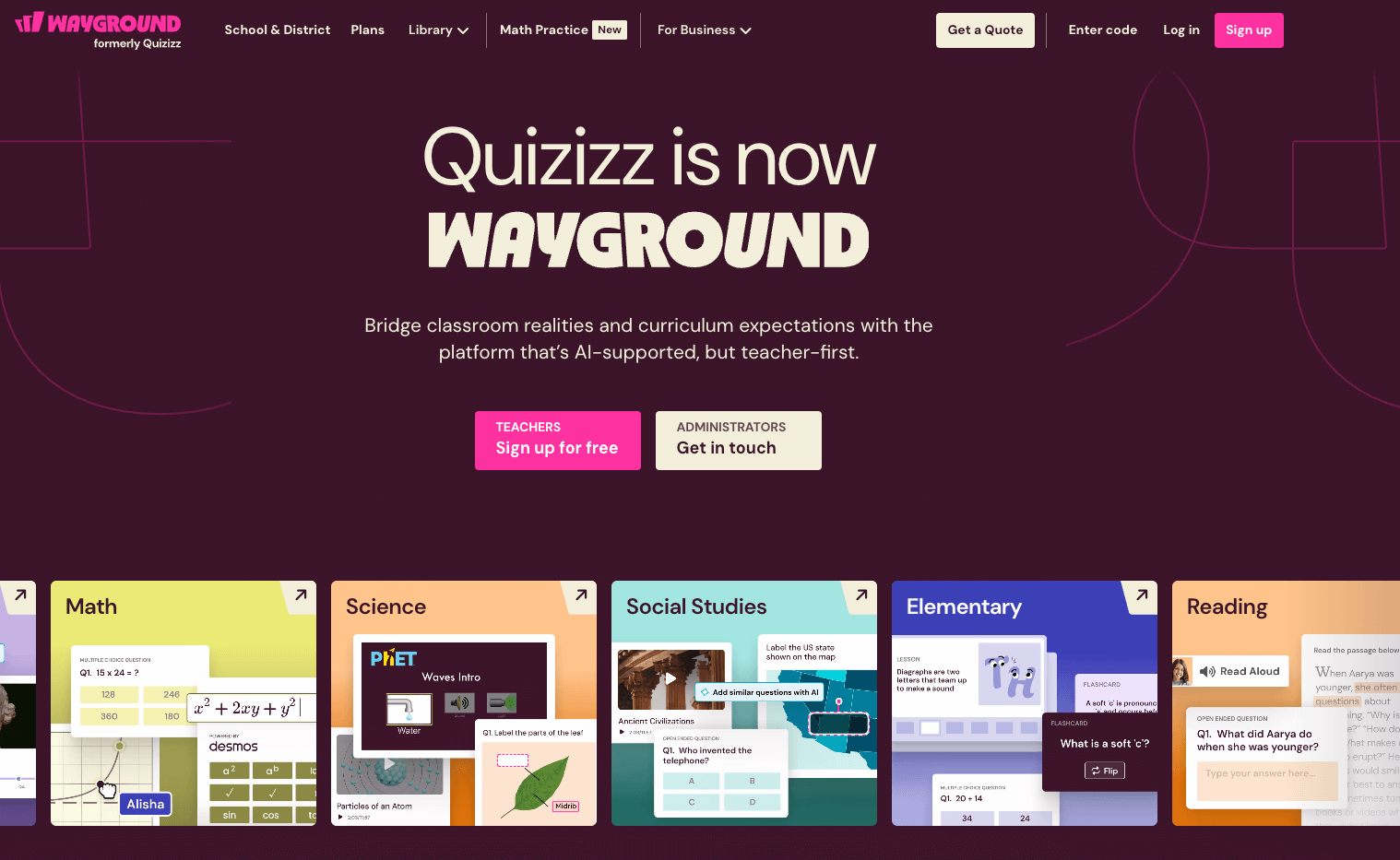
Wayground offers a versatile balance between gamified competition and self-paced assessment. It is highly effective because it allows students to work through questions at their own speed on their own devices, which reduces the “speed-based” stress found in other game platforms. Its integration of memes and power-ups adds a layer of humor that resonates well with K-12 students.
The platform is known for its teacher-friendly interface and the ability to find or create quality assessments in minutes.
- Teleport feature: Easily pull questions from other public quizzes into your own
- Asynchronous assignments: Perfect for homework or self-paced stations
- Multimedia integration: Supports audio, video, and image-based questions
- Detailed reporting: Exports student data into organized spreadsheets for grading
Pricing: Wayground offers a generous free version, while the Individual (Super) plan starts at approximately $96 per year. This paid tier removes ads and unlocks “Super” features like interactive videos, skip logic, and an expanded library of premium content.
Why Quizizz is a Nearpod alternative:
As a Nearpod alternative, Quizizz is superior for asynchronous learning. If your goal is to assign interactive “lessons” for students to complete independently without the teacher needing to “drive” the presentation, Wayground provides a more streamlined and student-friendly experience.
5. ClassPoint
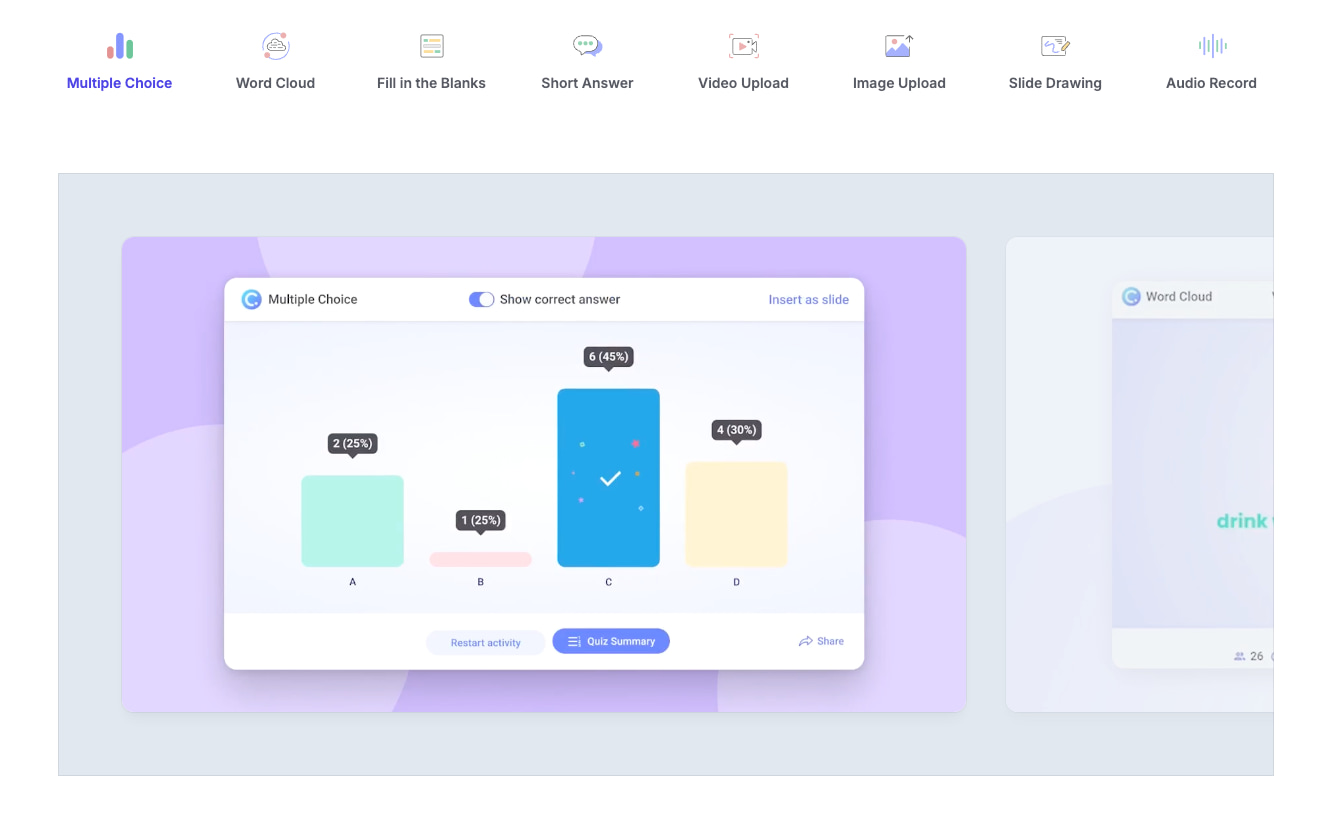
ClassPoint is a specialized tool for teachers who live and breathe Microsoft PowerPoint. Its effectiveness comes from its ability to stay strictly within the PowerPoint environment, meaning you never have to switch windows or use a browser to run a poll. It adds a “Pro” layer to your existing presentations, transforming them into a full-fledged audience response system.
The feature set focuses on making the presenter’s life easier while providing robust interactive options for the students.
- AI quiz generator: Automatically scans your slides to create relevant quiz questions
- Interactive tools: Includes draggable objects, live polling, and word clouds
- Gamification: Students earn stars and climb leaderboards during the live session
- Annotation suite: Enhanced pens and whiteboards that are saved directly to your slides
Pricing: ClassPoint offers a basic free version for up to 25 students and 5 questions per presentation. The Pro plan is roughly $8 per month (billed annually), which supports up to 200 students and provides unlimited questions and AI quiz credits.
Why ClassPoint is a Nearpod alternative:
ClassPoint is the definitive Nearpod alternative for PowerPoint power users. Unlike Nearpod, which often requires you to upload your PPT and potentially lose animations, ClassPoint works on top of your original file, preserving every transition and font choice you’ve carefully crafted.
6. Mentimeter
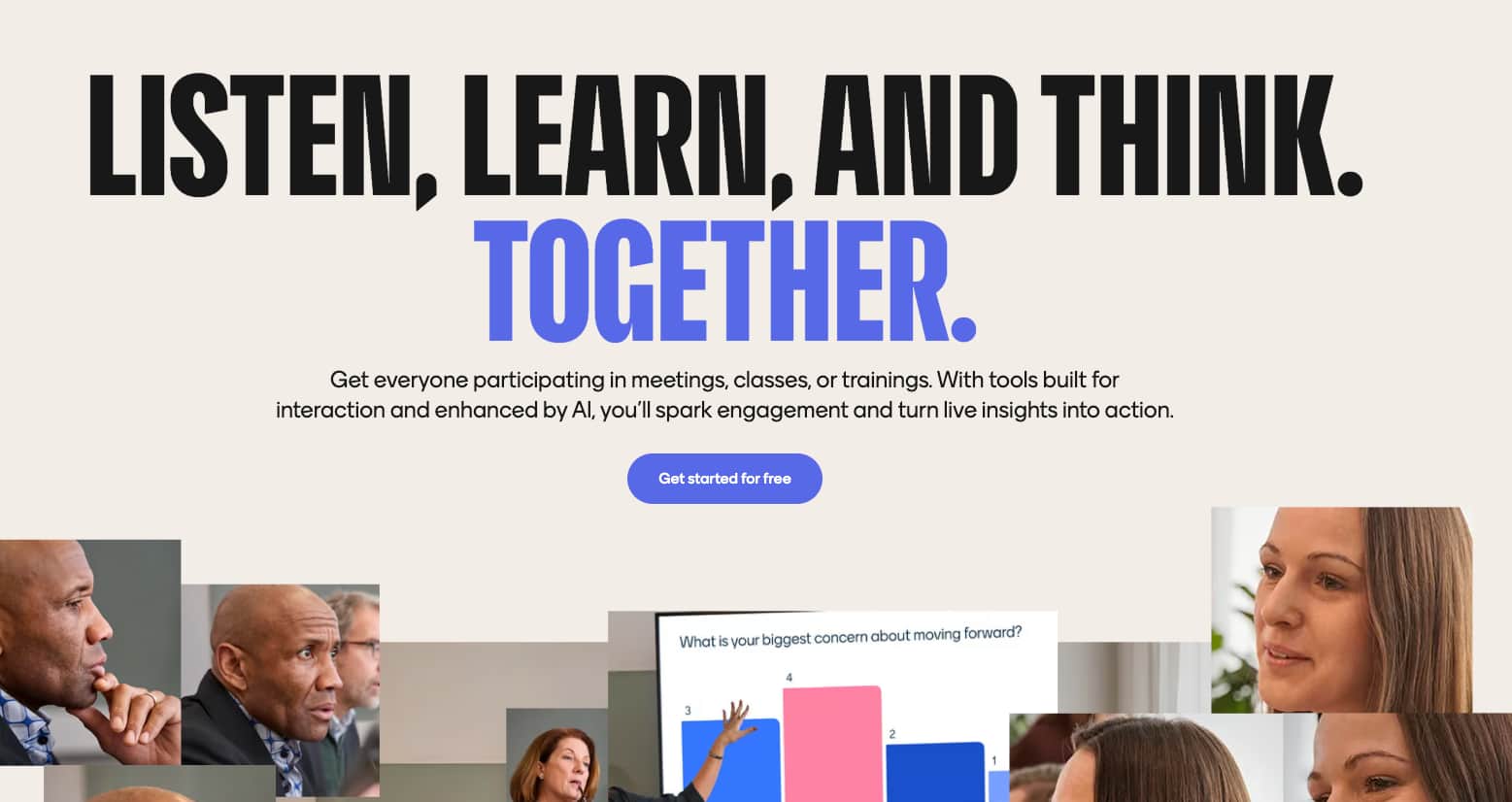
Mentimeter is often seen as the more “polished” or “professional” sibling in the interactive presentation world. It is highly effective for high school and higher education settings where the goal is deep reflection, professional-grade data visualization, and real-time feedback. Its word clouds and scales are particularly useful for gauging classroom sentiment or starting complex discussions.
The features are designed with a minimalist aesthetic, ensuring that the data and the discussion take center stage.
- Dynamic word clouds: Visually represent common student responses in real-time
- Q&A feature: Allows students to submit questions anonymously during a lecture
- Advanced polling: Includes ranking, scales, and “2×2” grids for data analysis
- Presentation export: Allows you to share the results as a PDF or image
Pricing: Mentimeter offers a free tier with unlimited audience size but limited question types. The Basic plan for education starts around $9.99 per month, unlocking unlimited questions and the ability to export results to Excel for more detailed tracking.
Why Mentimeter is a Nearpod alternative:
As a Nearpod alternative, Mentimeter is the better choice for “lecture-heavy” environments. While Nearpod can feel a bit “K-8” in its design, Mentimeter provides a sophisticated interface that is more appropriate for older students and adult learners who want to engage with data and ideas seriously.
7. Edpuzzle
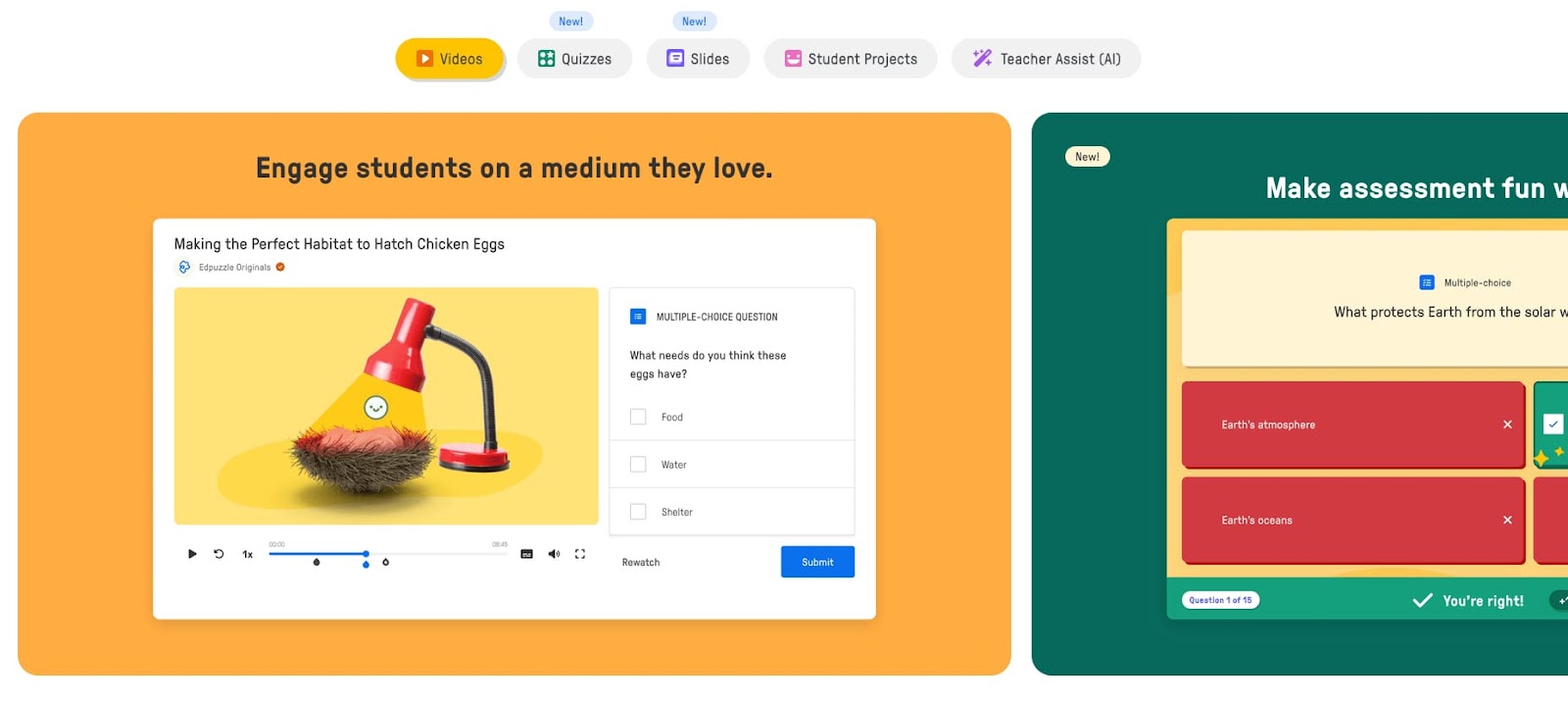
Edpuzzle takes a completely different approach by focusing almost exclusively on video-based learning. It is incredibly effective for flipped classrooms or “sub plans,” as it allows teachers to take any video (from YouTube, Khan Academy, or their own) and embed interactive questions directly into the timeline. Students cannot skip forward, ensuring they actually watch and process the content.
The platform’s power lies in its ability to turn passive watching into an active, measurable learning event.
- Video trimming: Cut videos to only show the most relevant parts
- Voiceover narrations: Add your own voice to explain concepts within a video
- Progress tracking: See exactly how much of the video each student watched
- LMS integration: Syncs seamlessly with Google Classroom, Canvas, and Schoology
Pricing: Edpuzzle offers a free version that allows teachers to store up to 20 video lessons. For more storage, the Pro Teacher plan is typically around $13.50 per month, providing unlimited space for a growing library of interactive video content.
Why Edpuzzle is a Nearpod alternative:
If your “Nearpod lessons” mostly consist of videos with a few questions, Edpuzzle is the superior alternative. It provides much deeper analytics on video engagement and a more specialized toolset for video editing that Nearpod’s “Video” slide simply cannot match.
8. Blooket
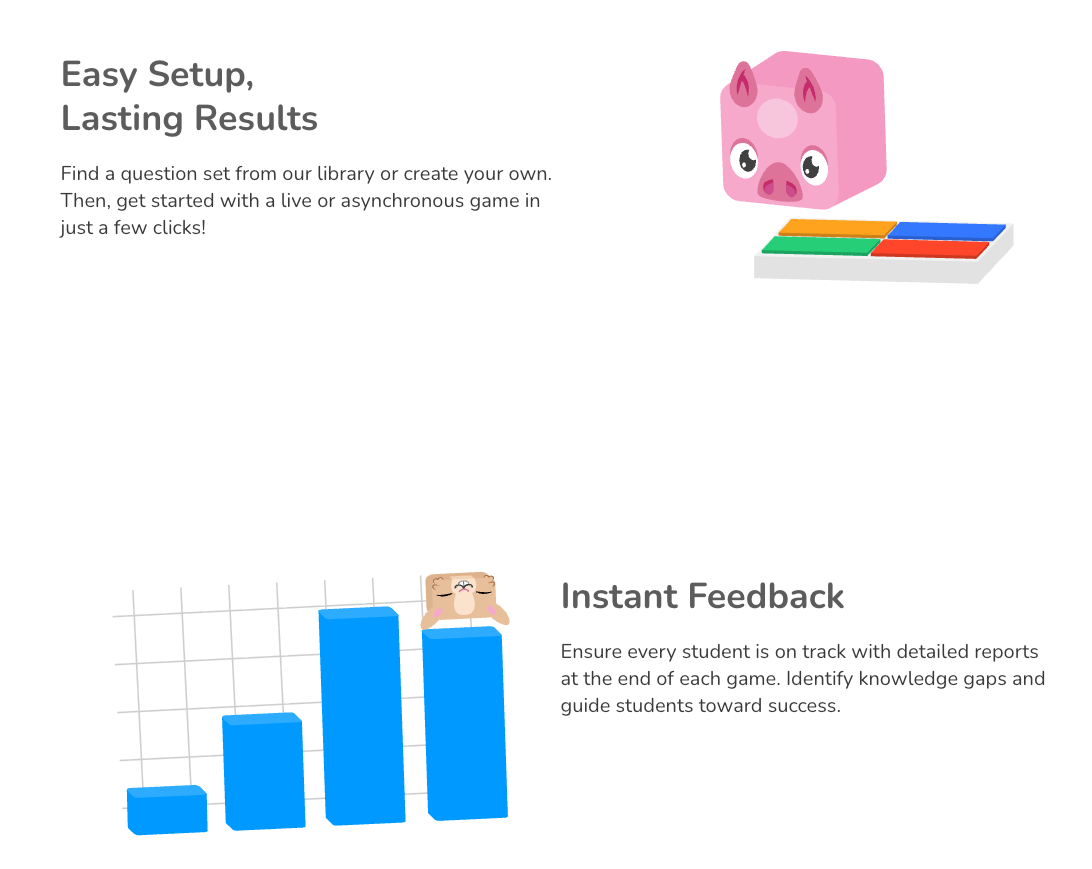
Blooket is the rising star of gamified learning, often preferred by students over Kahoot! due to its unique RPG and strategy elements. It is effective because it rewards both correct answers and strategic gameplay, meaning a student who isn’t the fastest might still win through clever use of “power-ups” or “stealing” points from others.
The features are built around high-replayability game modes that keep students asking for “one more round.”
- Variety of game modes: Includes Tower Defense, Gold Quest, and Cafe
- Blook collection: Students earn “Blooks” (characters) as rewards for playing
- Homework mode: Allows games to be assigned as self-paced practice
- Massive player limit: Premium versions can host up to 10,000 players simultaneously
Pricing: Blooket is very affordable. The Starter plan is free and quite robust. The Blooket Plus plan is only $2.99 per month (billed annually), which unlocks enhanced reports, folders for organization, and early access to new game modes.
Why Blooket is a Nearpod alternative:
Blooket is a fantastic Nearpod alternative for teachers who want to lean heavily into “stealth learning.” While Nearpod’s “Time to Climb” is a fun diversion, Blooket is an entire ecosystem of gaming that can turn a dry vocabulary review into the highlight of a student’s week.
9. Socrative
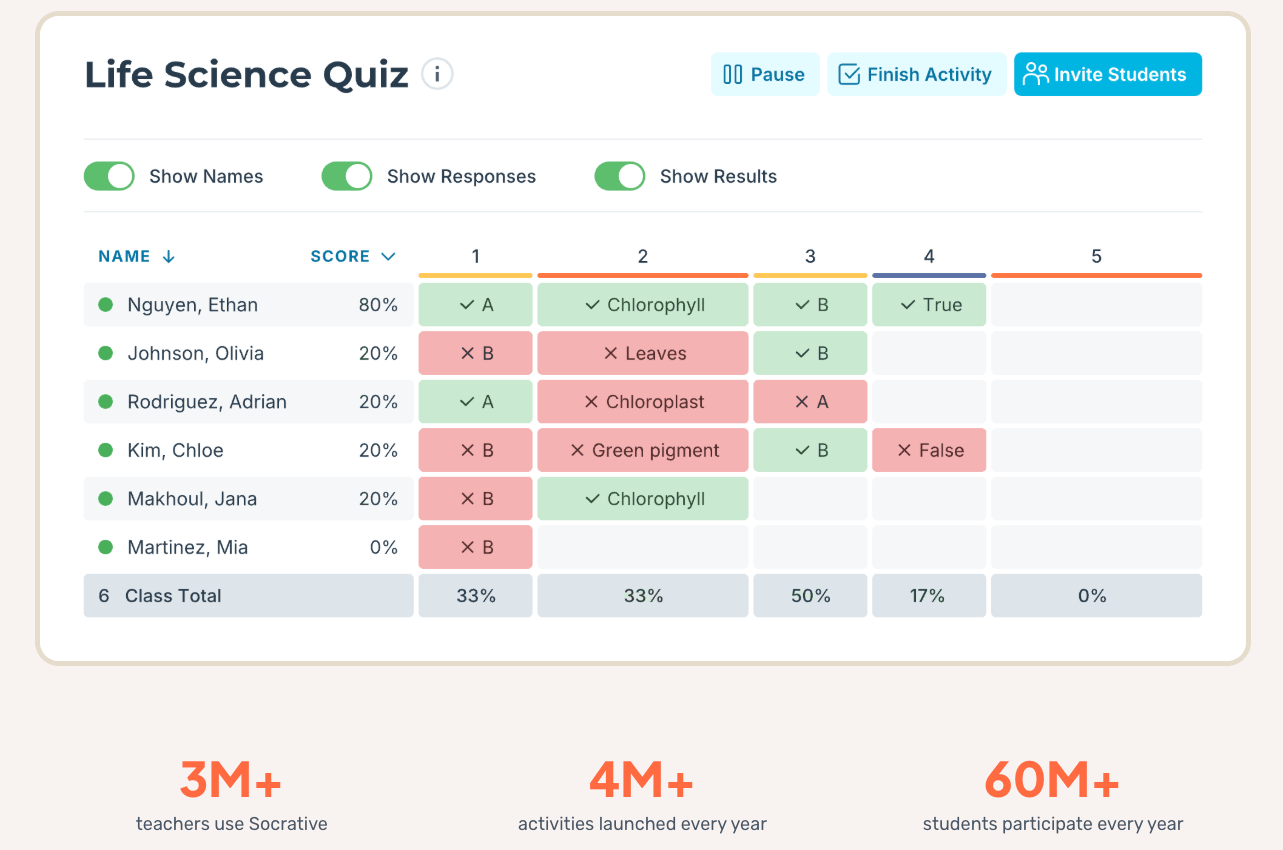
Socrative is a “no-nonsense” formative assessment tool that prioritizes clarity and speed. It is effective for teachers who want immediate data without the “fluff” of heavy animations or complex slide transitions. Its “Space Race” mode provides just enough gamification to keep it interesting while remaining a serious tool for checking for understanding.
The platform is designed for quick checks, exit tickets, and formal quizzes that can be launched in seconds.
- Space Race: A competitive team game that visualizes progress as icons racing across the screen
- Quick questions: Launch a single question on the fly to gauge current class understanding
- Automated grading: Quizzes are graded instantly, with results available for download
- Student login: No accounts are required for students; they simply enter a “Room Name.”
Pricing: Socrative offers a free tier for up to 50 students per room. The Essentials plan for teachers is roughly $10 per month, allowing for up to 10 rooms and higher student capacities, making it a reliable choice for high school teachers with multiple sections.
Why Socrative is a Nearpod alternative:
Socrative is the ideal Nearpod alternative for teachers who find Nearpod’s lesson-building process too time-consuming. If you just need to know if your students understand the lesson right now, Socrative allows you to get that data with far fewer clicks and zero “slide” preparation.
10. Canva for Education

Canva for Education has evolved from a simple design tool into a comprehensive interactive teaching platform. It is highly effective because it combines professional-grade design with new interactive features like “Canva Sheets” and “Magic Studio” (AI tools). Teachers can create stunning presentations and then turn them into collaborative workspaces or interactive websites with a single click.
The features have made it a true all-in-one workspace for the modern, creative classroom.
- Interactive activities: Turn slides into “verb match” challenges or mini-quizzes
- Magic studio: AI-powered creation for lesson outlines, worksheets, and visuals
- Real-time collaboration: Multiple students can work on the same design simultaneously
- LMS syncing: Deep integration with Google Classroom and Canvas for easy assignments
Pricing: The best part about Canva for Education is the price: it is 100% free for K-12 teachers and their students. This includes access to all “Pro” features, millions of premium images, and advanced AI tools, provided you can verify your teaching status.
Why Canva for Education is a Nearpod alternative:
As a Nearpod alternative, Canva is unbeatable in terms of visual quality and value. While Nearpod’s design tools are basic, Canva allows you to create world-class visuals and now provides the interactivity and assignment tracking to rival Nearpod’s core functionality – all for free.
Comparison Table: Platform Focus by Use Case
|
Platform |
Primary Use Case |
Grade Level |
Key Strength |
|
Worksheetzone |
Practice & Worksheets |
PreK–12 |
AI-Powered Customization |
|
Pear Deck |
Interactive Slides |
K–12 |
Slide Integration |
|
Kahoot! |
Competition & Review |
3–12 |
High Energy |
|
Edpuzzle |
Video Learning |
6–12 |
Accountability |
Frequently Asked Questions (FAQs)
1. Are these Nearpod alternatives free for teachers?
Yes, most of the platforms mentioned, including Worksheetzone and Kahoot!, offer free basic versions for educators. While some advanced features or larger student limits may require a subscription, the foundational tools are accessible to all.
2. How do I choose the best alternative for my classroom?
We recommend choosing an alternative based on your primary teaching goal. If you need a tool for daily practice, Worksheetzone’s AI quiz maker is excellent. If you want to gamify your lessons, Blooket or Kahoot! might be better fits. Use our lesson plan generator to explore how different tools fit into your curriculum.
3. Can these tools be used for remote learning?
Absolutely. All these platforms are designed to work seamlessly in both in-person and remote learning environments. They provide the synchronous and asynchronous flexibility needed for modern educational models. Check our guide on Enrichment Activities for more ideas on remote engagement.
4. Do these alternatives integrate with my LMS?
Most major platforms like Pear Deck, Edpuzzle, and Socrative integrate directly with Google Classroom, Canvas, and Microsoft Teams. This allows for easy grade syncing and student roster management. Worksheetzone also provides printable versions of its digital tasks for classrooms with limited device access.
Conclusion
Selecting the best Nearpod alternatives ultimately depends on your specific classroom goals and the age group of your students. From the gamified excitement of Blooket to the seamless PowerPoint integration of ClassPoint, each of these tools offers a unique way to foster participation and track progress. By integrating these platforms into your teaching repertoire, you can create a more dynamic, inclusive, and effective learning environment. Start experimenting with one or two today to see which best elevates your unique teaching journey.


