




















Gimkit alternatives are becoming essential for educators looking to diversify their gamified learning strategies and maintain high student engagement levels. While Gimkit excels with its unique economy-based gameplay, different teaching styles and classroom environments often demand a broader range of interactive tools. Whether you are teaching in a high-tech 1:1 environment or a low-tech setting, finding the right platform is key. This guide explores the top 10 tools that offer unique features to transform your teaching experience
10 Gimkit alternatives
Finding the right Gimkit alternative fosters children’s curiosity and social-emotional growth through varied competitive and collaborative experiences. In a classroom setting, these tools work best when selected based on the specific engagement goal, such as building a classroom economy or practicing rapid-fire recall.
1. Worksheetzone

Worksheetzone is a versatile platform that combines interactive learning tools with seamless classroom management. It’s perfect for both in-person and online classrooms, offering a range of features that help teachers engage students and track their progress efficiently. With its customizable worksheets, quizzes, and games, Worksheetzone enhances the learning experience, making it a powerful tool for educators at all grade levels.
Key features of Worksheetzone:
- Customizable worksheets and quizzes: Tailor content to meet the specific needs of your students with interactive and editable learning materials
- AI integration: Leverage AI-powered tools to generate personalized quizzes and worksheets, creating a more tailored learning experience
- Live games: Host real-time interactive quizzes and games that engage students in a fun, competitive environment
- Assign: Easily assign personalized worksheets and quizzes, track student completion, and provide instant feedback
- Classroom management: Organize and manage virtual classrooms, monitor student activity, and efficiently handle assignments and feedbacks
- Real-time analytics: Track student performance with detailed reports and analytics to gauge progress and identify areas for improvement
Pricing: Worksheetzone offers a robust free version that allows access to basic AI tools and templates. For teachers seeking advanced customization, higher storage limits, and detailed analytics, premium plans are available at competitive monthly or annual rates.
Why it’s a Gimkit alternative: While Gimkit focuses on a virtual economy, Worksheetzone provides a more comprehensive suite for the entire instructional cycle, from lesson planning to independent practice. This is particularly effective for students in grades 3-8 who benefit from a mix of high-energy games and focused individual tasks.
2. Wayground (formerly Quizizz)
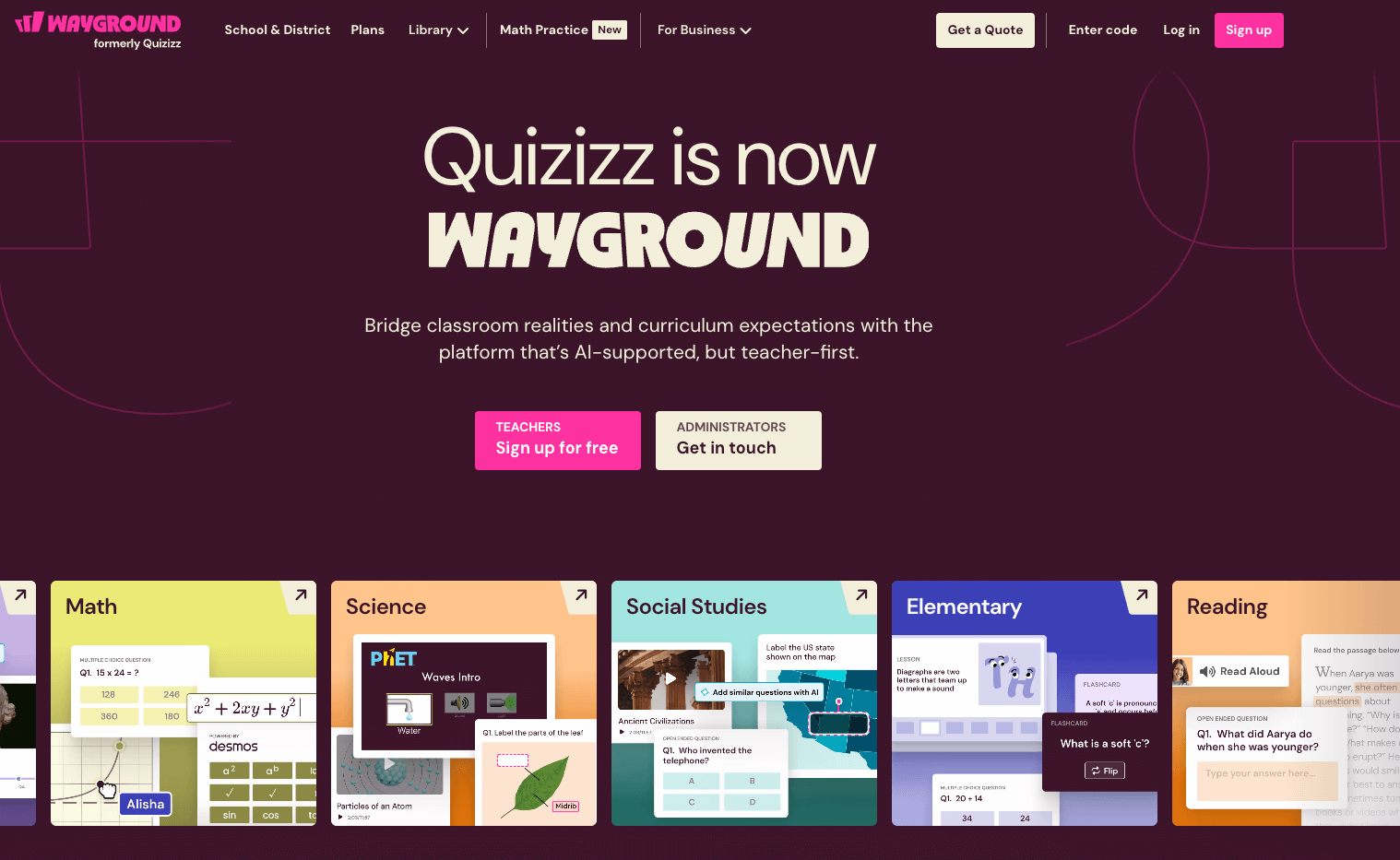
Wayground is a powerhouse in the gamified assessment world, ideal for both live classroom sessions and asynchronous homework assignments. It is most suitable for middle and high school classrooms where data-driven instruction is the priority. The platform balances fun with high-level reporting, making it a favorite for teachers who need to track growth over time.
Key features of Wayground:
- Student-paced mode: Allows students to answer at their own speed, reducing anxiety
- Meme and power-up integration: Adds a layer of humor and strategy to every quiz session
- Extensive question types: Includes drag-and-drop, reorder, and video-response options
- LMS integration: Syncs effortlessly with Google Classroom, Canvas, and Schoology
Pricing: The basic version of Wayground is free for individual teachers. To access “Super” features like advanced question types and an ad-free experience, subscriptions typically start around $59 per year.
Why it’s a Gimkit alternative: Wayground serves as a more “academic” alternative to Gimkit. While Gimkit focuses on the “game” mechanics of earning money, Wayground focuses on the “assessment” mechanics, providing teachers with much deeper analytical insights into which specific standards students are struggling with.
3. Kahoot!
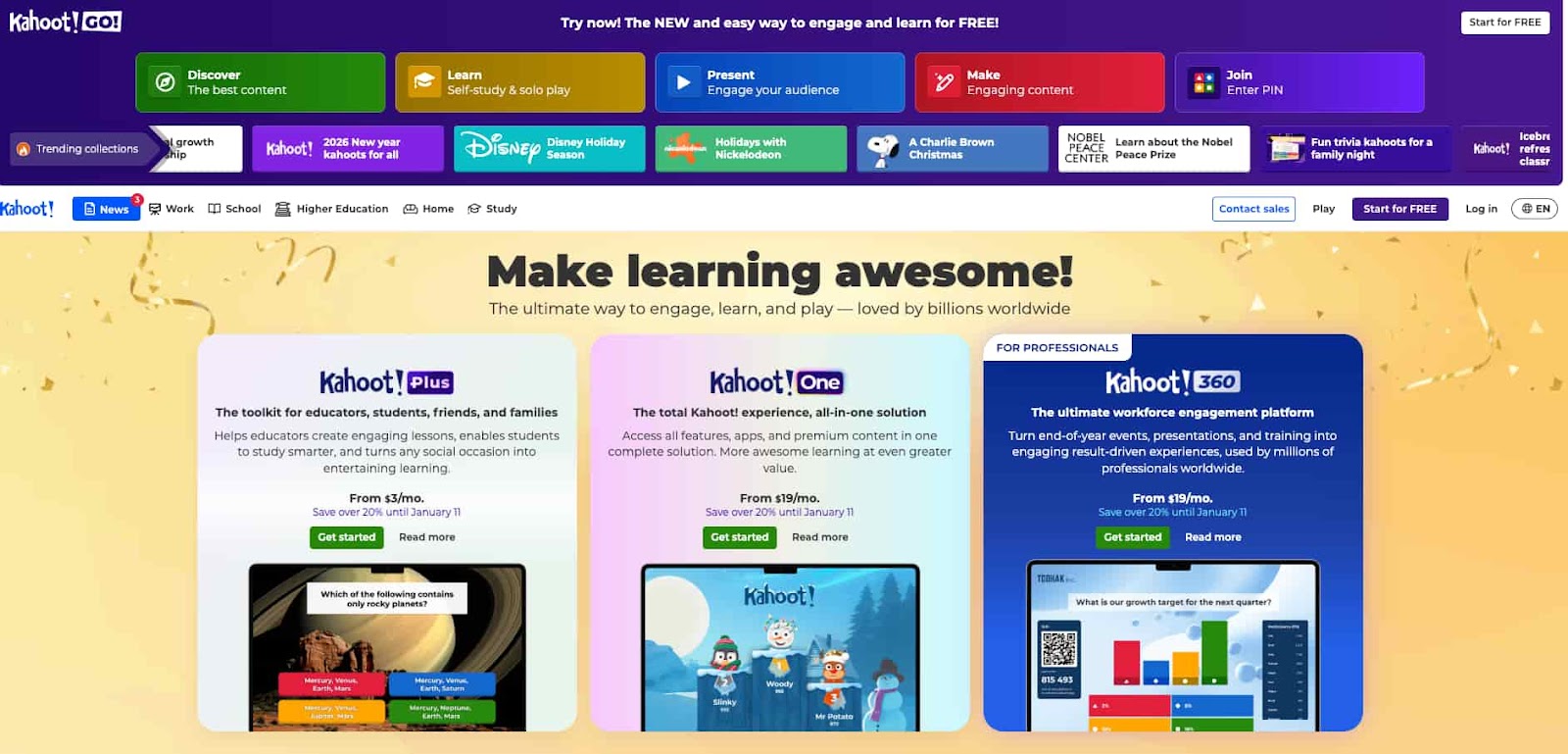
Kahoot! is the original pioneer of game-based learning and remains the best choice for high-energy, whole-class reviews. It is suitable for all ages, from kindergarten to corporate training. If your goal is to create a “game show” atmosphere that gets every student looking at the front of the room, Kahoot! is the gold standard.
Key features of Kahoot!:
- Iconic audio-visual: Recognizable music and timers that build excitement and focus
- Team mode: Encourages social collaboration by allowing groups to share a single device
- Kahoot! Academy: A global community where teachers share high-quality, verified content
- Slide integration: Combine quiz questions with instructional slides for a seamless lesson flow
Pricing: Kahoot! offers a limited free version for small groups. Most educators opt for the Kahoot!+ plans, which range from $3.99 to $9.99 per month, depending on the number of players and advanced feature needs.
Why it’s a Gimkit alternative: Kahoot! is the best alternative when you want to move away from individual screen-time. While Gimkit students are often locked into their own devices to manage their “shops,” Kahoot! brings the class together to compete against one another in a shared, social experience.
4. Blooket
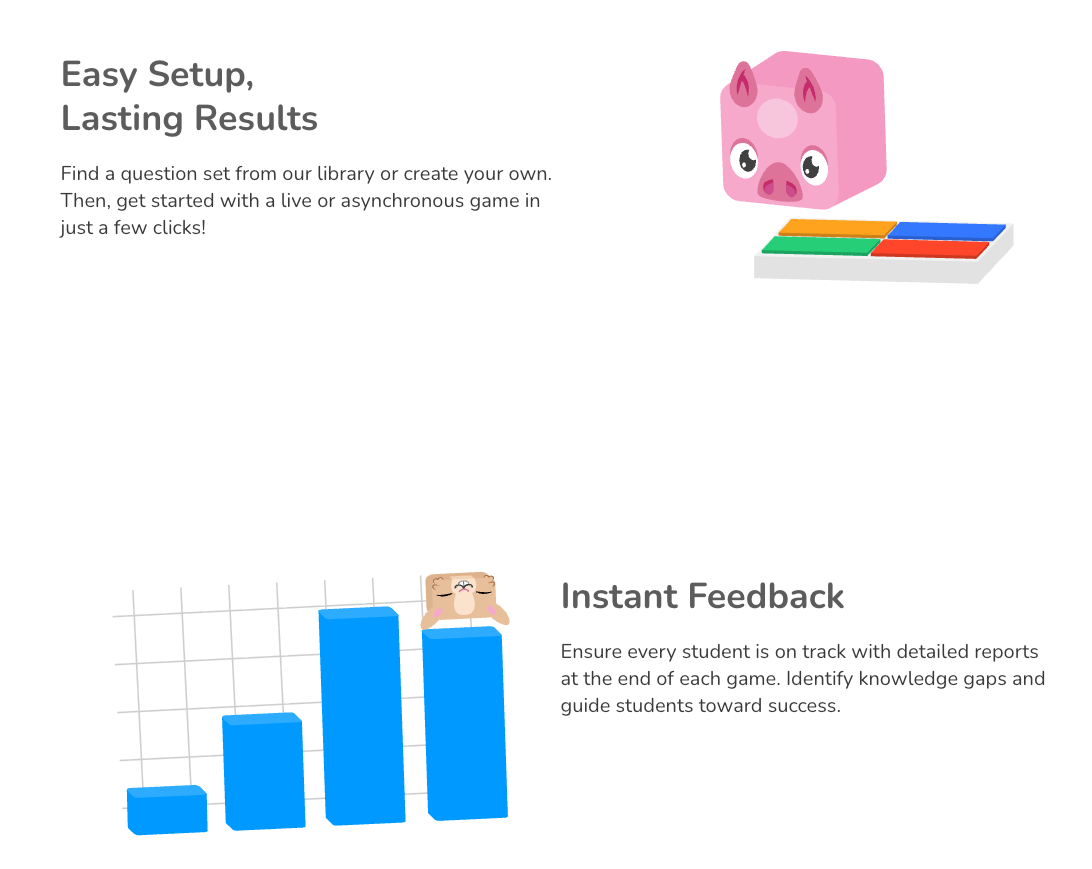
Blooket is often considered the closest competitor to Gimkit because of its heavy emphasis on gaming mechanics. It is perfectly suited for elementary and middle school students who are highly motivated by digital rewards and character collection. The platform turns repetitive practice into an addictive gaming experience that students love.
Key features of Blooket:
- Diverse game modes: Choose from “Tower Defense,” “Monster Brawl,” “Cafe,” and more
- Blook collection: Students earn tokens to unlock rare digital avatars called “Blooks.”
- Global events: Seasonal competitions that allow students to compare against others worldwide
- Set importing: Easily import question banks from other platforms like Quizlet
Pricing: Blooket is famous for its generous free tier. The “Plus” version, which offers detailed reports and exclusive seasonal game modes, is available for approximately $3 per month.
Why it’s a Gimkit alternative: Blooket is the ideal alternative for teachers who love the “vibe” of Gimkit but want more variety. Instead of just one primary “currency” game, Blooket offers multiple different genres of games using the same set of questions, preventing students from getting bored.
5. Nearpod

Nearpod is a comprehensive instructional platform that goes far beyond simple quizzes. It is suitable for 1:1 classrooms where teachers want to maintain control over the lesson flow. Nearpod is best for “interactive lecturing,” ensuring that every student is participating at every stage of the lesson.
Key features of Nearpod:
- VR field trips: Integrated Virtual Reality to explore historical sites or biological cells
- Time to climb: A built-in gamified quiz mode that rivals the excitement of Gimkit
- Collaborative boards: Real-time digital bulletin boards for class-wide brainstorming
- Draw it: Allows students to sketch their responses, which is perfect for math and art
Pricing: Nearpod offers a “Silver” plan for free with 100MB of storage. “Gold” and “Platinum” plans for individual teachers range from $120 to $350 per year, though many schools buy district-wide licenses.
Why it’s a Gimkit alternative: Nearpod is the superior alternative if you find Gimkit too “singular” in its focus. While Gimkit is a great review tool, Nearpod is a full teaching tool that allows you to deliver content, check for understanding, and play games all within one session.
6. Quizlet
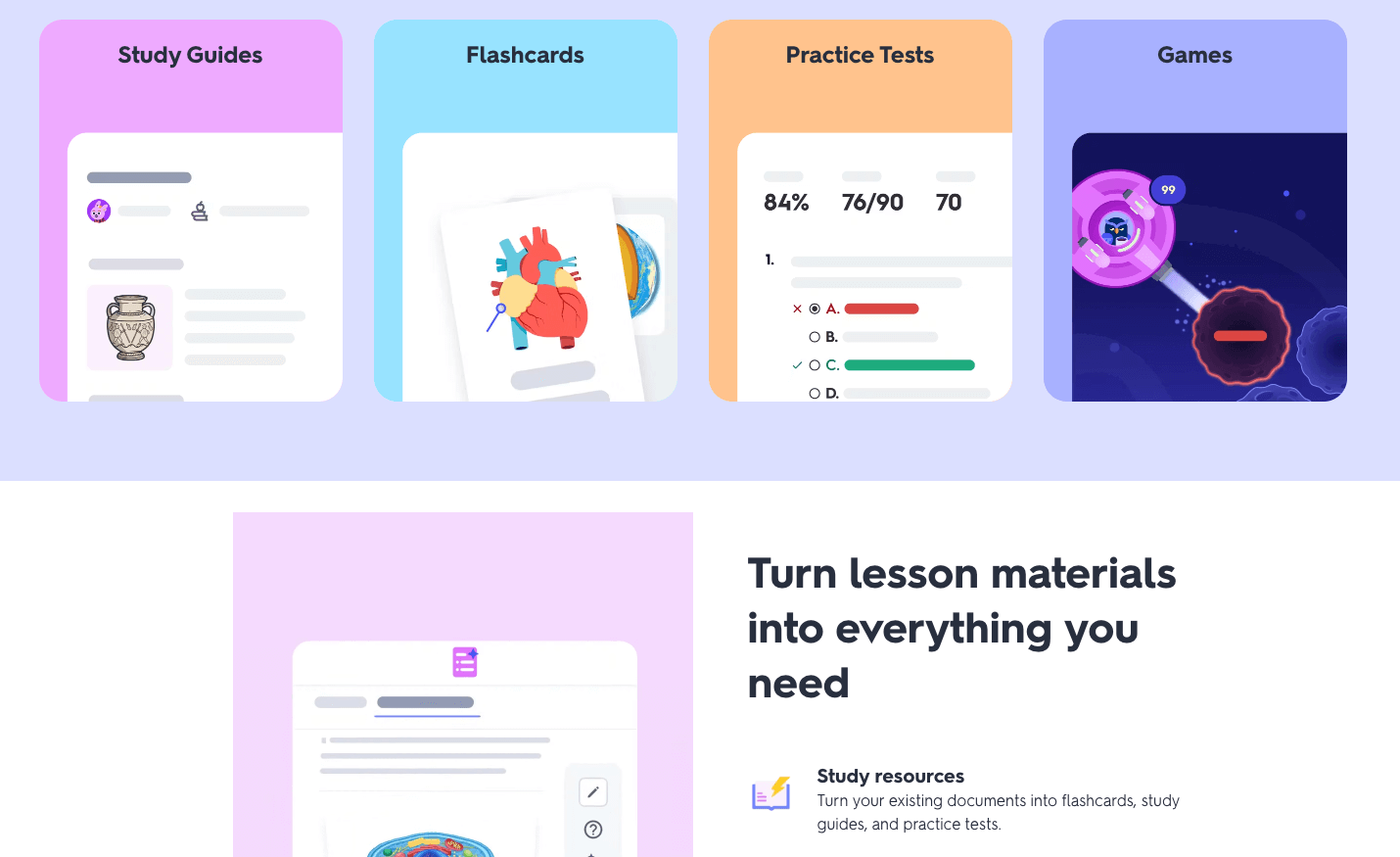
Quizlet is the world’s most popular study tool for vocabulary and rote memorization. It is highly suitable for high school and university students, as well as world language classrooms. While it started as a flashcard app, its “Quizlet Live” feature has made it a staple for classroom competition.
Key features of Quizlet:
- Expert solutions: AI-verified explanations for thousands of textbooks
- Quizlet Live: A collaborative game where students must work together to match terms
- Learn mode: Adaptive study plans that focus on the terms a student finds most difficult
- Magic notes: Use AI to turn lecture notes or PDFs into instant study sets
Pricing: Standard flashcard creation is free. Quizlet Plus, which removes ads and adds advanced AI study features and offline access, costs roughly $35.99 per year.
Why it’s a Gimkit alternative: Quizlet is the best alternative for serious “mastery.” While Gimkit can sometimes feel like students are focusing more on the game than the content, Quizlet is designed specifically to ensure students actually memorize the material they are studying.
7. ClassPoint
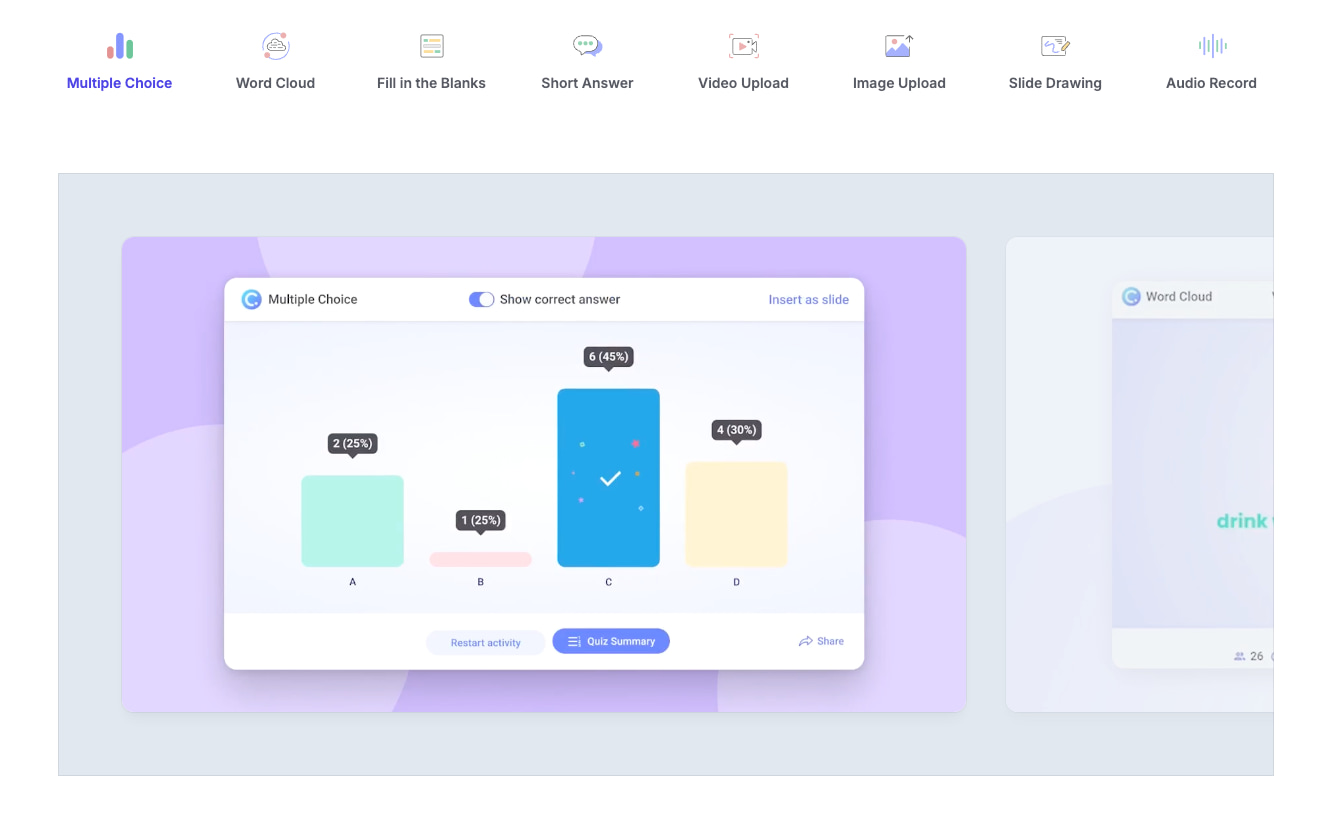
ClassPoint is a unique tool designed specifically for teachers who live in Microsoft PowerPoint. It is suitable for secondary and higher education where the teacher wants to add interaction to their slides without switching to a web browser. It turns a standard presentation into a live, interactive game.
Key features of ClassPoint:
- PowerPoint native: No need to leave your slide deck; the tools are built into the PPT ribbon
- Interactive polling: Word clouds, multiple-choice, and short answers appear on student devices
- Gamification stars: Award stars to students for correct answers and display a leaderboard
- AI quiz generation: Automatically creates questions based on the text found on your slides
Pricing: ClassPoint has a free tier for up to 25 students. The Pro version, which supports larger classes and unlimited questions, costs between $60 and $96 per year, depending on promotions.
Why it’s a Gimkit alternative: ClassPoint is the ultimate “workflow” alternative. If you find it annoying to have students navigate to a separate website like Gimkit, ClassPoint allows you to keep the focus on your slides while still providing the gamified rewards students enjoy.
8. Plickers
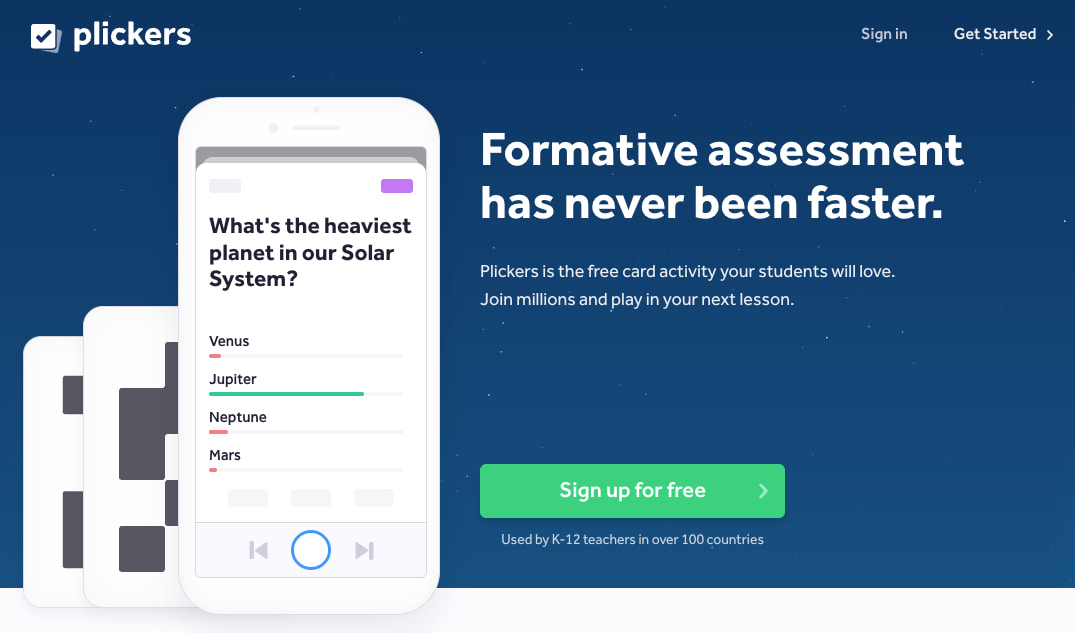
Plickers is the most innovative “low-tech” tool on this list. It is suitable for classrooms that do not have 1:1 devices or for schools with poor Wi-Fi. It allows teachers to collect real-time data using only a single smartphone and a set of printed cards.
Key features of Plickers:
- QR paper cards: Each student holds up a unique card; the orientation represents their answer
- Single-device scanning: The teacher scans the room with their phone camera to record all votes
- Instant visuals: Results can be instantly projected on the board for the class to see
- Student scorecards: Track individual student performance over multiple sessions
Pricing: Plickers is free for up to 5 sets of questions. Plickers Pro is available for approximately $9 per month and offers unlimited content and advanced reporting.
Why it’s a Gimkit alternative: Plickers is the only alternative for teachers who want the engagement of a quiz game but are tired of technical glitches. It offers the same data-driven benefits as Gimkit without the need for students to ever log in to a device.
9. Socrative
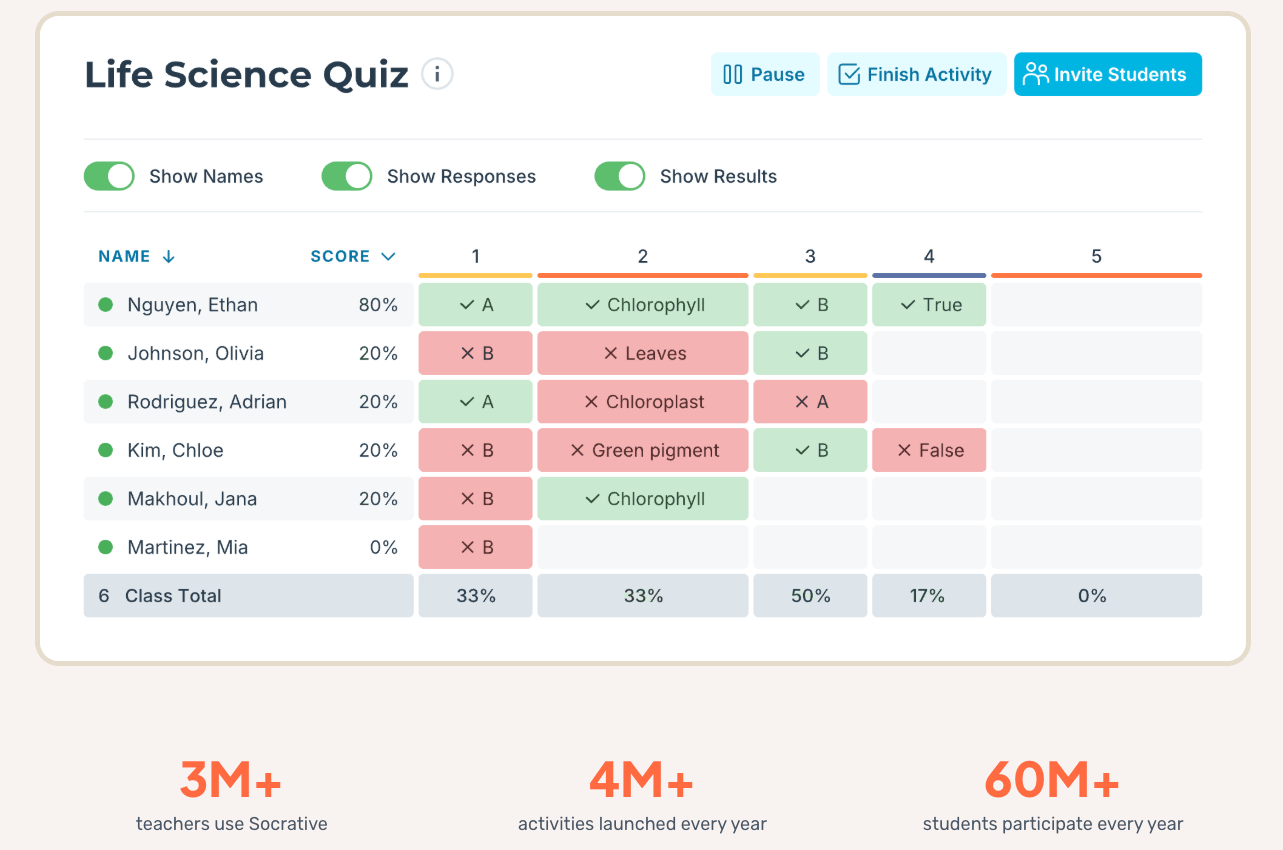
Socrative is a professional, clean assessment tool that focuses on “on-the-fly” feedback. It is most suitable for science and math teachers who need to see student work quickly. It strips away the flashy distractions of other platforms to focus on pure student performance.
Key features of Socrative:
- Space race: A competitive team game where correct answers propel a rocket forward
- Quick questions: Launch a poll in seconds without any prior preparation
- Exit tickets: Pre-made templates to gauge how well students understood the day’s lesson
- Detailed reporting: Generates clean, easy-to-read PDF and Excel reports for grading
Pricing: The free version allows for one “room” and 50 students. Socrative Pro for K-12 is about $90 per year, providing more rooms and the ability to launch multiple activities simultaneously.
Why it’s a Gimkit alternative: Socrative’s “Space Race” is the perfect alternative for a teacher who wants a “race” mechanic similar to Gimkit but in a much more controlled and distraction-free environment. It is the “grown-up” version of gamified learning.
10. Pear Deck
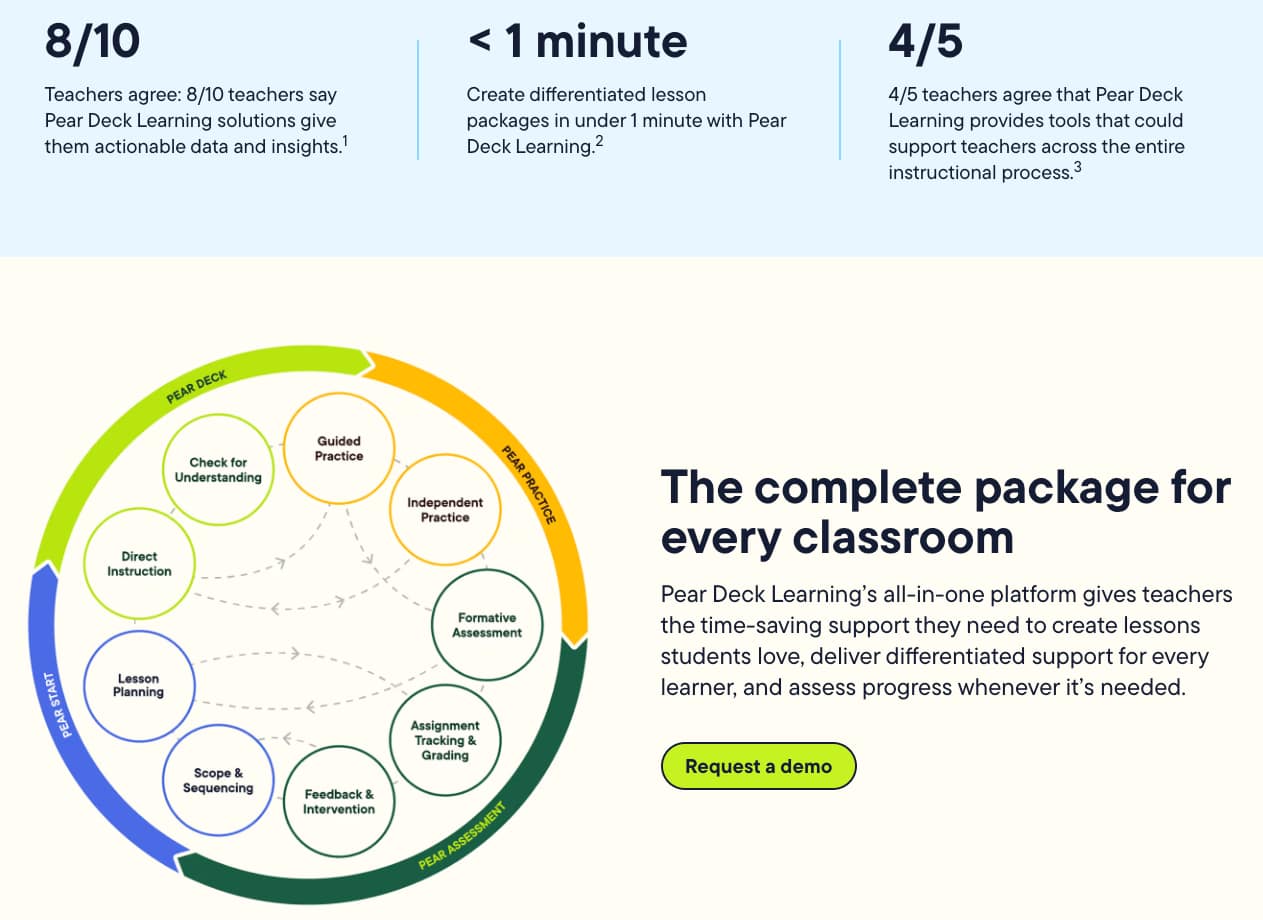
Pear Deck is an engagement platform designed to make “thinking visible.” It is suitable for classrooms that value social-emotional learning and deep discussion over speed and competition. It integrates directly with Google Slides and Microsoft 365 to make every slide interactive.
Key features of Pear Deck:
- Draggable slides: Students move an icon to a specific spot on the screen to indicate their answer
- Anonymity: Student responses appear on the board without names, encouraging honest participation
- Flashcard factory: A collaborative game where students write and draw their own flashcards
- Immersive reader: Built-in accessibility tools for students with reading difficulties
Pricing: The basic version is free. Pear Deck Premium, which includes the drawing tool and “Draggable” questions, costs around $150 per year for individual teachers.
Why it’s a Gimkit alternative: Pear Deck is the best alternative for classrooms where Gimkit might be “too much.” If your students get over-stimulated by the high-speed competition of Gimkit, Pear Deck offers a calm, thoughtful, and inclusive way to engage every student in the room.
FAQs
1. Are these Gimkit alternatives free?
Yes, most of the platforms mentioned, including Worksheetzone and Blooket, offer free basic tiers for educators. While some advanced game modes or larger class sizes may require a subscription, the core interactive features are accessible to all.
2. How do I choose the best alternative for my grade level?
We recommend choosing based on the complexity of the game mechanics. For younger students in grades PreK-2, simple visual tools like Worksheetzone’s Literacy Games are best. For older students, more complex strategy games like Blooket or Gimkit are highly effective.
3. Can these tools be used for homework?
Absolutely. Platforms like Wayground (Quizizz) and Worksheetzone allow you to assign “student-paced” tasks that can be completed at home. This turns traditional homework into an engaging digital challenge that students are more likely to complete.
4. Do these tools help with classroom management?
Yes, gamified tools are excellent for classroom management because they provide immediate feedback and rewards. By keeping students focused on a shared goal, you reduce off-task behavior and build a positive classroom culture.
Conclusion
When it comes to interactive learning, there are plenty of Gimkit alternatives that cater to different teaching styles and classroom needs. Whether you’re looking for a gamified quiz tool, a real-time assessment platform, or a more integrated lesson tool, these platforms provide a variety of options to engage students in meaningful ways. Explore these alternatives and find the perfect tool to enhance your classroom experience today!


