




















Kahoot alternatives are digital learning platforms that provide interactive quizzes, gamified lessons, and student engagement features beyond the standard Kahoot experience. These alternatives refer to specialized tools for AI-powered assessment, arcade-style learning, and professional data visualization designed for students in grades PreK–12. This guide explores the top 15 tools that offer unique ways to assess students and make learning fun.
15 Kahoot alternatives for teachers
Finding the right Kahoot alternative fosters children’s curiosity and digital literacy through diverse competitive and collaborative experiences. In a classroom setting, these tools work best when selected based on the specific phase of instruction, such as “warm-up” reviews or deep unit reflections.
Here is a list of Kahoot alternatives for teachers, each offering unique features that support interactive learning, flexible assessment, and higher student engagement across different classroom settings.
1. Wayground (formerly Quizizz)
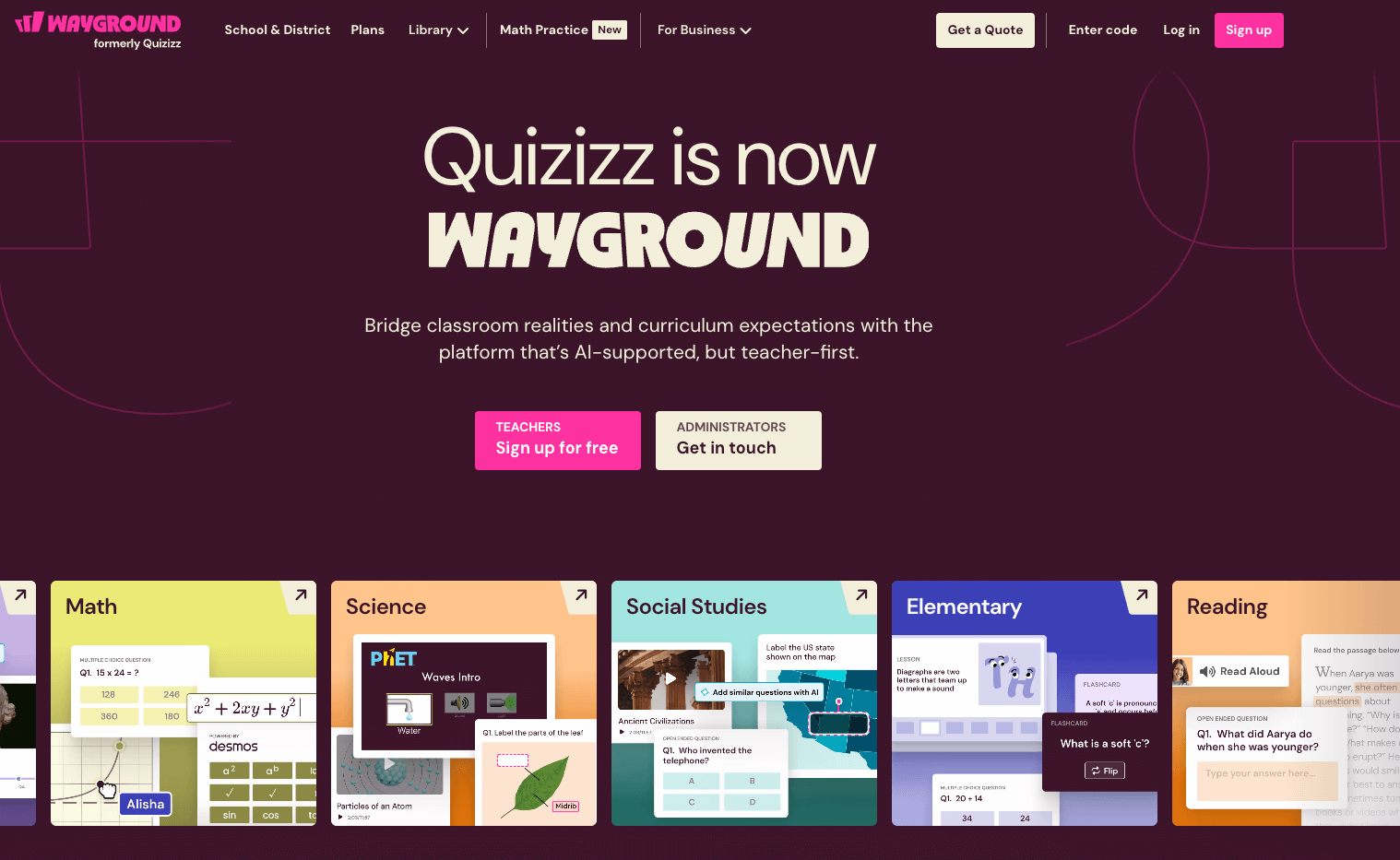
Wayground is a leading student-centric platform that prioritizes individual mastery over competitive speed. It allows teachers to conduct live games where questions appear on each student’s personal screen, making it a favorite for hybrid and remote learning environments. The platform is designed to be low-pressure while still providing the fun elements of gamification through avatars and powers-up
The core functionality of this tool focuses on accessibility and depth of content. Its key features include:
- Self-paced mode: Students answer at their own speed rather than waiting for the whole class.
- Meme library: Keeps students engaged with funny, customizable feedback after every question.
- Teleport tool: Instantly pull questions from millions of existing public quizzes into your own sets.
- LMS integration: Seamlessly syncs with Google Classroom, Canvas, and Microsoft Teams.
Wayground offers a generous free version for up to 25 students per game. For larger classes and advanced features like AI question generation and deeper analytics, school and district plans are available with custom pricing typically starting around $10 to $12 per month for individual educators.
This tool stands as a primary choice among Kahoot alternatives because it solves the “shared screen” bottleneck. By putting the content directly into the students’ hands, it reduces anxiety for slower readers and allows for more complex questions that require individual focus rather than just fast reflexes.
2. Blooket
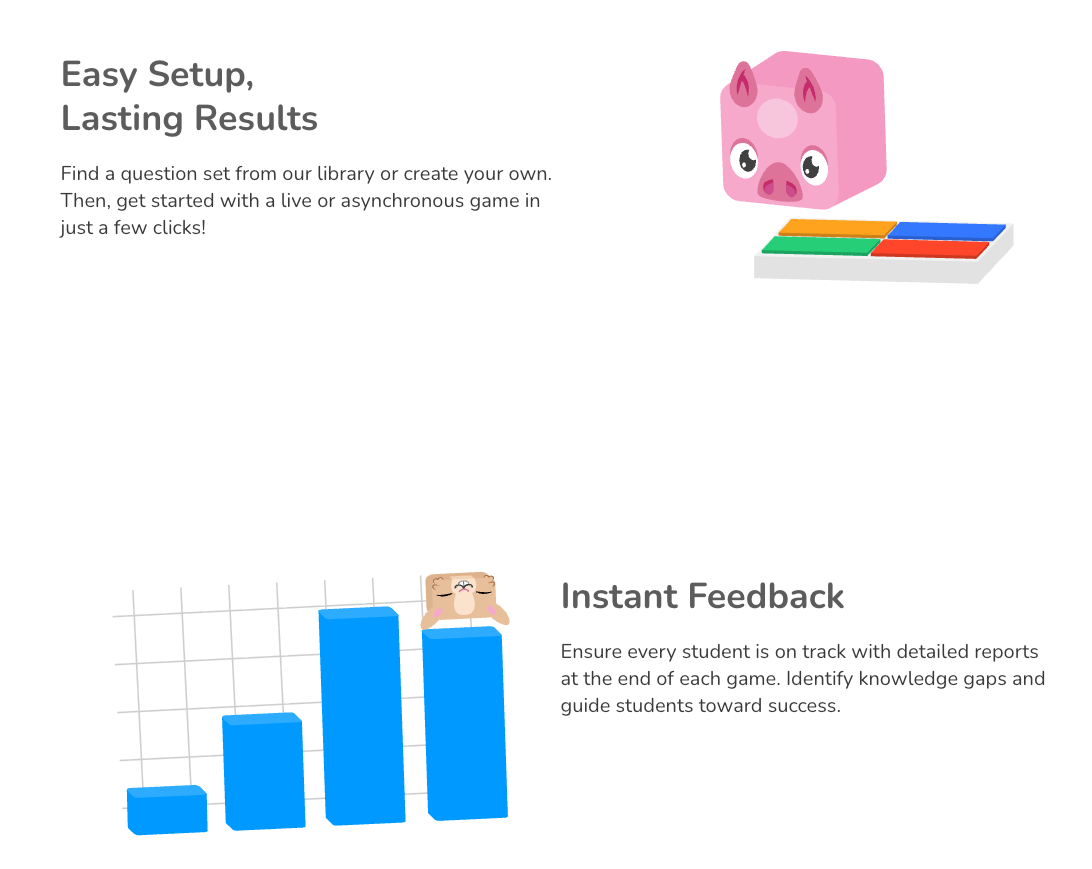
Blooket is a high-energy platform that successfully merges classroom review with arcade-style gaming mechanics. It utilizes a unique character system known as “Blooks” that students can collect and use across various game modes. This tool is particularly effective at keeping students motivated through repetitive practice, as the gameplay itself is the primary reward for correct answers.
The platform offers a variety of ways to play that keep the experience feeling fresh and unpredictable. Notable features include:
- Diverse game modes: Includes specialized themes like “Gold Quest,” “Crypto Hack,” and “Tower Defense.”
- In-game economy: Students earn virtual currency to buy “Blook Boxes” and unlock rare characters.
- Randomized outcomes: Scores can fluctuate wildly based on luck or “stolen” points, keeping everyone engaged.
- Set importing: Easily bring in existing question sets from other platforms like Quizlet.
Blooket provides a robust free tier that covers the most popular game modes and core features. The “Plus” subscription, which offers detailed reports and exclusive game modes, is priced at approximately $4.99 per month, making it one of the most affordable premium options for teachers.
Blooket is one of the most exciting alternatives to Kahoot because it changes the goal from “who knows the most” to “who has the best strategy.” This shift ensures that students who might normally struggle academically still feel they have a chance to win, maintaining high morale throughout the lesson.
3. Worksheetzone Quiz Maker
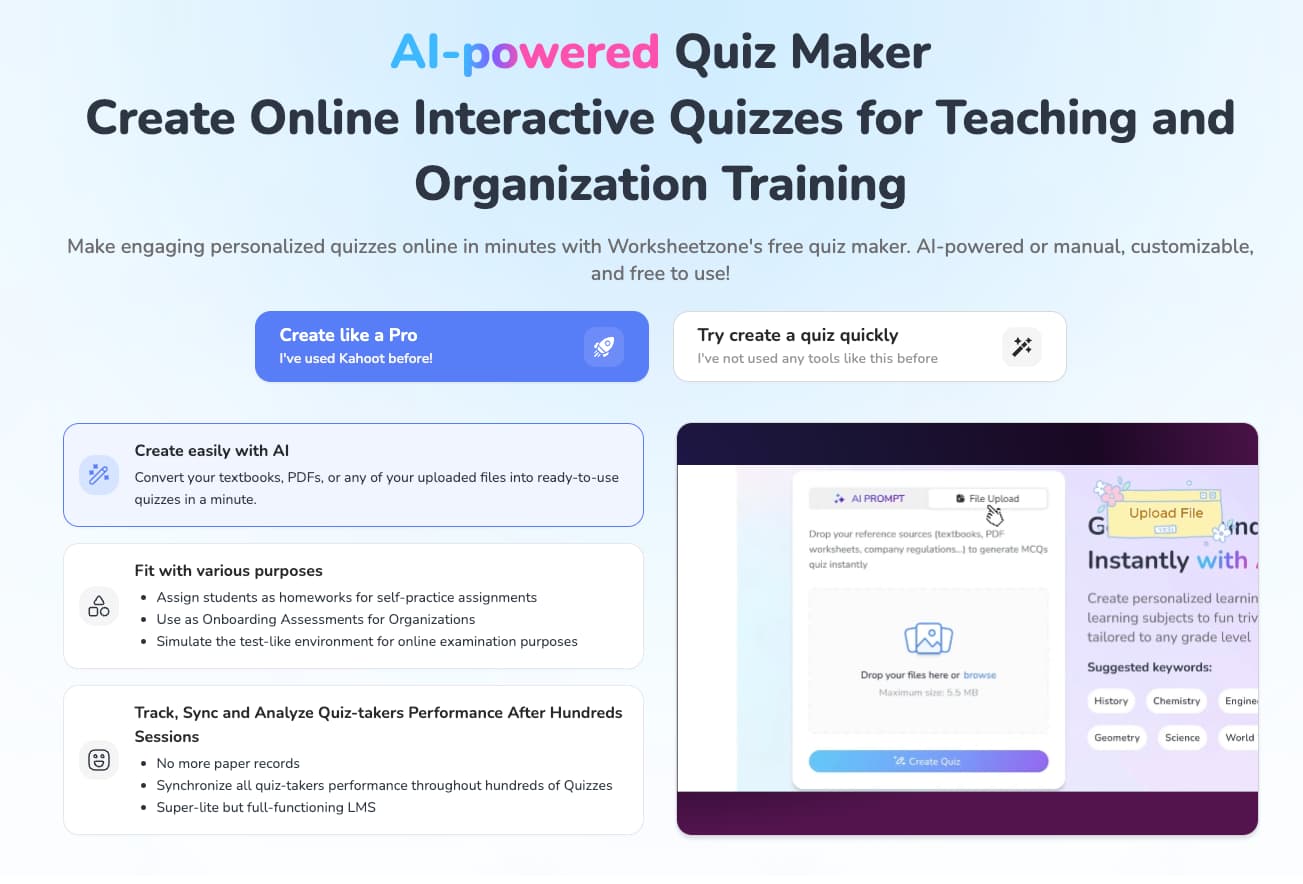
Worksheetzone Quiz Maker is a sophisticated, AI-powered tool designed to drastically reduce the administrative burden on teachers. It is built for a modern workflow where educators need to flip between digital interaction and traditional paper-based assessments effortlessly. This platform focuses on high-quality content generation and long-term student data tracking through a “super-lite” LMS.
This tool leverages cutting-edge technology to streamline the entire teaching process. Its key features include:
- Unlimited AI generation: Create quizzes instantly from uploaded PDFs, textbook pages, or company regulations with no credit limits.
- Hybrid flexibility: Supports both high-fidelity printable worksheets and interactive online “Self-tested,” “Assign,” and “Live Games” quiz modes.
- Comprehensive analytics: Synchromize and visualize student performance across hundreds of successive quizzes with detailed charts.
- Mobile & cross-device support: Fully responsive interface for both creators and participants on any device.
Worksheetzone Quiz Maker is partly free to use, allowing teachers to create, customize, and host interactive sessions without an initial cost. Advanced features, such as professional progress tracking and extensive storage, are available through a minimum monthly subscription fee.
As a top-tier option for Kahoot alternatives, Worksheetzone Quiz Maker stands out by focusing on academic rigor and teacher efficiency. While other tools focus purely on the “game,” this platform provides the professional depth needed for genuine formative assessment and long-term record-keeping without the stress of AI usage caps.
4. Gimkit
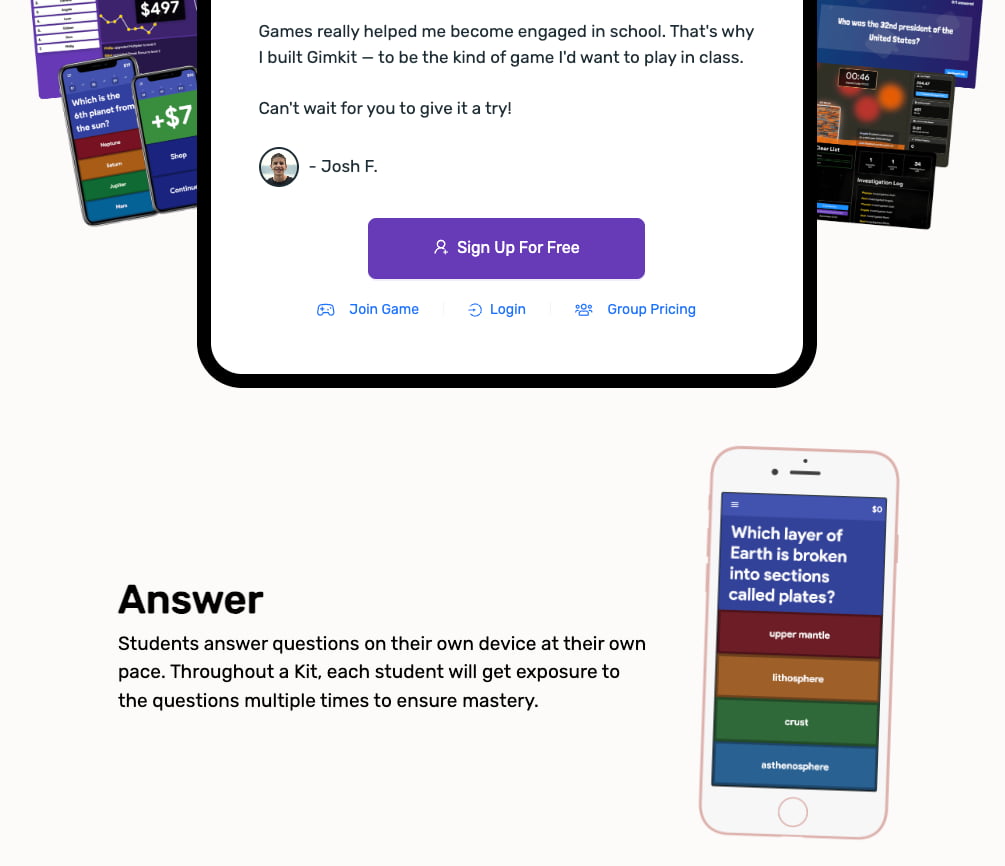
Gimkit is a strategic classroom game show platform created by a high school student that treats learning like a strategic investment. In this world, correct answers earn students virtual currency that they can use to buy power-ups, insurance, or upgrades. This creates a highly competitive and deeply engaging “wealth-building” loop that students find addictive.
The platform is built on a foundation of strategy and repetition. Key features include:
- KitCollab: A collaborative mode where students submit their own questions for the whole class to play.
- Power-up store: Students spend their earnings on multipliers or “sabotages” to use against rivals.
- Rotating modes: New limited-time game modes like “Trust No One” or “The Floor is Lava” appear regularly.
- Automated grading: Provide instant feedback and easy-to-read performance reports.
Gimkit offers a “Gimkit Free” version with access to basic modes. The full “Gimkit Pro” experience, which includes all game modes and the ability to upload images/audio, typically costs around $9.99 per month or a discounted $59.88 if billed annually.
Gimkit is a powerful alternative because it incentivizes students to go through the same material multiple times. While a Kahoot game usually ends after one pass of the questions, Gimkit encourages “grinding” to earn more money, which significantly boosts knowledge retention through natural repetition.
5. Mentimeter
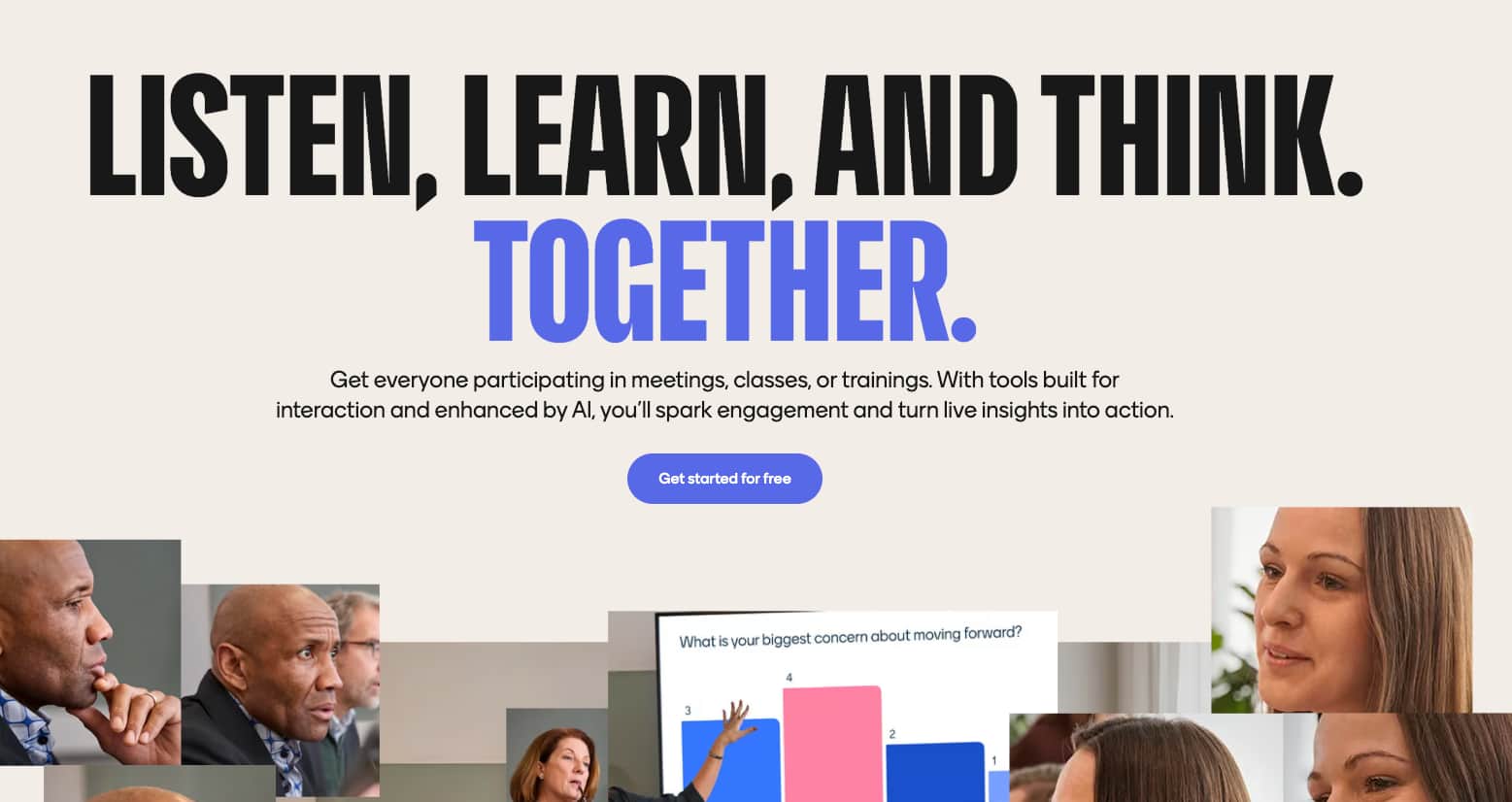
Mentimeter is a professional-grade interactive presentation tool that excels at gathering real-time feedback and fostering deep classroom discussions. It moves away from the “quiz-only” model to provide a comprehensive suite of engagement tools. It is frequently used in higher education and secondary schools to ensure that every student’s voice is heard during a lecture.
The platform offers a variety of slide types that go far beyond standard multiple-choice questions. Its key features include:
- Dynamic word clouds: Visualize student responses in real-time, highlighting common themes and ideas.
- Live Q&A: Allows students to submit and upvote questions anonymously for the teacher to address.
- Scales and ranking: Let students rate their understanding or prioritize topics using a sliding system.
- PowerPoint integration: Add interactive slides directly into your existing presentation decks.
Mentimenter offers a free tier with unlimited participants but limits the number of interactive slides per presentation. Paid plans for educators start at approximately $8.99 to $14.99 per month, unlocking more slide types and advanced customization options.
As one of the more sophisticated alternatives, Mentimeter is ideal for educators who want to move beyond trivia. It allows for a more nuanced understanding of student sentiment and encourages brainstorming through its collaborative layout, making it the perfect tool for sparking intellectual debate.
6. Nearpod

Nearpod is an all-in-one instructional platform that allows teachers to create interactive lessons by embedding activities directly into their slide decks. It is designed to be a “one-stop shop” for lesson delivery, combining content and assessment into a single flow. Whether teaching in person or remotely, it ensures students are active participants.
The platform is essentially a multimedia powerhouse for educators. Its key features include:
- VR field trips: Integrated virtual reality experiences that allow students to explore global landmarks.
- Time to climb: A built-in gamified quiz mode that serves as a fun, competitive break within a lesson.
- 3D objects: Interactive models for science and math that students can rotate and examine.
- Teacher-paced control: The educator controls the pace of the lesson across all student devices.
Nearpod has a free “Silver” plan with basic features and 100MB of storage. To access larger storage, advanced activities like the VR field trips, and larger class sizes, the “Gold” plan starts at roughly $10 per month (billed annually).
Nearpod is a great alternative because it integrates assessment into the teaching process rather than treating it as a separate event. While Kahoot is often used as a “warm-up” or “exit ticket,” Nearpod is the actual delivery vehicle for the curriculum, ensuring cohesive engagement throughout the hour.
7. Socrative
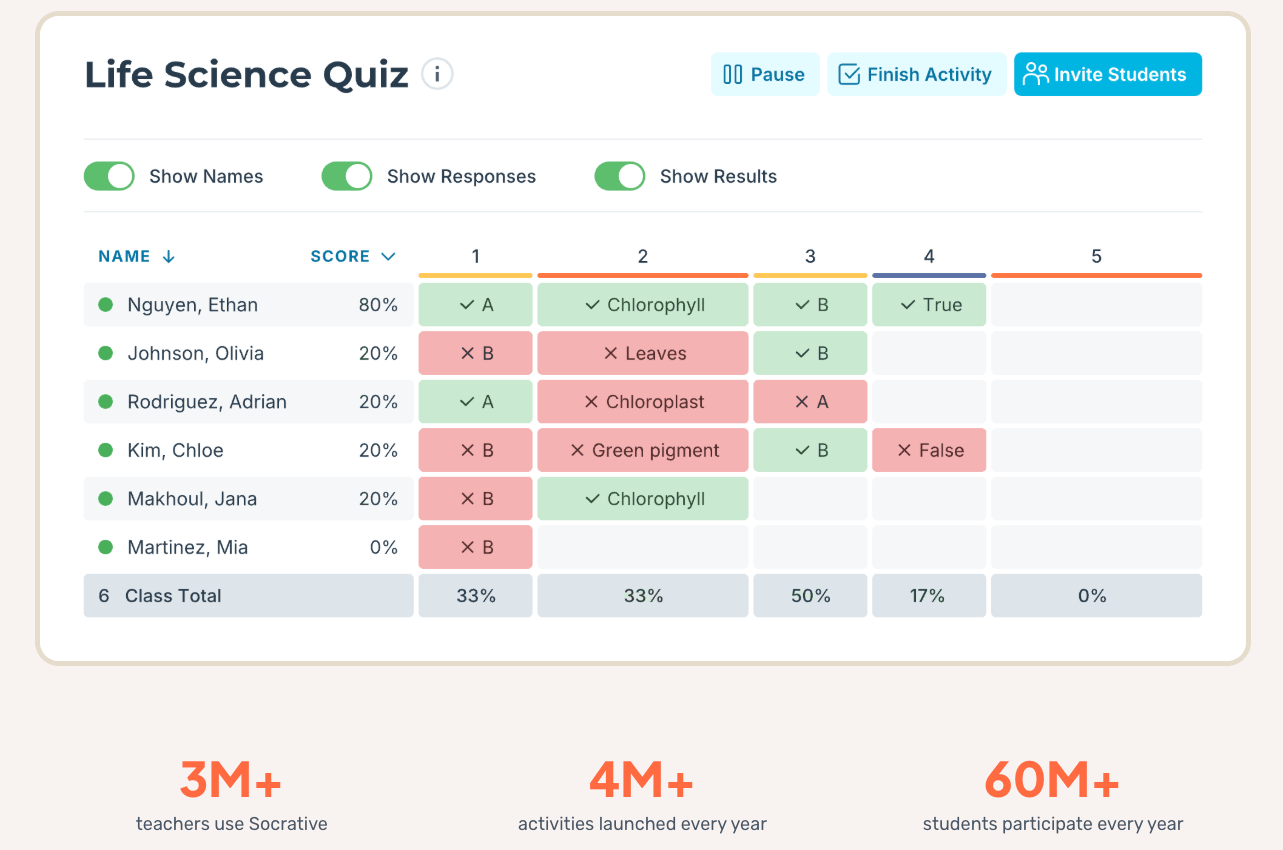
Socrative is a streamlined formative assessment tool that focuses on simplicity and immediate academic feedback. It is designed to be a no-frills, reliable way for teachers to check for understanding at any point during a lesson. The platform is highly regarded for its clean interface and its ability to deliver data without unnecessary distractions.
The tool’s key features are designed for quick check-ins and formal quizzes alike:
- Space race: A team-based competitive mode that visualizes progress as rockets moving across the screen.
- Exit tickets: Pre-set templates for end-of-class reflections to gauge what students learned.
- Instant results: A live results table that highlights which specific questions the class is struggling with.
- Quick questions: Allow for on-the-fly polling (MCQ, T/F, or short answer) without pre-planning.
Socrative offers a free version for up to 50 students per room. For advanced features like multiple rooms, roster imports, and specialized reporting, “Socrative Pro” for K-12 is priced at approximately &9.99 per month.
Socrative stands out as an alternative by prioritizing clarity and data over flashy gamification. While Kahoot is about the “show,” Socrative is about the “data,” making it much more suitable for mid-term reviews or serious checks for understanding in a professional classroom environment.
8. Quizlet
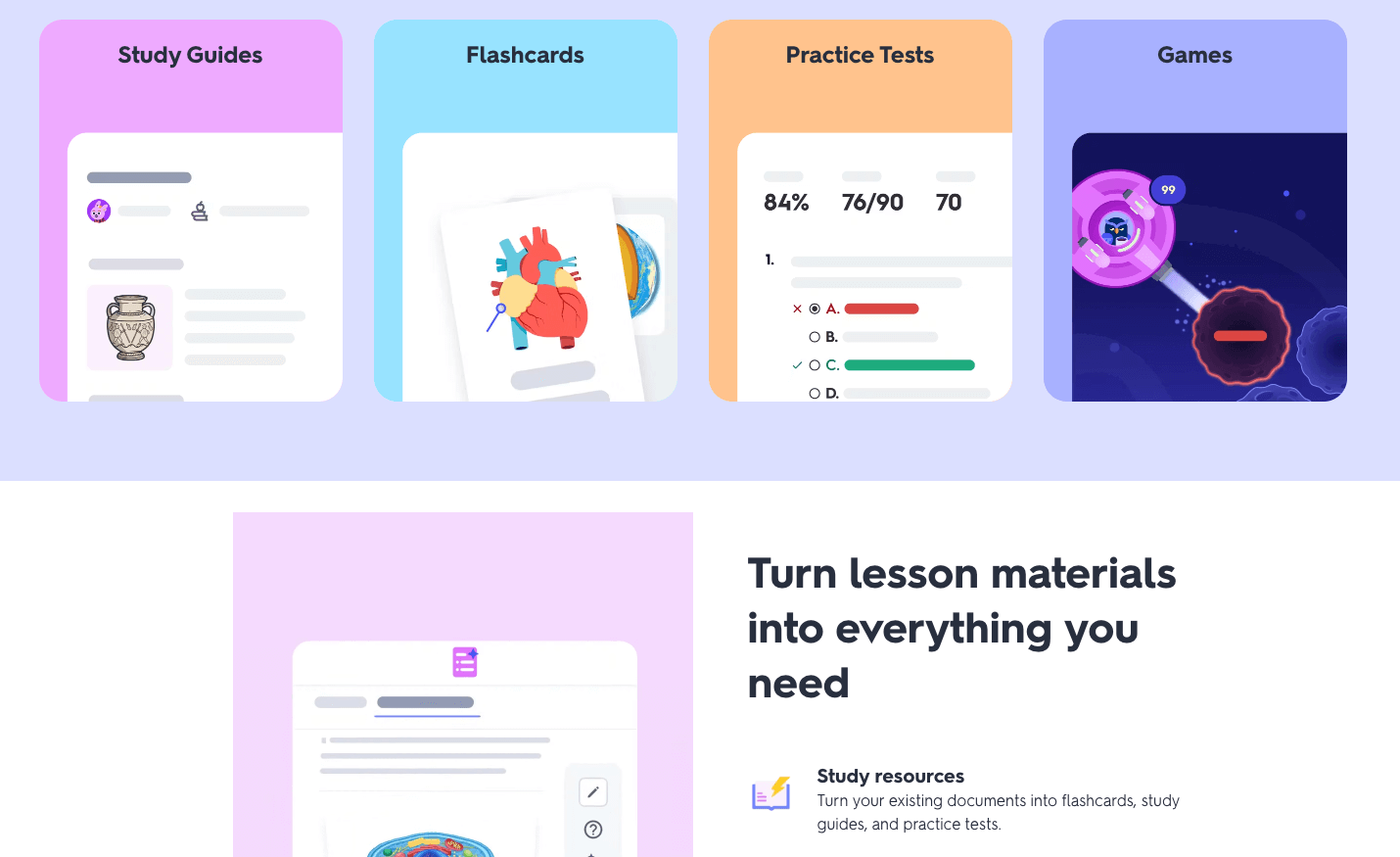
Quizlet is globally recognized as the leading platform for vocabulary mastery and retrieval practice through digital flashcards. It leverages the power of spaced repetition and active recall to help students learn complex terms. While it is a powerful solo study tool, its “Quizlet Live” classroom game brings an intense collaborative energy to the room.
The platform offers a variety of study modes and collaborative games. Key features include:
- Quizlet Live: A team game where students must work together to match terms across their collective screens.
- Checkpoint: A quick, in-class assessment tool to gauge group understanding before moving forward.
- AI study guides: Automatically transforms notes or documents into flashcards and practice tests.
- Verified content: Access to millions of expert-created sets for standardized tests and textbooks.
Quizlet offers a basic free version that includes the “Live” game and standard flashcards. “Quizlet Plus” for teachers, which adds progress tracking and the ability to create unlimited classes, is generally priced around $3.00 to $5.00 per month.
Quizlet is a unique entry among Kahoot alternatives because it bridges the gap between individual study and group play. It teaches students that their individual prep directly impacts their team’s success, fostering a strong sense of accountability and collaborative problem-solving.
9. AhaSlides
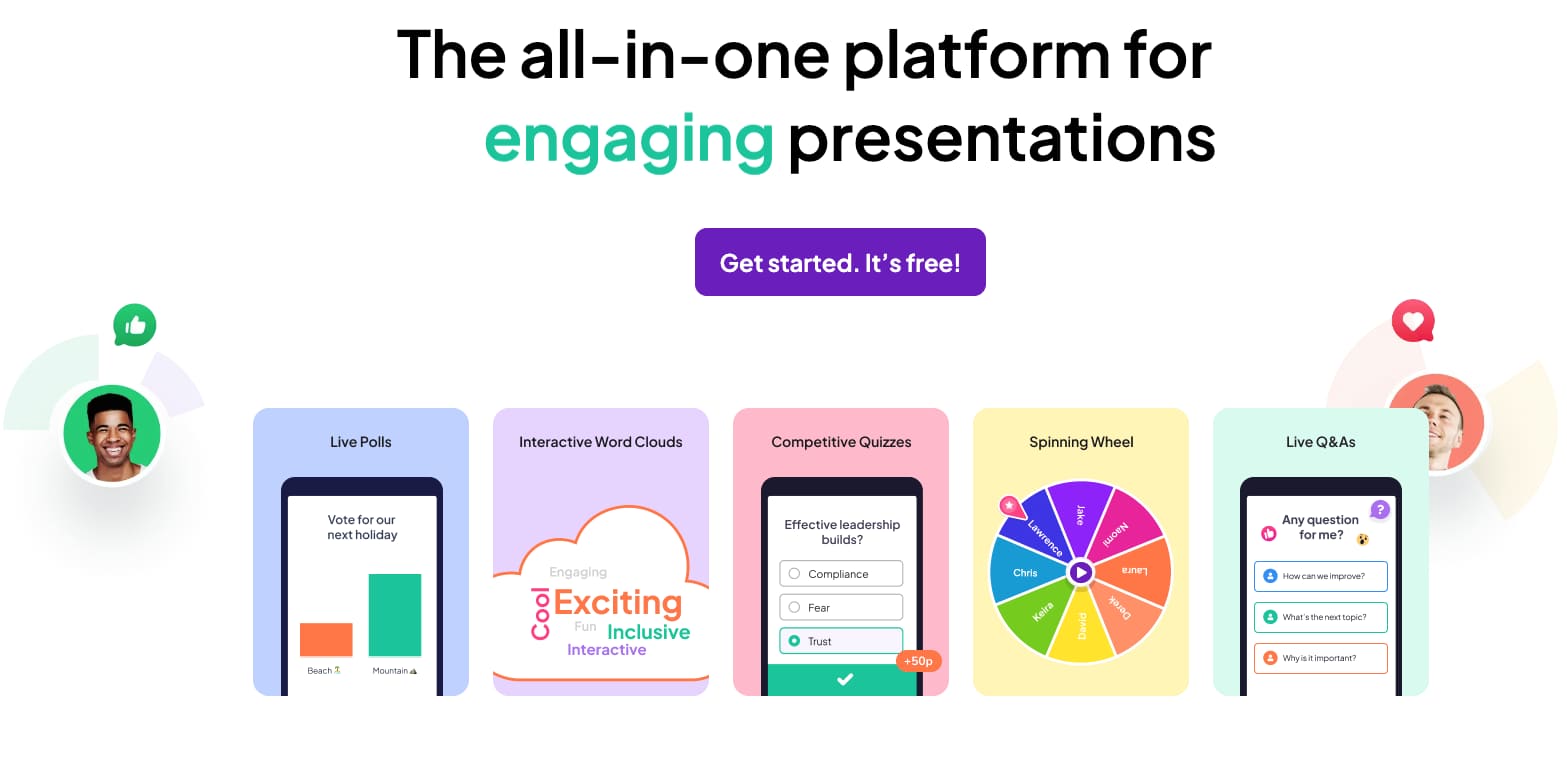
AhaSlides is a versatile interactive presentation software that provides teachers with a wide array of tools to engage their audience. It is designed to be highly customizable, allowing educators to match the “vibe” of their classroom, from energetic and colorful to professional and sleek. It is a fantastic choice for those who want a blend of polling and quizzing.
The platform is known for its flexibility and ease of use. Key features include:
- Spinner wheel: A fun way to randomly select students for participation or to pick prize winners.
- Open-ended slides: Encourage students to write full sentences or ideas that scroll across the screen.
- AI presentation maker: Quickly drafts an entire deck based on a specific topic or keyword.
- Custom branding: Total control over colors, fonts, and backgrounds to suit your classroom style.
AhaSlides has a free plan that supports up to 50 participants, which is quite generous compared to others. Paid plans for educators are very budget-friendly, often starting at $2.95 per month for the “Essential” tier.
AhaSlides serves as an excellent alternative because it offers more branding and customization options than Kahoot. It allows teachers to build a full presentation where the quiz is just one part of the interaction, providing a more balanced tool for delivering content while keeping engagement levels high.
10. Poll Everywhere

Poll Everywhere is one of the most established tools for live audience response, specifically designed for higher education and large lecture formats. It focuses on gathering instant responses through any web-enabled device or even via SMS. It is the go-to choice for professors who want to interact with hundreds of students at once without technical friction.
The platform prioritizes accessibility and professional data collection. Its key features include:
- Clickable images: Students point to the specific parts of a diagram or map to show their understanding.
- Direct integration: Seamlessly insert live polls into existing PowerPoint, Keynote, or Google Slides decks.
- Response moderation: Screen student comments before they appear publicly on the projector.
- Detailed analytics: Track attendance and participation metrics over a whole semester.
Poll Everywhere offers a free version for K-12 and Higher Ed that allows up to 25 responses per poll. Paid plans for individual instructions typically start around $10 to $15 per month, offering larger response limits and advanced reporting.
As one of the more academic-focused Kahoot alternatives, Poll Everywhere is perfect for older students who might find cartoonish games patronizing. It provides a mature way to interact with content and gives students a safe, anonymous way to express confusion in large classroom settings.
11. Baamboozle
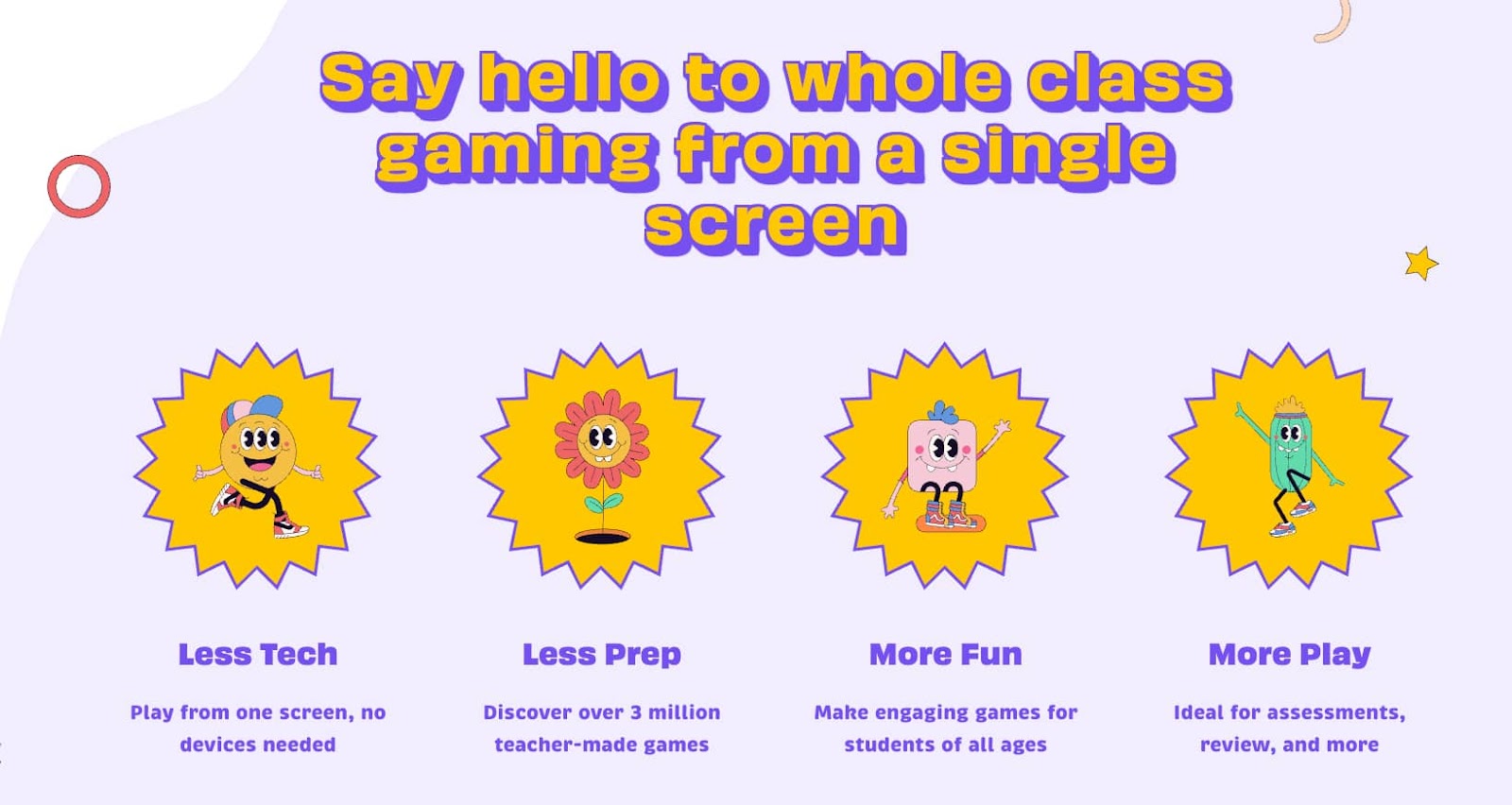
Baamboozle is a fun, team-based game platform that is uniquely designed to work with just one screen – the teacher’s projector. It eliminates the need for every student to have an individual device, which is a major advantage for classrooms with limited technology. It is famous for its “mystery” mechanics that keep the score unpredictable until the very end.
The game is built around simplicity and social interaction. Key features include:
- No student login: Only the teacher needs a device, encouraging students to look up and participate.
- Power-ups: Strategic tiles like “Lose Points” or “Swap Scores” keep the leaderboard exciting and volatile.
- Massive library: Access over one million pre-made games covering every possible subject and grade level.
- Easy customization: Create a new game in seconds by just typing questions and answers.
Baamboozle provides a free version that includes basic game modes and access to the public library. “Baamboozle Plus” is priced at approximately $4.99 per month and unlocks custom game boards, image uploads, and advanced team options.
Baamboozle is the best alternative for teachers who want to foster a sense of community. Because students have to talk to their teammates rather than staring down at their own phones, it creates a much more social and loud atmosphere that is perfect for primary school or ESL classes.
12. Quizalize
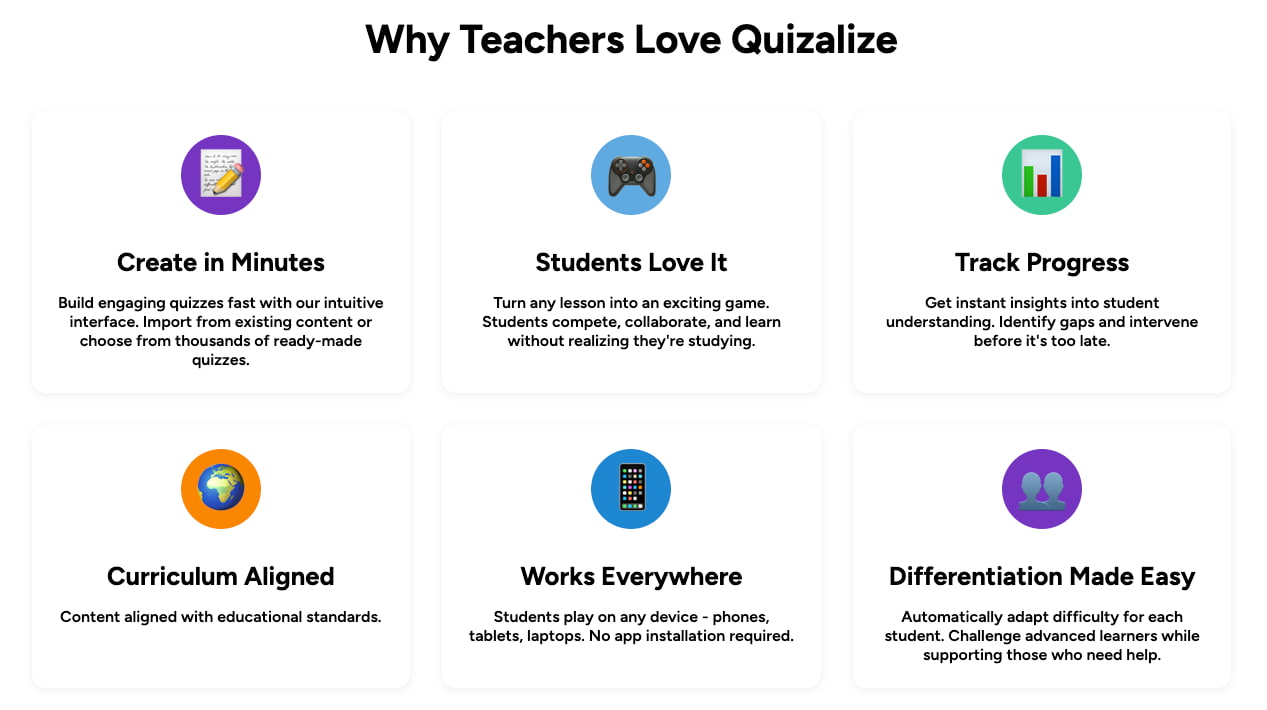
Quizalize is a data-driven quiz platform that focuses on helping teachers differentiate their instruction based on real-time results. It turns standard classroom quizzes into an “Epic Adventure” where the class works together to defeat a boss. Behind the scenes, it provides some of the most detailed curriculum-tracking data available in the industry.
The tool is designed to make data analysis easy for busy teachers. Its key features include:
- Mastery dashboard: Categorizes students into “strong,” “almost there,” and “struggling” based on performance.
- Automatic follow-ups: Automatically assigns specific YouTube videos or PDFs to students based on their score.
- Standard alignment: Tag questions with specific curriculum goals to track progress against state standards.
- Zzish integration: Uses a powerful backend to sync all classroom data in one place.
Quizalize offers a free version with full features, but limits the number of active classes. The “Premium” plan for educators usually starts at around $5.00 per month, providing unlimited classes and more detailed data insights.
Quizalize stands out as an alternative because it focuses on what happens after the game is over. While Kahoot tells you who won, Quizalize provides a roadmap for the next day’s lesson, telling you exactly which students need an intervention to meet their learning goals.
13. Pear Deck
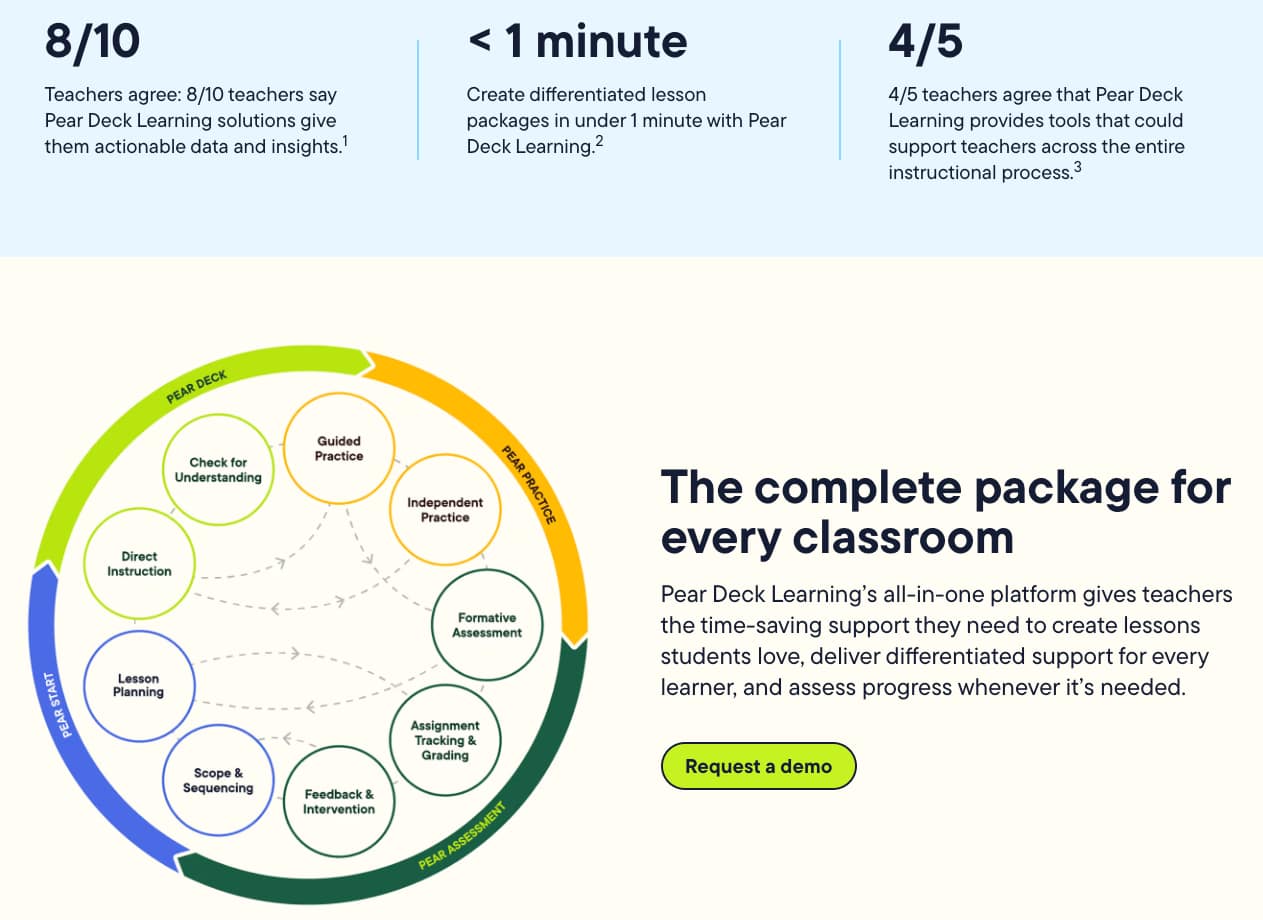
Pear Deck is an interactive add-on for Google Slides and Microsoft PowerPoint that turns “listening” into “doing.” It is built on the philosophy that every student should have a voice, regardless of how shy they are. It emphasizes active participation and formative assessment over the high-stakes, fast-paced competition seen elsewhere.
The tool allows for creative and visual ways to show understanding. Key features include:
- Draggable slides: Students move an icon to a specific spot on the screen to answer a question.
- Drawing slides: Students sketch their answers, making it ideal for math equations or labeling diagrams.
- Flashcard factory: A collaborative game where students work in pairs to create their own study materials.
- Anonymous display: Teacher can show all students’ answers on the screen without names to encourage risk-taking.
Pear Deck has a free version with basic slide types. The “Individual Premium” plan, which unlocks the draggable and drawing slides plus the “Teacher Dashboard,” is priced at approximately $96 per year (roughly $8 per month).
Pear Deck is an excellent alternative because it removes the competitive pressure found in Kahoot and replaces it with collaborative reflection. It is ideal for subjects like math or art where students need to “show their work” rather than just pick a multiple-choice answer.
14. Slido
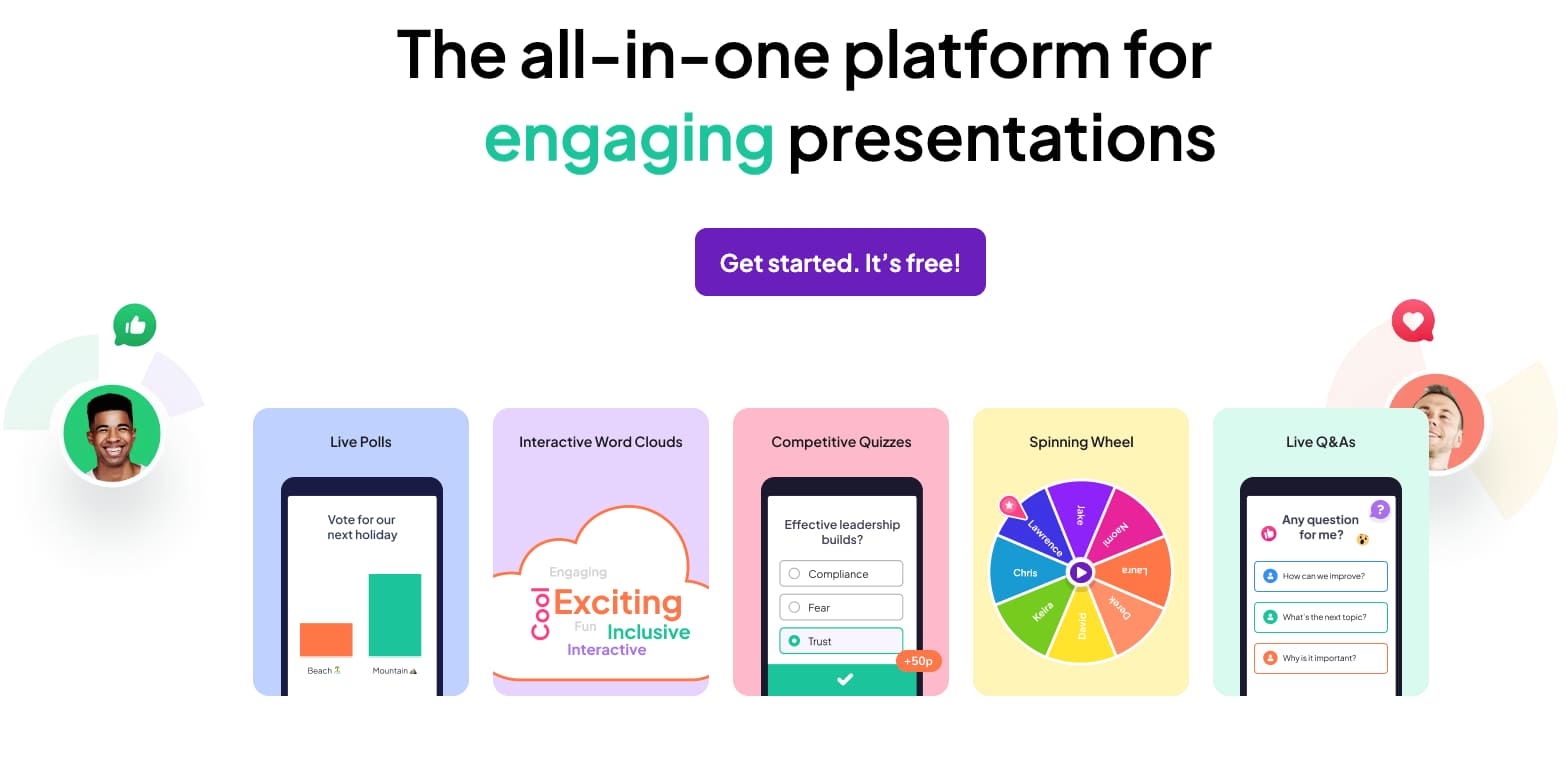
Slido is a world-class Q&A and polling platform that specializes in facilitating organized classroom dialogue. It is particularly effective for managing large classes or guest speaker sessions where the “wall of silence” can be a challenge. Its primary goal is to ensure that the most important questions from the students are addressed.
The platform is designed for professional-grade interaction and moderation. Its key features include:
- Question upvoting: Students “like” each other’s questions, pushing the most relevant ones to the top.
- Live polls: Includes multiple choice, word clouds, and ranking polls for instant sentiment checks.
- Analytics export: Download all questions and responses for later review and grading.
- Seamless integration: Works directly inside Zoom, Microsoft Teams, and Google Meet.
Slido offers a free “Basic” plan that allows for 3 polls per event and up to 100 participants. For teachers needing more polls and moderation features, paid plans start at around $18 per month for educators.
Slido is a professional alternative that is perfect for higher education or seminar-style classes. While Kahoot is about the teacher testing the students, Slido is about the students engaging with the material, making the classroom a much more democratic and organized place.
15. Wordwall
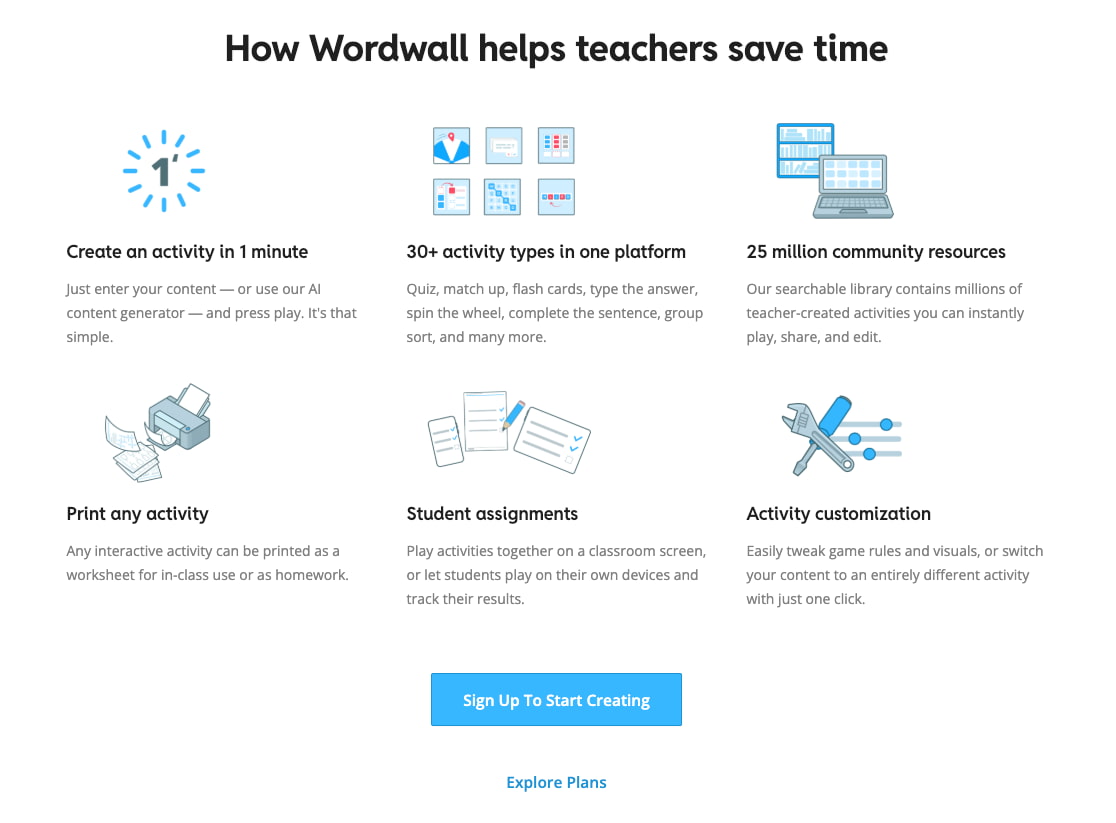
Wordwall is a versatile platform that allows teachers to create a wide variety of interactive and printable games from a single set of questions. It is the ultimate “time-saver” for teachers who want to provide variety without learning new software. With one click, a quiz can become a crossword, a maze, or a game of whack-a-mole.
The platform’s strength lies in its diverse range of templates. Key features include:
- Template switching: Instantly change the game format (e.g., from a quiz to an anagram game) with the same data.
- Printable versions: Automatically generates a PDF version of your diagram game for offline or homework use.
- 10+ question types: Support for everything from matching to labeling to unjumbling sentences.
- Interactive themes: High-quality visual styles (like “Jungle” or “Space”) to keep the games looking fresh.
Wordwall offers a free version that allows you to create up to 5 resources. The “Standard” plan is priced at roughly $6 per month, and the “Pro” plan (with more templates) is around $9 per month.
Wordwall is a fantastic alternative for providing variety and preventing student boredom. While Kahoot is limited to a few game styles, Wordwall offers an almost infinite number of ways to visualize and interact with content, making it a favorite for primary and special education teachers.
Final thoughts
Choosing the right Kahoot alternatives depends heavily on your specific classroom needs and the age group of your students. While some platforms focus on high-energy competition, others prioritize deep pedagogical insights and data-driven instruction. By experimenting with these 15 tools, you can find the perfect balance between entertainment and meaningful assessment. Ultimately, the goal is to enhance student participation and ensure that every learner feels motivated to succeed. Take the time to test these options and watch your classroom management soar to new heights.
Frequently Asked Questions (FAQ)
Are these Kahoot alternatives free for teachers?
Yes, most of the platforms mentioned, including Worksheetzone and Baamboozle, offer free basic versions for educators. While some advanced features or larger student limits may require a subscription, the foundational tools are accessible to all.
Which alternative is best for younger students?
For younger students in grades PreK-2, we recommend simple visual tools like Worksheetzone’s Quiz maker or the fun animations of Blooket. These platforms focus on engagement through play rather than high-stakes testing.
Do these tools work for remote learning?
Absolutely. All these alternatives are designed to work seamlessly in both in-person and remote environments. They provide the synchronous and asynchronous flexibility needed for modern educational models. Check our Research Gate for more data on digital effectiveness.
How do I switch from Kahoot to another platform?
Most platforms allow you to import questions from an Excel or Google Sheet. You can also use Worksheetzone to generate entirely new sets simply by entering your unit topic.


