




















Edpuzzle alternatives are digital educational tools that provide interactive video lessons, formative assessments, and student engagement features beyond the standard Edpuzzle platform. These alternatives refer to specialized platforms for AI-powered worksheets, gamified classroom competitions, and collaborative multimedia boards designed for students in grades PreK–12.
10 Edpuzzle alternatives
Finding the right Edpuzzle alternative fosters children’s curiosity and digital literacy through varied instructional strategies. In a classroom setting, these tools work best when selected based on the specific learning objective, such as asynchronous practice or live class feedback. According to research from Common Sense Education, using a mix of interactive platforms prevents student burnout and supports differentiated learning paths.
1. Worksheetzone

Worksheetzone is a dynamic, AI-integrated platform designed to transform traditional static documents into interactive digital activities. It is highly effective for teachers who want to move away from heavy printing while maintaining the pedagogical value of structured, written practice. This tool helps students engage with content through various digital formats, making repetitive learning tasks much more enjoyable and efficient.
Key features of Worksheetzone:
- AI-powered worksheet generator that creates materials from simple prompts
- Ability to convert existing PDFs into interactive, auto-graded digital tasks
- Extensive library of pre-made activities and templates
- Real-time dashboard to monitor student progress and accuracy levels
Pricing: Worksheetzone offers a robust free tier that includes access to AI generation tools and public templates. For teachers needing unlimited storage, private assignments, and advanced data analytics, premium subscription plans are available at competitive rates.
Why it is an Edpuzzle alternative: While Edpuzzle focuses on video interactions, Worksheetzone provides deeper engagement through creative practice phases. This is particularly effective for students in grades 3-8 who need more tactile and word-based challenges to reinforce what they have learned from a video lesson.
2. Nearpod

Nearpod is an all-in-one instructional platform that empowers teachers to create interactive presentations, including VR field trips, 3D objects, and real-time polls. Its effectiveness lies in its ability to synchronize learning across all student devices, whether they are in the classroom or at home. By blending media with formative assessment, it ensures that every student remains active throughout the entire lesson delivery.
Key features of Nearpod:
- Integrated Virtual Reality (VR) and PhET science simulations
- Interactive video tools that allow for embedded questions and narration
- Live Participation and Student-Paced modes for flexible instruction
- Seamless integration with Google Slides and Microsoft PowerPoint
Pricing: Nearpod provides a “Silver” plan for free, which covers the essential interactive features for most classrooms. For individual teachers or districts requiring more storage and larger student capacities, “Gold” and “Platinum” plans start at approximately $13.75 per month.
Why it is an Edpuzzle alternative: Nearpod is a strong alternative because it combines video interaction with a full suite of presentation tools. Teachers get the benefits of Edpuzzle-style video questions integrated into a much broader, multi-modal lesson structure.
3. Kahoot!
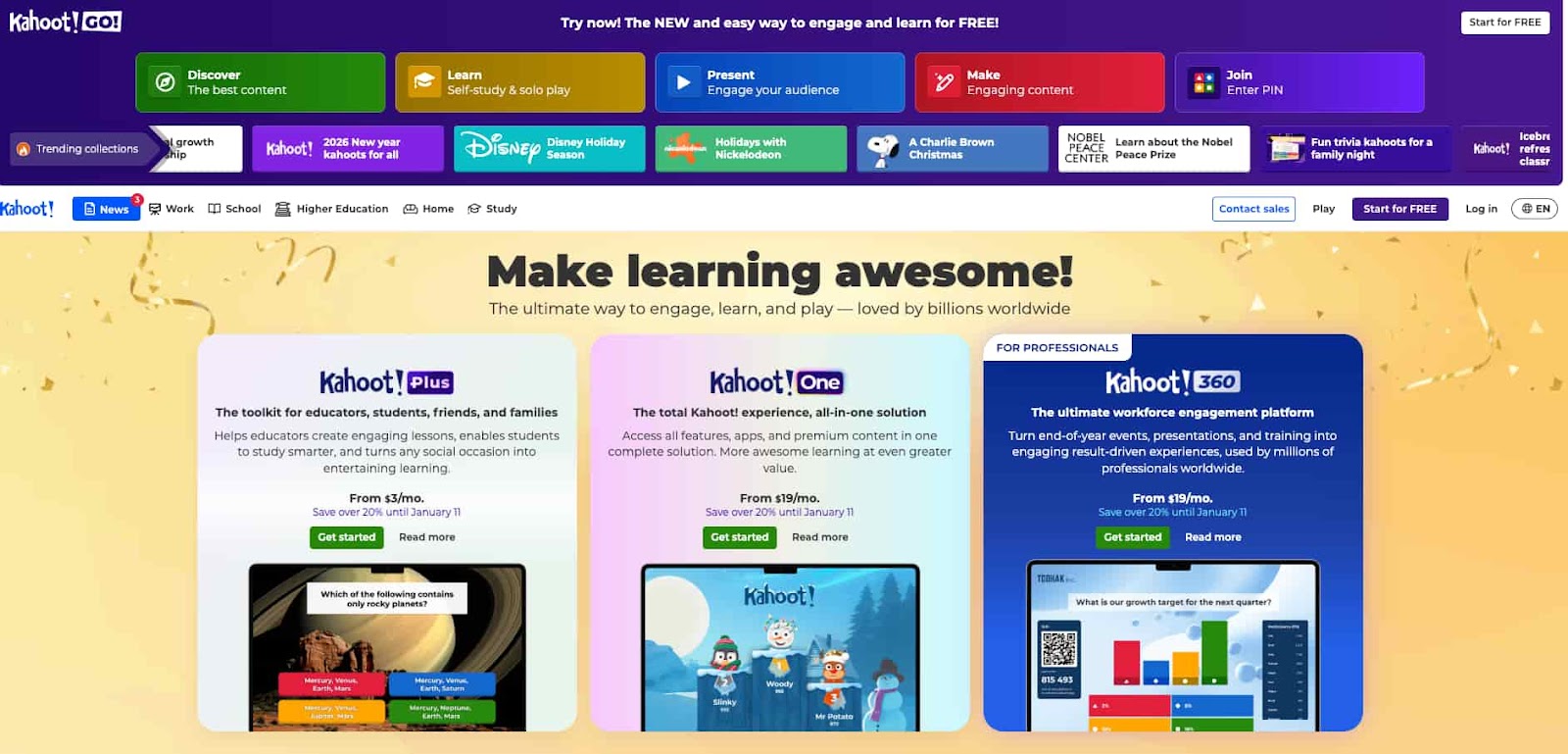
Kahoot! is a world-renowned gamified learning platform that turns assessments into high-energy, competitive classroom events. Its effectiveness is rooted in the “play-to-learn” philosophy, which significantly increases student motivation and recall through music and leaderboards. It is a vital tool for review sessions, as it encourages every student to participate in a fun and fast-paced environment.
Key features of Kahoot:
- A large public library of millions of pre-made “Kahoots” across all subjects
- Competitive game modes, including Team Mode and Ghost Mode
- Detailed reports that highlight which questions the class found most difficult
- High-quality mobile app for student participation on any device
Pricing: A basic version of Kahoot remains free for teachers to use with limited players. Paid tiers like “Plus” or “Pro” offer more question types, such as polls and open-ended responses, typically starting around $10 per month.
Why it is an Edpuzzle alternative: Kahoot is the best alternative for teachers who want to prioritize high-energy engagement and social competition over individual, quiet video watching. It transforms assessment from a solitary task into a shared, exciting classroom experience.
4. Wayground (formerly Quizizz)
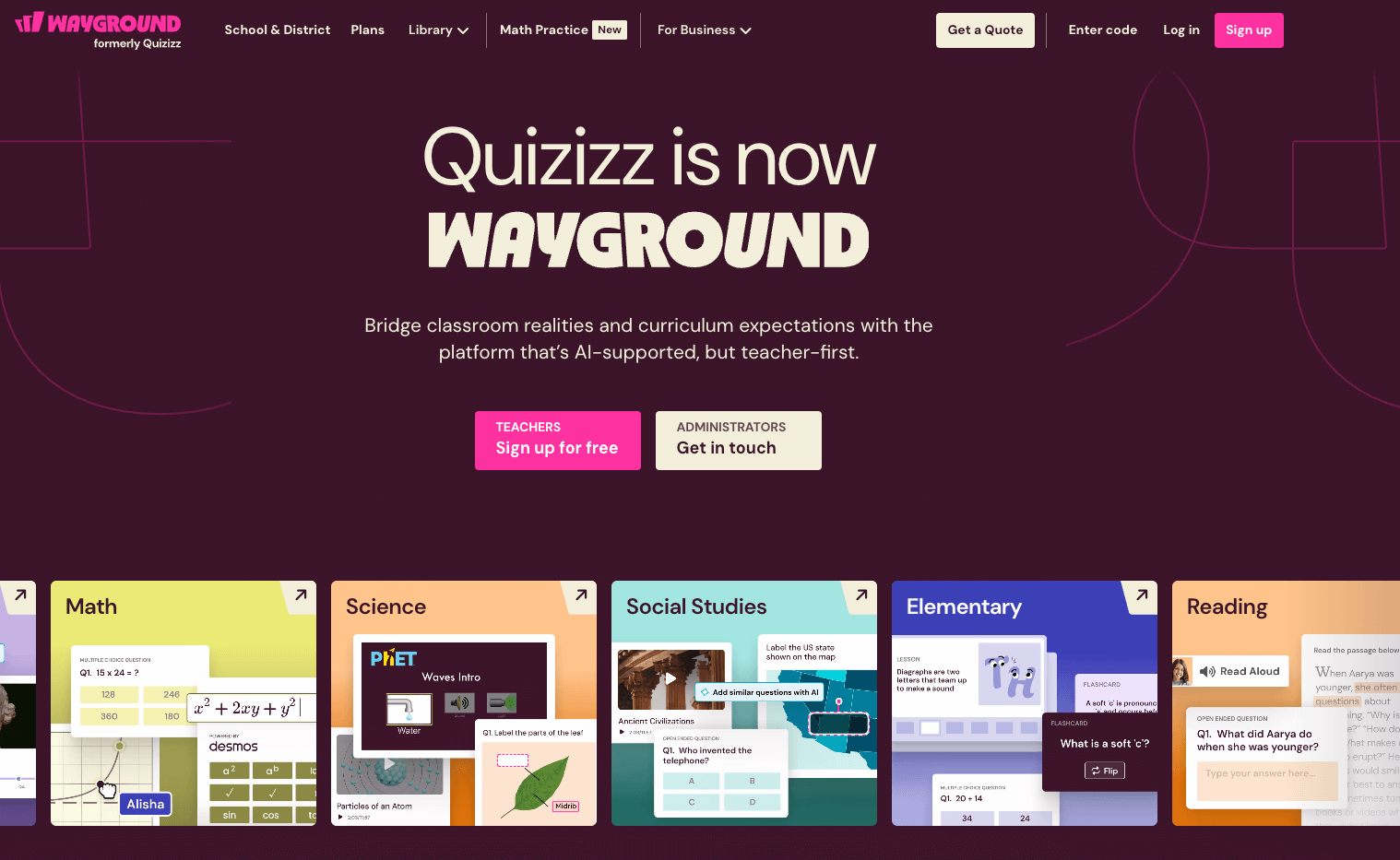
Wayground offers a student-paced approach to learning that reduces performance anxiety while maintaining the excitement of a game. It is highly effective for both in-class formative assessments and asynchronous homework assignments, providing instant feedback to both students and teachers. The platform’s use of memes and power-ups keeps students entertained, ensuring they stay focused on the learning objective.
Key features of Wayground:
- “Teleport” feature that allows you to pull questions from existing quizzes instantly
- Asynchronous homework mode with custom deadlines and parent reports
- Detailed student-level analytics that track mastery over time
- An AI-assisted quiz creator that generates questions from uploaded texts or links
Pricing: Wayground offers a comprehensive free version that is highly functional for most educators. The “Super” subscription removes ads and adds premium features like video clips and audio responses for a yearly fee.
Why it is an Edpuzzle alternative: Wayground stands out as an alternative for its versatility in homework assignments and its superior data analytics. While Edpuzzle tracks video completion, Wayground provides a deeper dive into specific conceptual misunderstandings.
5. WeVideo (formerly PlayPosit)
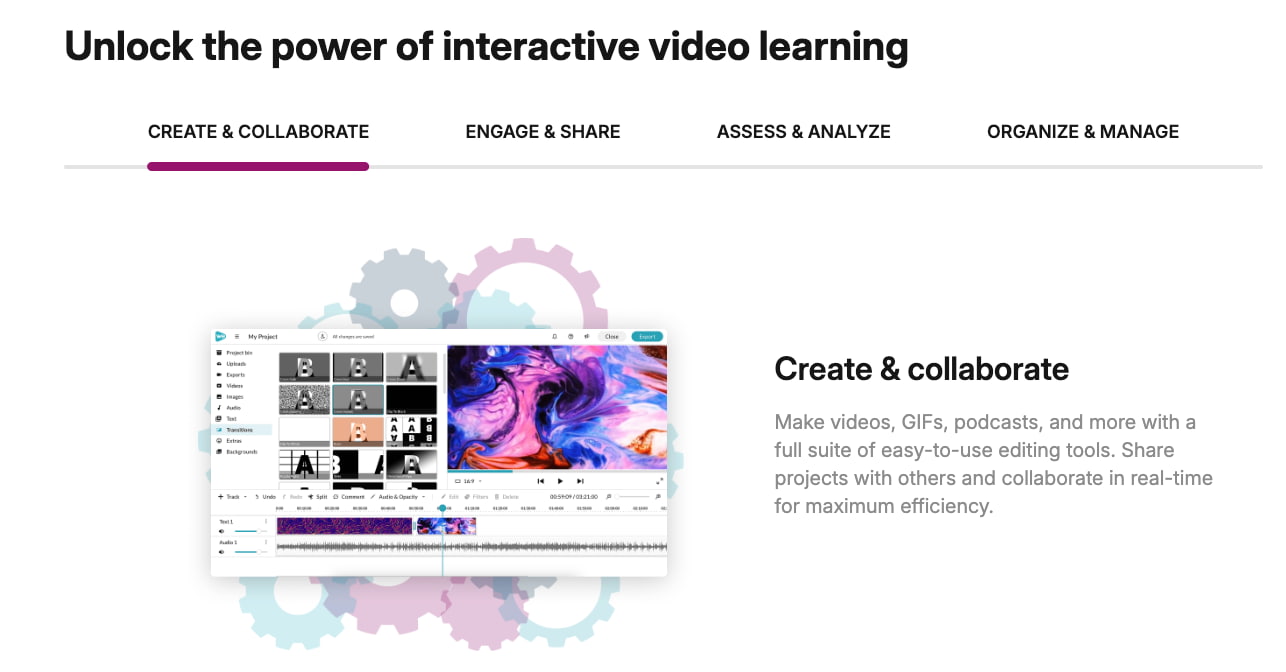
WeVideo is perhaps the most direct competitor to Edpuzzle, focusing on “bulbs” or interactive video lessons that can be customized with over 20 different interaction types. It is effective for flipping the classroom, as it allows instructors to overlay questions, discussions, and even web embeds onto any video content. This level of customization ensures that students are not just watching but are thinking critically at every step.
Key features of PlayPosit:
- Advanced interaction types, including free response, polls, and check-alls
- Peer review features that allow students to comment on each other’s work
- Robust LTI integration with major LMS platforms like Canvas and Blackboard
- Ability to branch videos based on student answers for personalized paths
Pricing: PlayPosit offers a basic free version for individual teachers to get started. Professional and institutional licenses are available for those who need unlimited “bulbs” and more complex data integration.
Why it is an Edpuzzle alternative: PlayPosit is a powerhouse alternative because it offers deeper video customization and more complex question logic than Edpuzzle. It is the preferred choice for higher education or advanced K-12 classrooms requiring sophisticated video interactivity.
6. Quizlet
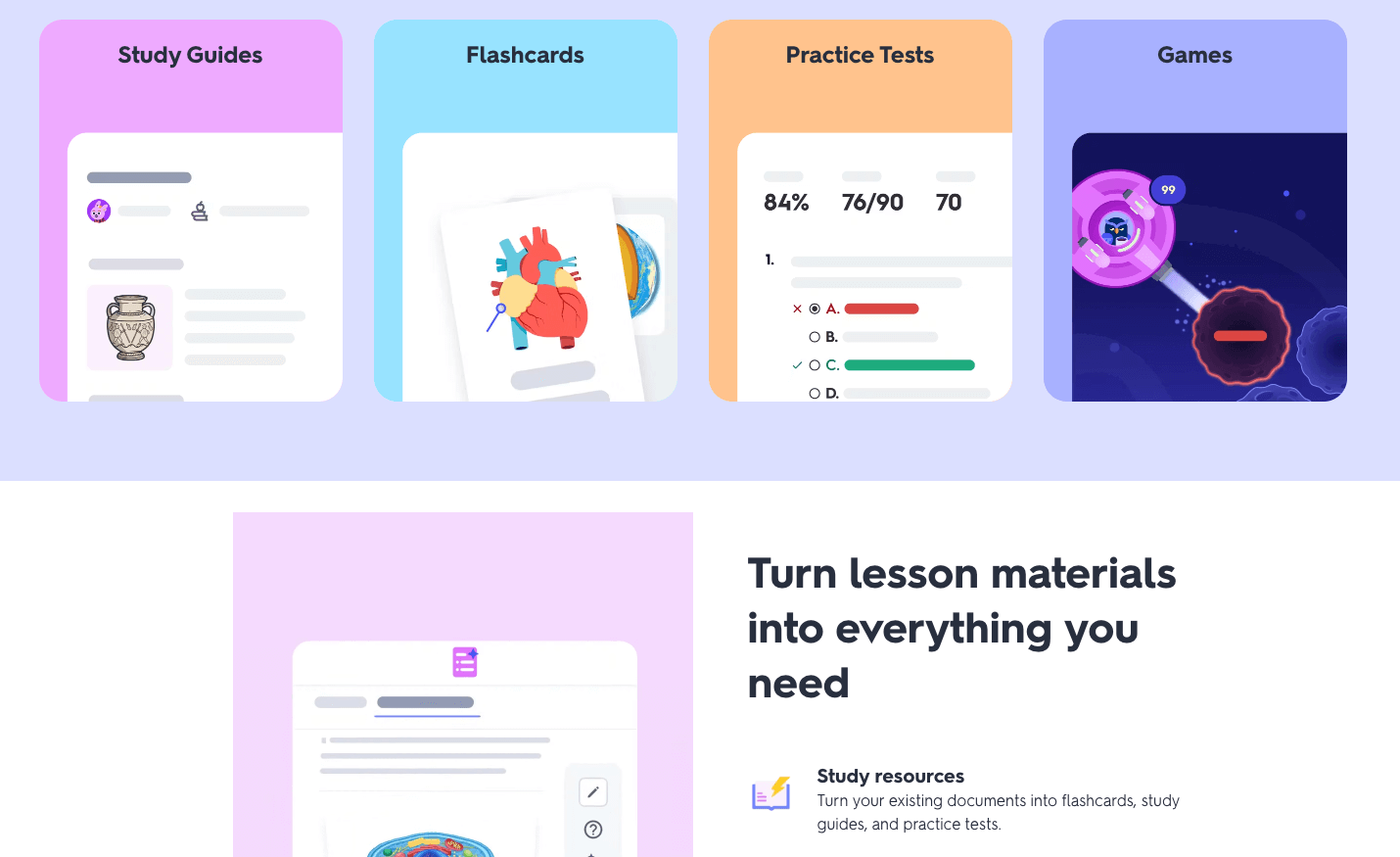
Quizlet is the premier tool for mastery-based learning through digital flashcards and AI-powered study modes. Its effectiveness is based on cognitive science principles like spaced repetition, which helps students move information into long-term memory. It is a fundamental tool for vocabulary building and conceptual mastery, allowing students to study independently at their own pace.
Key features of Quizlet:
- AI-powered “Q-Chat” tutor that acts as a personalized study coach
- “Quizlet Live” collaborative game mode for classroom-wide competition
- Millions of user-created study sets available for instant use
- Practice tests that simulate real exam environments with varying difficulty
Pricing: Quizlet is free to use with basic features, though it includes advertisements. “Quizlet Plus” is a paid subscription that removes ads, allows for offline study, and unlocks the full suite of AI study tools.
Why it is an Edpuzzle alternative: Quizlet serves as a necessary alternative for focused rote learning and term mastery. Where video platforms are great for introducing concepts, Quizlet is a better tool for ensuring those concepts are memorized and understood.
7. Mentimeter
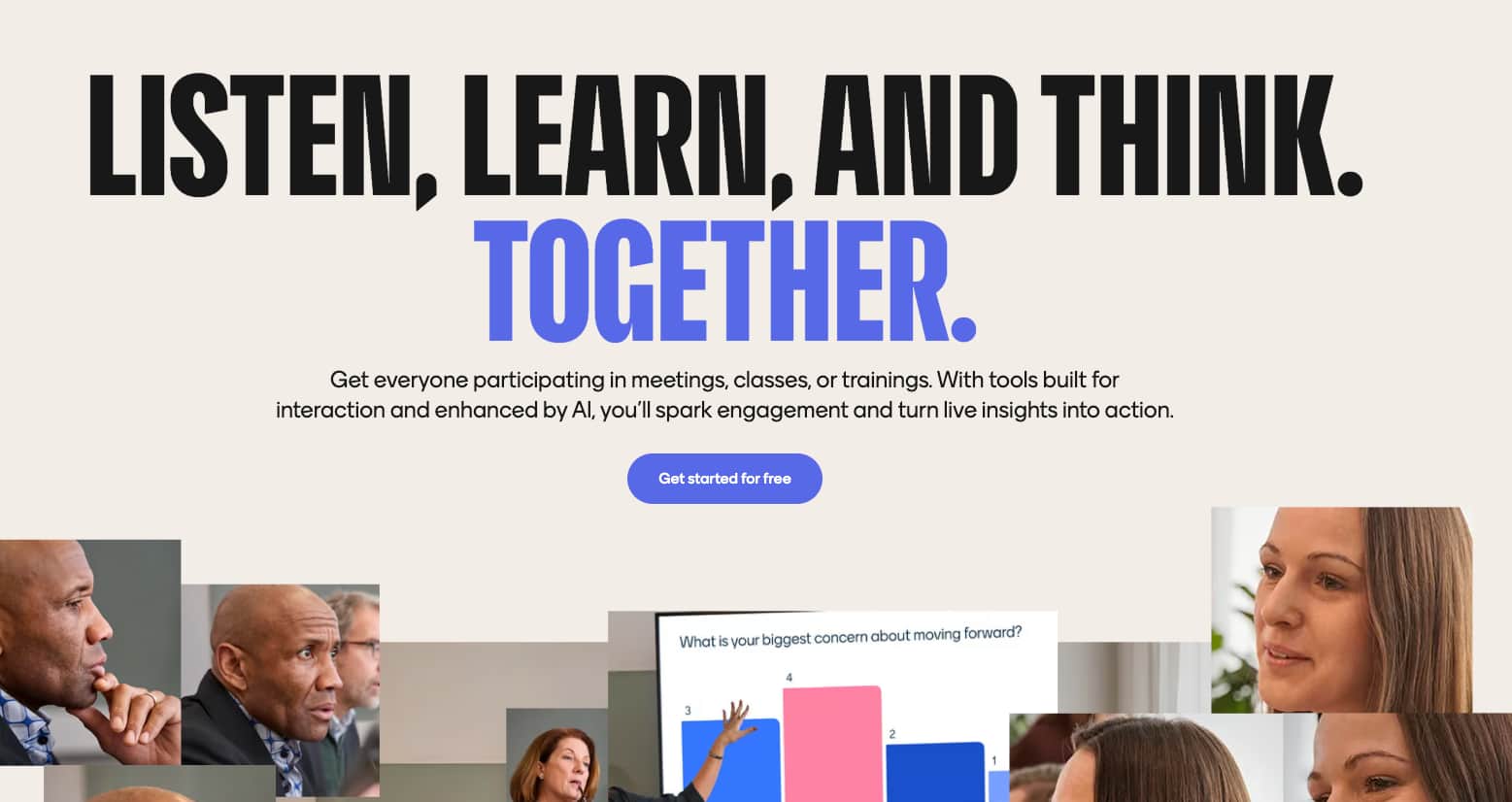
Mentimeter is a professional-grade interactive presentation tool that excels at capturing real-time feedback and visualizing class opinions. It is effective for creating an inclusive environment where students can share their thoughts anonymously through word clouds and live polls. This tool is perfect for checking the “pulse” of a room or initiating deep discussions based on live data.
Key features of Mentimeter:
- Diverse slide types, including scales, word clouds, and Q&A boards
- Real-time visualization of data as students submit their responses
- AI-driven “Menti Builder” that helps create presentations in seconds
- Data export features that allow for post-lesson analysis in Excel or PDF
Pricing: Mentimeter has a limited free plan that allows for a small number of questions per presentation. The “Basic” teacher plan starts around $13 per month and allows for unlimited questions and audience participation.
Why it is an Edpuzzle alternative: Mentimeter is a superior alternative for teachers focusing on live interaction and presentation-based inquiry. It shifts the classroom focus from pre-recorded content to the immediate, collective voice of the students.
8. Pear Deck
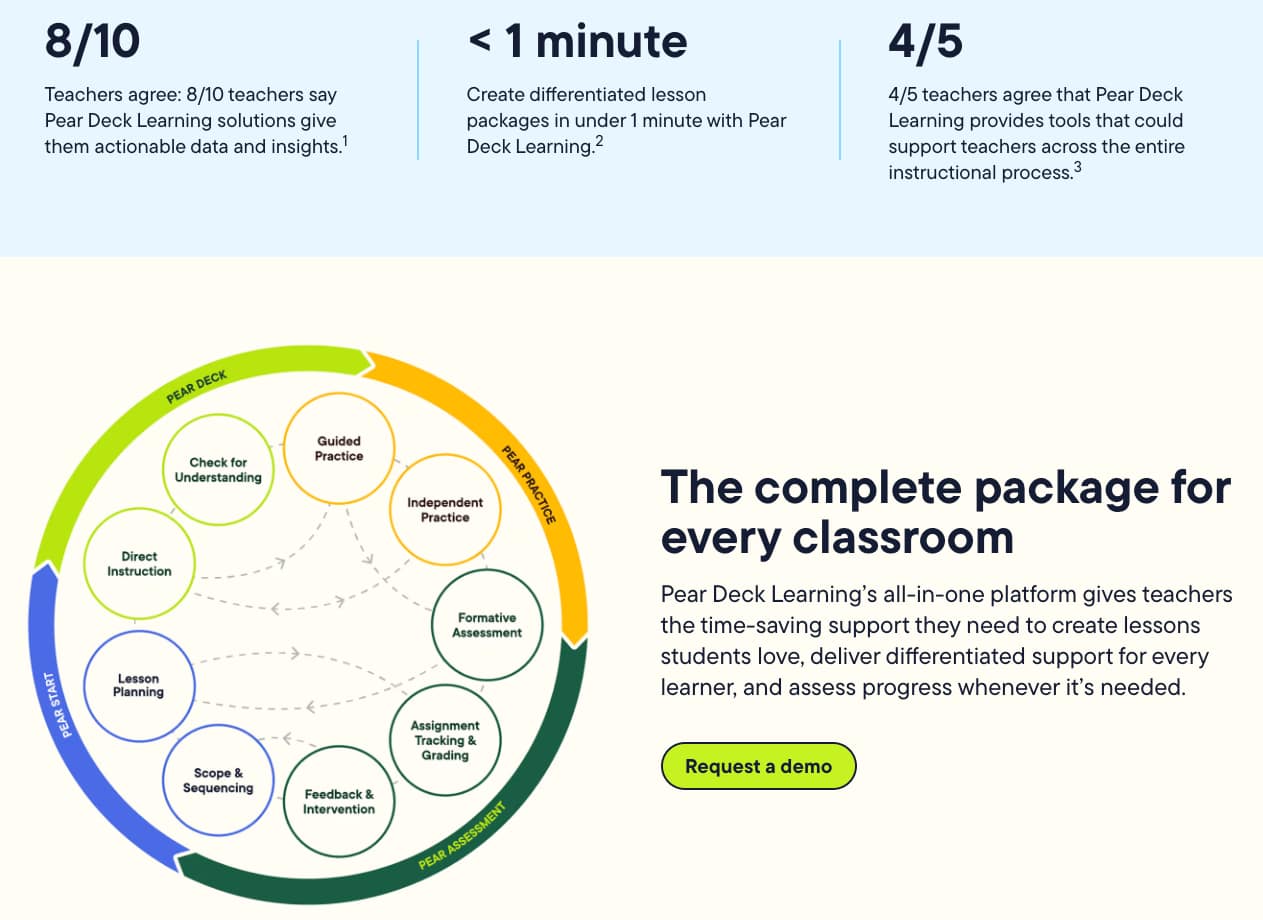
Pear Deck works as an interactive overlay for Google Slides and Microsoft PowerPoint, making it incredibly easy to use for teachers already utilizing those ecosystems. It is effective because it allows for diverse response types – including drawing and dragging – which help visualize student thinking in ways text-based tools cannot. This seamless integration ensures that teachers don’t have to rebuild their existing lessons to make them interactive.
Key features of Pear Deck:
- Drawing and “Draggable” slide types to visualize student logic
- “Flashcard Factory” for collaborative vocabulary building
- Teacher Dashboard for private, real-time monitoring of student responses
- Integration with Immersive Reader to support students with diverse needs
Pricing: Pear Deck offers a free version with basic response types. The “Premium” version, which includes the drawing tools and Teacher Dashboard, is typically priced around $149 per year.
Why it is an Edpuzzle alternative: Pear Deck is the ideal alternative for educators who prefer a slide-based teaching style. It allows for spontaneous interactivity within a traditional lecture, offering more flexibility than a fixed video lesson.
9. Padlet
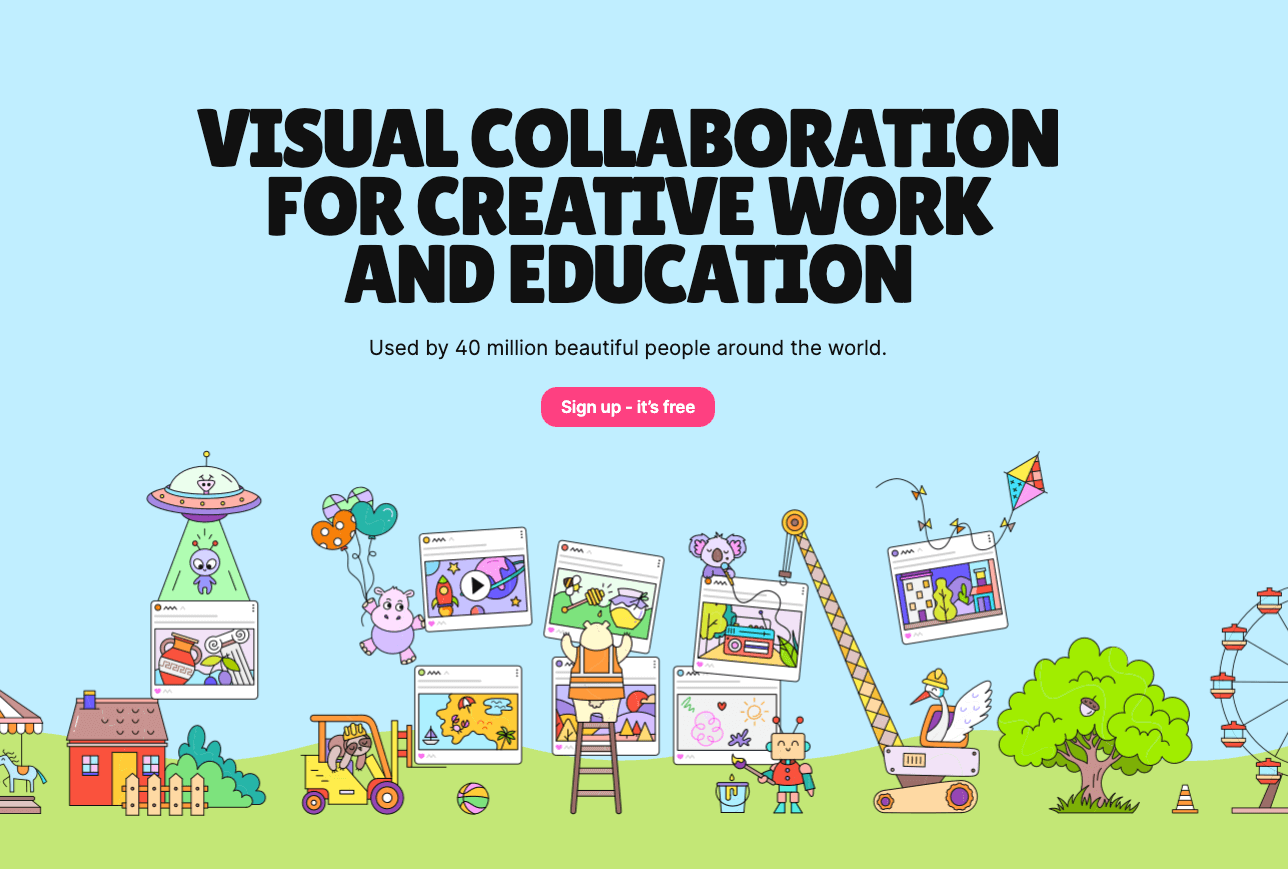
Padlet acts as a digital notice board or canvas where students can collaborate in a visual and multimedia-rich space. Its effectiveness comes from its extreme flexibility; it can be used for brainstorming, portfolios, or even a digital gallery walk. By allowing students to post text, images, and videos, it fosters a sense of community and shared discovery in the classroom.
Key features of Padlet:
- Multiple layout formats, including “Wall,” “Stream,” and “Map.”
- Support for a wide range of file types, from drawings to voice recordings
- Privacy and moderation controls to ensure a safe learning environment
- Real-time updates that make the board feel alive during class sessions
Pricing: Padlet offers a free tier that allows for up to three active boards. Paid subscriptions like “Platinum” allow for unlimited boards and larger file uploads for a monthly fee.
Why it is an Edpuzzle alternative: Padlet offers a collaborative, open-ended alternative to the linear nature of video tools. It allows students to build knowledge together visually, rather than just absorbing it from a single source.
10. Canvas LMS
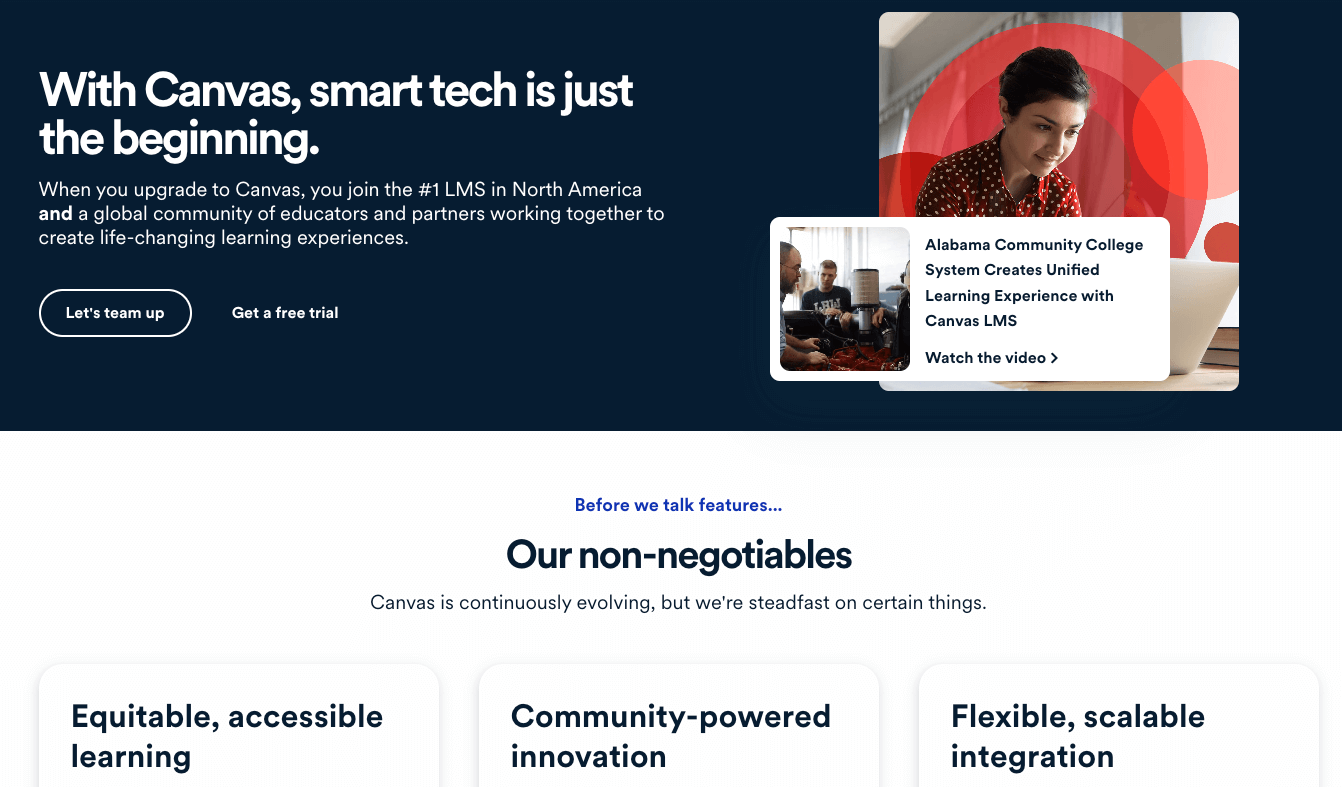
Canvas LMS is a comprehensive learning management system that organizes entire courses, grades, and communication into one professional-grade hub. Its effectiveness is rooted in its scalability, providing students with a centralized location for all their learning materials and feedback. For schools looking for a structured digital environment, Canvas is the gold standard for managing educational content at scale.
Key features of Canvas LMS:
- Built-in “Canvas Studio” for creating interactive video lessons similar to Edpuzzle
- Complete gradebook integration for automated and manual scoring
- Robust discussion boards and module-based lesson pacing
- Mobile app support for learning on the go for both students and instructors
Pricing: Canvas offers a “Free for Teachers” version that is quite powerful for individual classroom use. Enterprise-level pricing is typically negotiated at the school or district level.
Why it is an Edpuzzle alternative: Canvas is a total-package alternative for those who want their interactive video tools to live within their main management environment. It eliminates the need for external logins and keeps all student data in one secure location.
Conclusion
Selecting the right Edpuzzle alternatives depends on your specific pedagogical goals and the technological environment of your classroom. Whether you prioritize the high-energy gamification of Kahoot or the structured, comprehensive course management of Canvas LMS, each platform offers a unique path to student success. By integrating these diverse tools into your curriculum, you can move beyond simple video watching to create a truly multi-modal learning experience. Start exploring these options today to find the perfect fit for your digital teaching toolkit and watch your student engagement soar.
Frequently Asked Questions (FAQ)
Are these Edpuzzle alternatives free?
Yes, most of the platforms mentioned, including Worksheetzone and Kahoot!, offer free basic versions for educators. While some advanced features or larger student limits may require a subscription, the foundational tools are accessible to all.
How do I choose the best alternative for my classroom?
We recommend choosing an alternative based on your primary teaching goal. If you need a tool for daily practice, Worksheetzone’s Quiz Maker are excellent. If you want to gamify your lessons, Kahoot! or Blooket might be better fits.
Can these tools be used for remote learning?
Absolutely. All these platforms are designed to work seamlessly in both in-person and remote learning environments. They provide the synchronous and asynchronous flexibility needed for modern educational models. Check our guide on Literacy Games for more ideas on remote engagement.
Do these alternatives integrate with my LMS?
Most major platforms like Pear Deck, Edpuzzle, and Socrative integrate directly with Google Classroom, Canvas, and Microsoft Teams. This allows for easy grade syncing and student roster management. Worksheetzone also provides printable versions of its digital tasks for classrooms with limited device access.


