




















Blooket alternatives are digital educational platforms that provide gamified quizzes, interactive lessons, and student engagement features beyond the standard Blooket experience. These alternatives refer to specialized tools for AI-powered worksheets, classroom role-playing games, and low-tech assessment solutions designed for students in grades PreK–12.
12 Blooket alternatives
When it comes to finding Blooket alternatives, there are a wide variety of interactive learning platforms that can make your classroom more engaging and effective. Below are 12 Blooket alternatives, each offering distinct functionalities and benefits for educators and students alike. In a classroom setting, these tools work best when selected based on the specific instructional goal, such as building a classroom community or practicing rapid recall.
1. Kahoot!
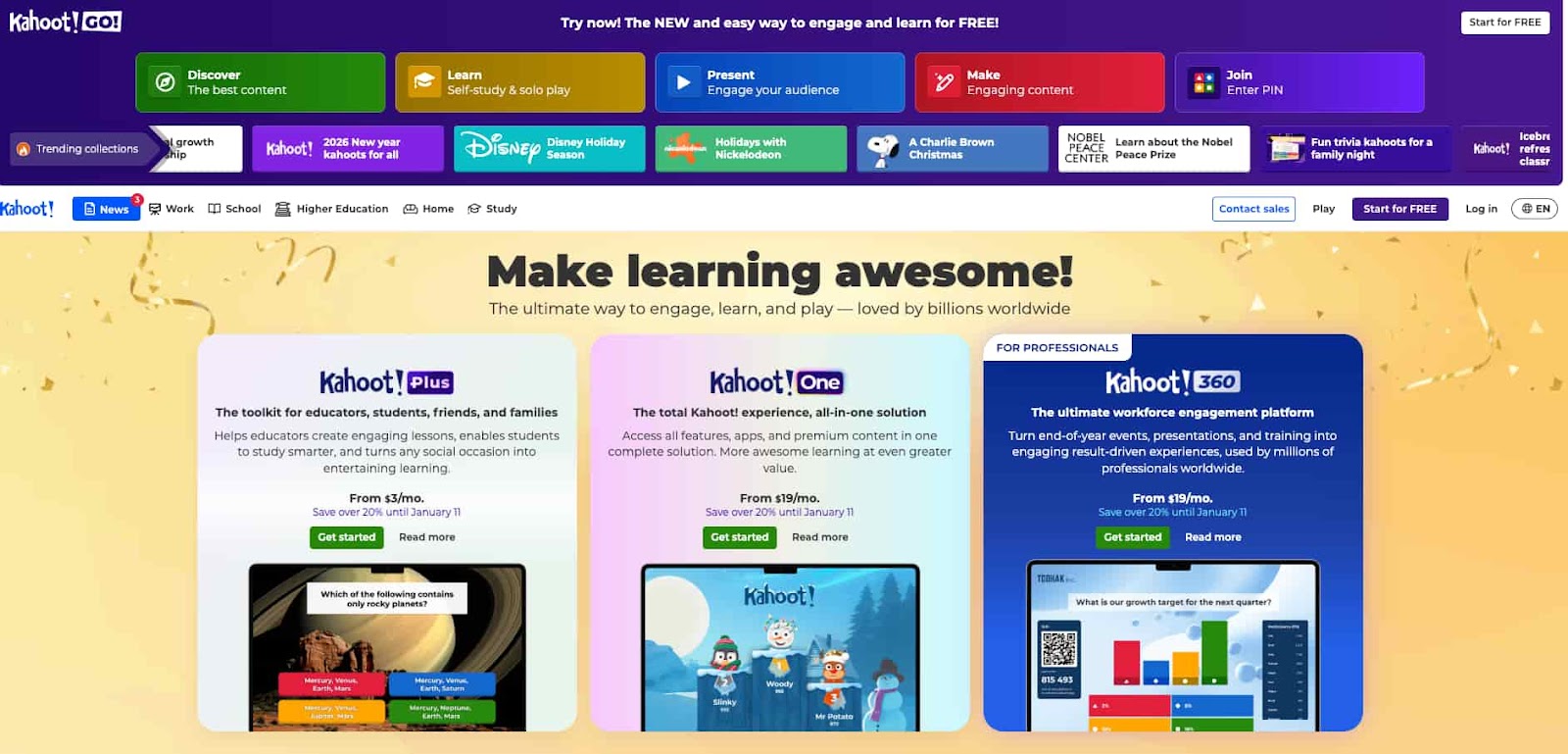
Kahoot! is one of the most well-known educational tools in the game-based learning space, offering interactive quizzes and real-time participation. Teachers can create custom quizzes and host live games in a highly engaging, competitive format that motivates students to participate.
Kahoot’s key features:
- Real-time quiz competitions with live feedback
- Multiple question formats (multiple choice, true/false, etc.)
- Gamified learning experience with points and leaderboards
- Integration with various educational platforms, like Google Classroom
Pricing: Kahoot offers a free version with basic features. Premium plans start at $3.99 per month for more advanced tools such as analytics, game customization, and extra reports.
Why it’s a Blooket alternative: Kahoot provides a very similar real-time quiz experience and is highly popular in educational settings. Its gamified elements, customizable options, and instant feedback are great alternatives to Blooket’s live quiz functionality.
2. Wayground (formerly Quizizz)
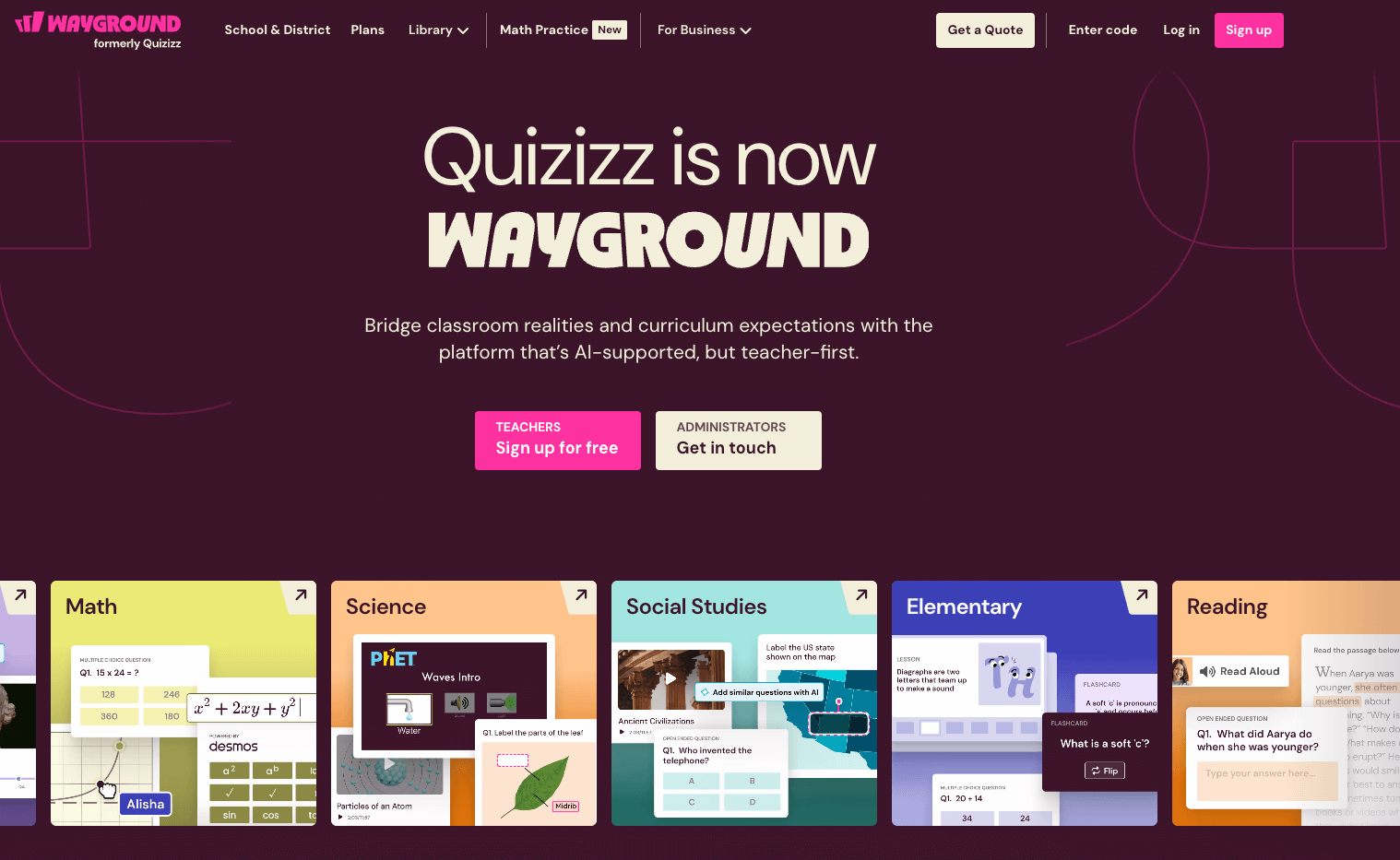
Wayground offers a flexible platform where students can engage in self-paced or live multiplayer quizzes. It’s designed to be both fun and informative, with personalized learning paths and immediate feedback to help students grasp concepts effectively.
Wayground’s key features:
- Real-time and self-paced quiz modes
- Customizable themes, questions, and avatars
- Automatic grading and detailed reports for teachers
- Integration with Google Classroom
Pricing: Wayground offers a free version with basic functionality, while premium plans start at $5 per month for enhanced features such as advanced reporting, question banks, and more.
Why it’s a Blooket alternative: Like Blooket, Wayground brings a gamified quiz format into the classroom, but with greater customization options for quizzes and better reporting tools, making it a strong contender.
3. Worksheetzone Quiz Maker
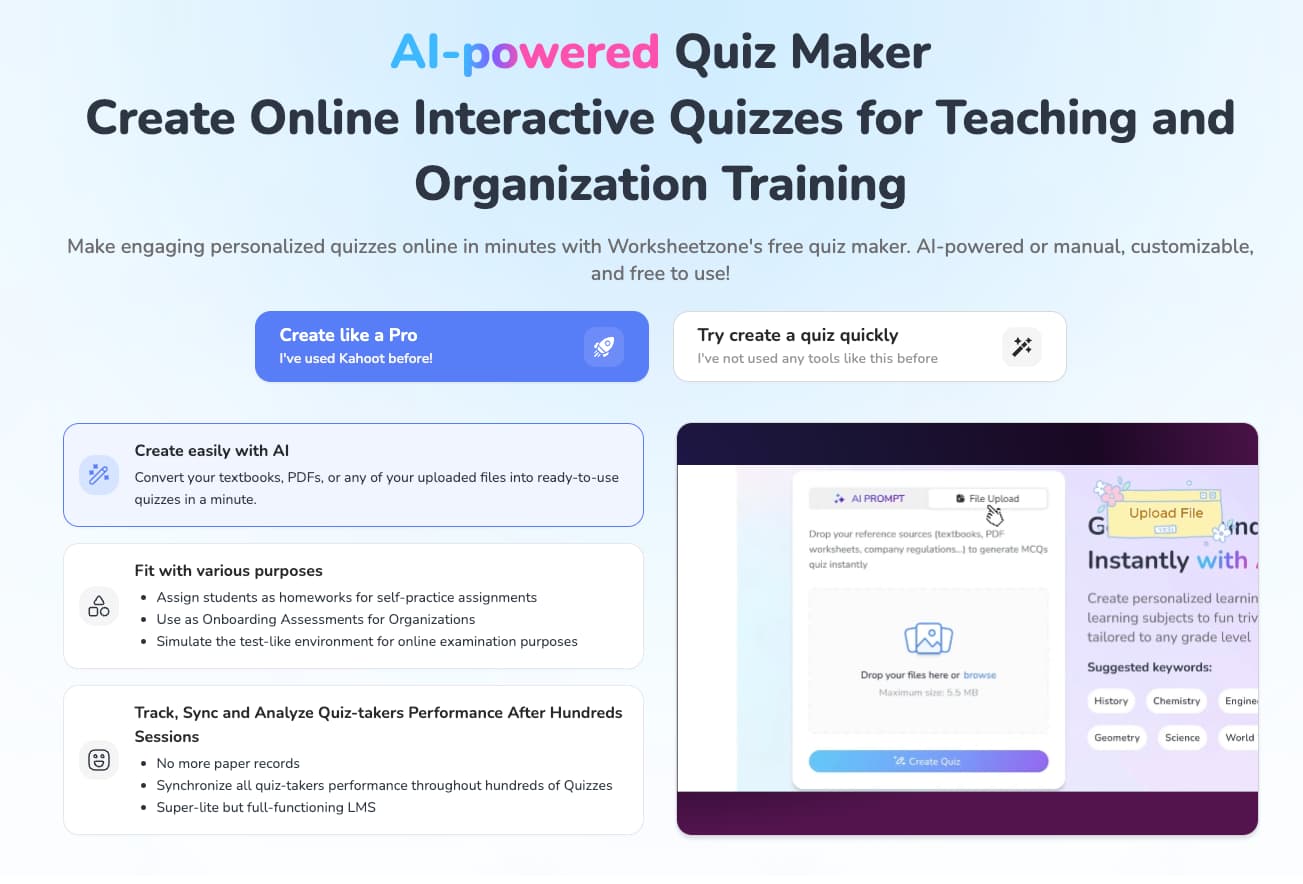
Worksheetzone Quiz Maker is an intuitive tool that allows teachers to create custom quizzes for their students. This platform makes it simple to design assessments with a wide variety of question formats and dynamic features like timed quizzes, random question generation, and more.
Worksheetzone Quiz Maker’s key features:
- Custom quiz creation with multiple question types (MCQ, short answer, etc.)
- Ability to randomize questions and answers for unique quizzes each time
- Time-based assessments and auto-grading
- Instant feedback and detailed reports on student performance
Pricing: The Worksheetzone Quiz Maker is part of the Worksheetzone platform, which offers free access to basic tools, with premium features available under the paid plans starting at $5 per month.
Why it’s a Blooket alternative: Similar to Blooket, Worksheetzone Quiz Maker allows teachers to design customized quizzes, but it goes a step further by offering deeper flexibility in quiz setup and detailed performance tracking. This tool is ideal for educators who want more control over the types of assessments they give.
4. Gimkit
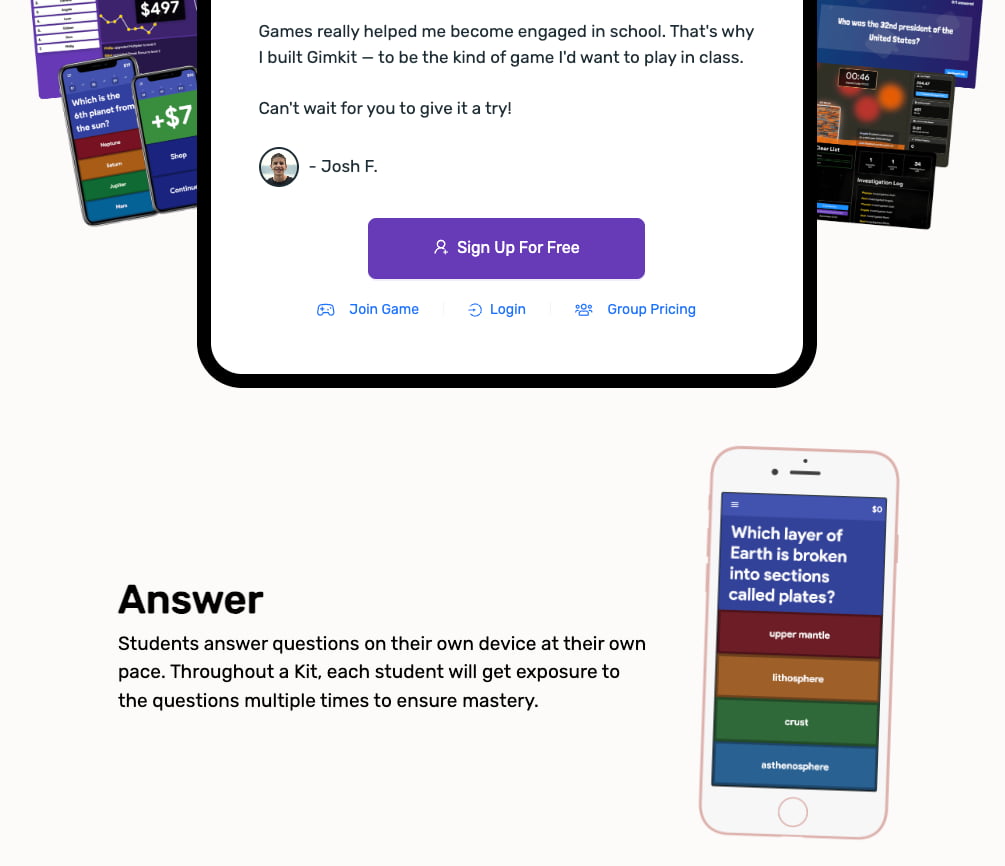
Gimkit offers a dynamic approach to quiz-based learning by incorporating in-game currency and rewards that students can earn as they correctly answer questions. It allows teachers to create customizable quizzes where students can earn virtual money, which they can use to “purchase” power-ups and upgrades to make the game even more exciting.
Gimkit’s key features:
- Real-time multiplayer mode
- Virtual in-game currency for added motivation
- Customizable quiz themes and question sets
- Analytics and live reporting for teachers
Pricing: Gimkit operates on a subscription model called “Gimkit Pro.” While there is a free version (Gimkit Ink) and some rotating free game modes, full access to all features and game modes requires a paid subscription, which is usually around $4.99 per month or $59.88 per year.
Why it’s a Blooket alternative: Gimkit is often considered the closest competitor to Blooket. It is an ideal alternative if you want to keep the “currency and shop” mechanic but want to try different social game modes. The strategic depth of Gimkit often appeals to middle and high school students who enjoy the competitive economy of the game.
5. Quizlet
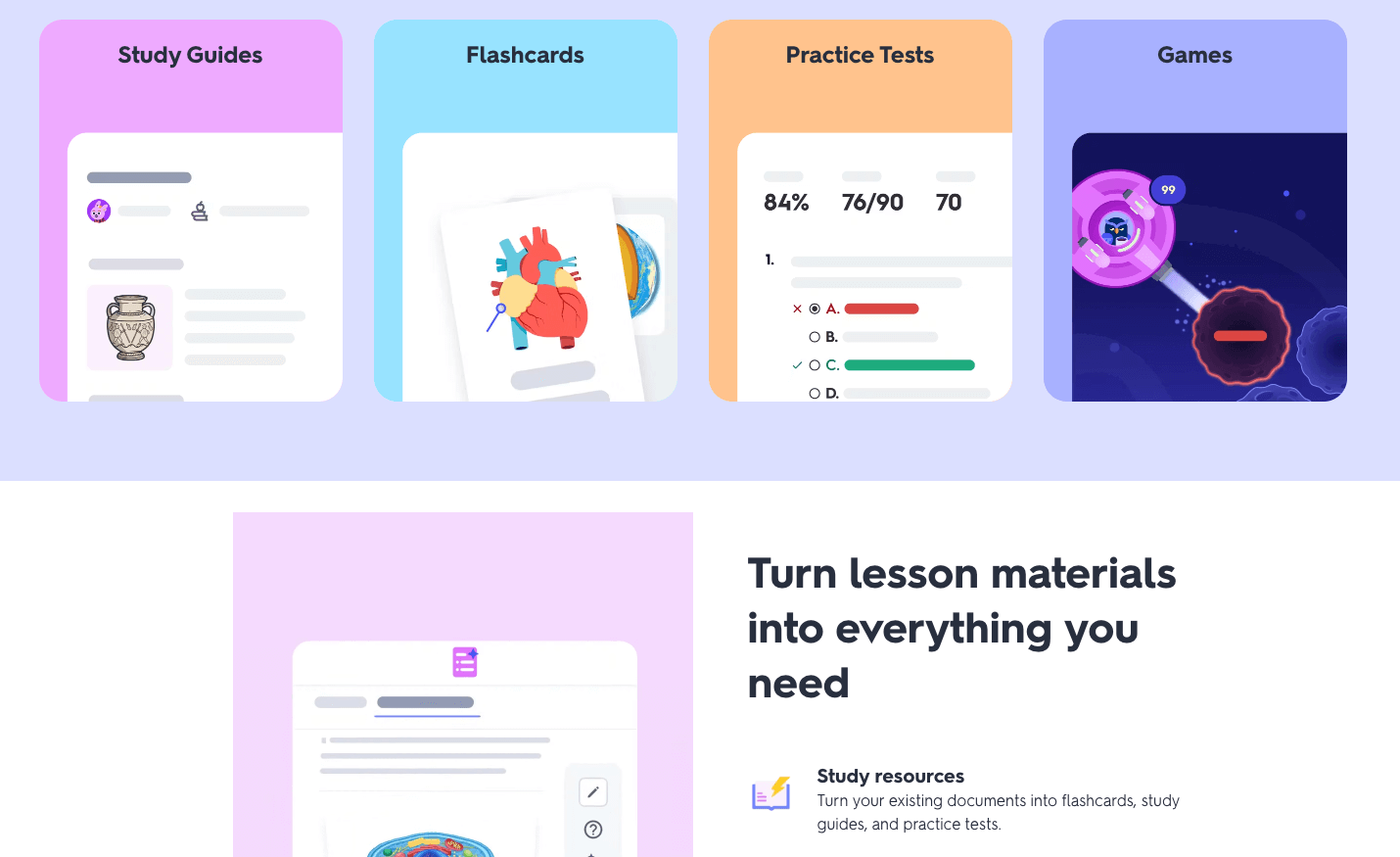
Quizlet is a collaborative game mode of the popular flashcard platform, Quizlet. It focuses heavily on teamwork, as students are randomly sorted into teams and must work together to find the correct answer among their various screens. If one student makes a mistake, the entire team’s progress is reset, which encourages communication and careful thought.
Quizlet’s key features:
- Leverages the world’s largest library of digital flashcards and study sets
- Promotes soft skills like communication and collaborative problem-solving
- Individual mode available for remote or independent learning
- Automatic shuffling of teams to ensure students work with different peers
Pricing: Quizlet Live is free for teachers to use if they have a Quizlet account. However, to customize teams and access more advanced tracking features, teachers usually need a “Quizlet Plus for Teachers” subscription, which costs approximately $35.99 per year.
Why it’s a Blooket alternative: As a Blooket alternative, Quizlet Live is superior for vocabulary acquisition and rote memorization. While Blooket is great for variety, Quizlet Live is the gold standard for mastering a specific list of terms through repetitive, high-stakes team cooperation.
6. Socrative
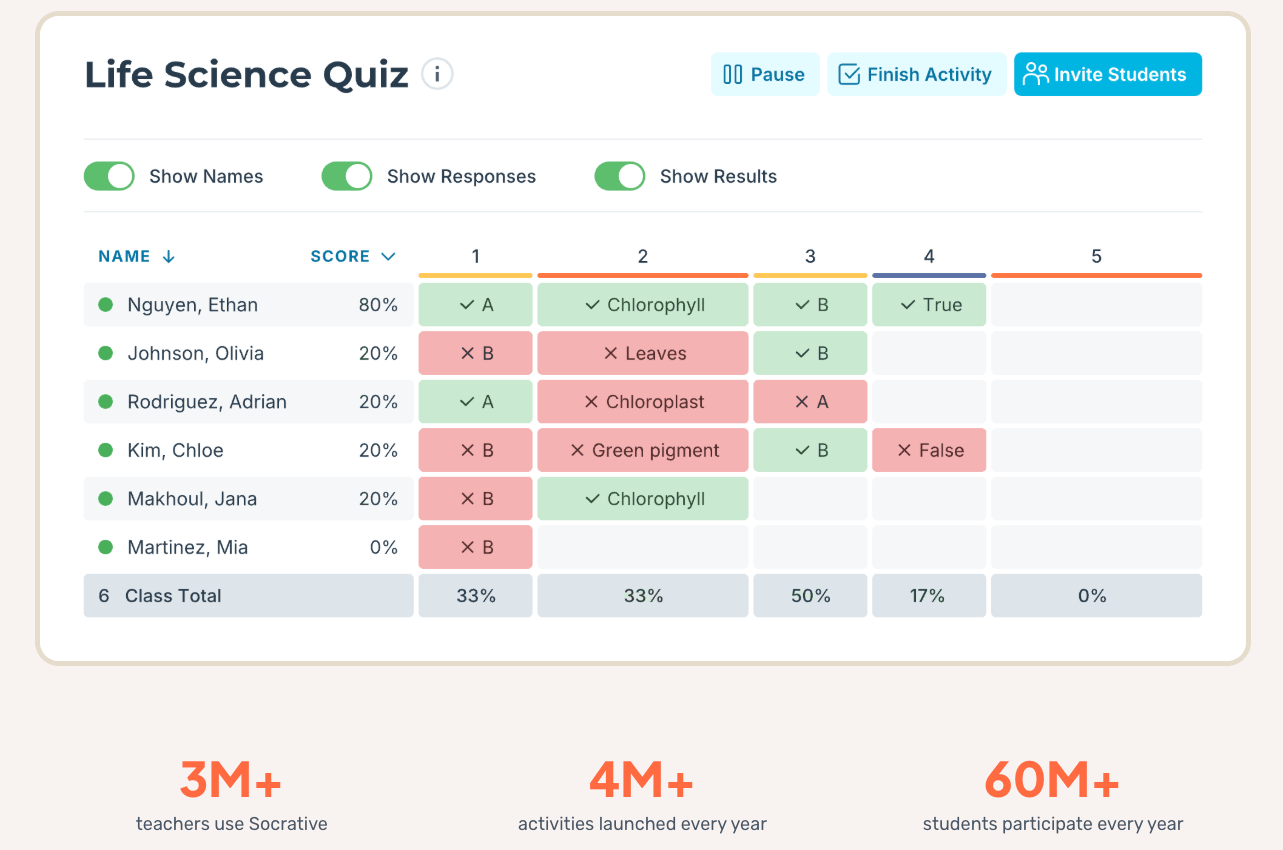
Socrative is a sophisticated formative assessment tool that emphasizes clarity and data. It allows teachers to create quizzes, quick polls, and “Exit Tickets” to gauge student understanding in real time. Its “Space Race” feature provides a gamified experience where students or teams race digital icons across the screen by answering questions correctly.
Socrative’s key features:
- Real-time visualization of student answers to identify learning gaps instantly
- Space Race mode for a competitive, gamified classroom experience
- On-the-fly “Quick Questions” to check for understanding during a lecture
- Detailed reports that can be downloaded or sent directly to students
Pricing: Socrative offers a free version that supports up to 50 students per room and one active activity. The Socrative Pro plan (approx. $89.99 per year) allows for multiple rooms, up to 200 students per room, and advanced roster management, making it a better fit for larger classes.
Why it’s a Blooket alternative: Socrative is a great alternative for teachers who want a more “grown-up” version of Blooket. It provides the same real-time competitive thrill through the Space Race, but the interface is cleaner and more professional, making it highly effective for high school and college environments.
7. Flip (formerly Flipgird)
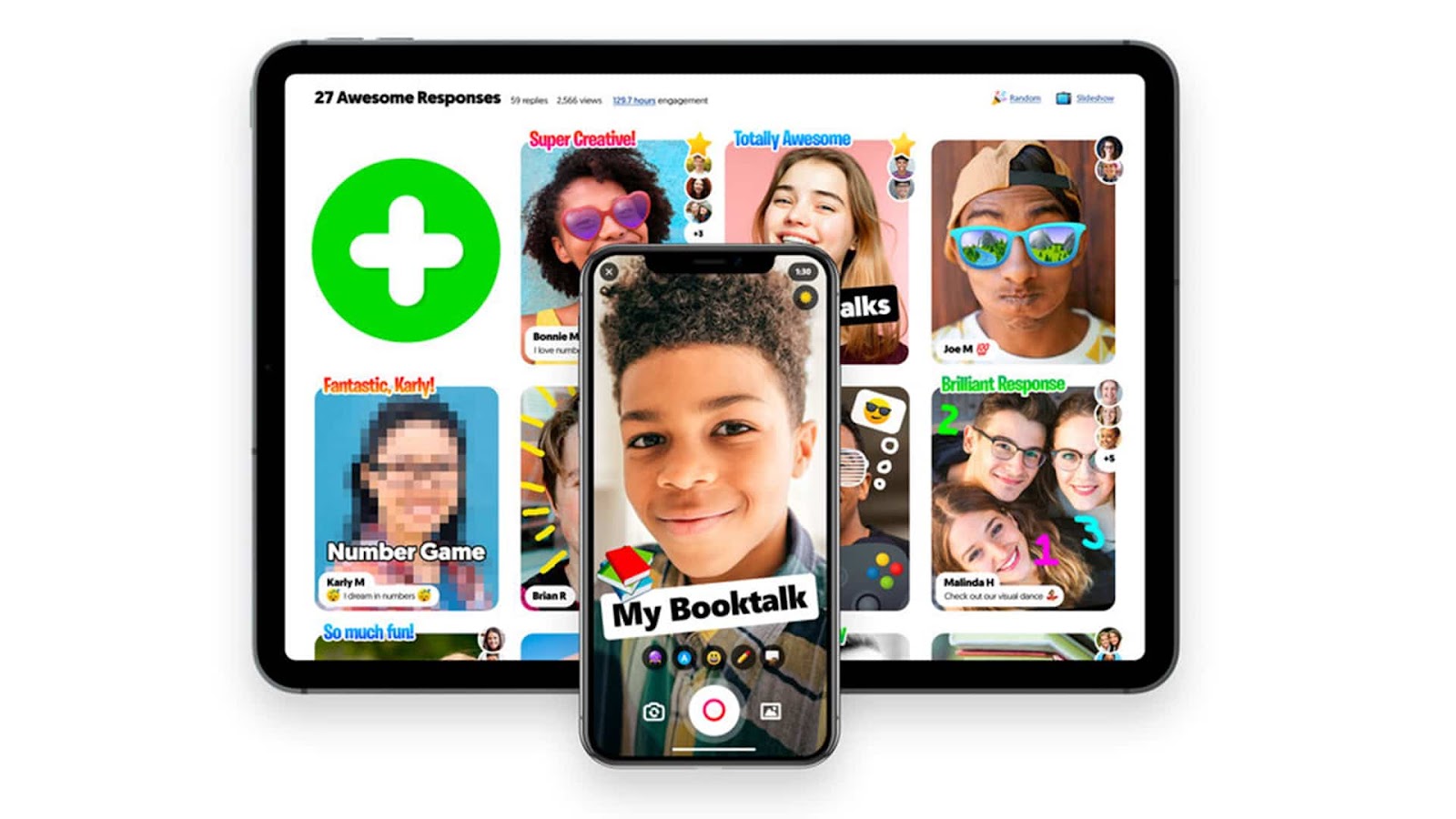
Flip is a video discussion platform from Microsoft that gamifies social interaction and verbal expression. Instead of selecting multiple-choice answers, students record short video responses to a prompt provided by the teacher. Other students can then “like” or respond to these videos, creating a social-media-style learning community within the classroom.
Flip’s key features:
- Video-based responses with fun filters, stickers, and emojis
- “Mixtapes” feature to curate and showcase the best student responses
- Accessibility features like Immersive Reader and closed captioning
- Discovery library with thousands of ready-to-use discussion prompts
Pricing: One of the biggest advantages of Flip is that it is 100% free for educators and students. As a Microsoft product, it integrates seamlessly with school accounts and requires no subscription fees or “pro” upgrades to access its full suite of features.
Why it’s a Blooket alternative: Flip is a unique Blooket alternative because it shifts the focus from “gaming” to “sharing.” It is the perfect choice when you want to move away from the screen-tapping speed of Blooket and instead encourage your students to explain their thinking and practice their public speaking skills.
8. Classcraft
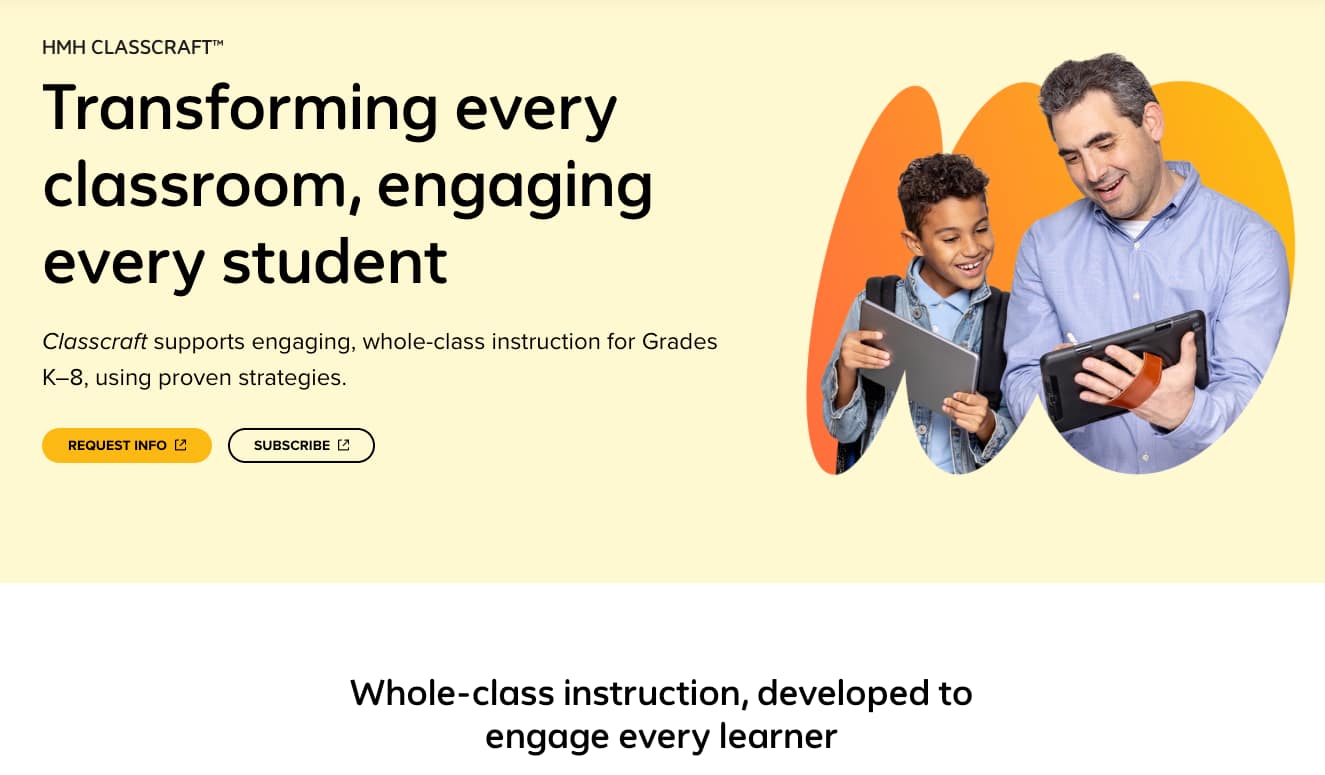
Classcraft takes gamification to the ultimate level by turning the entire classroom management experience into a Role-Playing Game (RPG). Students create avatars, join teams, and earn experience points (XP) for positive behaviors or academic success. These points unlock real-world “powers,” such as being able to eat a snack in class or having an extra day on an assignment.
Classcraft’s key features:
- Deep integration of behavioral management and academic achievement
- Interactive Quests that turn lessons into map-based adventures
- Random “Events of the Day” to start the class with excitement
- Parent portal to keep families engaged with student progress
Pricing: Classcraft offers a “Free” version with basic features. The “Premium” version, which includes more advanced boss battles, gear for avatars, and data analysis, is available for individual teachers or as a school-wide license. Pricing for individual teachers is generally around &120 per year.
Why it’s a Blooket alternative: This is the best alternative if you want Blooket-style engagement to last the entire semester rather than just for a 15-minute review. While Blooket is a “game you play,” Classcraft makes the “classroom the game,” providing a long-term motivational framework for students.
9. Flippity
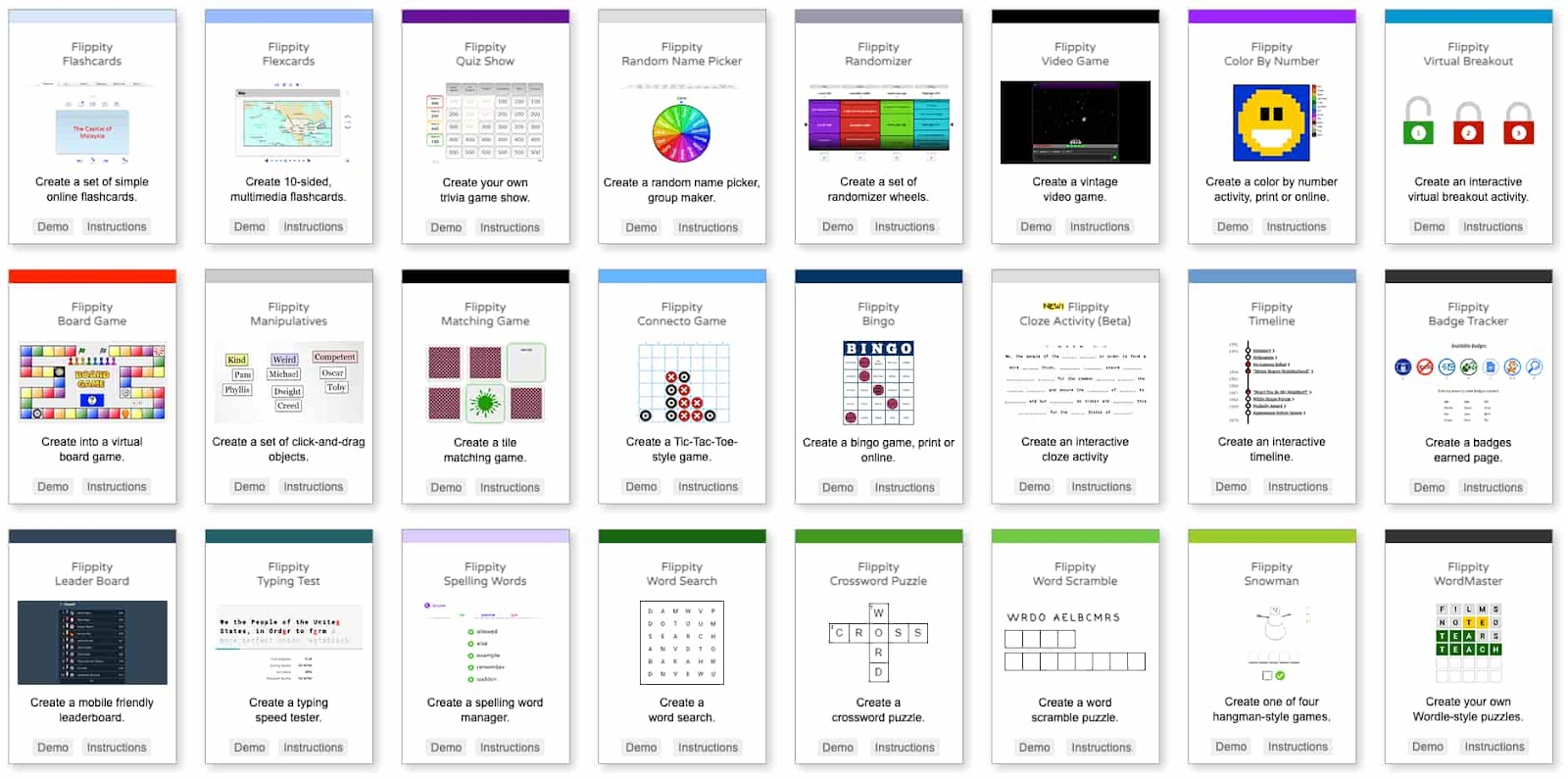
Flippity is a remarkable tool that uses the power of Google Sheets to create a wide variety of interactive games and activities. By simply filling out a spreadsheet template, teachers can generate everything from Jeopardy-style game shows and scavenger hunts to digital “breakout” rooms and word searches.
Flippity’s key features:
- Huge variety of game templates (over 20 different styles)
- No student accounts or logins required; just share a link
- Completely customizable content since it’s based on your own spreadsheet data
- Capability to include images, YouTube videos, and links within game cards
Pricing: Flippity is completely free to use. There are no premium tiers, hidden fees, or subscriptions. It is a passion project that relies on Google Sheets, making it one of the most cost-effective resources available to teachers today.
Why it’s a Blooket alternative: Flippity is a fantastic Blooket alternative for the “DIY” teacher. If you find Blooket’s game modes too restrictive, Flippity gives you the freedom to build a scavenger hunt or a board game tailored exactly to your curriculum needs without any technical coding knowledge.
10. Plickers
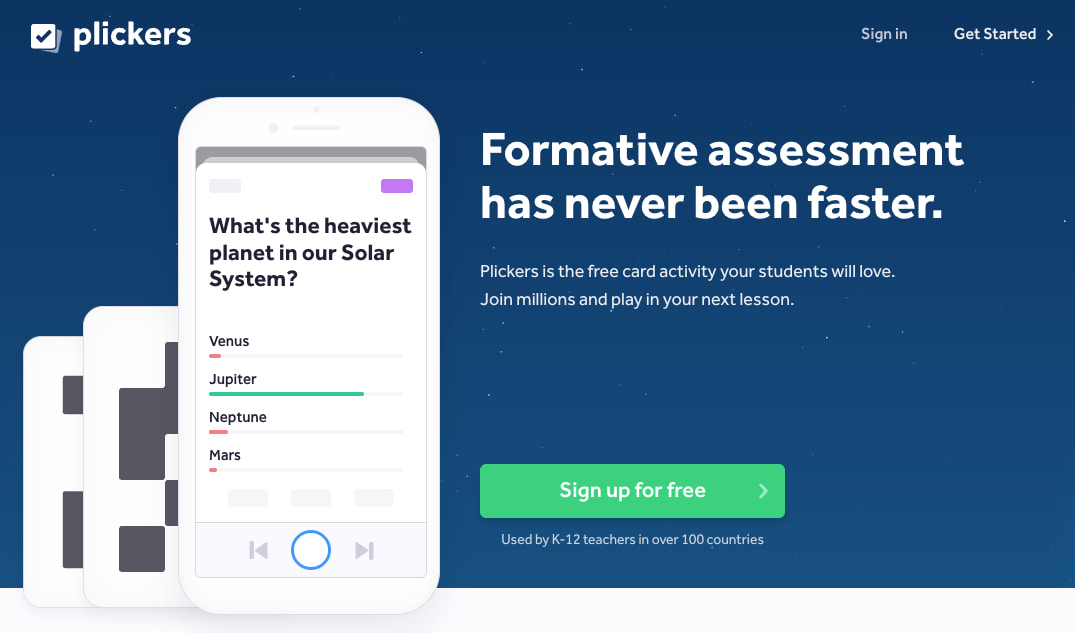
Plickers is the perfect solution for “low-tech” or “no-tech” classrooms. It allows teachers to run interactive polls and quizzes without requiring students to have their own devices. Each student is given a unique card with a QR-like code; they hold the card up in a specific orientation to choose their answer, and the teacher scans the room with a smartphone.
Plicker’s key features:
- Requires only one device (the teacher’s) to function
- Instant data collection and grading through the Plickers app
- “Score Cards” that provide individual student performance over time
- Anonymous mode to encourage participation from shy students
Pricing: Plickers is free for basic use, which includes a limited number of “sets” or quizzes. Plickers Pro is available for approximately $8.99 per month, offering unlimited sets, better reporting, and the ability to share content with other teachers in your department.
Why it’s a Blooket alternative: If Blooket is impossible because your school has poor Wi-Fi or limited laptop carts, Plickers is your best alternative. It brings the thrill of instant feedback and “seeing your name on the board” to an environment that doesn’t rely on experience hardware.
11. Baamboozle

Baamboozle is a team-based game platform that is designed to be played on a single screen at the front of the classroom. It is famous for its “power-ups” and “bad luck” tiles (like “Lose 20 Points” or “Go Back to Zero”), which add an element of chance and excitement that keeps even the trailing teams engaged until the very last second.
Baamboozle’s key features:
- No student accounts or devices required; the teacher controls the board
- Massive library of over 1 million games created by users
- “Baamboozle Plus” features include specialized game modes like “Snakes and Ladders.”
- Ability to add images and GIFs to questions for visual learners
Pricing: The basic version of Baamboozle is free and very generous, allowing for standard team play with thousands of games. “Baamboozle Plus” costs about $7.99 per month and unlocks advanced game modes, folders to organize your games, and the ability to track student progress.
Why it’s a Blooket alternative: Baamboozle is a great Blooket alternative because it replicates the “sudden reversal of fortune” that students love in Blooket’s “Gold Quest.” Since students don’t need devices, it promotes more face-to-face interaction and verbal shouting of answers, making the classroom atmosphere incredibly lively.
12. JeopardyLabs
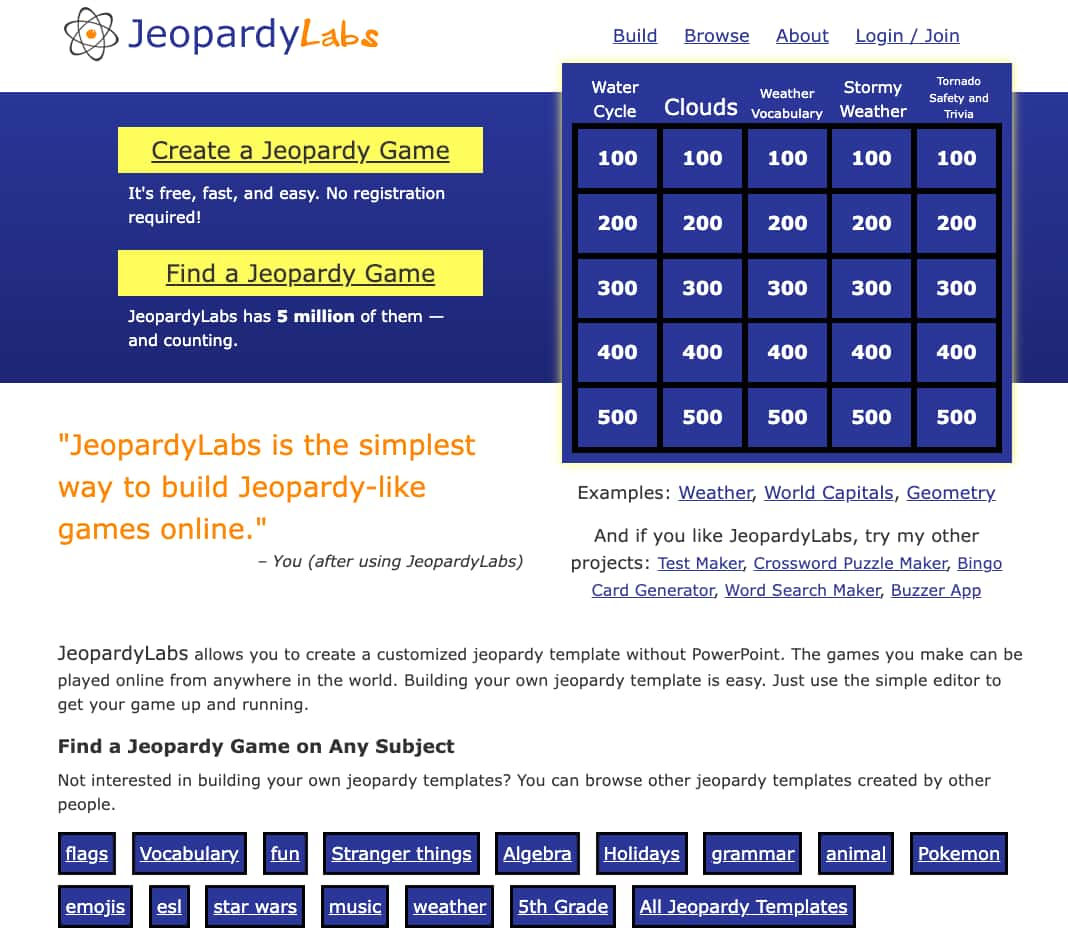
JeopardyLabs is the simplest and most efficient way to create a Jeopardy-style review game online. It removes all the fluff and focuses purely on the classic “answer and question” format that has been a staple of classrooms for decades. The interface is clean, easy to navigate, and works on any device with a browser.
Key features of JeopardyLabs:
- Simple editor that looks exactly like a Jeopardy board
- Searchable database of over 2 million pre-made templates
- No PowerPoint or complex software required
- Unique URLs for every game for easy sharing and bookmarking
Pricing: JeopardyLabs is essentially free to use. However, you can pay a one-time fee of $20 for a lifetime membership. This membership allows you to edit your games later, insert images, and keep your games private if you choose.
Why it’s a Blooket alternative: While Blooket is modern and fast-paced, JeopardyLabs is the best alternative for deep-dive reviews where you want to categorize questions by difficulty and point value. It is the gold standard for “Friday Review” sessions, where students compete in teams for bragging rights or prizes.
Frequently Asked Questions (FAQs)
1. Are these Blooket alternatives free?
Yes, almost all the platforms mentioned, including Worksheetzone and Baamboozle, offer free basic versions for educators. While some advanced game modes or larger class sizes may require a subscription, the core interactive features are accessible to all.
2. How do I choose the best alternative for my grade level?
We recommend choosing based on the complexity of the game mechanics. For younger students in grades PreK-2, simple visual tools like Worksheetzone are best. For older students, more complex strategy games like Gimkit or Classcraft are highly effective.
3. Can these tools be used for remote learning?
Absolutely. All these platforms are designed to work seamlessly in both in-person and remote learning environments. They provide the synchronous and asynchronous flexibility needed for modern educational models. Check our guide on Enrichment Activities for more remote ideas.
Conclusion
To sum up, while Blooket remains a powerhouse in the classroom, exploring these Blooket alternatives allows you to tailor your teaching strategy to your students’ specific needs and your classroom’s technical capabilities. From the high-stakes strategy of Gimkit to the low-tech accessibility of Plickers, each of these tools offers a unique way to turn a standard lesson into an unforgettable experience. By rotating through these platforms, you ensure that your classroom remains a dynamic environment where learning is always synonymous with fun.


