




















Digital assessment tools for teachers have revolutionized the way educators evaluate student progress, providing innovative ways to track learning in real-time. These tools allow for interactive, personalized assessments that engage students while offering instant feedback. From gamified quizzes to video-based assessments, digital platforms offer a wide variety of options to enhance teaching and learning. In this article, we will explore the most effective assessment tools available to help teachers improve their evaluation processes and foster a dynamic classroom environment.
15+ assessment tools for teachers
Digital assessment tools foster children’s curiosity and academic accountability through varied and interactive evaluation formats. In a classroom setting, these platforms work best when they provide instant feedback that students can use to correct their own misconceptions. According to research from the International Society for Technology in Education (ISTE), technology-enabled assessments allow for more frequent and personalized check-ins, which are essential for long-term student success.
These 15+ tools offer a variety of features to engage students and improve the assessment process, making it easier for teachers to track progress and tailor instruction.
1. Google Forms & Quizzes
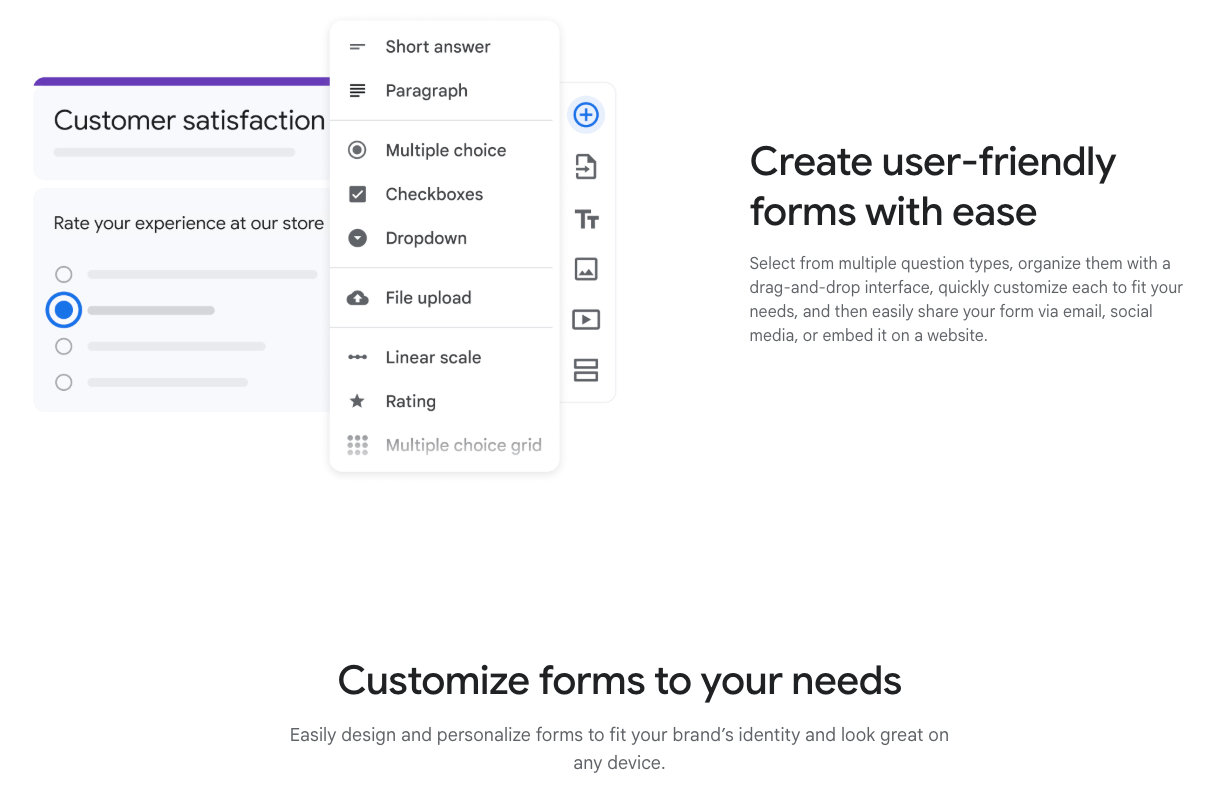
Google Forms is a versatile tool that allows teachers to create customized quizzes, surveys, and feedback forms. It can be used for both formative and summative assessments, offering teachers a quick way to gather data on student learning.
With automatic grading and real-time analytics, Google Forms provides instant feedback, making it an efficient way for teachers to track student performance. Teachers can also easily share results with students, allowing for a transparent assessment process.
2. Kahoot!
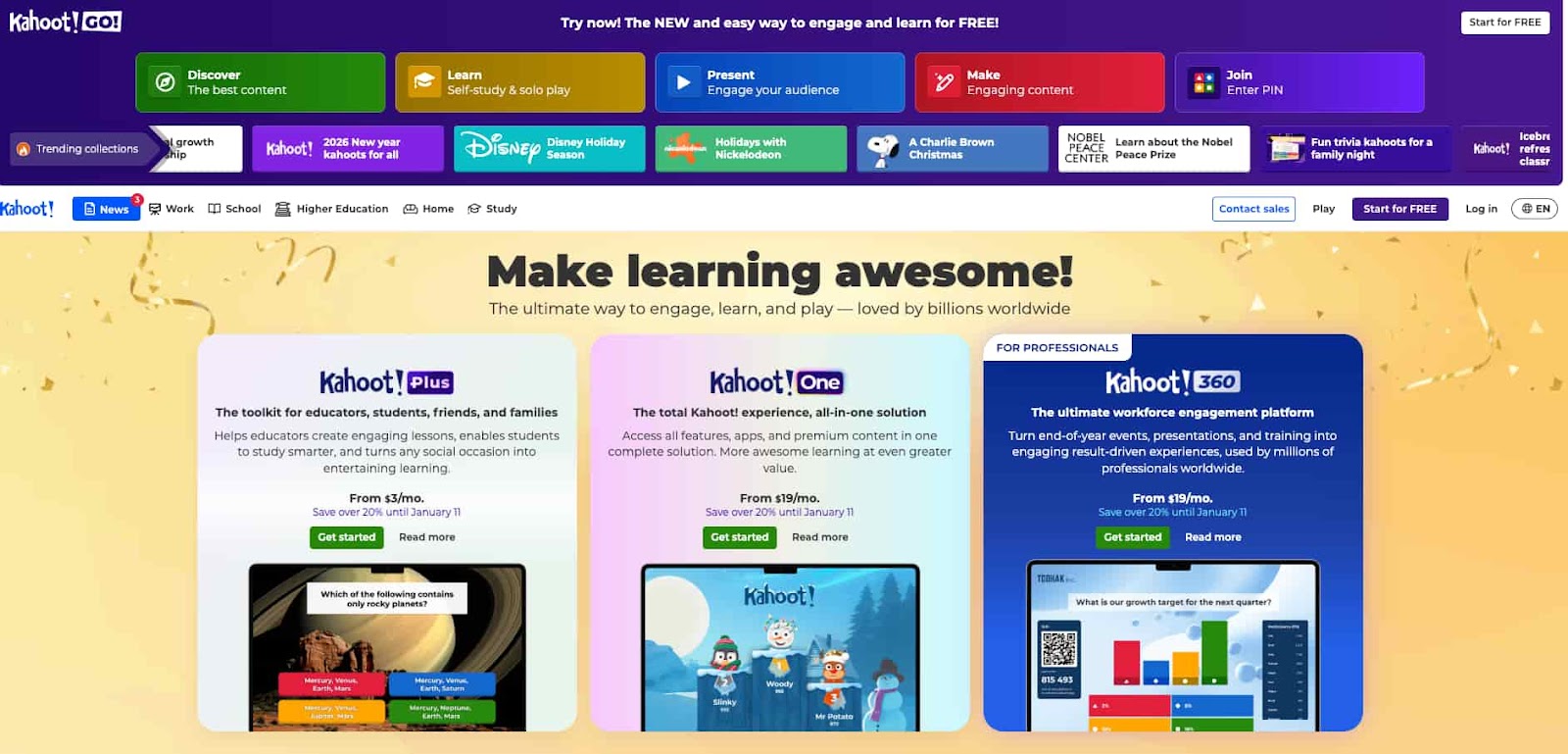
Kahoot! is a popular game-based learning platform that transforms quizzes into fun, competitive games. Teachers can create quizzes on any subject and engage students in real-time, helping to make assessments more enjoyable.
The platform allows for instant feedback, reinforcing learning while tracking individual performance. Kahoot! promotes student participation, making it ideal for formative assessment and increasing engagement in the classroom.
3. Socrative
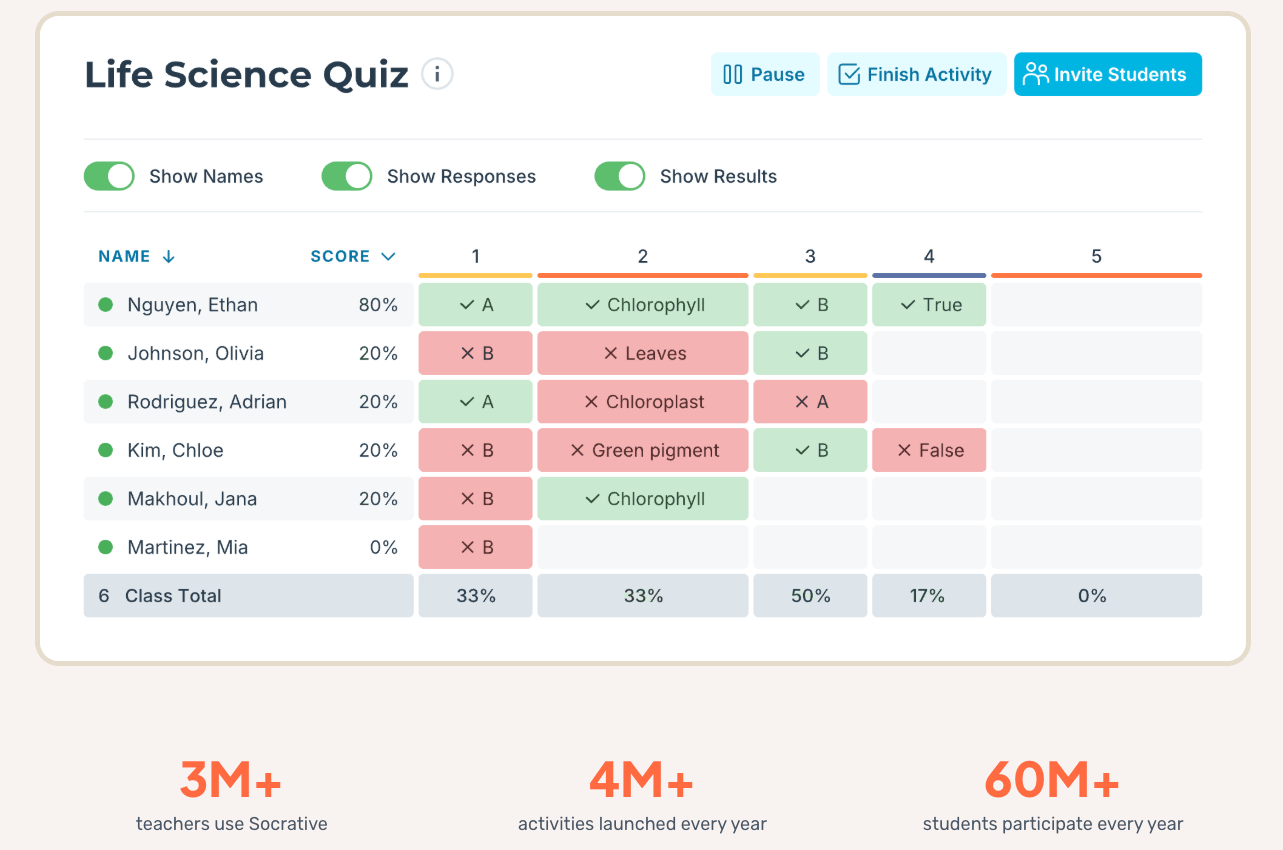
Socrative is a real-time assessment tool that enables teachers to create quizzes, polls, and surveys, which can be used for both formative and summative assessments.
With features like instant feedback, live results, and detailed reports, Socrative allows teachers to monitor student progress and identify knowledge gaps. It also includes a “space race” feature, which gamifies quizzes, adding an element of fun while maintaining educational rigor. Socrative is an excellent choice for teachers who want to track real-time understanding.
4. Wayground (formerly Quizizz)
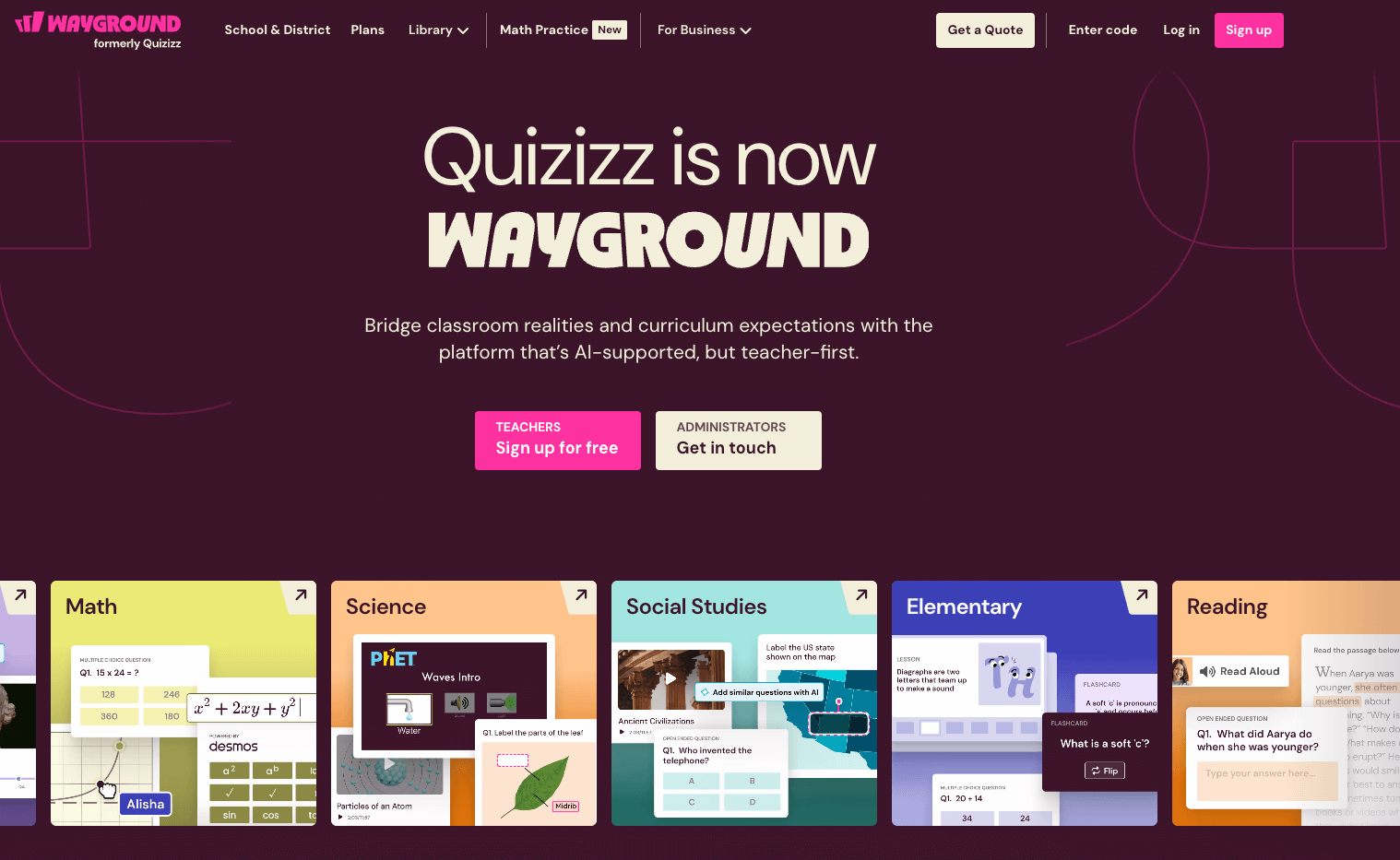
Wayground is a gamified quiz platform that allows teachers to create multiple-choice quizzes and assign them to students for self-paced learning. The tool is highly effective for formative assessments, as students receive instant feedback and can retry questions to improve their scores.
Teachers can track student progress and engagement through detailed reports, and the gamification element helps make assessments more engaging. Quizziz is perfect for reinforcing concepts and encouraging active participation in the classroom.
5. Worksheetzone
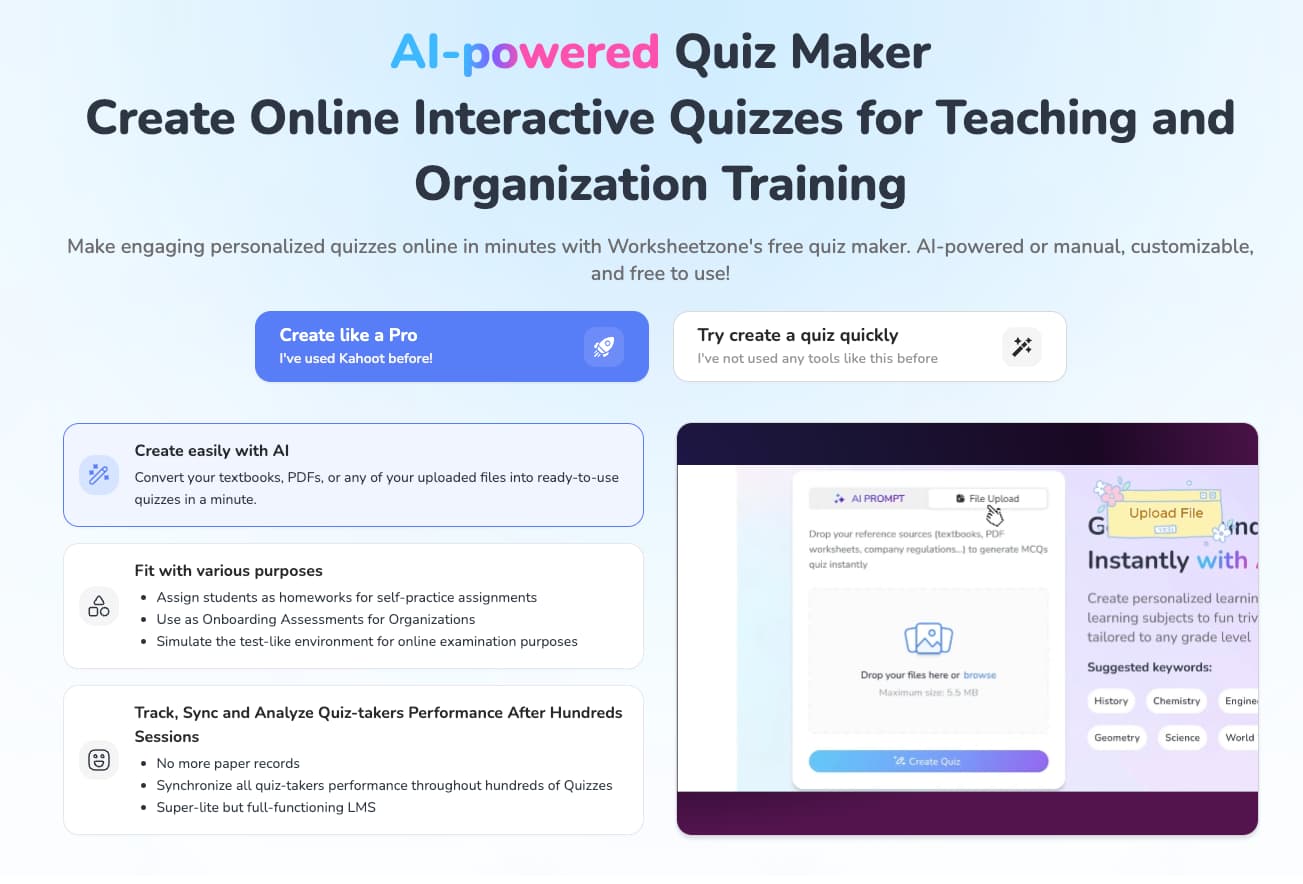
Worksheetzone is a comprehensive platform designed to streamline the assessment process, offering a range of tools to help teachers assess student performance efficiently.
- Quiz Maker: Worksheetzone’s Quiz Maker allows teachers to create customized quizzes based on specific lesson topics. Teachers can use this feature to assess student understanding through a variety of question types, including multiple-choice, short answer, and open-response questions.
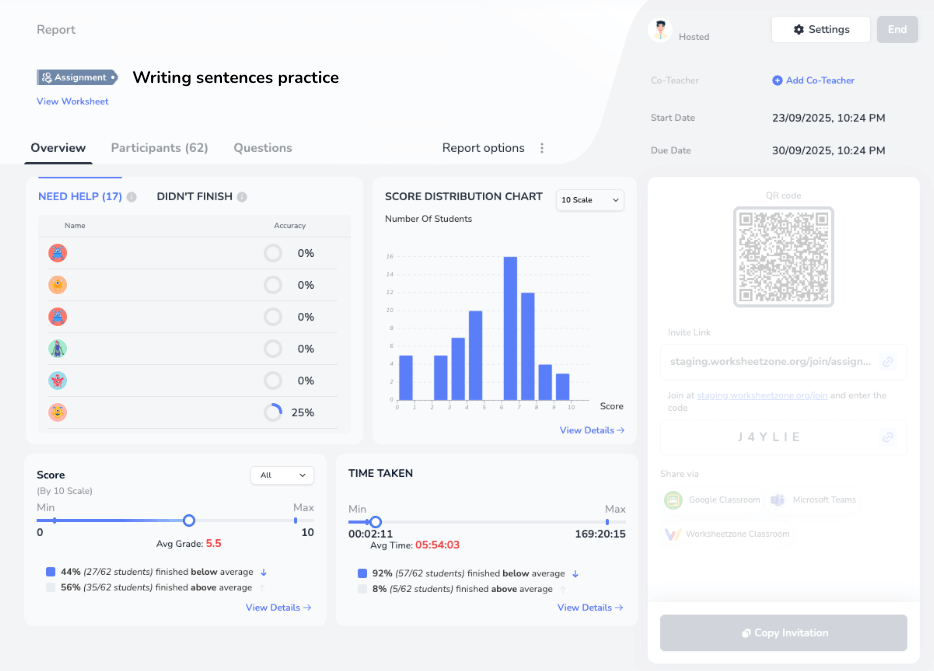
- Assign feature: The Assign feature in Worksheetzone allows teachers to distribute customized worksheets and assignments to students, making it easy to assess student performance in real-time. Teachers can monitor student progress and identify areas where students may need additional support. This feature is ideal for both formative assessments and reinforcing learning objectives through structured practice.
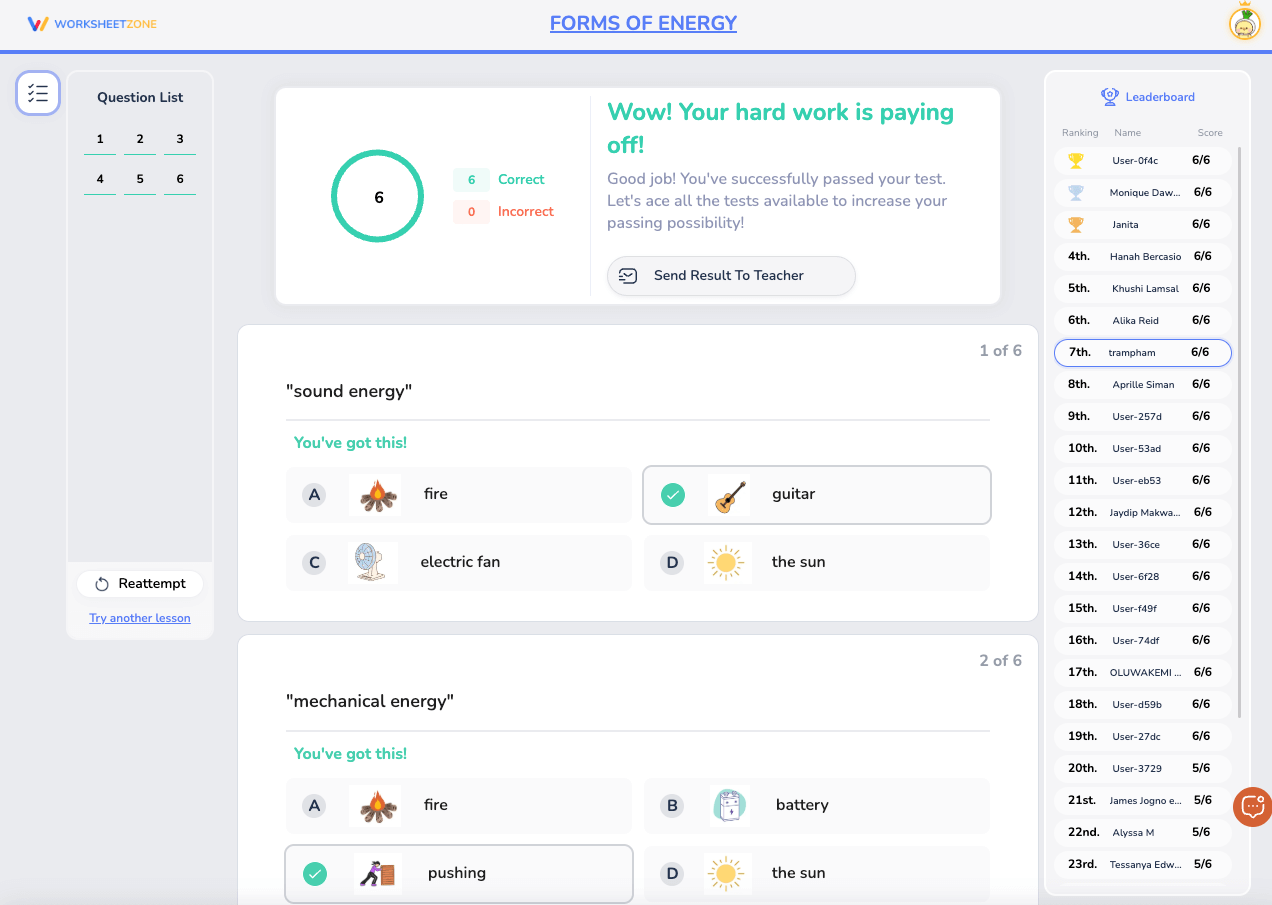
- Live Game mode: The Live Game mode turns assessments into interactive, game-based activities, promoting student engagement and competition. Teachers can assign worksheets and quizzes that students complete in a live, timed game setting. This gamification aspect encourages students to actively participate while teachers track individual performance and comprehension in real-time.

- Self-test mode: In Self-test mode, students can work through assessments at their own speed, allowing teachers to monitor progress and assess understanding without the pressure of time constraints. This feature helps identify areas where students may need further practice while allowing for personalized learning. Teachers can also use the data from this mode to inform future lesson planning and individualized support.
6. Padlet
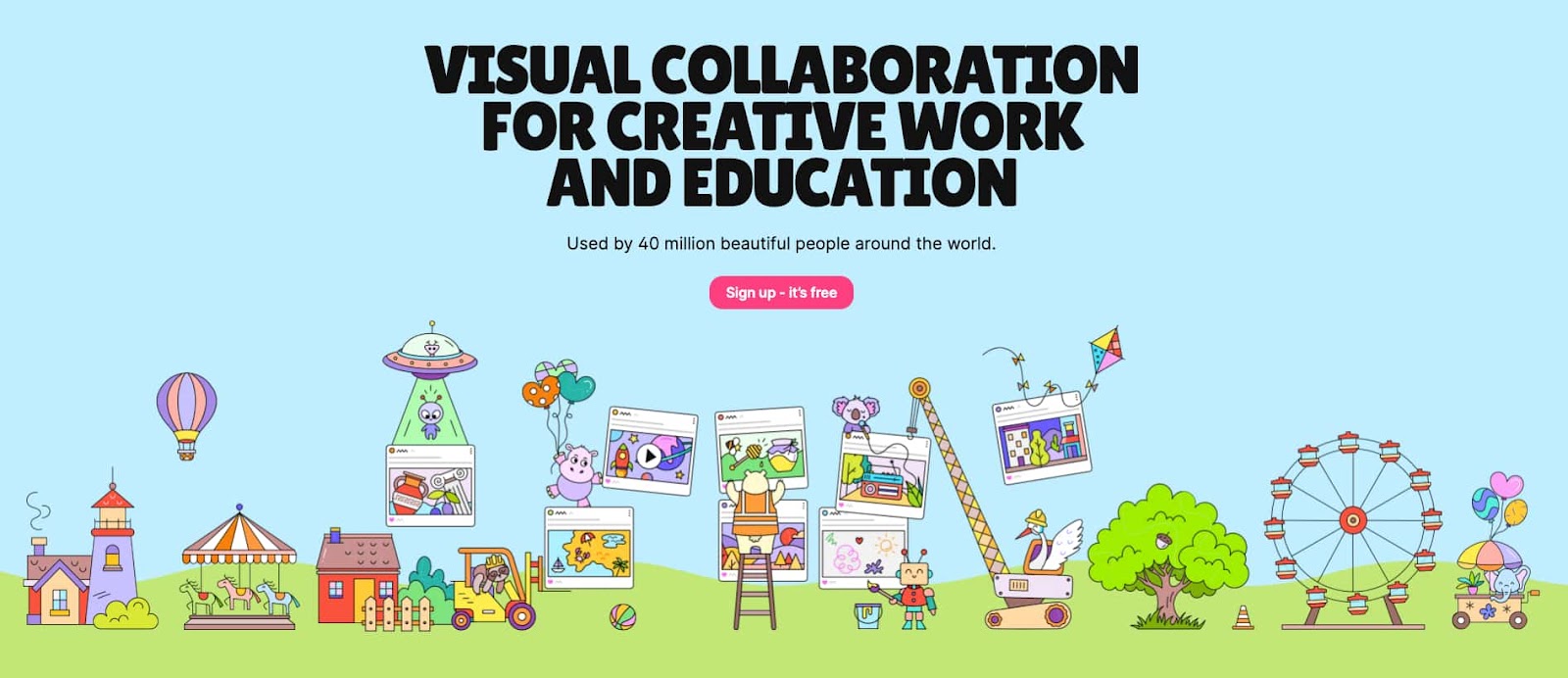
Padlet is a digital collaboration tool that allows teachers to create interactive boards where students can post responses, ideas, images, and videos. It can be used as an assessment tool by enabling students to share their work or reflections in a multimedia format.
Teachers can assess student understanding through these collaborative posts and provide real-time feedback. The visual format of Padlet makes it a unique and engaging way to conduct assessments, particularly for creative assignments or group discussions.
7. Edpuzzle
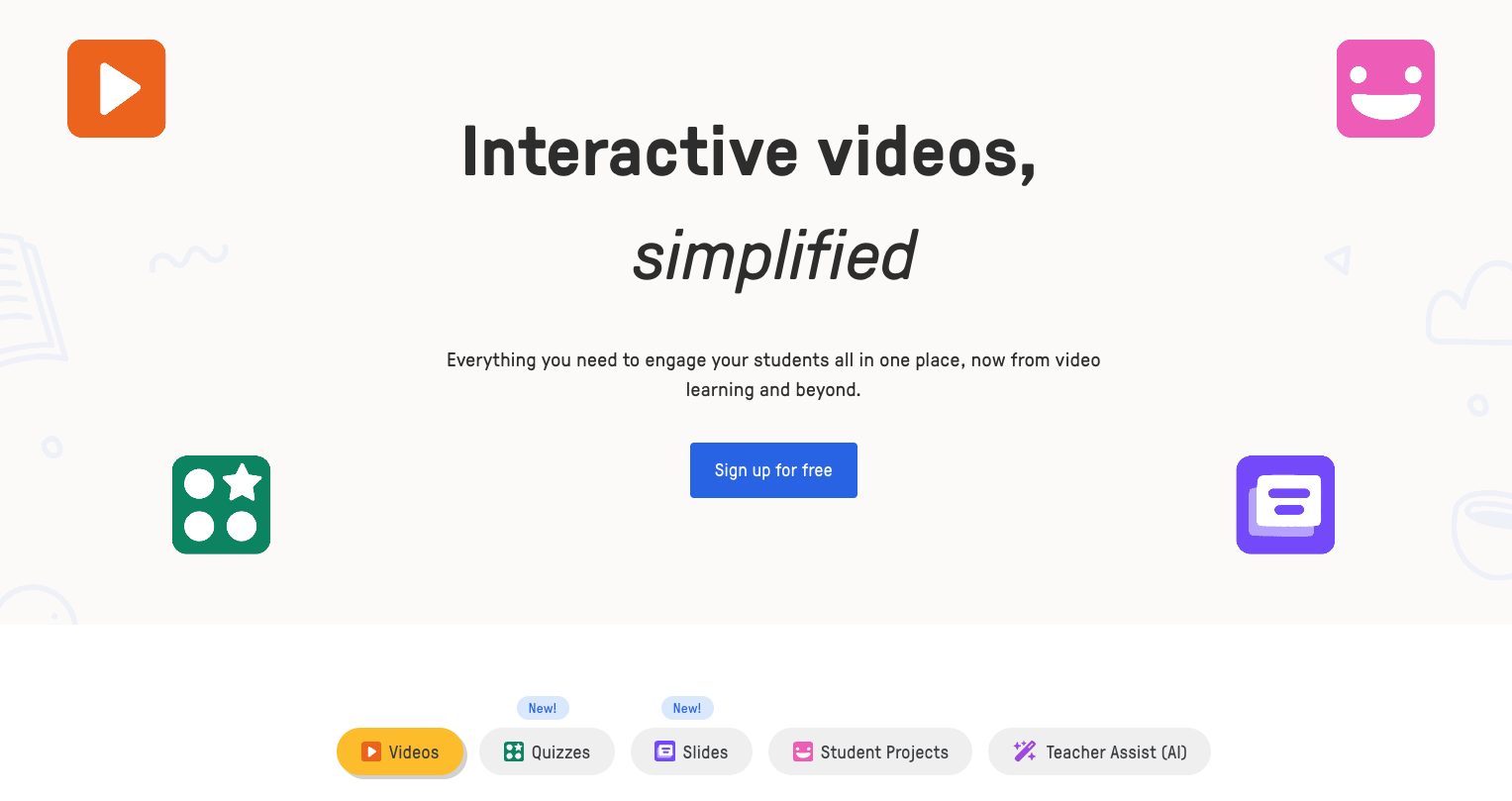
Edpuzzle allows teachers to create interactive video lessons by embedding questions directly into the video content. This tool enables teachers to assess student understanding while they watch instructional videos.
Teachers can use Edpuzzle to track whether students watch the video in full. Answer the embedded questions correctly, and view progress reports. It’s an effective tool for flipped classrooms and remote learning, providing both engagement and assessment in one seamless experience.
8. Flipgrid
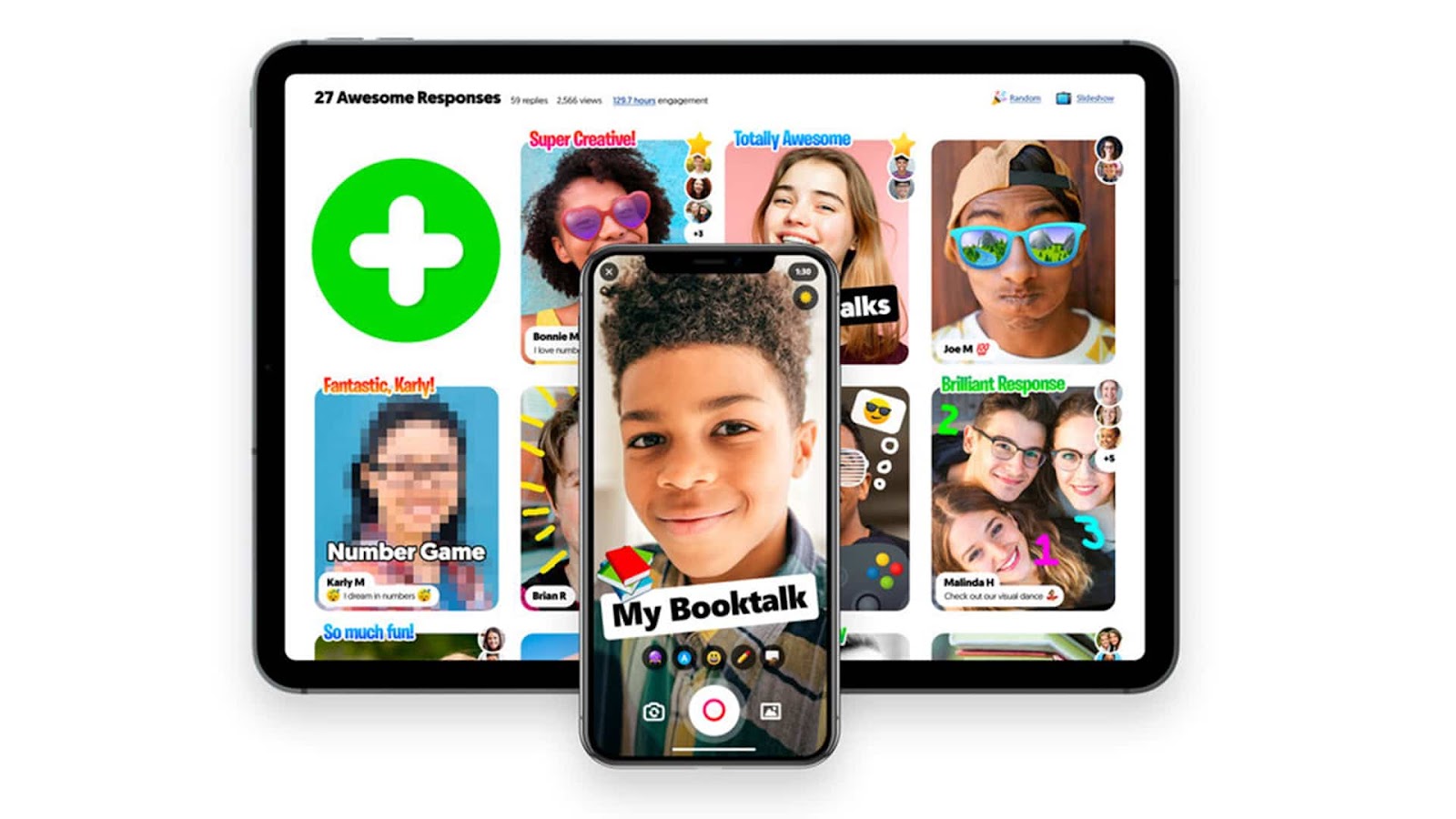
Flipgrid is a video-based platform that allows students to record and share video responses to prompts set by their teachers. This tool is particularly effective for assessments where students can express their understanding verbally or creatively.
Teachers can assess students’ speaking, comprehension, and critical thinking skills based on their video submissions. Flipgrid also fosters a sense of community by allowing students to comment on each other’s videos, encouraging peer-to-peer learning.
9. Seesaw
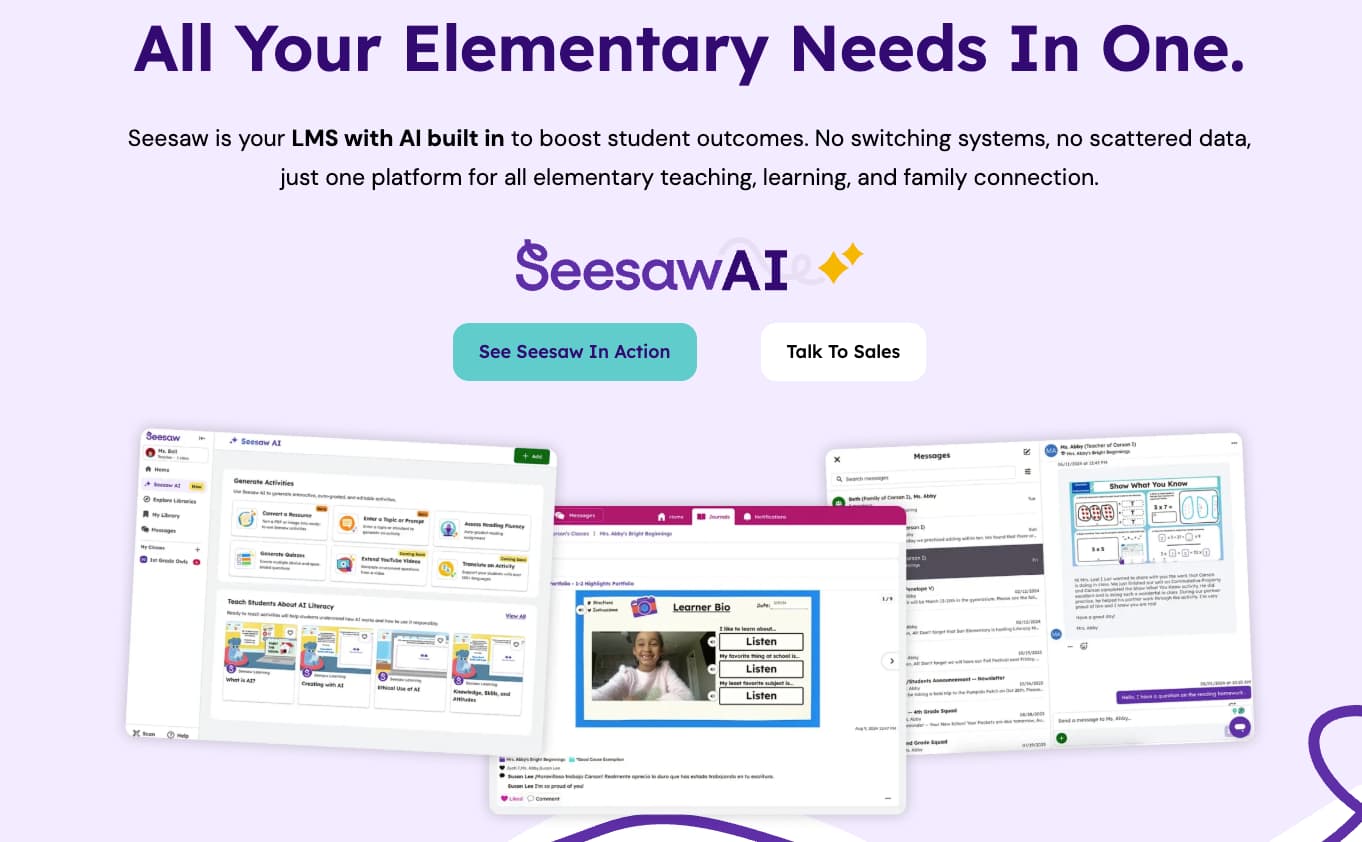
Seesaw is a student-driven digital portfolio that allows students to capture and document their learning through photos, videos, and audio recordings. Teachers can use Seesaw to assess student progress over time by reviewing their portfolios, providing feedback, and setting new learning goals.
Seesaw’s interactive nature makes it a great tool for formative assessment, as students can reflect on their work and demonstrate growth. It’s an excellent option for younger students or those in more creative subjects.
10. Turnitin
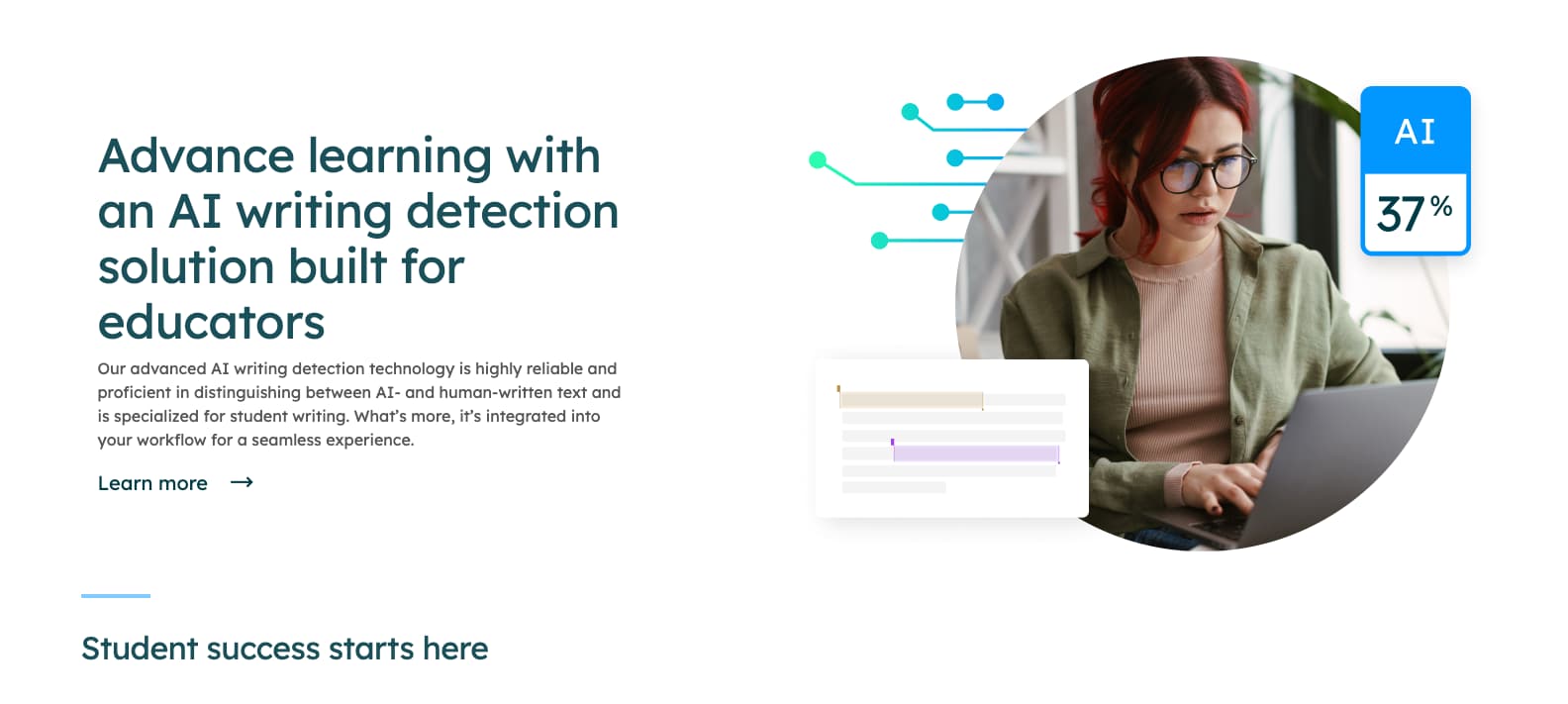
Turnitin is widely known for its plagiarism detection capabilities, but it also offers assessment features like originality checking and grading rubrics. Teachers can use Turnitin to evaluate students’ writing, ensuring that content is original and assessing writing quality.
The platform allows teachers to provide feedback and track revisions, making it useful for summative assessments like essays and research papers. Turnitin helps ensure academic integrity while offering detailed insights into student work.
11. Nearpod

Nearpod is an interactive lesson delivery tool that allows teachers to integrate quizzes, polls, and open-ended questions into their presentations. Teachers can assess students’ understanding in real-time while presenting content, making it ideal for formative assessment.
Nearpod’s interactive features, like drawing boards and collaborative boards, enable students to participate while the teacher evaluates their responses actively. It’s particularly useful for dynamic, engaging assessments during live lessons.
12. Poll Everywhere

Poll Everywhere is an interactive polling tool that allows teachers to engage students in real-time during lessons. Teachers can create multiple-choice, true/false, and open-ended questions to assess student comprehension instantly.
Poll Everywhere provides detailed reports that help teachers gauge understanding across the class and adapt instruction as needed. It’s particularly useful for checking understanding quickly and keeping students engaged during lessons.
13. Trello
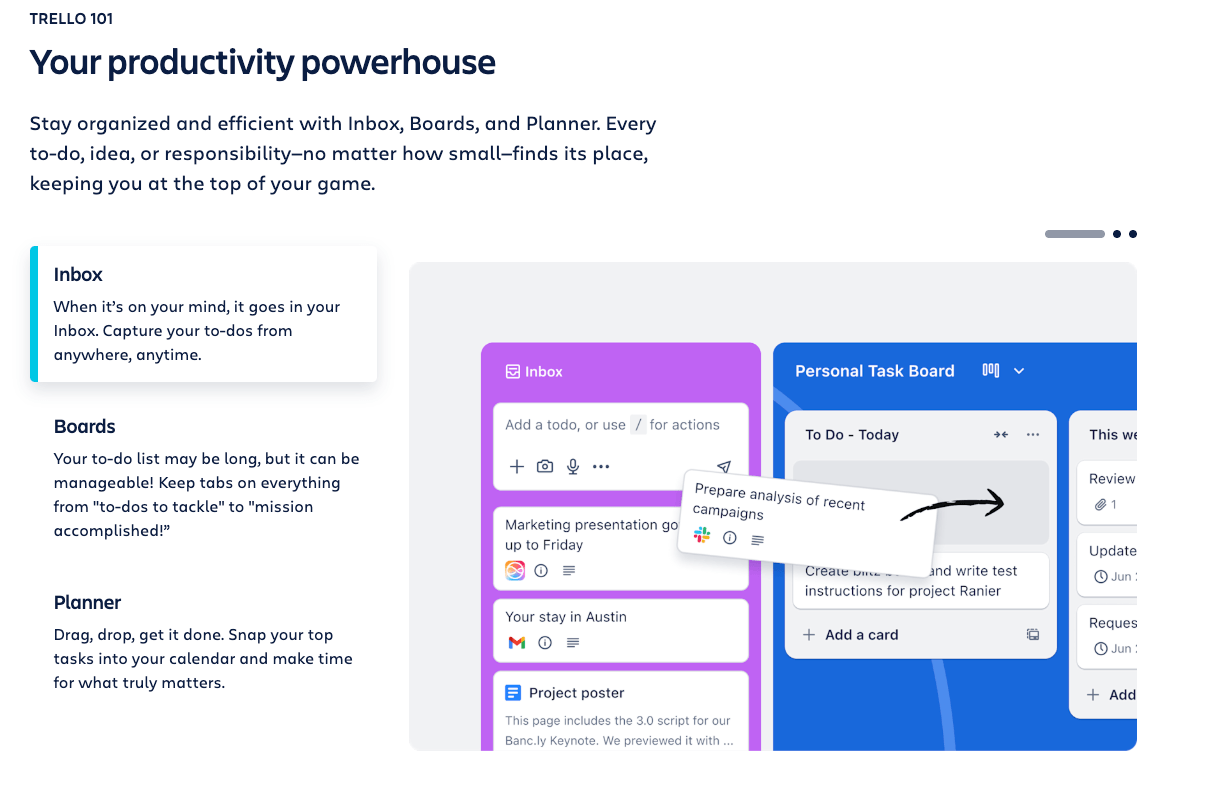
Trello, typically known as a project management tool, can be used for assessments by having students track their progress on assignments or projects. Teachers can assess students’ organization skills, time management, and the quality of their work as they move through various stages of a project.
Trello’s board-based design makes it easy for both students and teachers to visually track tasks, deadlines, and progress, making it an excellent tool for project-based assessments.
14. Microsoft Forms
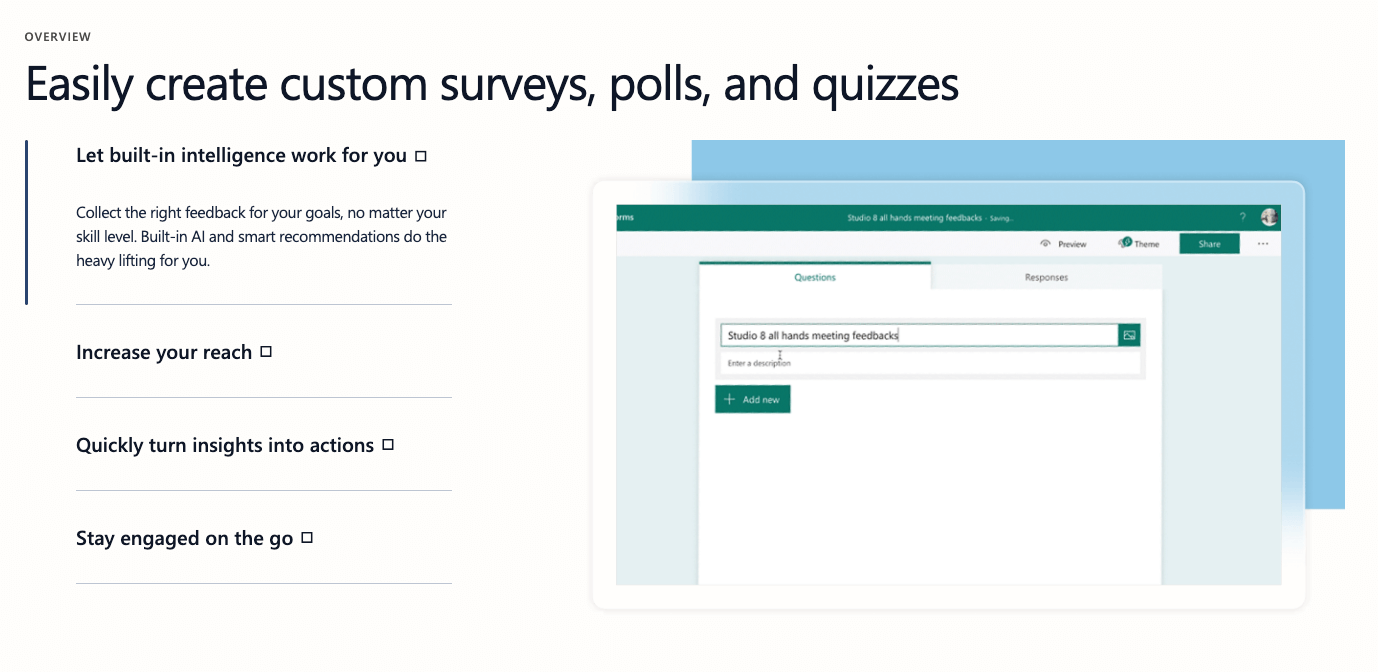
Microsoft Forms is a simple tool for creating surveys, quizzes, and polls, offering automatic grading and real-time analytics. Teachers can use it for both formative and summative assessments, as well as for gathering feedback from students.
The integration with Microsoft Excel allows teachers to analyze student performance in-depth. Microsoft Forms is a straightforward, user-friendly tool that works well in a classroom setting for quick quizzes or longer assessments.
15. Classcraft
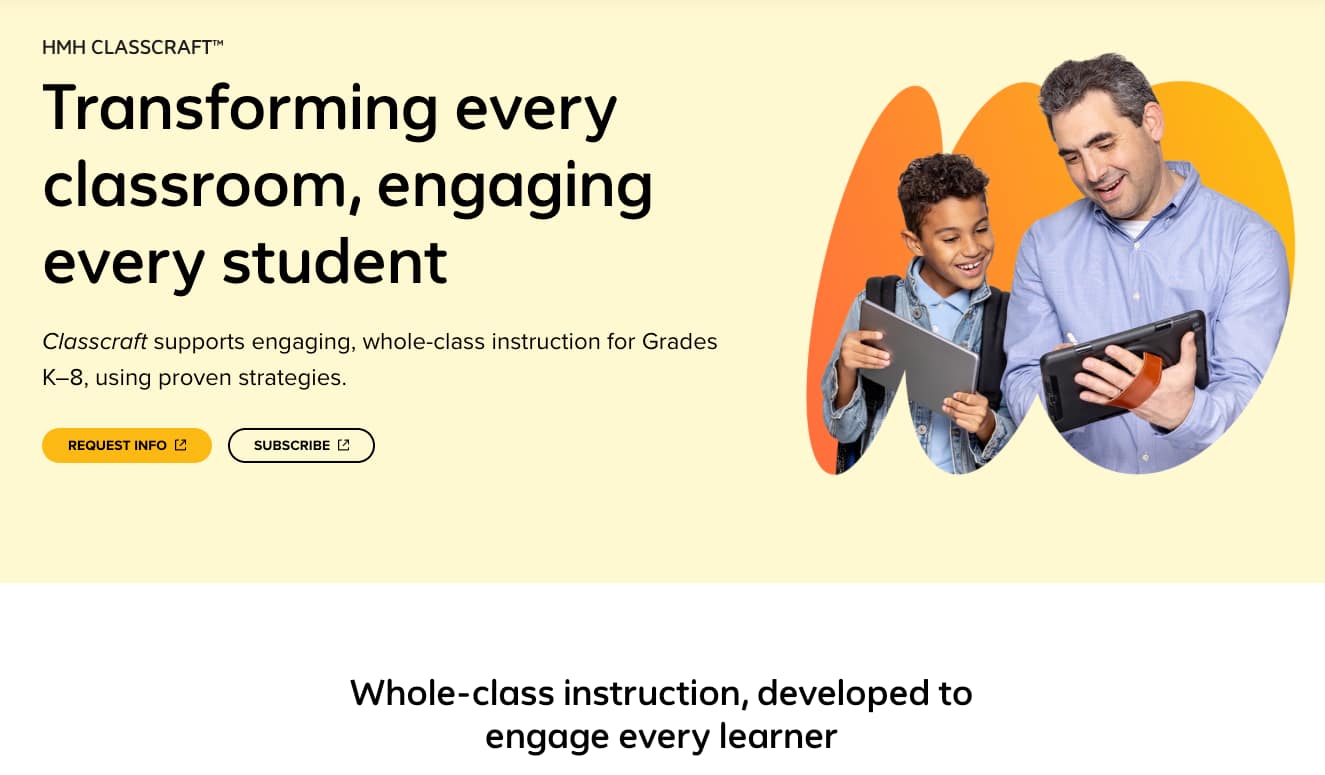
Classcraft is a game-based learning platform that turns assessments into an interactive adventure. Students can earn points, badges, and rewards based on their performance in quizzes, activities, and group work.
Teachers can use Classcraft to assess student engagement, collaboration, and mastery of content. The platform’s gamified approach encourages students to take assessments more seriously while having fun, increasing motivation and participation.
16. Formative
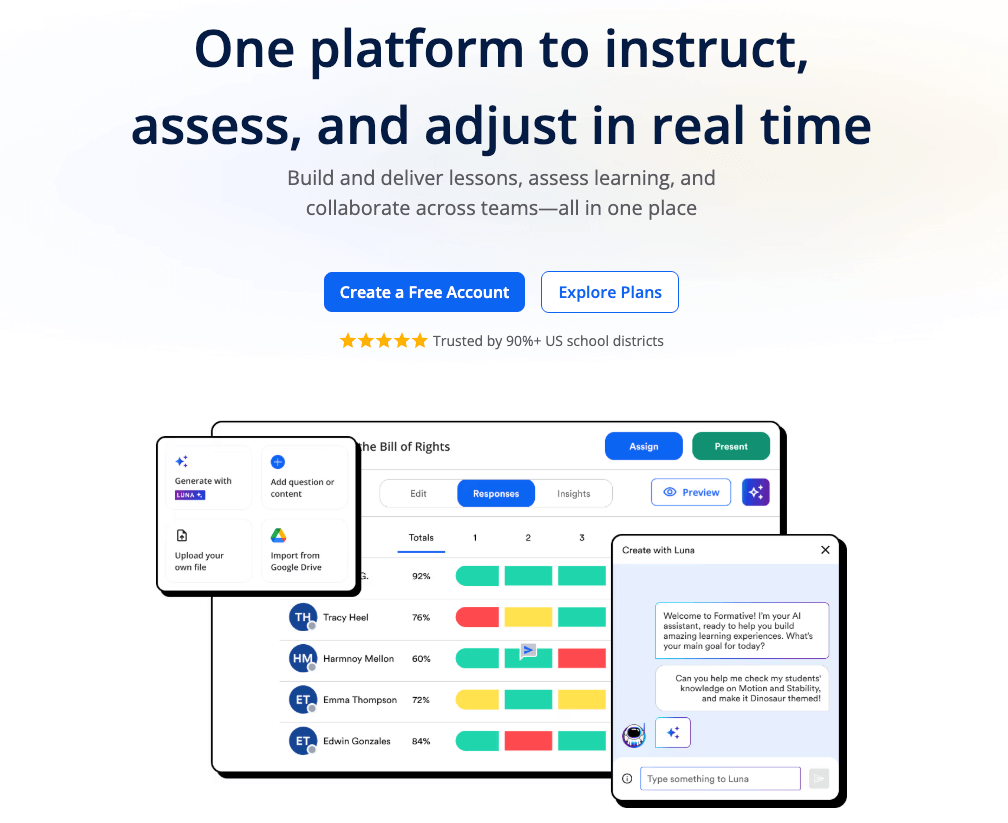
Formative allows teachers to create interactive assessments that are automatically graded. Teachers can monitor student responses in real-time, giving instant feedback and adjusting instruction if necessary.
The platform supports various question types, including multiple-choice, short answer, and essay questions, making it versatile for different assessment needs. GoFormative is highly effective for checking understanding and ensuring that students receive timely feedback.
Frequently Asked Questions (FAQs)
Which tool is best for remote learning?
For remote or hybrid environments, I recommend platforms that support asynchronous “student-paced” modes, such as Worksheetzone or Wayground (Quizizz). These allow students to complete assessments at home without needing a live connection to the teacher.
How do these tools help with grading?
Most digital assessment platforms feature automated grading for objective questions like multiple-choice or true/false. This significantly reduces the administrative burden on teachers, allowing them to focus more on direct student support. Use Worksheetzone’s rubric generator to help with more subjective tasks like essays or creative projects.
Can I find printable versions of these assessments?
Yes. Many tools, including Worksheetzone, allow you to download and print your digital tasks for classrooms with limited device access. This ensures that every student can participate, regardless of their technology infrastructure.
Conclusion
In conclusion, assessment tools for teachers offer a transformative approach to evaluating student learning. These tools not only provide instant feedback and real-time data but also encourage student engagement through interactive, personalized experiences. By incorporating digital assessment tools into their teaching practices, educators can enhance their ability to monitor progress, identify areas for improvement, and make data-driven decisions. Ultimately, these tools create a more efficient, engaging, and effective way to assess and support student success.


