



















Views
Downloads



Printable Laptop hardware Word Search | Grades 4–5 ELA

Paste this activity's link or code into your existing LMS (Google Classroom, Canvas, Teams, Schoology, Moodle, etc.).
Students can open and work on the activity right away, with no student login required.
You'll still be able to track student progress and results from your teacher account.
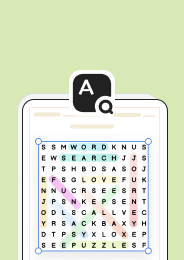
Boost learners’ tech vocabulary with this engaging laptop‑hardware word search. Students locate 14 hidden terms, reinforcing spelling and conceptual understanding while enjoying a fun puzzle that can be completed independently and supports quick recall of key computer parts during a technology unit.
At a Glance
- Grade: Grades 4–5 · Subject: ELA
- Standard:
Not standards-assessed — vocabulary enrichment— students expand tech vocabulary through contextual clues- Skill Focus: laptop hardware terms
- Format: 3 pages · 14 words · Answer key included · PDF printable
- Best For: classroom vocab review, quick tech unit, group activity
- Time: 5–10 minutes average completion
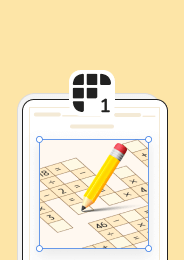
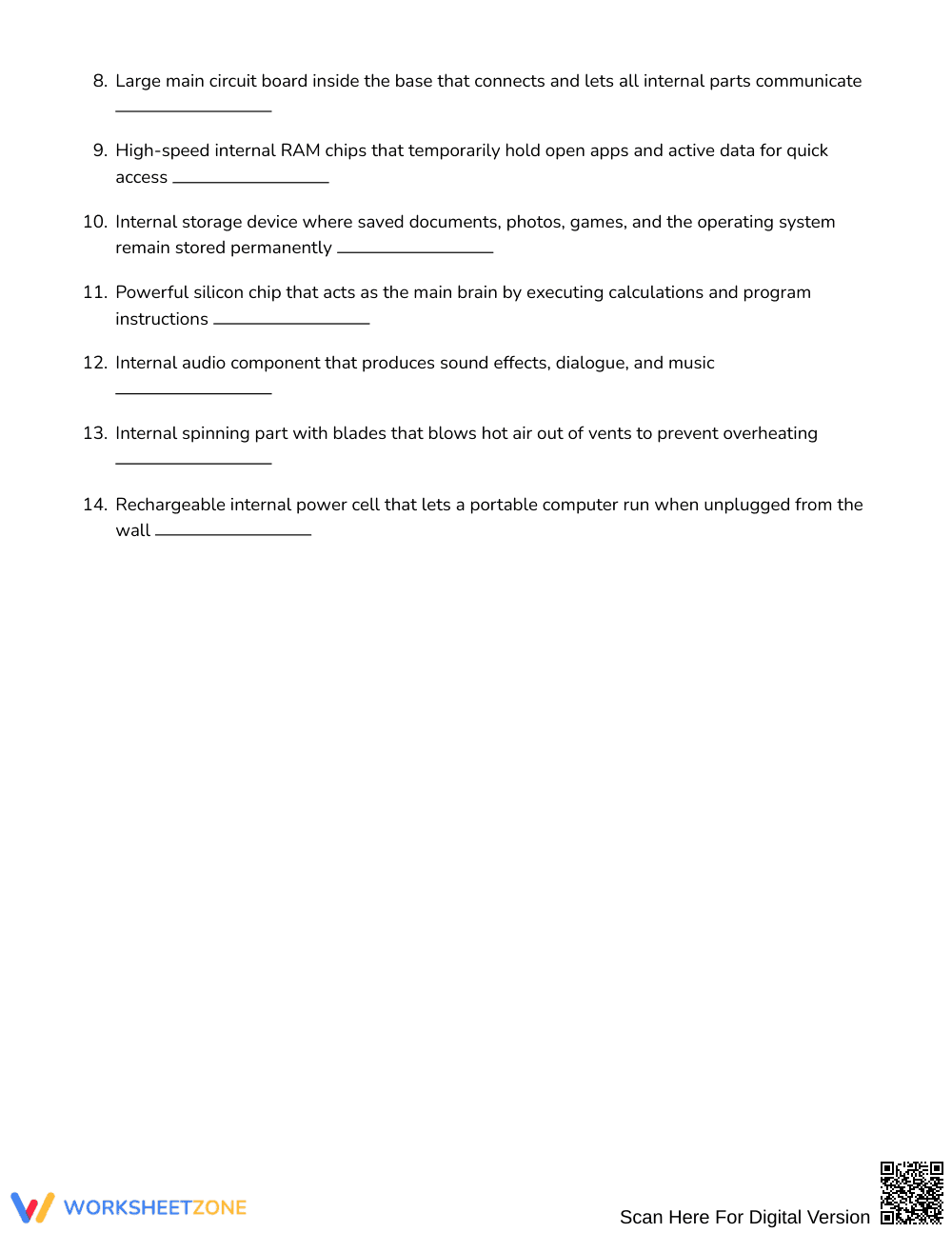
Inside the 3‑page packet you’ll find a 16 × 16 grid, a shuffled word bank, clear clues for each term, and a separate answer key page. The directions guide students to read each clue, locate the matching word, and circle it.
Zero‑Prep Workflow
- Print: Open the PDF and print the 3 pages (under 30 seconds).
- Distribute: Hand the packet to each learner or place it on a desk (under 1 minute).
- Review: After completion, quickly scan the answer key to confirm accuracy (under 2 minutes).
Standards Alignment
This activity serves as vocabulary enrichment and is not aligned to any specific state or Common Core standard. It supports broader language development goals by exposing students to authentic technology terms.
How to Use It
Use the word search as a warm‑up before a lesson on computer components, allowing students to activate prior knowledge. Alternatively, employ it as a closing activity to reinforce terminology after a hands‑on demo. Observe which words students find quickly to gauge familiarity, and note any missed terms for targeted review. Completion typically takes 5–10 minutes.
Who It's For
The puzzle is designed for Grades 4–5 learners in general education classrooms, but it also works well with mixed‑ability groups because the shuffled word bank adds a mild challenge. Pair it with a tech‑focused anchor chart or a short video on laptop parts for a multimodal experience.
Research shows that word‑search puzzles can improve vocabulary retention while keeping students motivated (Fisher & Frey 2014). By presenting laptop hardware terms in a familiar game format, this activity leverages the cognitive benefits of pattern recognition and repeated exposure. The clues provide contextual definitions that support deeper semantic processing, aligning with evidence‑based practices for vocabulary instruction. Teachers report higher engagement and quicker mastery of technical language when students interact with interactive word games during a technology unit. This word search therefore offers a research‑backed, low‑prep strategy to enrich tech vocabulary for Grades 4–5 ELA learners, fitting smoothly into any lesson plan that aims to build foundational computer‑literacy skills. The activity also aligns with the principles of spaced repetition, as students revisit each term multiple times while searching the grid. Moreover, the visual nature of the puzzle supports learners who benefit from graphic organizers, making the content accessible across diverse learning styles.


