




























Views
Downloads


Complete Debugging & Testing Word Search | Grade 6 ELA

Paste this activity's link or code into your existing LMS (Google Classroom, Canvas, Teams, Schoology, Moodle, etc.).
Students can open and work on the activity right away, with no student login required.
You'll still be able to track student progress and results from your teacher account.
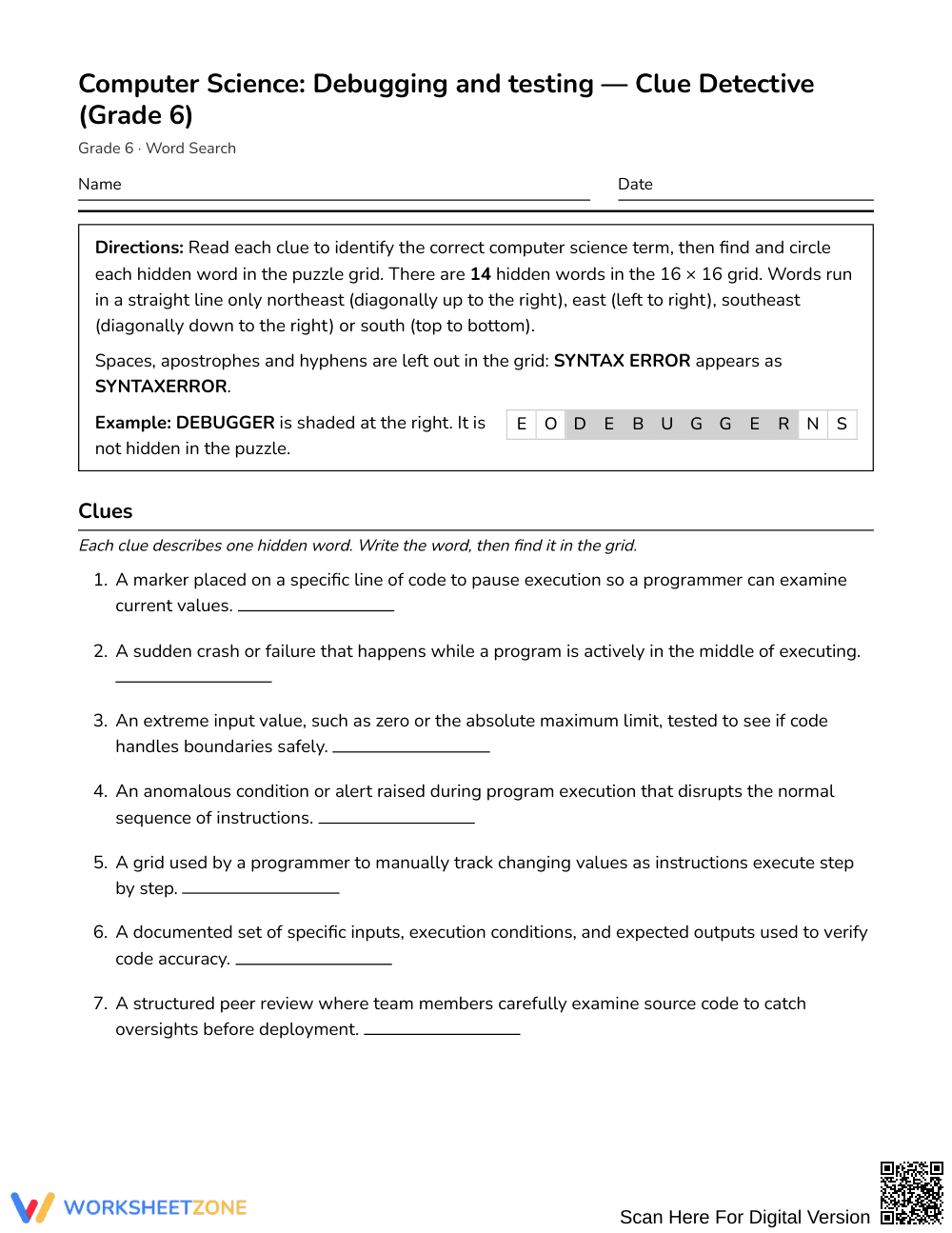
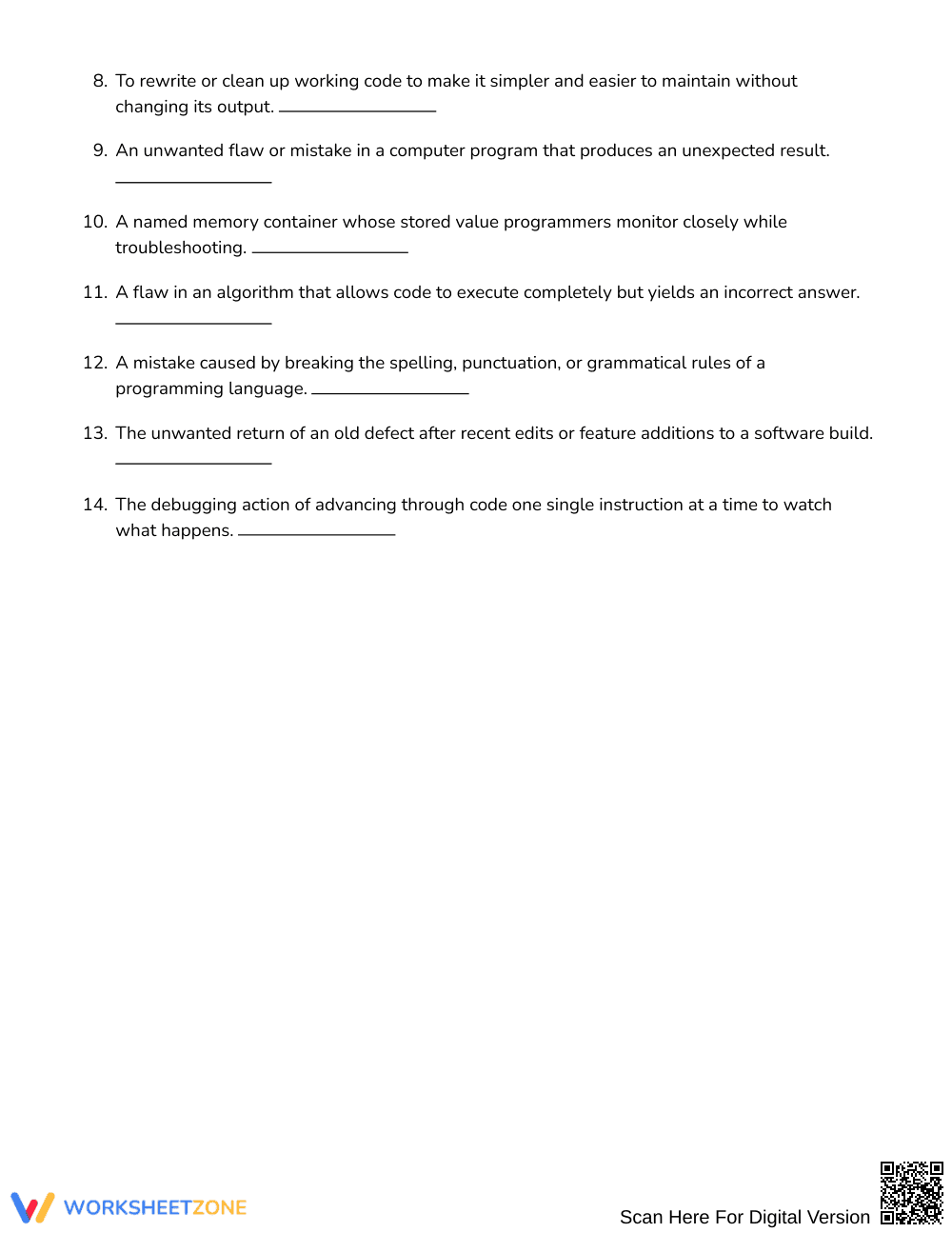
This Grade 6 debugging and testing word search reinforces foundational computer science vocabulary through active clue-solving and visual scanning. Students read 14 technical definitions to identify key terms like logic error, breakpoint, and refactor before locating each hidden word in the grid. The activity strengthens domain-specific reading comprehension and builds technical literacy for young coders.
At a Glance
- Grade: Grade 6 · Subject: English Language Arts (ELA)
- Standard: Not standards-assessed — vocabulary enrichment
- Skill Focus: Debugging and testing vocabulary
- Format: 3 pages · 14 words · Full answer key included · PDF
- Best For: Introductory vocabulary review, STEM rotations, and fast finishers
- Time: 20–30 minutes
The 3-page printable activity features a 16 by 16 letter grid accompanied by 14 descriptive clues and a shuffled word list. Instead of simply copying terms, learners read clear definitions of essential software troubleshooting concepts—including syntax error, trace table, and regression—to match each description with its target term. A complete 3-page solution key shows the exact letter coordinates and paths for quick checking.
Puzzle Structure and Mechanics
This vocabulary challenge features a 16 by 16 grid designed to build visual scanning and spelling precision. Target words run across four orientations: northeast (NE), east (E), southeast (SE), and south (S). By limiting word angles to forward and downward paths, the puzzle offers an engaging, accessible format for sixth-grade learners. Clues provide clear definitions, prompting students to deduce terms before locating them in the puzzle.
Standards Alignment
This activity provides dedicated vocabulary enrichment and is not aligned to a specific state or national content standard. It supports cross-curricular literacy by introducing sixth graders to essential computing terminology found in middle school technology curricula and foundational coding units.
How to Use It
Introduce this word search during a unit on computer programming or algorithm design to build background knowledge before students write code. It works well as a starter activity or during STEM station rotations. For formative assessment, circulate as students solve clues; observe whether learners identify concepts like edge cases or breakpoints before referencing the shuffled term list. Most students will finish the search in 20 to 30 minutes.
Who It's For
This resource is tailored for Grade 6 students encountering computer science concepts in general education, technology electives, or English language arts informational reading units. English language learners benefit from pairing this activity with an illustrated classroom anchor chart of programming terms to reinforce technical definitions during word discovery.
According to Fisher & Frey (2014), explicit instruction in technical and domain-specific vocabulary is essential for middle school students developing informational reading comprehension and academic fluency. This Grade 6 debugging and testing word search reinforces foundational computer science vocabulary through clue-based retrieval practice and visual scanning across a 16 by 16 grid containing 14 hidden words. Rather than merely memorizing isolated definitions, sixth-grade learners engage in semantic association by matching detailed descriptions of troubleshooting concepts—such as logic errors, trace tables, edge cases, and code refactoring—with correct terminology. Systematic exposure to specialized terminology bridges the gap between conversational language and technical STEM texts, supporting long-term retention and conceptual confidence across introductory coding coursework. This self-contained activity functions effectively as an enrichment tool for developing cross-curricular literacy skills in both English language arts and digital technology classrooms.


