


























Views
Plays

Essential Platform Tech Quiz | College IT Infrastructure
Paste this activity's link or code into your existing LMS (Google Classroom, Canvas, Teams, Schoology, Moodle, etc.).
Students can open and work on the activity right away, with no student login required.
You'll still be able to track student progress and results from your teacher account.
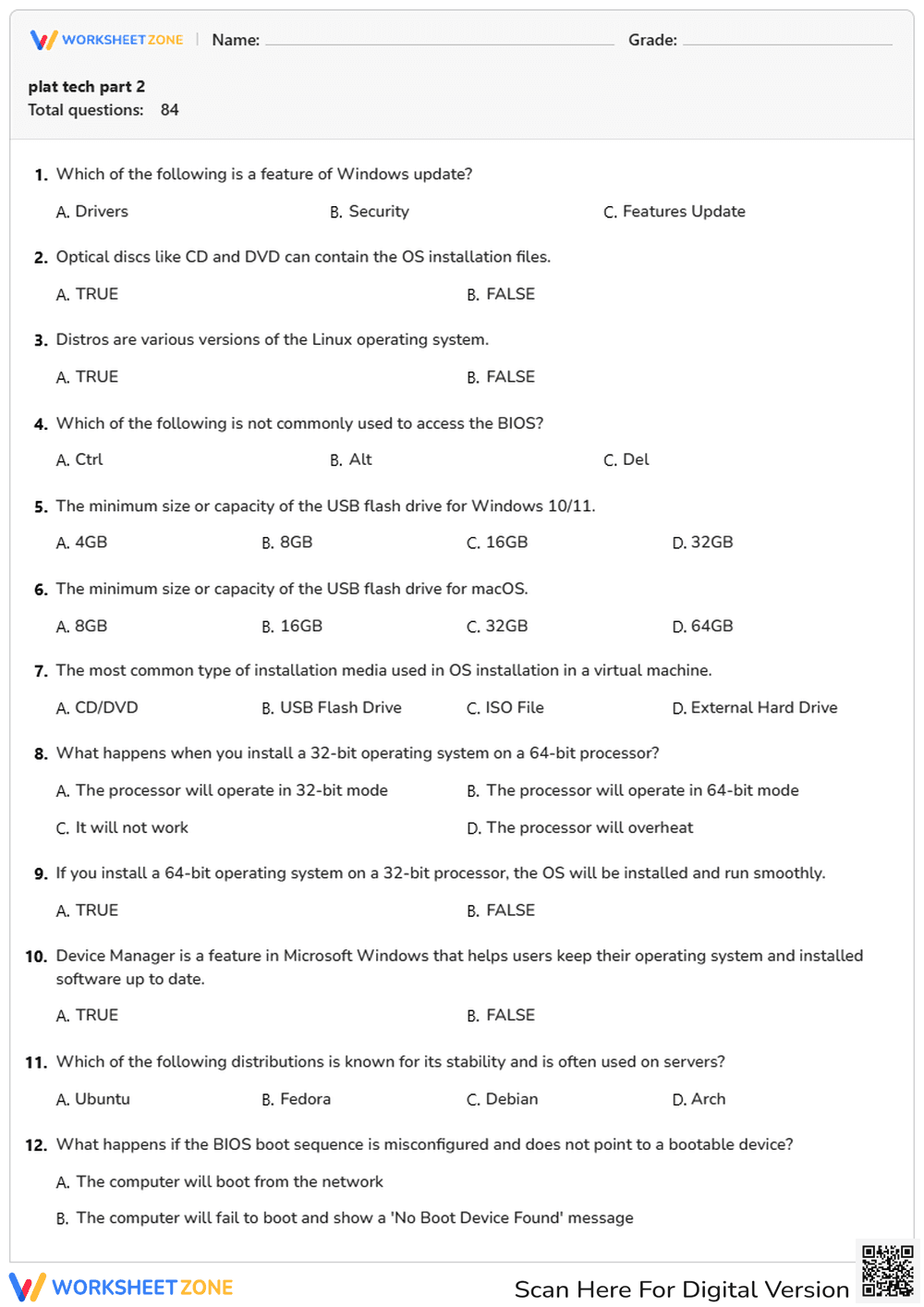
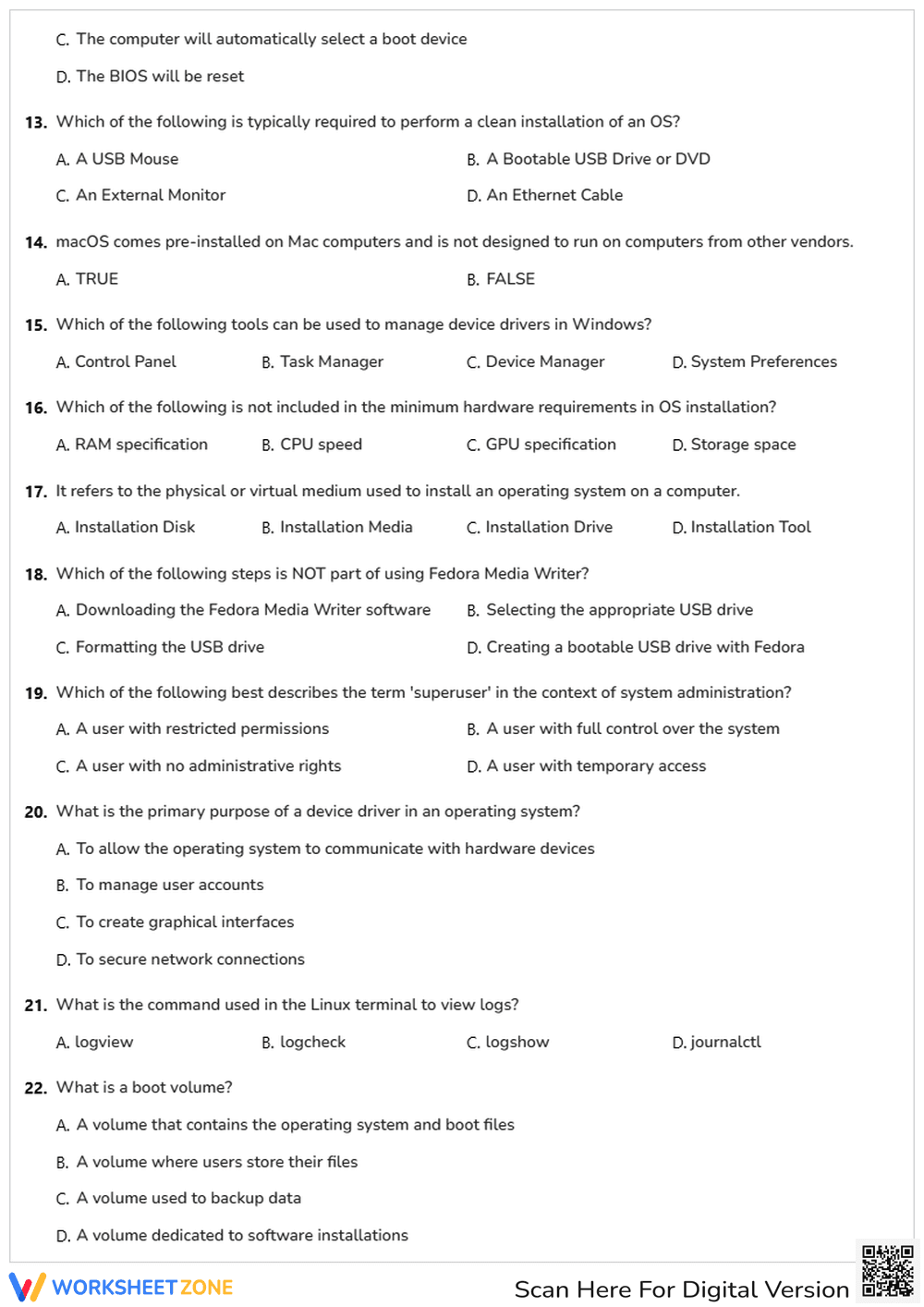
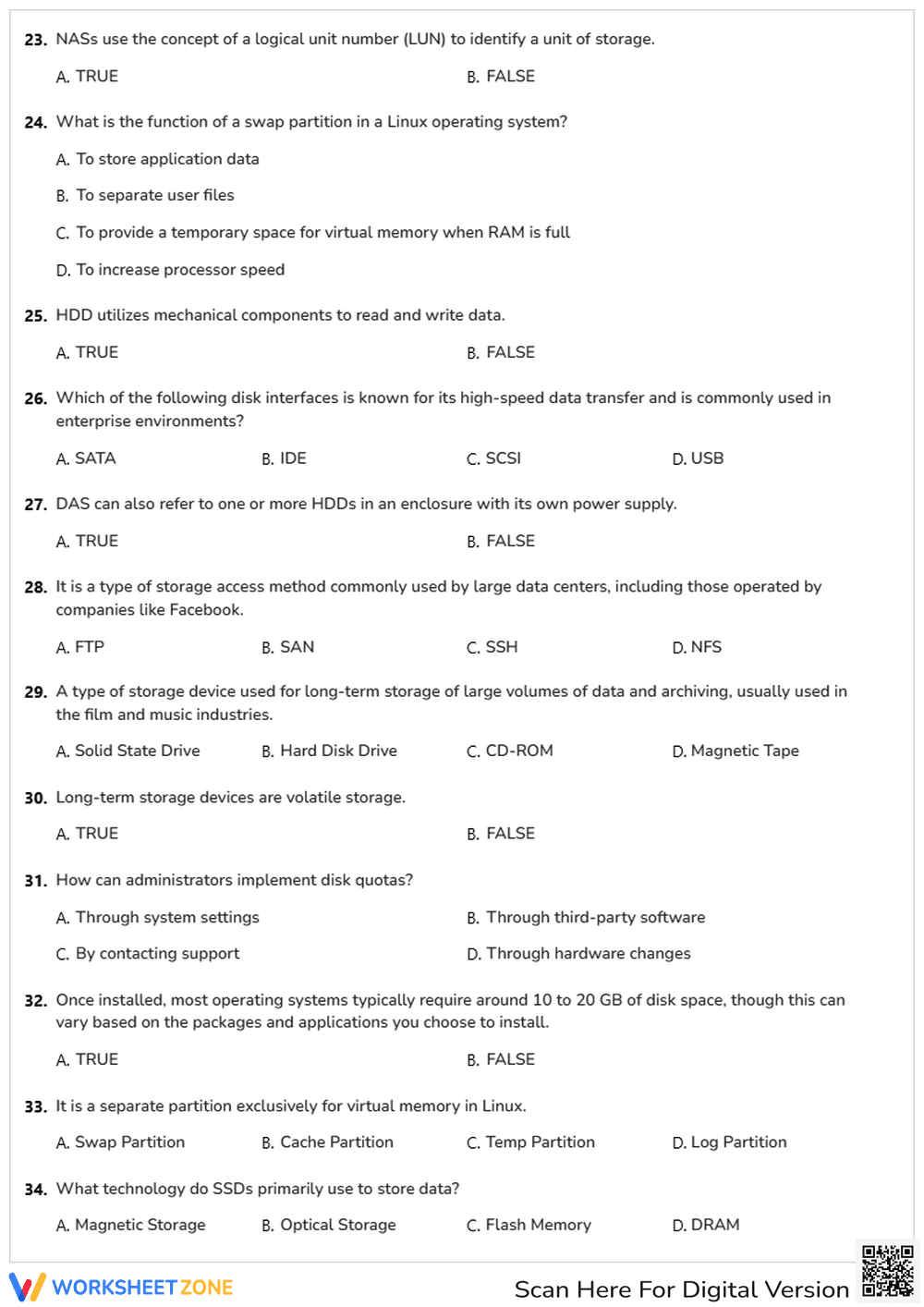
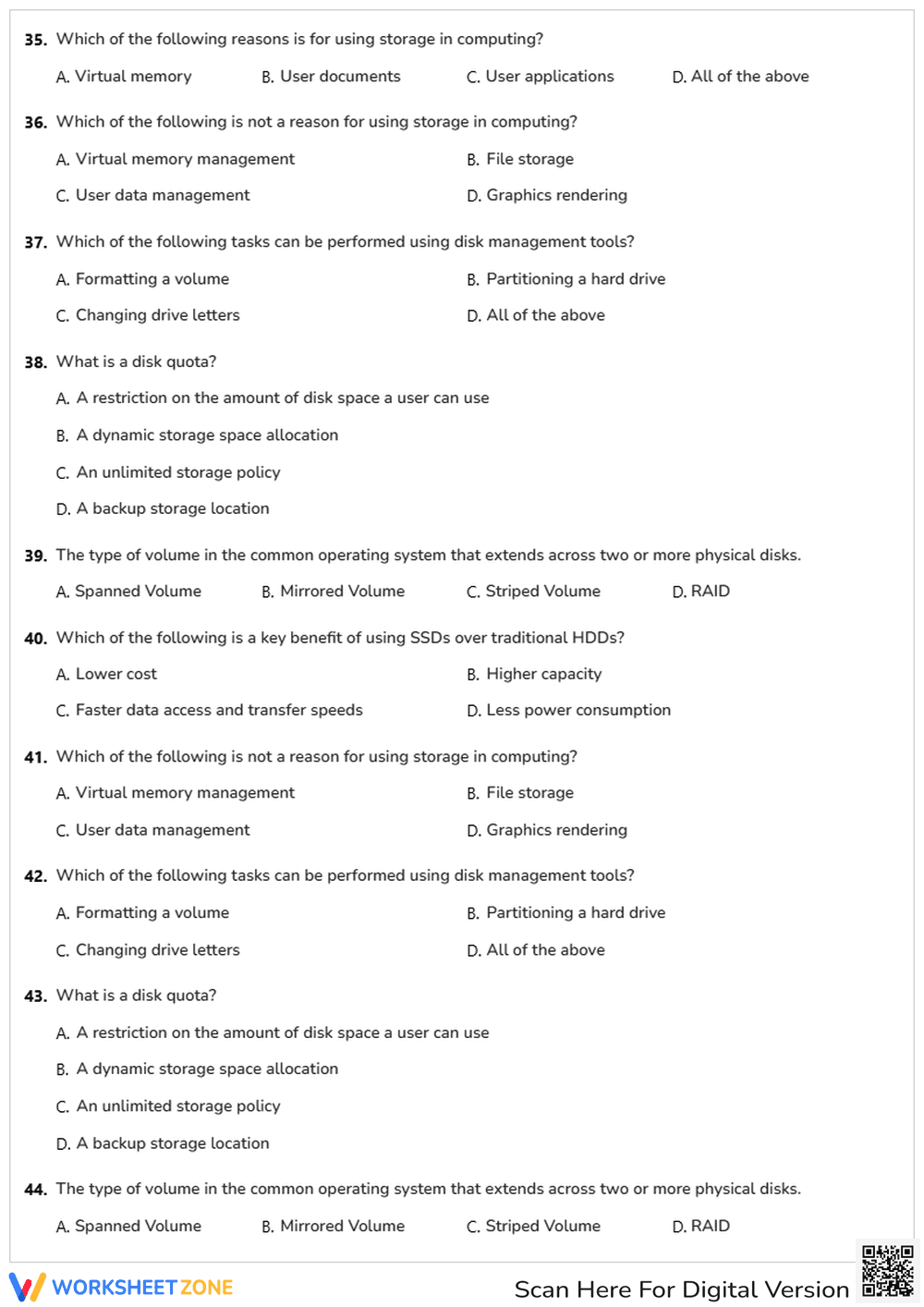
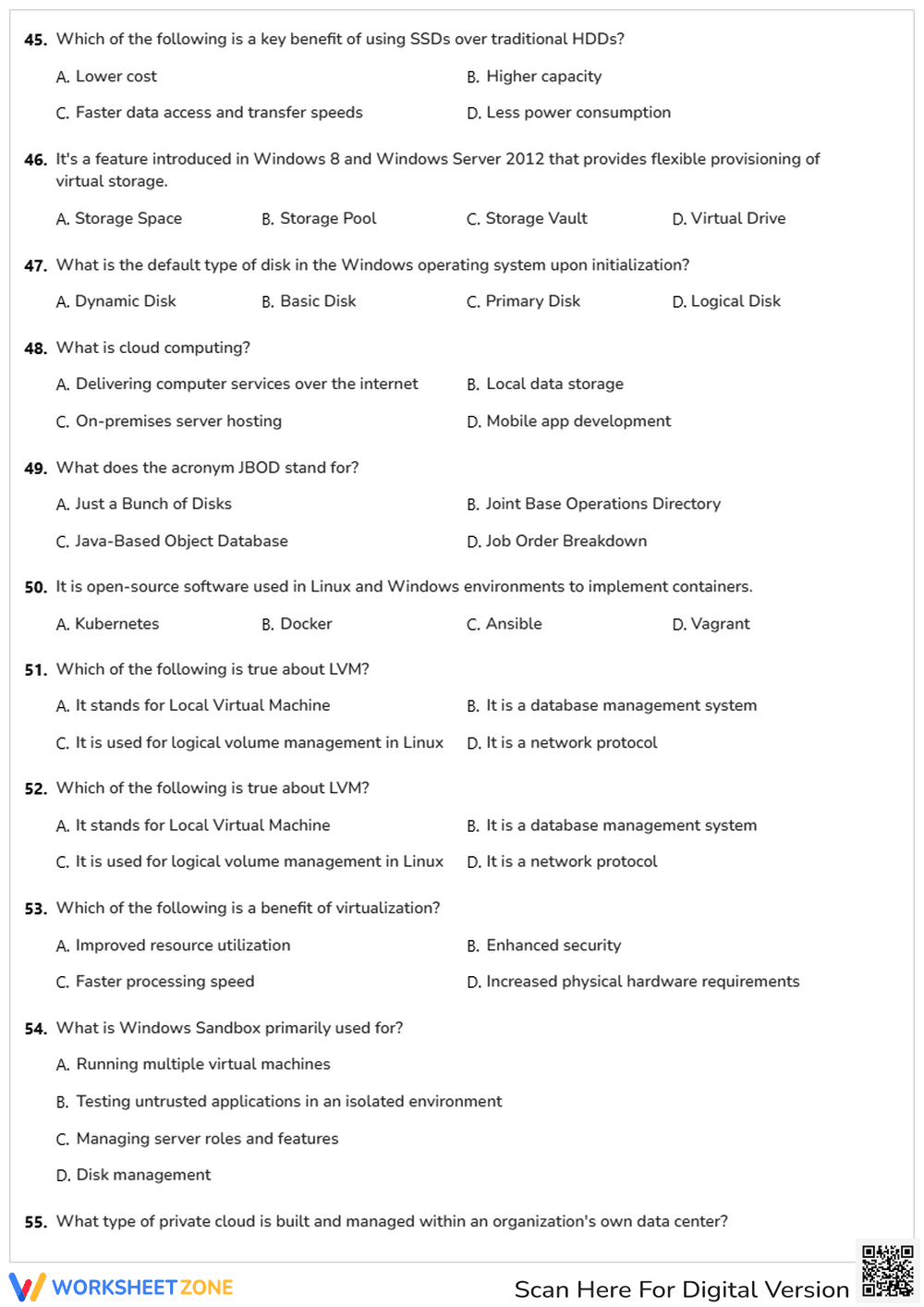
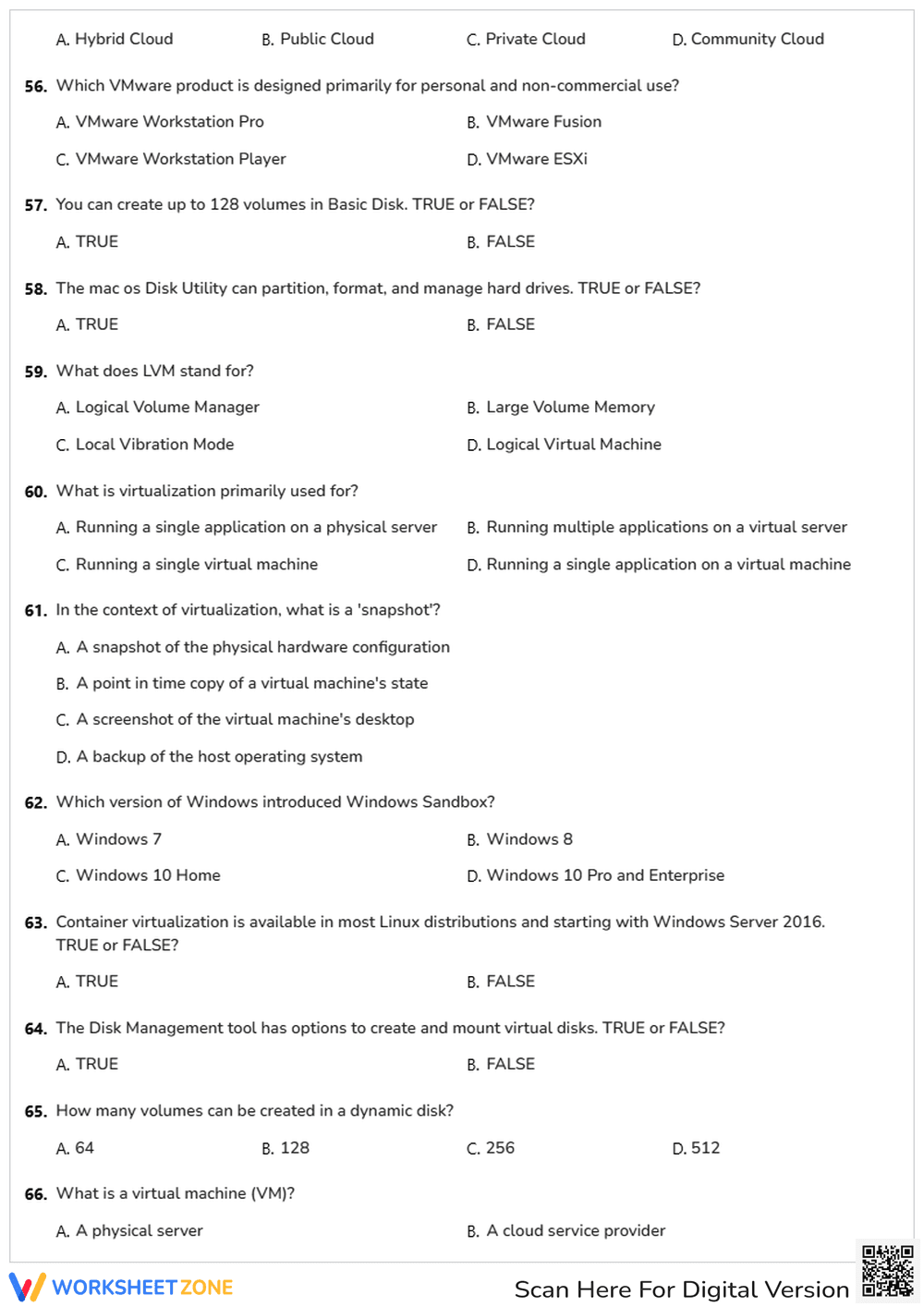
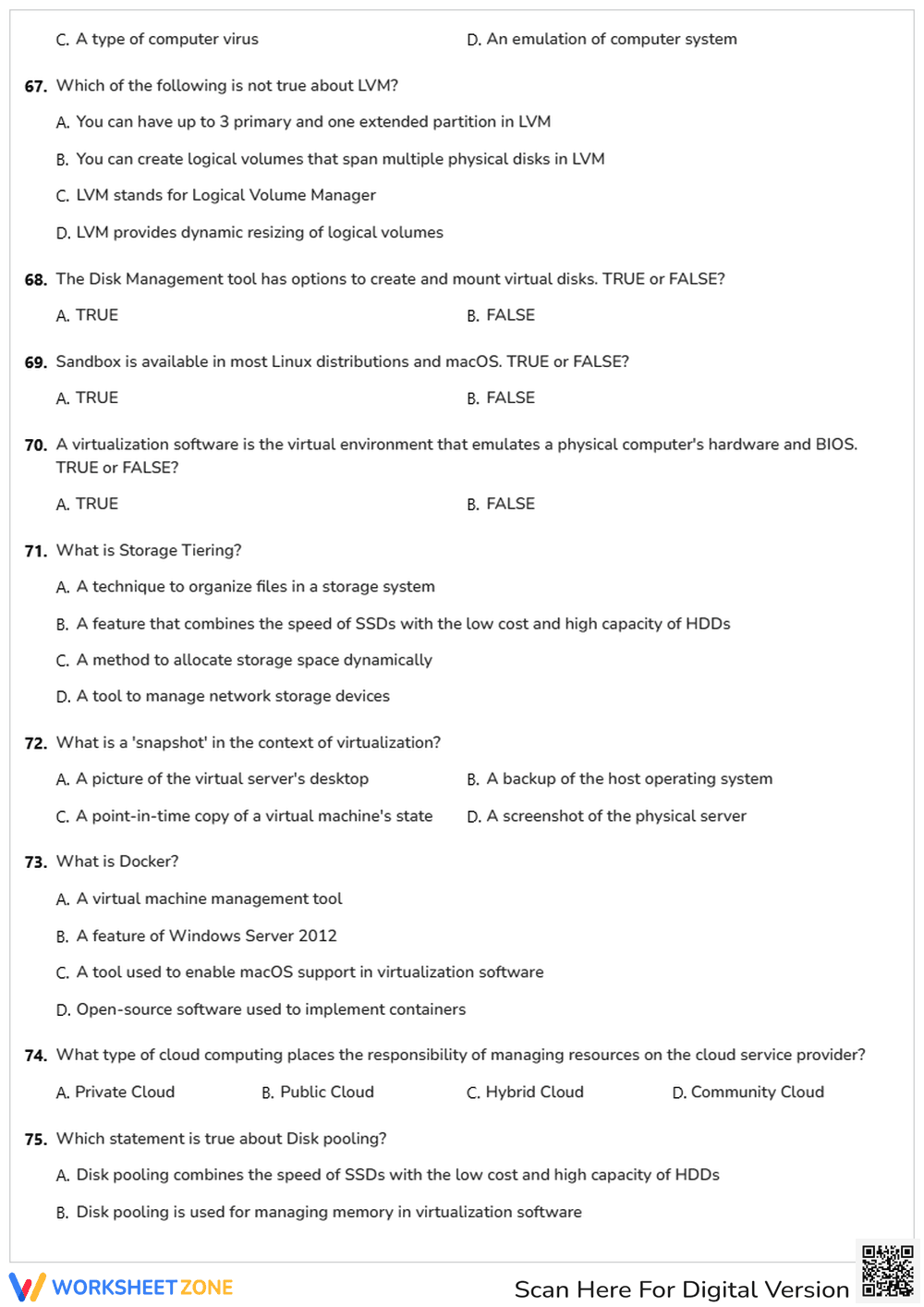
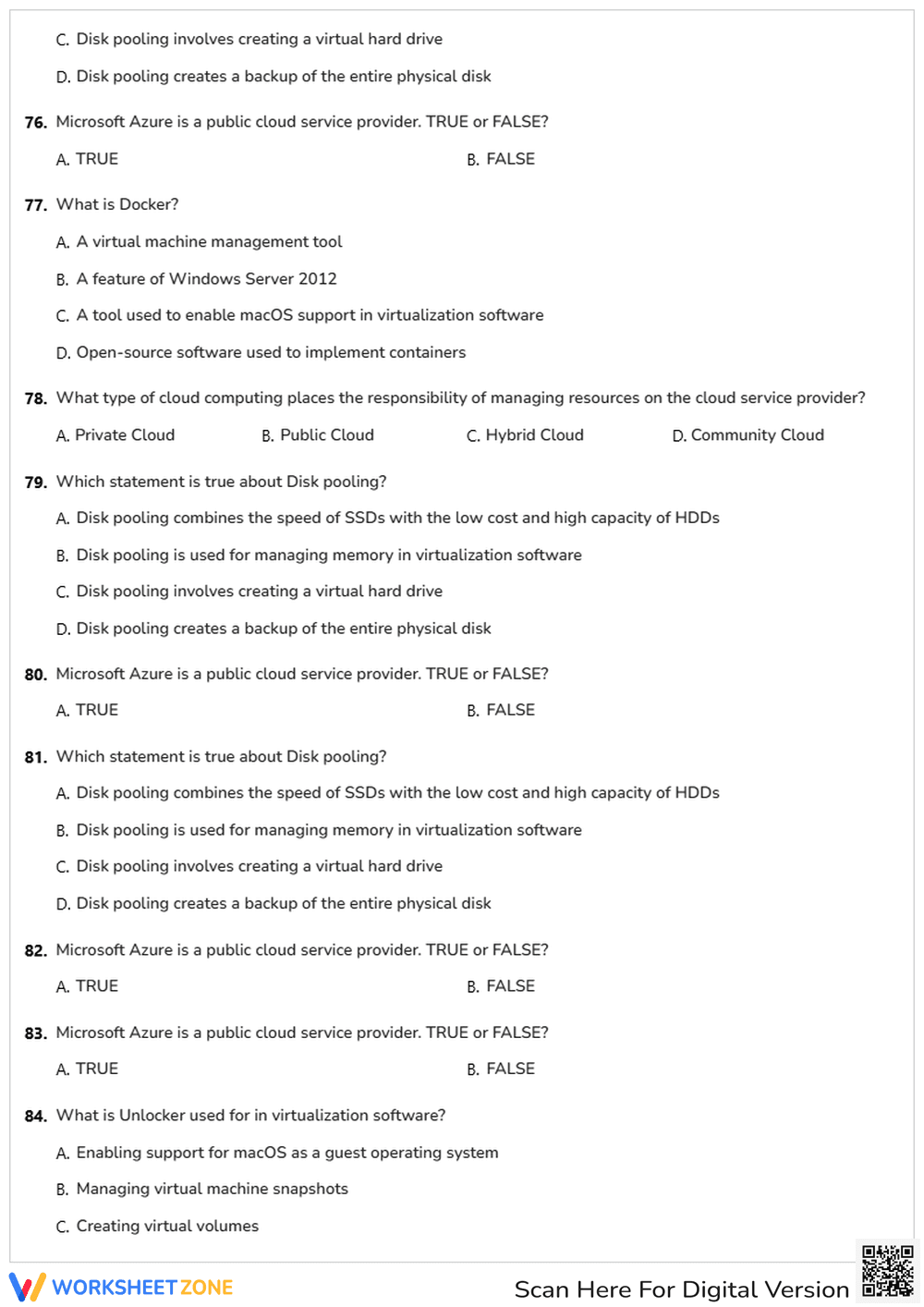
This College-level Platform Technologies assessment provides a comprehensive evaluation of student knowledge regarding modern computing infrastructure. Students demonstrate mastery across 84 targeted questions covering operating system installation, BIOS configuration, and advanced storage solutions. The worksheet ensures learners can distinguish between various Linux distributions, manage Windows device drivers, and understand the nuances of virtualization and cloud computing environments.
At a Glance
- Grade: College · Subject: Platform Technologies
- Standard:
IT.INFRA.OS.MGMT— Manage operating systems, storage architectures, and virtualization environments for enterprise IT- Skill Focus: OS Installation & Infrastructure
- Format: 9 pages · 84 problems · Answer key included · PDF
- Best For: Midterm assessment or comprehensive final review
- Time: 60–90 minutes
What's Inside
This 9-page PDF contains a robust set of 84 assessment items. The tasks are primarily multiple-choice and true/false questions designed to test both theoretical knowledge and practical troubleshooting logic. Key topics include Windows 10/11 hardware requirements, Linux terminal commands, RAID configurations, and containerization with Docker. The layout is clean and professional, featuring a dedicated space for student names and grades, making it ready for immediate classroom distribution.
Zero-Prep Workflow
- Print: Generate class sets of the 9-page document in approximately 1 minute.
- Distribute: Hand out materials to students; the self-explanatory instructions require no teacher setup time.
- Review: Grade the 84 items rapidly using the included answer key or facilitate a peer-review session.
Total teacher preparation time is under 2 minutes, making this an ideal resource for busy instructors or emergency sub plans in technical departments.
Standards Alignment
This resource is aligned to the IT.INFRA.OS.MGMT competency framework, which requires students to configure and maintain operating systems and storage subsystems. It specifically addresses the ability to identify hardware requirements and perform clean installations of various operating systems. Additionally, it supports secondary competencies in cloud architecture and virtualization management. Both standard codes can be copied directly into lesson plans, IEP goals, or district curriculum mapping tools.
How to Use It
Use this worksheet as a summative assessment after completing units on hardware and operating systems. It serves as an excellent diagnostic tool to identify gaps in student understanding before moving into advanced networking or cybersecurity modules. Instructors should observe student progress during the storage and virtualization sections to gauge readiness for lab-based practical exams. Expected completion time ranges from 60 to 90 minutes depending on student familiarity with Linux and cloud concepts.
Who It's For
This resource is tailored for College-level IT students, particularly those enrolled in Computer Science or Information Technology degree programs. It provides necessary scaffolding for learners transitioning from basic computer literacy to professional systems administration. It pairs naturally with official OS documentation or an introductory lecture on enterprise storage solutions like SAN and NAS architectures.
The design of this 84-question assessment aligns with the principles of retrieval practice, which research indicates significantly improves long-term retention of complex technical information. According to the RAND AIRS 2024 report on technical education, frequent low-stakes or medium-stakes testing in IT curricula helps bridge the gap between theoretical knowledge and practical application. By covering a broad spectrum of topics—from BIOS settings to Docker containers—the worksheet ensures that students meet the IT.INFRA.OS.MGMT standard for infrastructure management. The inclusion of multiple-choice and true/false formats provides a balanced cognitive load, allowing students to focus on critical technical distinctions such as the difference between LVM and traditional partitioning. This structured approach to assessment is a proven method for preparing students for industry-standard certifications and professional roles in systems administration, ensuring they can accurately manage enterprise-level operating systems and storage environments.


