




















AI tools for teachers are becoming practical, everyday supports in classrooms rather than complex or intimidating technology. With growing demands around lesson planning, grading, differentiation, and classroom management, many educators are turning to AI to work more efficiently without losing instructional control. When used thoughtfully, AI can reduce repetitive tasks, support personalized learning, and free up time for meaningful teaching. This article explores effective AI tools teachers can use to simplify their workflow and enhance student learning.
List of effective AI tools for teachers
This section highlights a practical list of effective AI tools for teachers that support lesson planning, classroom management, grading, and student practice. Each tool is selected based on how well it fits the real teaching workflow and saves time without replacing professional judgment.
AI lesson & worksheet generators
AI lesson and worksheet generators help teachers reduce planning time while still creating meaningful, standards-aligned instruction. These tools work best as co-planners, giving teachers strong starting points that can be refined for specific classrooms.
1. ChatGPT
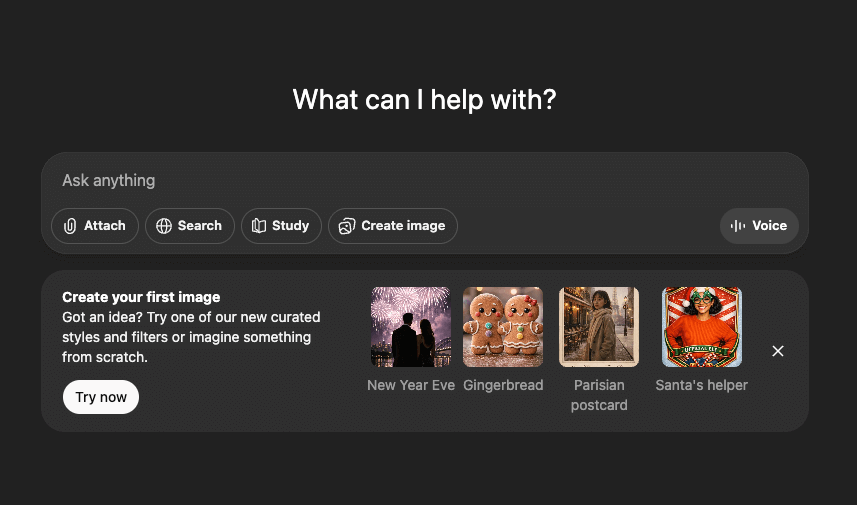
ChatGPT helps teachers quickly generate lesson outlines, explanations, examples, and practice questions across subjects. It is especially effective during the planning stage, when teachers need ideas, alternative explanations, or scaffolding for different learning levels. Teachers remain in control by reviewing and adjusting the content to match curriculum standards and student needs. Used thoughtfully, it speeds up planning without replacing professional judgement.
2. MagicSchool AI
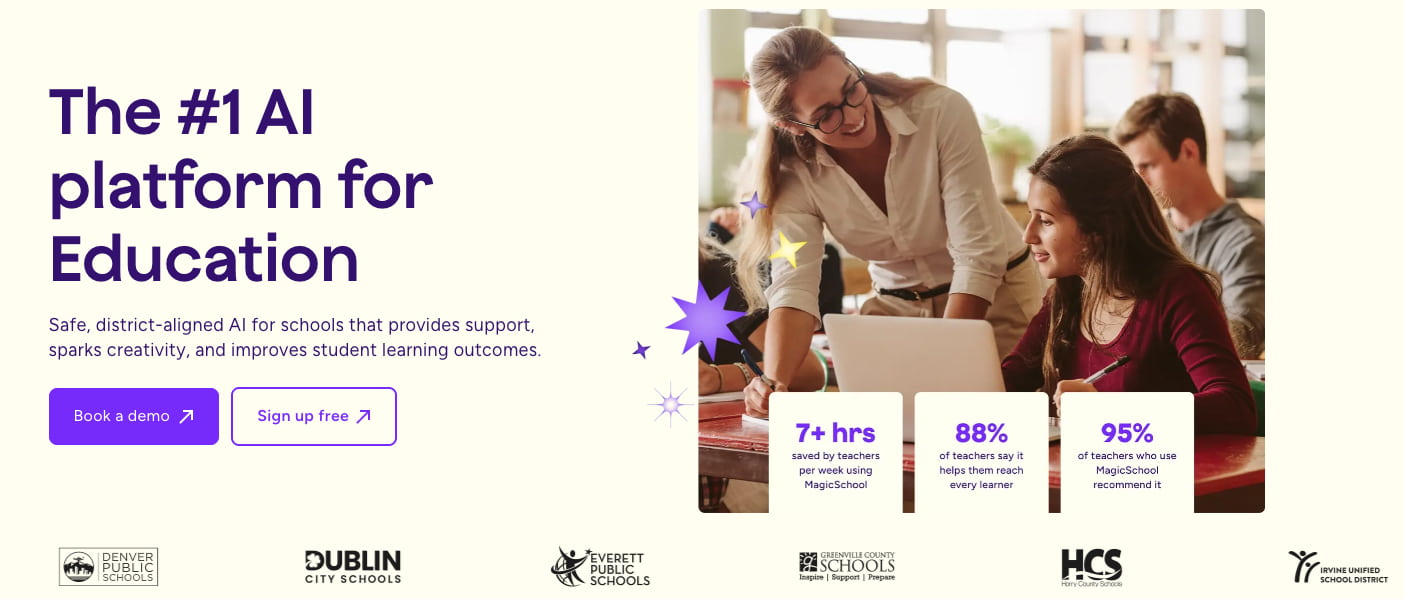
MagicSchool AI is built specifically for educators and offers tools for lesson planning, writing objectives, exit tickets, and differentiated activities. Its strength lies in education-focused prompts that reduce the need for heavy editing. Teachers can quickly create classroom-ready materials that align with instructional goals. This makes it a strong option for teachers who want AI support designed for schools.
3. Canva (Magic Write)

Canva’s Magic Write helps teachers generate text for worksheets, slides, and classroom visuals while maintaining strong visual design. When combined with Canva’s templates, teachers can create engaging materials that are both informative and student-friendly. This tool is particularly effective for teachers who want lessons that look polished without spending extra time on formatting. It supports creativity while saving preparation time.
4. Worksheetzone (AI Quiz & Worksheet Maker)

Worksheetzone provides AI-powered tools that help teachers generate quizzes and worksheets by topic, skill, or grade level. Teachers can edit questions, adjust difficulty, and ensure alignment with lesson objectives before assigning them. This approach keeps AI as a support tool rather than a final authority. It is particularly effective for daily practice, review activities, and quick formative assessments.
5. Diffit

Diffit allows teachers to adapt reading materials for different skill levels using AI. A single text can be transformed into multiple versions, making differentiation far more manageable. This is especially helpful in classrooms with diverse reading abilities. Teachers can support struggling readers and challenge advanced students without rewriting content from scratch.
AI assignment & classroom management tools
AI-powered assignment and classroom management tools help teachers organize learning, distribute work, and monitor student progress with less administrative effort. These tools bring structure and clarity to daily classroom workflows.
1. Google Classroom

Google Classroom helps teachers manage assignments, deadlines, and communication in one centralized space. While not fully AI-driven on its own, it integrates well with AI tools for content creation and feedback. Teachers benefit from a familiar interface that keeps classroom organization simple. It works best as a hub connecting multiple AI-supported teaching tools.
2. SchoolAI

SchoolAI allows teachers to design guided AI experiences for students in a controlled environment. This ensures students benefit from AI support while teachers maintain oversight. It is particularly effective for inquiry-based learning and structured exploration. Teachers can confidently introduce AI without losing classroom control.
3. Worksheetzone (AI assign features)

Worksheetzone’s AI-powered assignment features allow teachers to assign worksheets, set deadlines, limit attempts, and auto-grade supported questions. Performance insights help teachers quickly identify learning gaps and struggling students. Everything happens within one workflow, reducing tool switching. This makes assignment management more efficient and data-informed.
4. ClassDojo

ClassDojo supports classroom management by using AI-assisted behavior tracking and engagement tools to encourage positive student behavior. Teachers can reinforce expectations, communication with families, and build a supportive classroom culture in a simple, visual way. It is especially effective in elementary and middle school settings where motivation and social-emotional learning play a key role.
AI grading & feedback tools
AI grading and feedback tools help teachers reduce repetitive assessment tasks while giving students faster responses. These tools are most effective when used for formative assessment alongside teacher expertise.
1. Gradescope

Gradescope streamlines grading by grouping similar answers and highlighting common errors. This helps teachers grade more consistently and efficiently, especially in large classes. It also provides insights into class-wide trends. Teachers can focus more on instructional decisions rather than manual scoring.
2. Formative
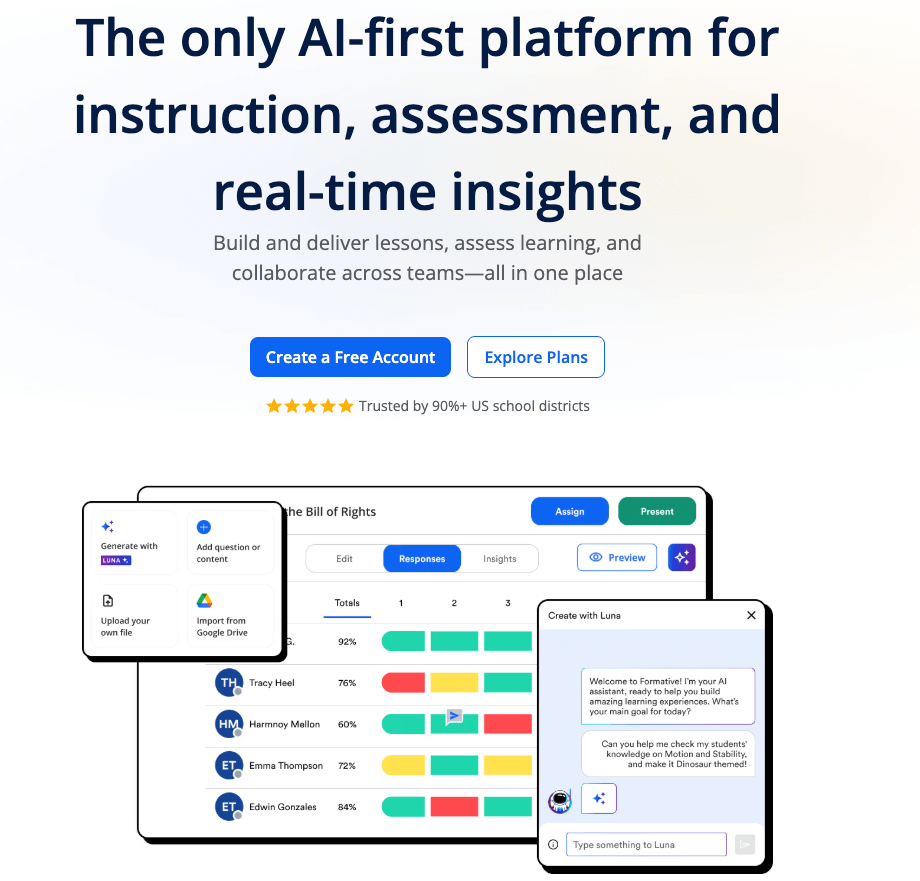
Formative provides real-time feedback during student practice, allowing teachers to see understanding as it develops. Its AI-assisted insights help teachers adjust instruction immediately. This supports responsive teaching and timely intervention. It is especially useful for formative assessments.
3. Worksheetzone (Auto-grading & Insights)

Worksheetzone includes AI auto-grading for supported question types and clear performance summaries. Teachers can quickly review results and identify areas that need reteaching. This shortens the feedback loop for students. It supports faster, more targeted instructional decisions.
4. Turnitin

Turnitin includes AI-supported writing feedback tools that help analyze student work and support revision. Teachers can identify patterns in writing and guide students toward improvement. It is particularly effective for secondary and higher education. AI feedback supports, rather than replaces, teacher evaluation.
5. ZipGrade

ZipGrade uses AI-assisted scanning to grade multiple-choice assessments quickly. It is ideal for teachers who still use paper-based quizzes. Results are available instantly, saving grading time. This allows teachers to focus on reviewing results rather than scoring.
AI student supports & practice tools
AI student support tools help learners practice independently while still receiving guidance. These tools are especially valuable in mixed-ability classrooms and self-paced learning settings.
1. Khan Academy

Khan Academy uses AI-supported features to guide students through explanations and adaptive practice. Students can learn at their own pace while reinforcing foundational skills. Teachers benefit from structured, reliable content. It works well for independent practice and review.
2. Edcafe AI

3. Duolingo

Duolingo personalizes language learning using AI to adjust lessons based on performance. Its adaptive system keeps students engaged while reinforcing vocabulary and grammar. Teachers often use it as a supplemental practice tool. It supports consistent, self-paced learning.
4. Quizlet

Quizlet’s AI-powered Learn mode adapts study sessions based on student responses. It reinforces concepts through repetition and immediate feedback. Teachers can use it for review and vocabulary practice. It supports both classroom and independent learning.
5. Socratic

Socratic helps students understand homework questions by providing explanations and learning resources. It encourages independent problem-solving rather than giving direct answers. Teachers can use it to support learning outside class time. It works best as a support tool, not a shortcut.
6. IXL

IXL uses AI to adjust question difficulty based on student performance. This makes it effective for targeted skill practice and mastery tracking. Teachers can monitor progress and identify gaps easily. It supports differentiated instruction at scale.
How teachers can combine AI tools effectively
AI tools are most effective when used together with a clear purpose. Teachers might plan lessons using an AI generator, create worksheets with AI, assign them through a classroom management tool, use AI grading for quick feedback, and then review insights to guide reteaching. Starting with one tool that solves an immediate problem helps ensure AI supports instruction rather than adding complexity.
Conclusion
AI tools for teachers are most effective when they support real classroom needs rather than adding extra complexity. From lesson planning and assignments to grading and student practice, the right tools can save time, improve organization, and support more personalized learning. When teachers choose AI tools that fit naturally into their workflow and use them with professional judgement, AI becomes a reliable teaching assistant. By starting small and combining tools thoughtfully, educators can create more efficient, responsive classrooms while staying fully in control of instruction.


